Excel Remove All Spaces After Text How To Remove Text Spaces From Excel Sheets YouTube Remove Extra Spaces From A Cell Excel Formula How To Remove Spaces In Excel Excel Nerds 5 Ways To Find And Remove Blank Spaces In Exce How To Remove Spaces In Excel 3 Easy Methods The easiest way to remove spaces after text in Excel is by using the TRIM function This function removes any leading or trailing spaces from a cell To use this function Select the cell or range of cells that you want to remove spaces from Type TRIM cell reference
Using trim formula Employ the Find Replace option 3 clicks to neat data with Trim Spaces tool Remove All spaces between numbers or words Video how to remove spaces in Excel Trim blanks between words to 1 remove trailing leading spaces For example you have a table with 2 columns Use the SUBSTITUTE function to remove all spaces or non breaking spaces 1 The TRIM function below removes 2 leading spaces 3 extra spaces and 2 trailing spaces Note the TRIM function does not remove single spaces between words 2 To get the length of a string use the LEN function
How To Remove Spaces In Excel 3 Easy Methods 6 Ways To Remove Extra Spaces From Text In Excel YouTube EXCEL Remove Spaces Before And After Text YouTube Civil lbum Insatisfactorio Remove Gaps In Excel Casete Querer Polilla How To Remove Extra Spaces In Excel With Trim Formula Trailing Spaces How To Remove Trailing Spaces From Cells In Microsoft Excel How To Remove Extra Space In Excel Cell See Full List On Educba Com Riset 3 Methods To Remove Spaces Between Text In Excel TeachExcel How To Remove Extra Spaces Between Numbers In Excel Printable Forms
Excel Remove All Spaces After Text
 Excel Remove All Spaces After Text
https://i.ytimg.com/vi/QYy94RyuMQo/maxresdefault.jpg
Click the Trim Spaces button on the ribbon Choose one or all of the following options Trim leading and trailing spaces Trim extra spaces between words except for a single space Trim non breaking spaces Click Trim That s all there is to it All extra spaces are removed in a blink
Templates are pre-designed documents or files that can be utilized for various purposes. They can save time and effort by providing a ready-made format and layout for producing different kinds of content. Templates can be used for individual or professional jobs, such as resumes, invitations, leaflets, newsletters, reports, discussions, and more.
Excel Remove All Spaces After Text
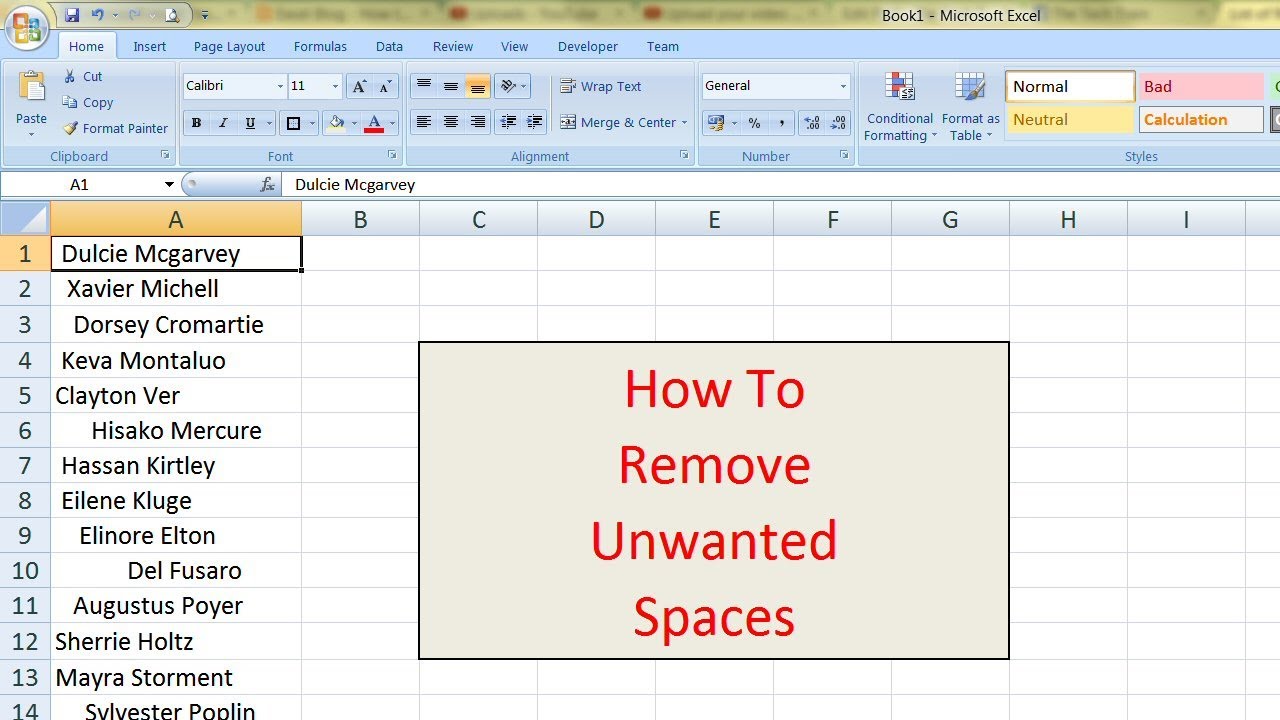
Civil lbum Insatisfactorio Remove Gaps In Excel Casete Querer Polilla
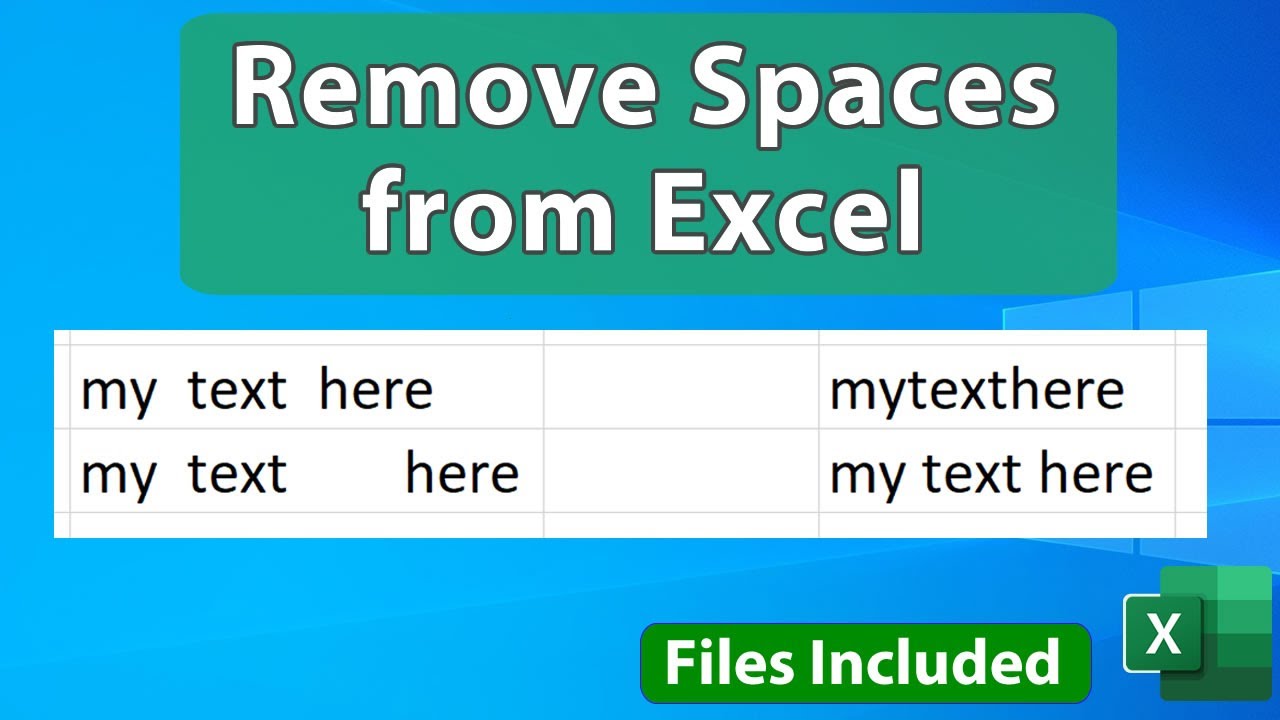
6 Ways To Remove Extra Spaces From Text In Excel YouTube
EXCEL Remove Spaces Before And After Text YouTube
Civil lbum Insatisfactorio Remove Gaps In Excel Casete Querer Polilla

How To Remove Trailing Spaces From Cells In Microsoft Excel
How To Remove Extra Space In Excel Cell See Full List On Educba Com Riset
Removes all spaces from text except for single spaces between words Use TRIM on text that you have received from another application that may have irregular spacing Important The TRIM function was designed to trim the 7 bit ASCII space character value 32 from text

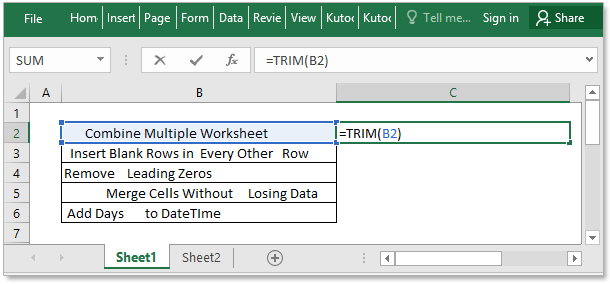
A regular TRIM formula is as simple as this TRIM A2 Where A2 is the cell you want to delete spaces from As shown in the following screenshot the Excel TRIM formula successfully eliminated all spaces before and after the text as well as consecutive spaces in the middle of a string

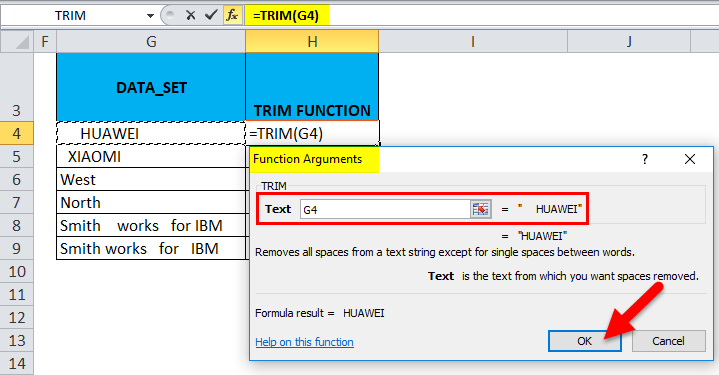
TRIM Click onto the cell that you want the spaces removed from in this example A4 Type a close bracket to give you the formula TRIM A4 Press ENTER You should now have a cleaned version of the data in cell B4 How extra spaces can affect formulas One thing to look out for are extra spaces in cells referenced within formulas

The simplest way to remove spaces after text in Excel is by using the TRIM function The TRIM function removes all unwanted spaces from a text string except for single spaces between words Step 1 Select the cell that contains the text that has extra spaces after it Step 2 Enter the formula TRIM A1 into a blank cell and press Enter Step 3

In Excel to remove the leading trailing and extra spaces between words in a particular string use the TRIM function This function deletes all spaces except for single spaces between words To remove all spaces including the ones between words use Excel s Replace feature
Method 1 Use TRIM Function The TRIM function removes all spaces from a text string except for single spaces between words The TRIM function will remove all leading and trailing spaces and extra word spacing Remove trailing whitespace TRIM LEFT A1 LEN A1 1 Remove extra whitespace TRIM A2 If you want to remove all whitespaces select the cell you use press Ctrl H to enable Find and Replace dialog type a space in the Find what text box and leave nothing in Replace with text box Click Replace and then the spaces in the cell have
Here are the steps to do this Select the cells from which you want to remove double spaces Go to Home Find Select Replace You can also use the keyboard shortcut Control H In the Find and Replace dialogue box enter Find what Double Space Replace with Single Space Click on Replace All