Excel Make Text Into Hyperlink How To Make A Hyperlink Create Clickable Links In 3 Steps AmazoUpdates How To Create A Hyperlink In Excel Excel Tricks Create Hyperlink In Excel Hyperlink Function In Excel How To Create A Hyperlink In Excel How To Make A Hyperlink In A PDF File YouTube It s really easy to to turn ordinary text in your Excel spreadsheet to a hyperlink which is great if you want to insert links to other worksheets webpages or Office Documents from plain text All you need to do is Select the cell that contains the text you want to turn into a hyperlink Select Insert Tab Hyperlink Or Click CTRL K
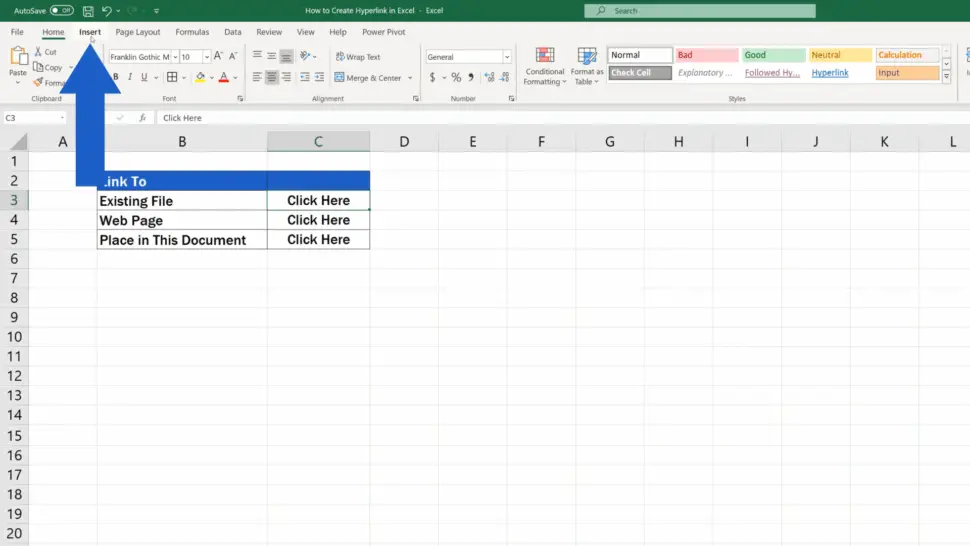
Click the links button This will open the Insert Hyperlink dialog box You can also use the keyboard shortcut Control K In the Insert Hyperlink dialog box enter the URL in the Address field Press the OK button This will insert the hyperlink the cell while the text remains the same 1 Open an Excel document Double click the Excel document in which you want to insert a hyperlink You can also open a new document by double clicking the Excel icon and clicking Blank Workbook 2 Select a cell This should be a cell into which you want to insert your hyperlink 3 Click Insert
How To Make A Hyperlink In A PDF File YouTube Using Excel Hyperlinks YouTube How To Add A Clickable Hyperlink To Your PDF In Canva Fallon Travels How To Make A Hyperlink Create Clickable Links In 3 Easy Steps Excel Tricks Create Hyperlink In Excel Hyperlink Function In Excel Create A Hyperlink In Outlook And Word YouTube Hyperlink In Excel Ghana Tips 3 Ways To Insert A Hyperlink In Microsoft Word WikiHow How To Convert Text To Hyperlink In A Document In Word 2016 YouTube
Excel Make Text Into Hyperlink
 Excel Make Text Into Hyperlink
https://smartblogger.com/wp-content/uploads/2020/12/how-to-make-a-hyperlink-smart-blogger-hyperlinked-post-example.png
Click cell A5 Press Ctrl K The Insert hyperlink dialog box will appear In the Link to the panel click Excising File or Web Page option Use the file explorer to find the file you want to link to Click any workbook file available on your computer Then click OK
Templates are pre-designed files or files that can be used for different functions. They can save effort and time by supplying a ready-made format and layout for producing different kinds of content. Templates can be used for individual or professional projects, such as resumes, invitations, flyers, newsletters, reports, presentations, and more.
Excel Make Text Into Hyperlink

How To Add Hyperlink In Canva 2022 Create Clickable Links
Using Excel Hyperlinks YouTube
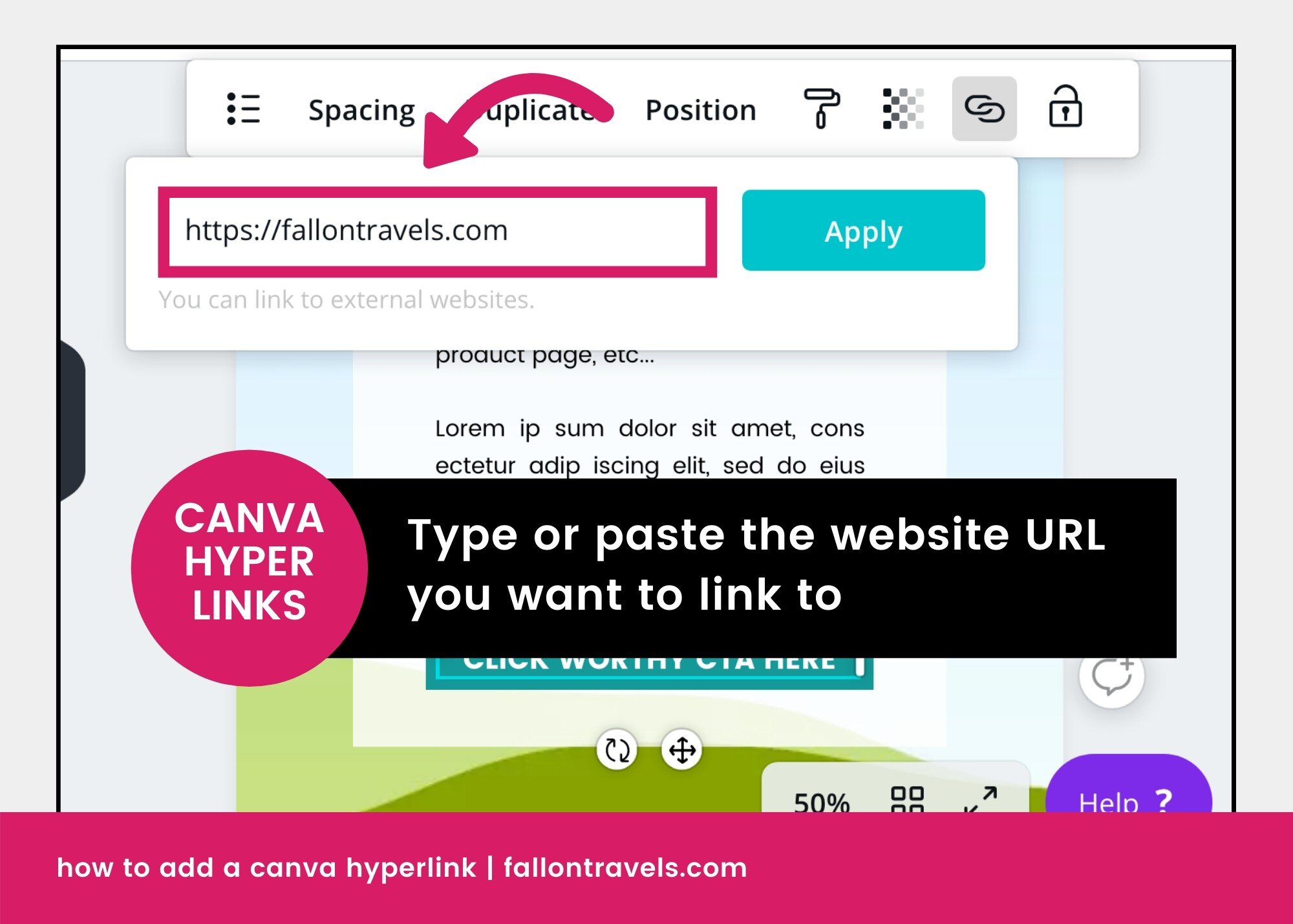
How To Add A Clickable Hyperlink To Your PDF In Canva Fallon Travels

How To Make A Hyperlink Create Clickable Links In 3 Easy Steps
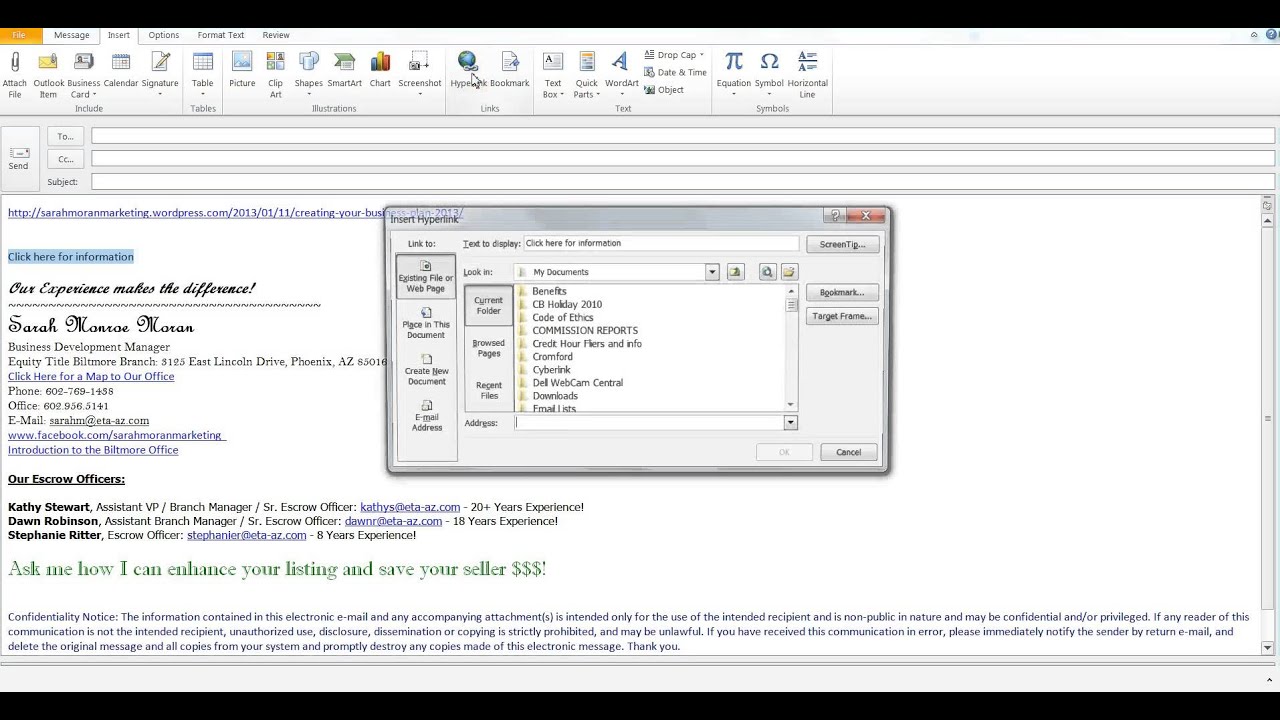
Create A Hyperlink In Outlook And Word YouTube
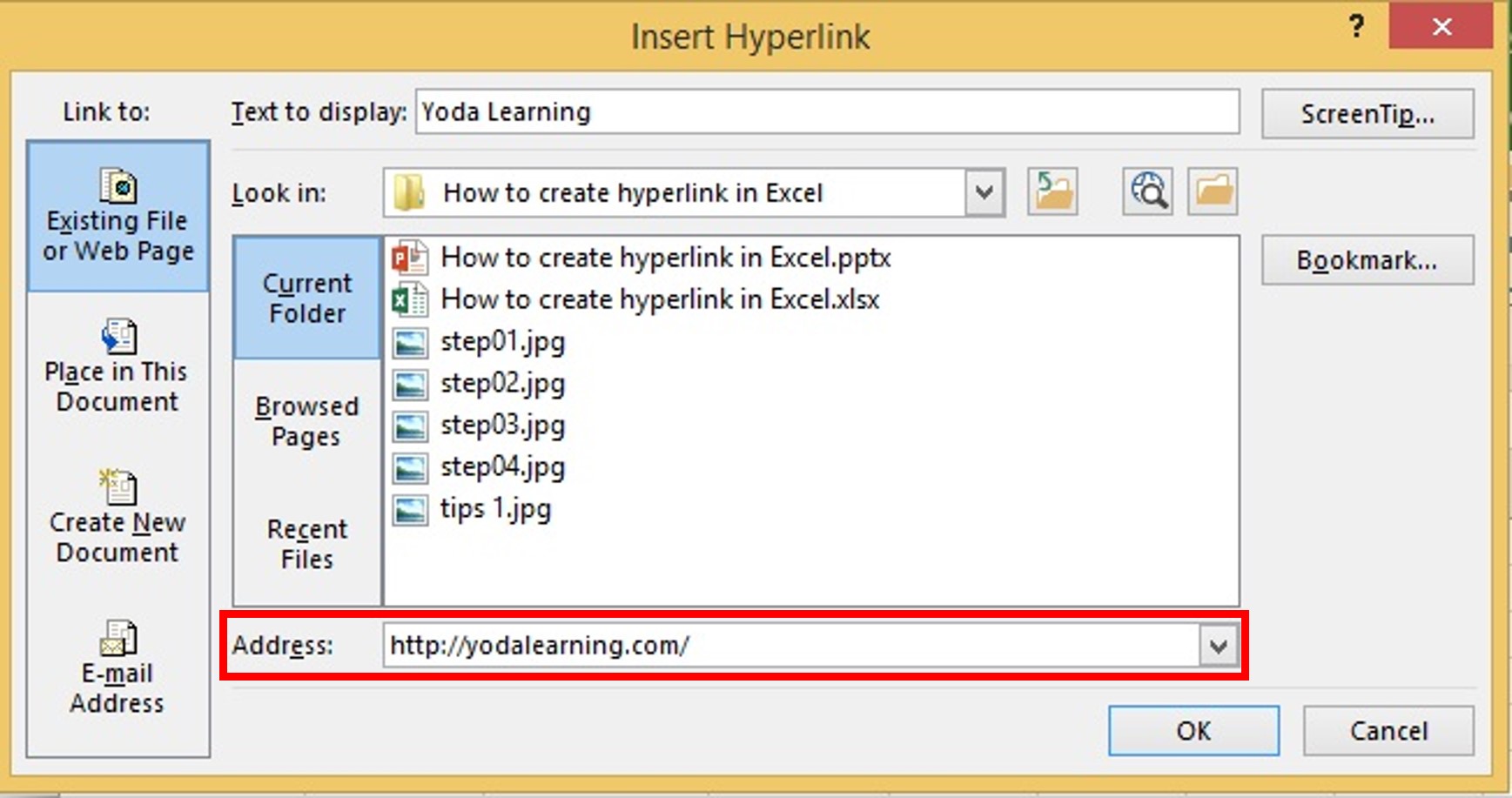
Hyperlink In Excel Ghana Tips
64 No need to do any programming or go to another app to fix this TEXT link to Clickable Hyperlink in EXCEL Add a New Column next to your column of text links If your text link is www example no http Paste this formula into the cell of your new column next to your original column of TEXT that you want to change to a clickable hyperlink
Quick Links Use the Link Feature Insert the HYPERLINK Function Type or Paste a URL For quick access to a cell document or webpage you can insert hyperlinks in your Excel spreadsheet Just paste in a hyperlink give it a readable label and click to follow the link Here are a few ways to insert hyperlinks in Excel

How to Combine Text and Hyperlink in Excel Cell 4 Simple Ways 1 Use Insert Hyperlink Dialogue Box to Combine Text and Hyperlink in Excel 2 Apply HYPERLINK Function to Combine Text and Hyperlink in Excel Cell 3 Combine HYPERLINK and CONCATENATE Functions to Join Text and Hyperlink in Excel Cell 4
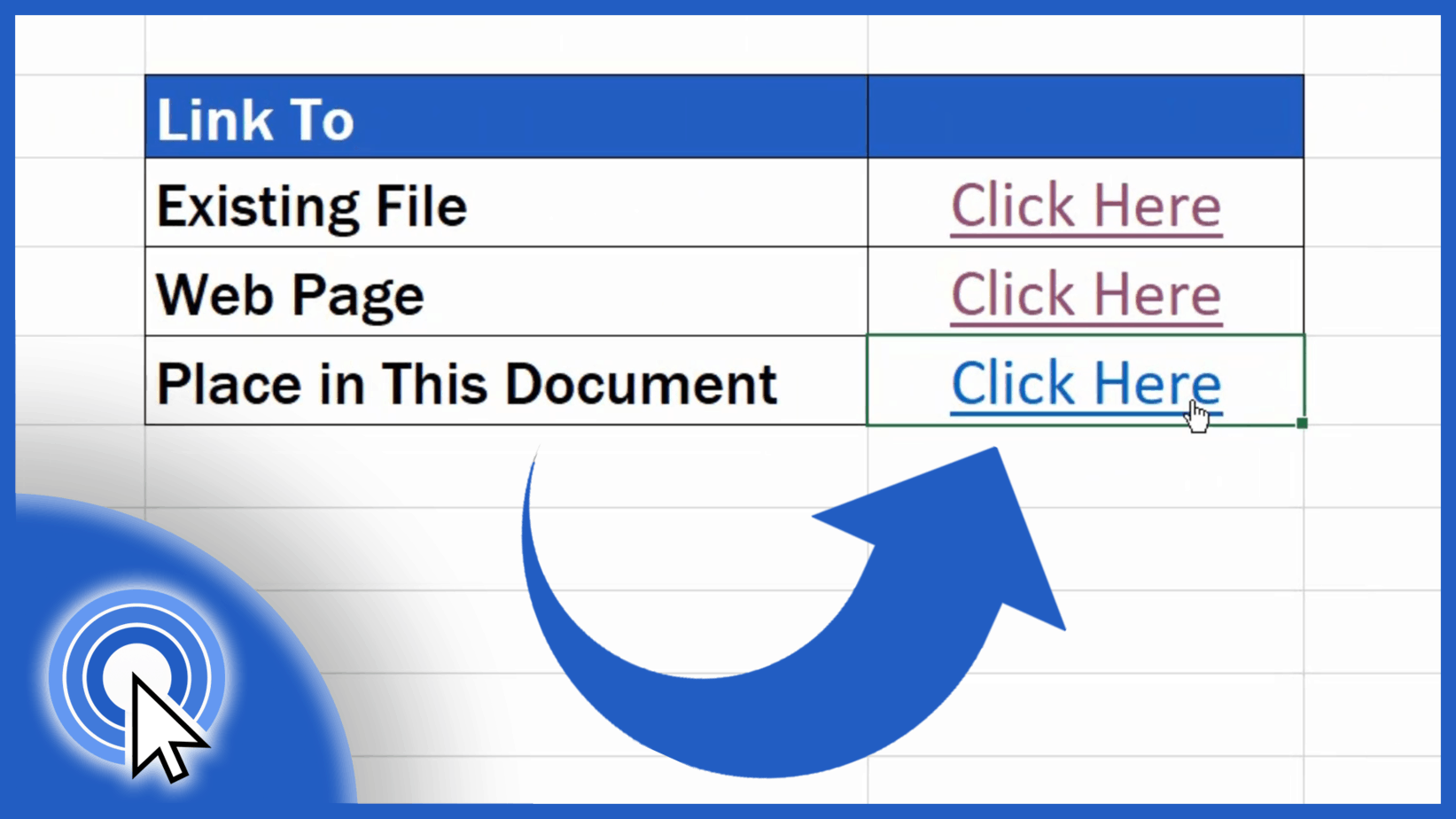
In the Excel desktop application to select a cell that contains a hyperlink without jumping to the hyperlink destination click the cell and hold the mouse button until the pointer becomes a cross then release the mouse button
Create a link to a new file Create a link to an existing file or web page Create a link to a specific location in a workbook Create a custom link by using the HYPERLINK function Create a link to an email address Create an external reference link to worksheet data on the web Select a link without activating the link Change a link
Enter formula HYPERLINK A2 in cell B2 to convert text url in cell A1 into hyperlink Now drag the formula till row number 5 to convert all the text url s into hyperlink in excel As you could see all the text url s in column A have been converted into hyperlinks Hope this helped Admin Random Posts How To Automatically Border Cell In Excel 24 Answers Sorted by 383 If you don t want to make a macro and as long as you don t mind an additional column then just create a new column alongside your column of URLs In the new column type in the formula HYPERLINK A1 replacing A1 with whatever cell you are interested in Then copy the formula down the rest of the 200 entries
Microsoft Excel enables you to create hyperlinks for many different purposes including Going to a certain location within the current workbook Opening another document or getting to a specific place in that document e g a sheet in an Excel file or bookmark in a Word document Navigating to a web page on the Internet or Intranet