Excel Macro Remove Duplicates Based On Two Columns How To Highlight And Compare Duplicates In Two Columns In Excel WPS Office Academy How To Find Duplicates Based On Two Columns In Excel YouTube How To Remove Duplicates Based On Criteria In Excel 4 Methods Solved Remove Duplicates Based On Two Columns Microsoft Power BI Community How To Remove Duplicates Based On Criteria In Excel 4 Methods Web Mar 23 2023 nbsp 0183 32 Remove duplicates from the first column Compare data between 2 columns with a visual wizard Compare 2 columns to find duplicates using Excel formulas Variant A both columns are on the same list In the first empty cell in our example this is Cell C1 write the following formula IF ISERROR MATCH A1 B 1 B 10000 0 quot Unique quot quot Duplicate quot
Web Nov 22 2023 nbsp 0183 32 Firstly go to the Developer tab and select Visual Basic The Visual Basic window will appear Secondly go to Insert and select Module Thirdly type the code in the Module window Sub Delete Duplicate Rows with Headers Range quot B4 E12 quot RemoveDuplicates Columns Array 1 Header xlYes End Sub Web Feb 9 2015 nbsp 0183 32 3 Answers Sorted by 4 You can use a dictionary to store the values Any value already existing in the dictionary can be deleted during the iteration as well Code Sub RemoveDuplicates Dim NameDict As Object
How To Remove Duplicates Based On Criteria In Excel 4 Methods How To Remove Duplicates Based On Criteria In Excel 4 Methods Mysql How To Remove Duplicates Based On A Condition Stack Overflow Postgresql Remove Duplicates Based On Condition And Keep Oldest Element Stack Overflow Solved How To Hide remove Duplicates Based On Condition Microsoft Power BI Community How To Remove Duplicates Based On Criteria In Excel ExcelDemy Solved Remove Duplicates Based On Values Microsoft Power BI Community Find Duplicates In Excel By Excelsirji Best Online Courses How To And Remove Examples Vrogue Find Duplicate Values In Two Columns In Excel Youmayneedit An Effort By Dr Pritimoy Das
Excel Macro Remove Duplicates Based On Two Columns
 Excel Macro Remove Duplicates Based On Two Columns
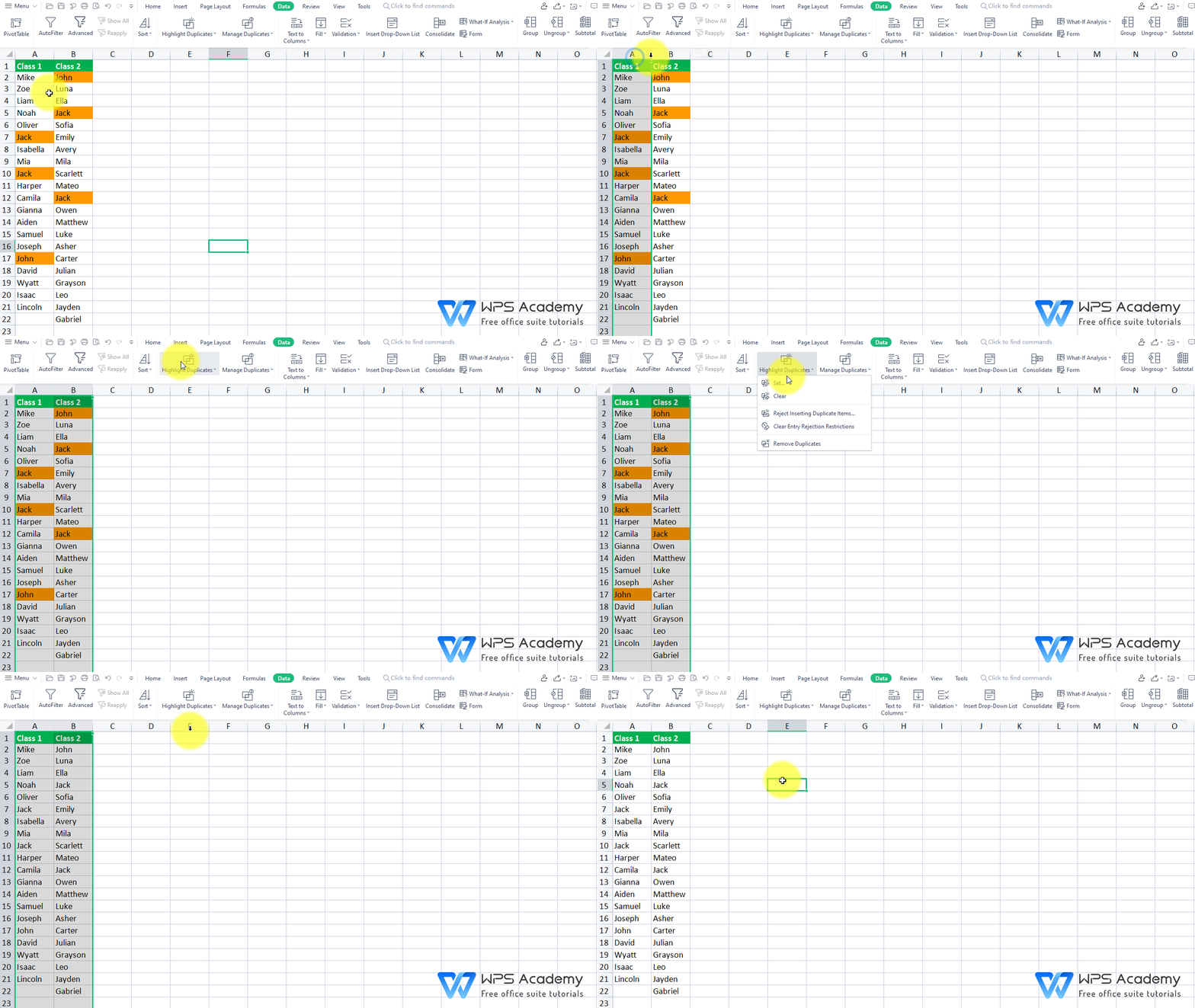
https://res-academy.cache.wpscdn.com/images/168e5f1b28d16b1cf696352a935015d6.gif
Web Jun 17 2022 nbsp 0183 32 VBA Remove Duplicate Rows Syntax Following is the VBA Syntax and sample VBA macro command to delete duplicate rows from worksheet using VBA We are using the RemoveDuplicates method of the Cells object of worksheet Cells RemoveDuplicates Columns Array Column Numbers
Pre-crafted templates provide a time-saving option for developing a varied range of files and files. These pre-designed formats and layouts can be utilized for different individual and expert tasks, including resumes, invites, flyers, newsletters, reports, presentations, and more, improving the material creation procedure.
Excel Macro Remove Duplicates Based On Two Columns

How To Remove Duplicates Based On Criteria In Excel 4 Methods

How To Remove Duplicates Based On Criteria In Excel 4 Methods

Mysql How To Remove Duplicates Based On A Condition Stack Overflow

Postgresql Remove Duplicates Based On Condition And Keep Oldest Element Stack Overflow

How To Remove Duplicates Based On Criteria In Excel ExcelDemy

Solved Remove Duplicates Based On Values Microsoft Power BI Community

Web Last updated Nov 22 2023 This article illustrates 3 examples of removing duplicates by comparing multiple columns using VBA in Excel Here we ll use Excel s built in Range RemoveDuplicates method to configure our code Let s dive into
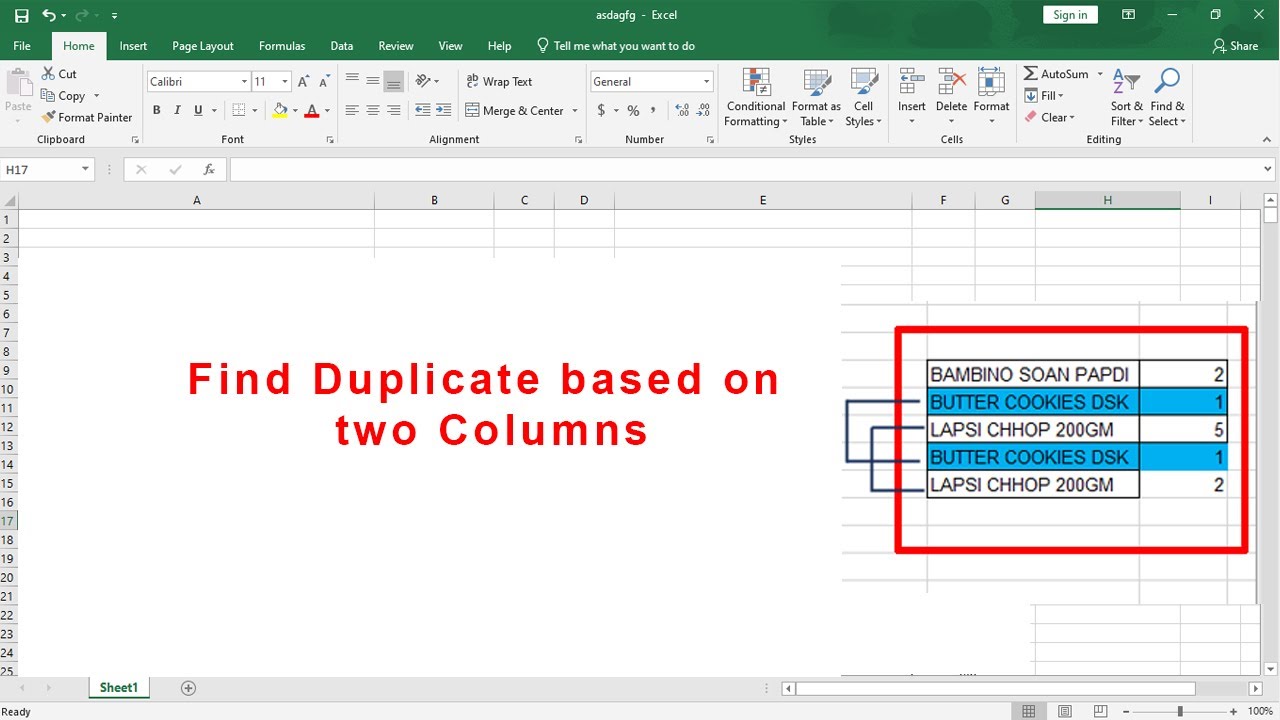
Web Aug 22 2012 nbsp 0183 32 just an aside you can just write Set duplicates Columns quot B C quot and get rid of Columns quot B C quot Select You can also just write duplicates removeduplicates Columns Array 1 2 Header xlYes and get rid of ActiveSheet since it s implied when you set the range variable

Web May 2 2024 nbsp 0183 32 Method 1 Using an Advanced Filter to Remove Duplicates Based on Criteria in Excel Steps Slect the cell range in which you want to remove duplicates Here B4 D14 Go to the Data tab Select Advanced In the Advanced Filter dialog box select Copy to another location Select the location for the copied data Check Unique records only

Web May 20 2022 nbsp 0183 32 To remove these rows that have duplicates across two columns we need to highlight the cell range A1 B16 and then click the Data tab along the top ribbon and then click Remove Duplicates In the new window that appears make sure the box is checked next to My data has headers and make sure the boxes next to Team and Position are

Web Mar 4 2022 nbsp 0183 32 This code will remove all duplicate rows based only on values in column A Sub RemoveDupsEx1 Range A1 C8 RemoveDuplicates Columns 1 Header xlYes End Sub Notice that we explicitly defined the Range A1 C8
Web Oct 19 2017 nbsp 0183 32 Method 1 The Remove Duplicates Feature Excel has a built in feature called Remove Duplicates that does most of the work for this task We can select a range or Table then press the Remove Duplicates button on the Data tab of the Ribbon Keyboard shortcut Alt A M Web Press the shortcut Alt F11 to open the Visual Basic Editor Click the Insert option on the menu bar and choose the Module menu item to insert a standard VBA module Copy and paste the following code into the module Sub RemoveDuplicatesFromOneColumn Range quot A1 A16 quot RemoveDuplicates Columns 1 Header xlYes End Sub
Web Jan 25 2023 nbsp 0183 32 Removing duplicates based on two columns in Excel is easy You can either use the Remove Duplicates Feature and select two columns or manually combine columns and then use Remove Duplicates on that single column