Excel Macro Change Pivot Table Data Source Solved How To Change Pivot Table Data Source In Excel 9to5Answer Pivot Data Source Professor Excel Locate And Change Excel Pivot Table Data Source YouTube VBA Pivot Table Steps To Create Pivot Table In VBA Dynamically Change A Pivot Table S Data Source Range With This Vba Changing the Data Source of the Pivot table using macro in excel vba Ask Question Asked 1 year 7 months ago Modified 1 year 7 months ago Viewed 180 times 0 I am new to VBA and need to change the data source Need to update the pivot table in Sheet1 worksheet in columns Y Z and AA
This VBA code will allow you to instantly update all your Pivot Tables inside a workbook and change the Data Source range dynamically This macro is perfect for instances where you have an ever changing data set that is Home Pivot Create Macros Pivot Table Data Source Macros Use these Excel macros to list or change pivot table data sources For a macro to unpivot the source data go to the Unpivot Macro page NOTE If you want manually locate and change the source data go to the pivot table source data page
Dynamically Change A Pivot Table S Data Source Range With This Vba Update An Excel Pivot Table Even When The Source Data Changes How To Change Data Source In Pivot Table Excel 2010 Vba Elcho Table Viitor R u Agita ie Pivot Table Range Southafrica travelguide How To Change Pivot Table Data Range In Excel 2017 Bruin Blog How To Change Pivot Table Data Range In Excel 2017 Bruin Blog How To Expand Pivot Table Rows Brokeasshome Update An Excel Pivot Table Even When The Source Data Changes How To Change A Pivot Table s Source Data In Microsoft Excel
Excel Macro Change Pivot Table Data Source
 Excel Macro Change Pivot Table Data Source
https://sgp1.digitaloceanspaces.com/ffh-space-01/9to5answer/uploads/post/avatar/782830/template_how-to-change-pivot-table-data-source-in-excel20220702-1656870-19syaz5.jpg
1 Change the code so that you create the cache as you assign it to the pivot table With pivotDataSheet PivotTables pivotLocation ChangePivotCache ThisWorkbook PivotCaches Create SourceType xlDatabase SourceData dataRange Address Referencestyle xlR1C1
Templates are pre-designed documents or files that can be utilized for different purposes. They can save time and effort by supplying a ready-made format and design for producing different kinds of material. Templates can be utilized for personal or professional projects, such as resumes, invitations, leaflets, newsletters, reports, discussions, and more.
Excel Macro Change Pivot Table Data Source

8 Images How To Update Pivot Table Range Excel 2017 And Description

Update An Excel Pivot Table Even When The Source Data Changes
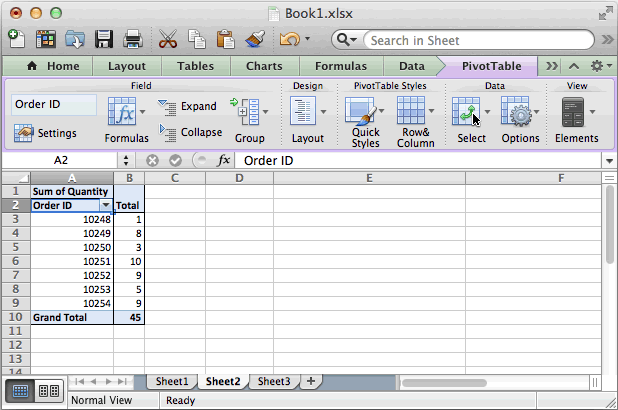
How To Change Data Source In Pivot Table Excel 2010 Vba Elcho Table
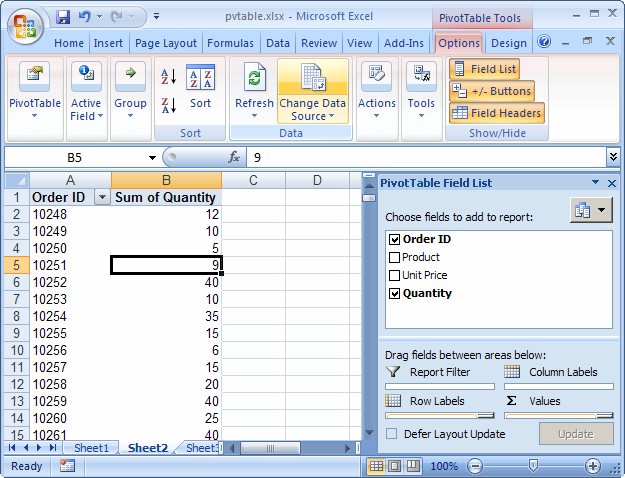
Viitor R u Agita ie Pivot Table Range Southafrica travelguide
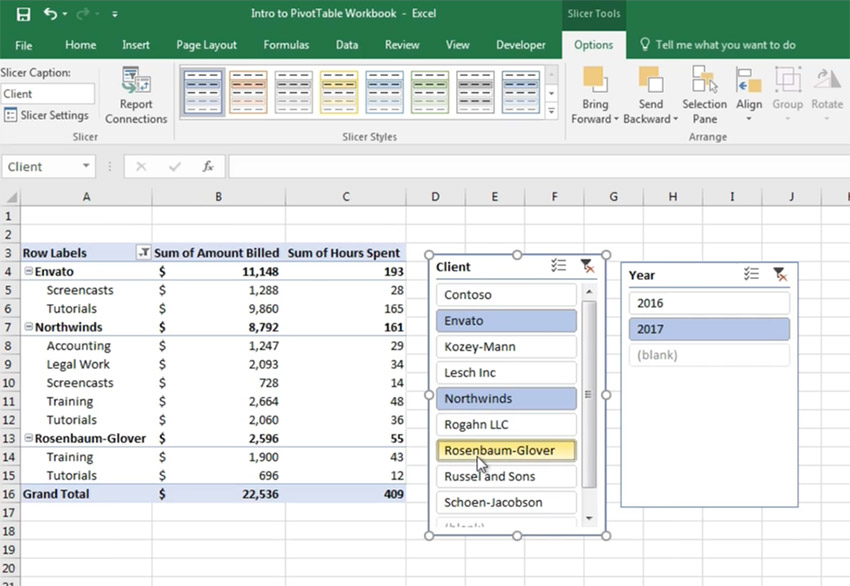
How To Change Pivot Table Data Range In Excel 2017 Bruin Blog
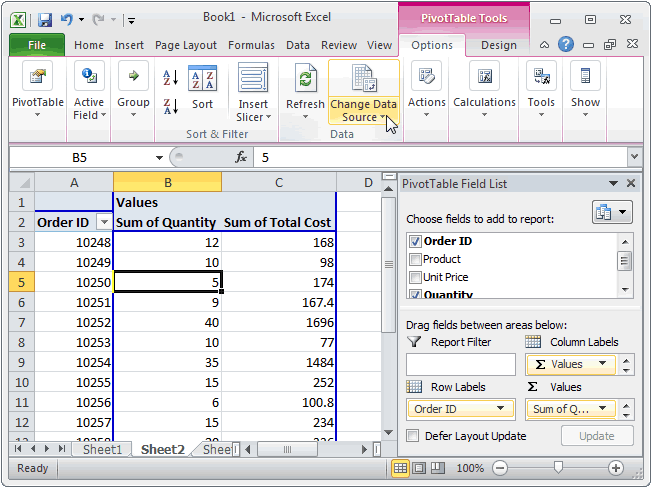
How To Expand Pivot Table Rows Brokeasshome

Sometimes we need to change the source of the pivot table So follow the below methods to change the pivot table source using Excel VBA Firstly you need to open the VBA module If you don t know how to open the VBA editor go through this article Open VBA window and insert New Module
This code will help you to change Source Data for all Pivot Table in particular Sheet Sub ChangePivotSourceData Dim pt As PivotTable For Each pt In ActiveWorkbook Worksheets Sheet1 PivotTables pt ChangePivotCache ActiveWorkbook PivotCaches Create SourceType xlDatabase
Sub AdjustPivotDataRange PURPOSE Automatically readjust a Pivot Table s data source range SOURCE www TheSpreadsheetGuru The Code Vault Dim Data sht As Worksheet Dim Pivot sht As Worksheet Dim StartPoint As Range Dim DataRange As Range Dim PivotName As String Dim NewRange As String Set Variables

Adapted from Dynamically Change A Pivot Table s Data Source Range With This VBA Macro Code The PivotTable SourceData property can be set which is set via the ChangePivotCache method To create a new PivotCache call ActiveWorkbook PivotCaches Create You ll need to pass in a SourceType and a Range

I make the source data a Named Table and then set the source of the pivot to the table This allows me to not reset the pivot cache data source each time Worksheets Source ListObjects Add xlSrcRange Range Cells 1 A End xlDown Cells 1 A End xlToRight xlYes Name Source Table Share
Re macro to change data source for pivot table Sub TestingPivot TestingPivot Macro test pivot Dim ws As Worksheet Dim PT As PivotTable Dim SourceName As String SourceName Worksheets SMS Data Input Range A2 AH2 For Each ws In ActiveWorkbook Worksheets For Each PT In ws PivotTables Sheet6 Activate For Each pt In ActiveWorkbook Worksheets Pivot Tables PivotTables pt ChangePivotCache ActiveWorkbook PivotCaches Create SourceType xlDatabase SourceData tblData y Next pt End Sub vb
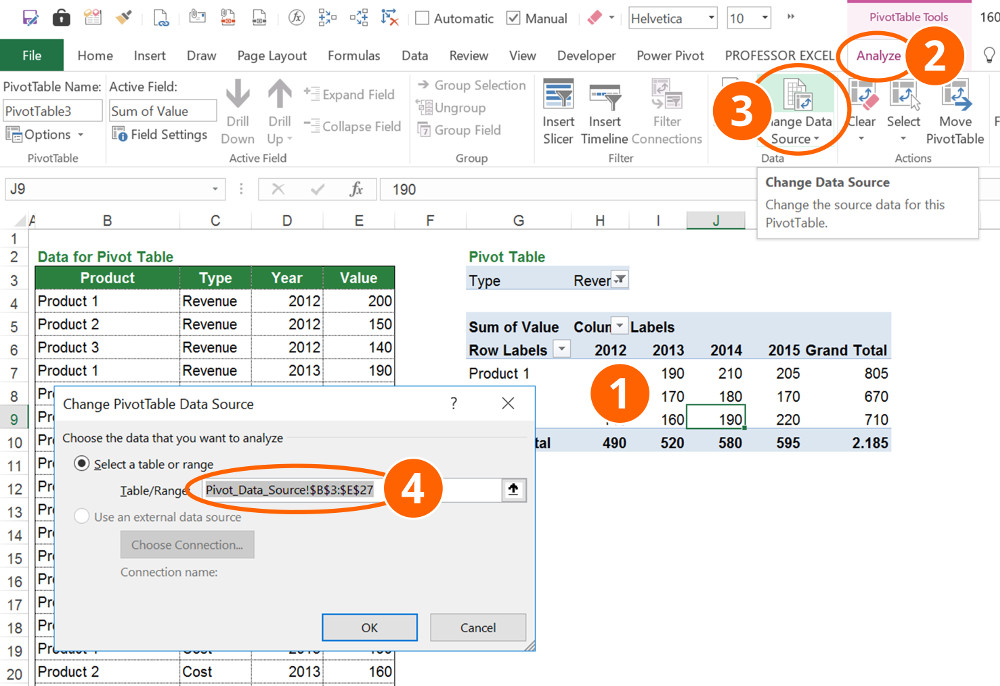
After you create a PivotTable you can change the range of its source data For example you can expand the source data to include more rows of data However if the source data has been changed substantially such as having more or fewer columns consider creating a new PivotTable