Excel Highlight Row Based On Cell Value Vba Excel Highlight Row Based On Cell Value Nonlirc Highlight Row Based On Cell Value In Excel Stack Overflow How To Highlight Entire Row Based On Today s Date In Excel YouTube How To Highlight Rows Based On Multiple Cell Values In Excel Excel Highlighting The Entire Row Based On Cell Value Stack Overflow Aim Highlight all the rows where Employee name is Srishti Steps 1 Select the entire dataset from A3 to D14 in our case 2 In the Home
Excel VBA Macro Change Row Color Based on Cell Value We create a macro that I got a macro from net and i was trying to modify the same It is not working as i needed It is highlighting the entire sheet to one particular
Excel Highlighting The Entire Row Based On Cell Value Stack Overflow Excel VBA Macro Highlight Cells Based On Color Index YouTube Excel Vba To Insert Multiple Rows Based On Cell Value How To Excel At Auto highlight Row Column Of Selected Cell In Excel Using VBA YouTube How To Automatically Hide Rows Based On Cell Value Macro For Beginner Excel Change The Row Color Based On Cell Value Excel Highlight Row YouTube Highlight Selected Row Or Column In Excel VBA Clrl z Undo YouTube Excel 2013 Tutorial How To Highlight Cells Based On The Value Of
Excel Highlight Row Based On Cell Value Vba
 Excel Highlight Row Based On Cell Value Vba
http://nonlirc.weebly.com/uploads/1/3/4/6/134651217/592504958_orig.png
How do you highlight a row based on a cell value in Excel You can set up conditional formatting that checks the value in one cell
Pre-crafted templates use a time-saving service for producing a varied range of files and files. These pre-designed formats and layouts can be made use of for various individual and professional tasks, including resumes, invitations, leaflets, newsletters, reports, presentations, and more, improving the content creation process.
Excel Highlight Row Based On Cell Value Vba
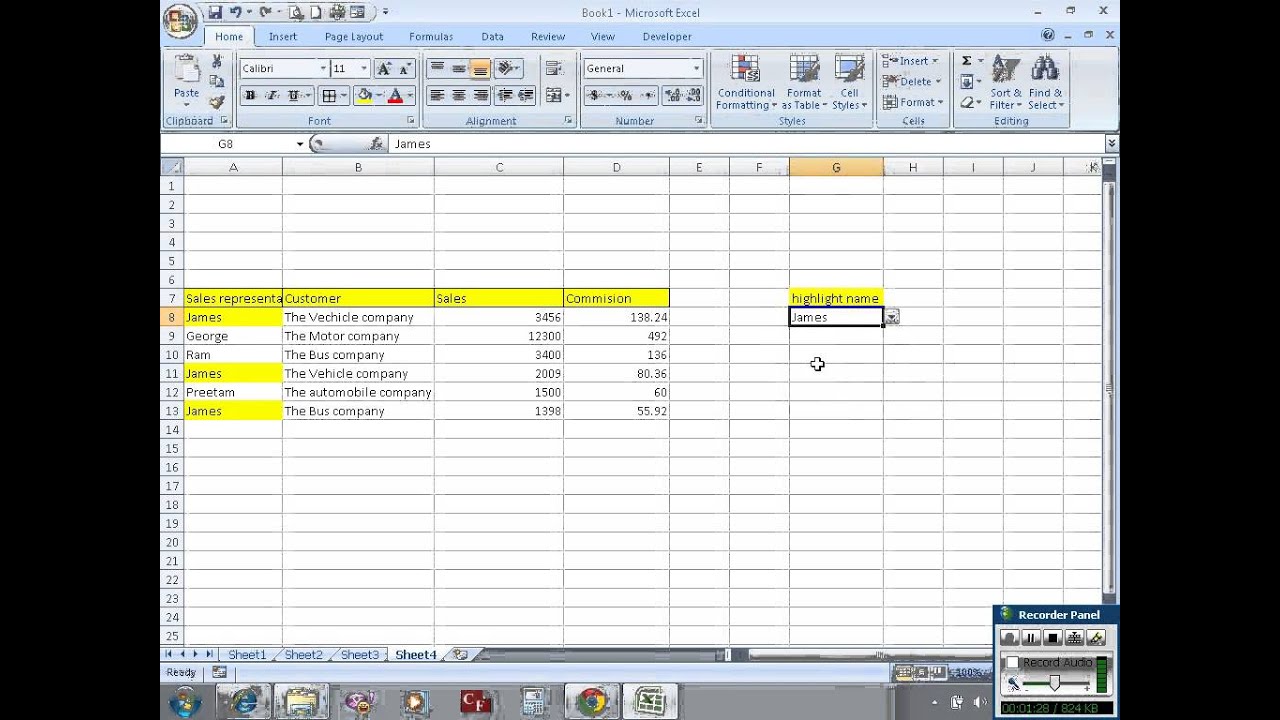
Highlight An Entire Row In Excel Based On One Cell Value YouTube
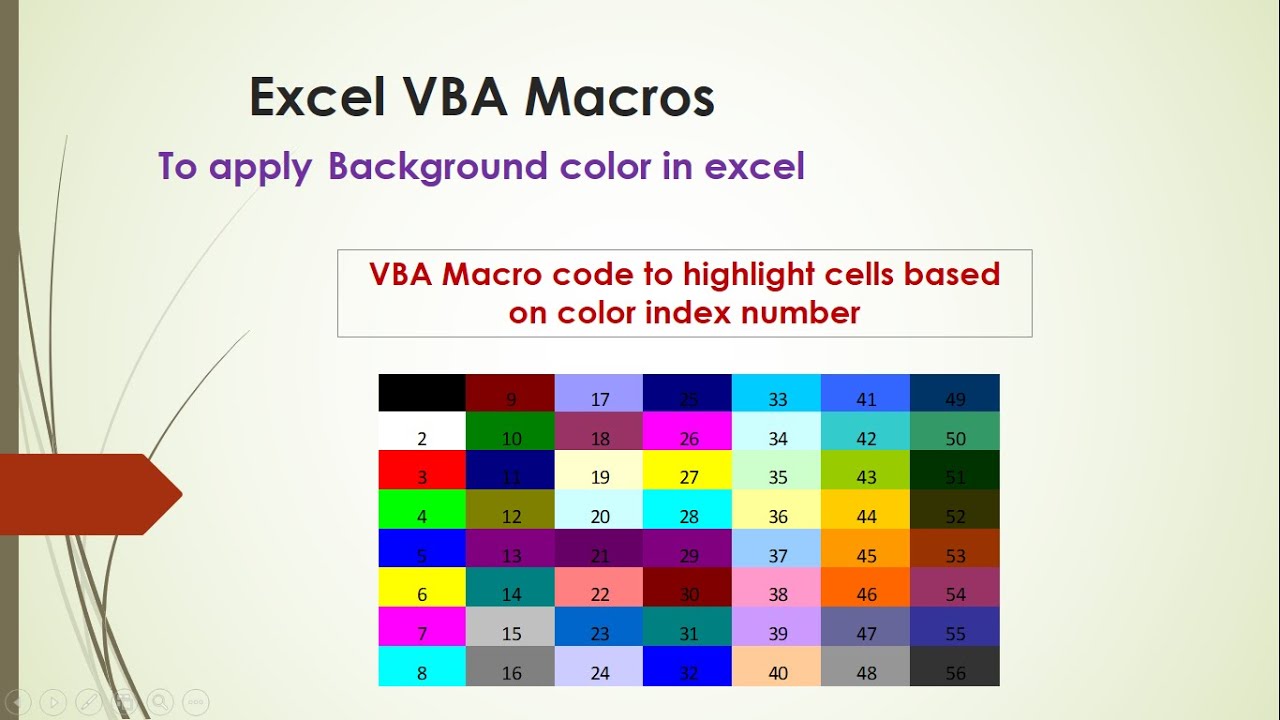
Excel VBA Macro Highlight Cells Based On Color Index YouTube

Excel Vba To Insert Multiple Rows Based On Cell Value How To Excel At

Auto highlight Row Column Of Selected Cell In Excel Using VBA YouTube
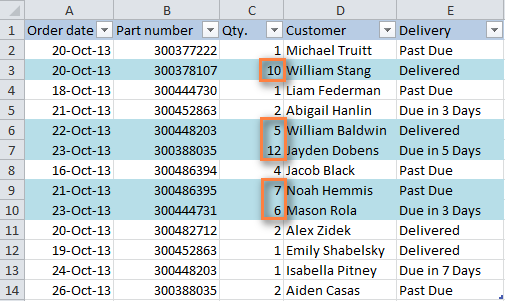
Excel Change The Row Color Based On Cell Value
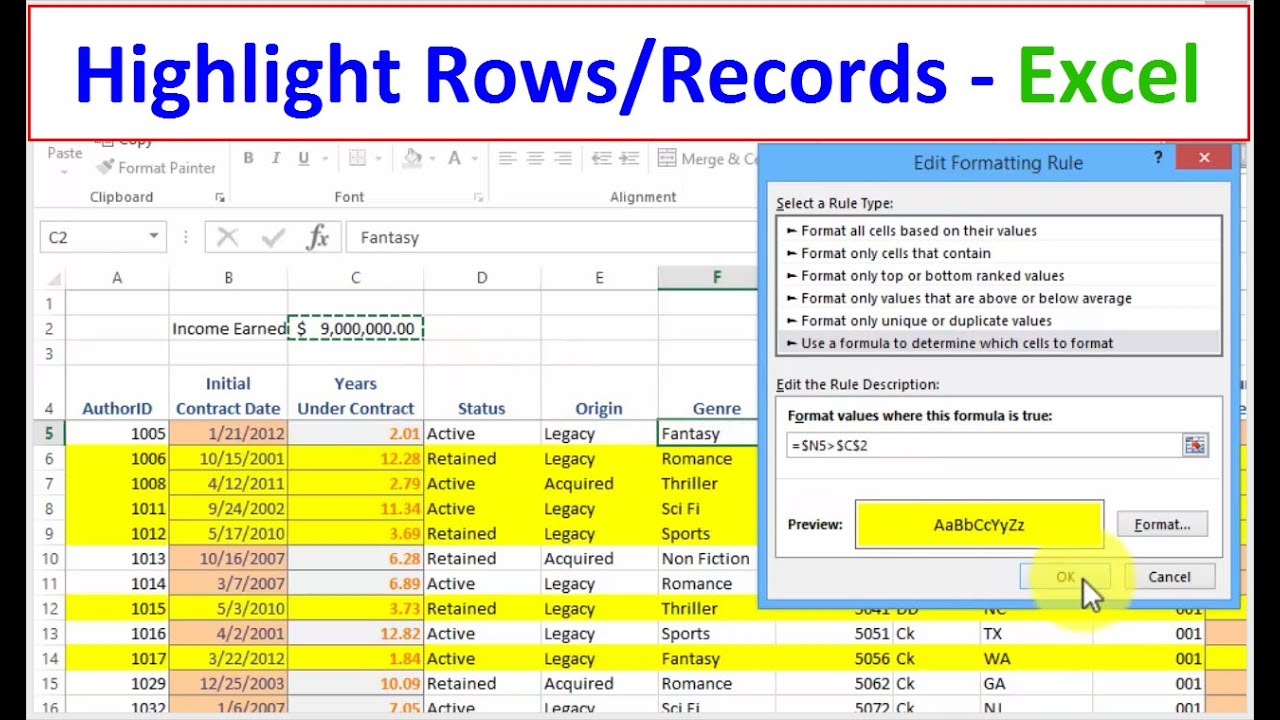
Excel Highlight Row YouTube

1 Highlight column C 2 Click to Conditional Formatting on the Home tab menu in the Styles ribbon 3 Click on New Rule 4 Click on the Only format cells

Here in this post I ll share a simple example on highlighting or coloring an entire row in Excel using VBA Conditional Formatting
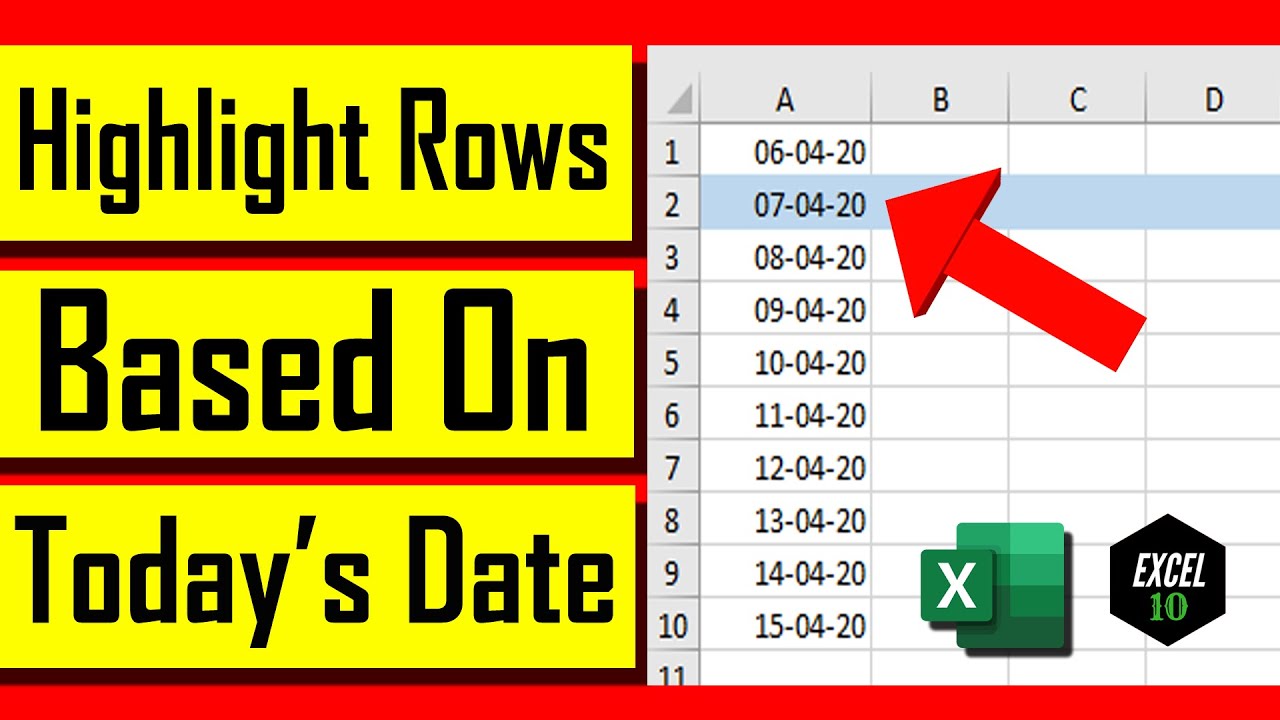
In this tutorial I will show you how to highlight rows based on a cell value using conditional formatting using different criteria

In the new window that appears click the option called Use a formula to determine which cells to format then type D2 Yes in the box then

Learn automatically highlighting rows in excel based on the condition or value we put in cell
I suggest you make a separate function to find the previous working day then use that result in the comparison Joffan May 10 2021 at 19 11 Highlight Cells based on Cell Value To add in a condition for highlighting a cell we can use an IF statement to highlight the cell if the value of the cell
How to change a row color based on a number in a single cell Create a new formatting rule by clicking Conditional Formatting New Rule on the