Excel Highest 2 Values MS Excel Tables Export To Excel Values 00115 How To Use The LARGE Function To Find The Highest Values Using How To Sort The Highest To The Lowest Value In Excel KANDA DATA This article describes the formula syntax and usage of the LARGE function in Microsoft Excel Description Returns the k th largest value in a data set You can use this function to select a value based on its relative standing For example you can use LARGE to return the highest runner up or third place score Syntax LARGE array k
Demonstrating the syntax of the LARGE function The syntax of the LARGE function is as follows LARGE array k Where array is the range of cells from which you want to find the second highest value k is the position of the value you want to retrieve In this case to find the second highest value k would be 2 To get the Second Largest value you could write the following formula in Excel LARGE A1 A5 2 This will give you the second largest value without any fuss The format of the LARGE Function is LARGE array k and it picks up the Kth largest value from the array
How To Sort The Highest To The Lowest Value In Excel KANDA DATA How To Select The Highest Or Lowest Value In Excel Using Function YouTube Excel Exercises SUMIFS Function View Excel Gif Images Petui Riset How To Select The Highest Or Lowest Value In Excel How To Calculate Nps Score Formula Haiper How To Calculate Average Excluding Zero In Excel Haiper Logo Ms Excel Png Jennykruwspence Riset Data Tables In Microsoft Excel Data Tables Youtube Riset
Excel Highest 2 Values
 Excel Highest 2 Values
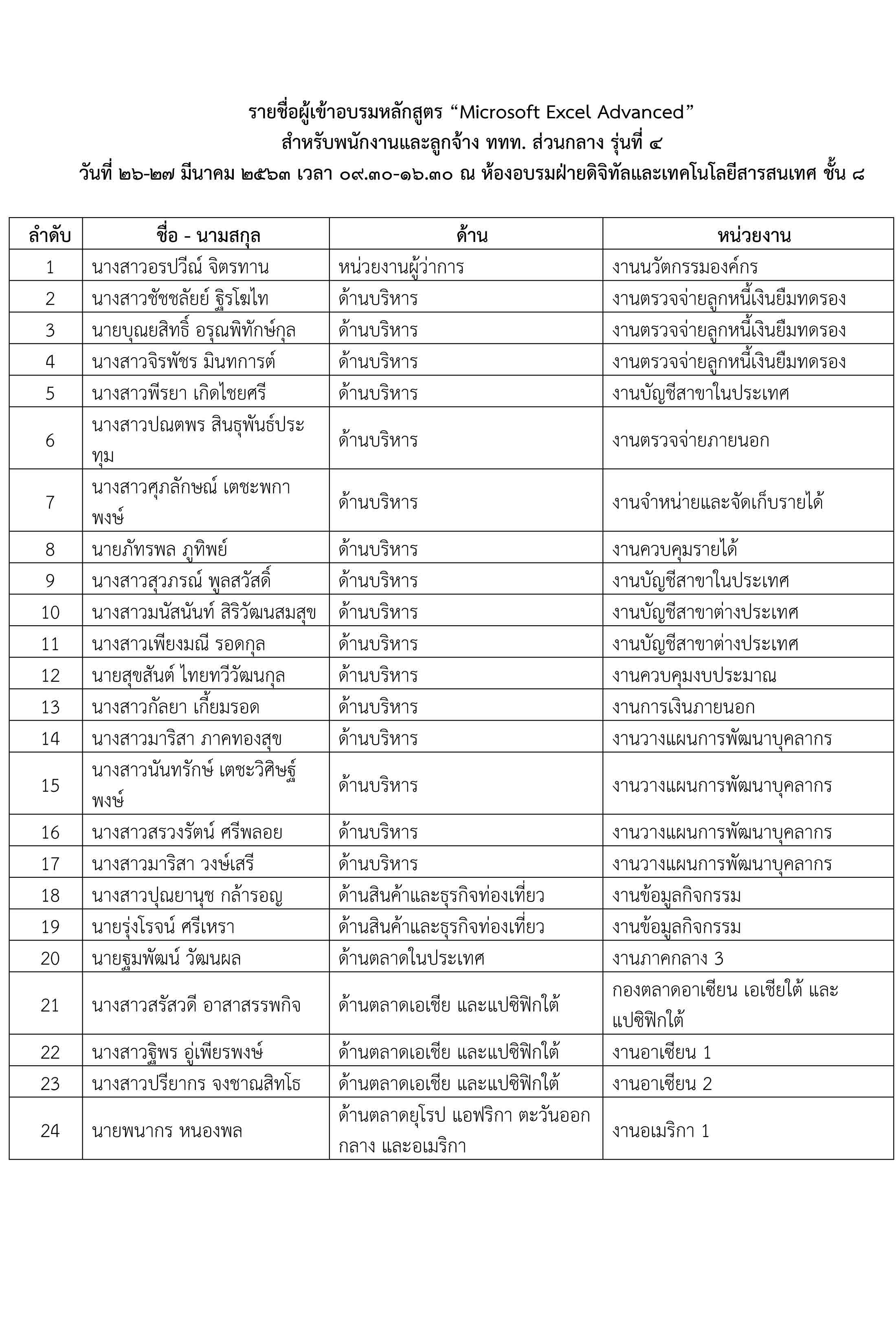
http://centralpage.tat.or.th/popup/excel/excel2020-4.jpg
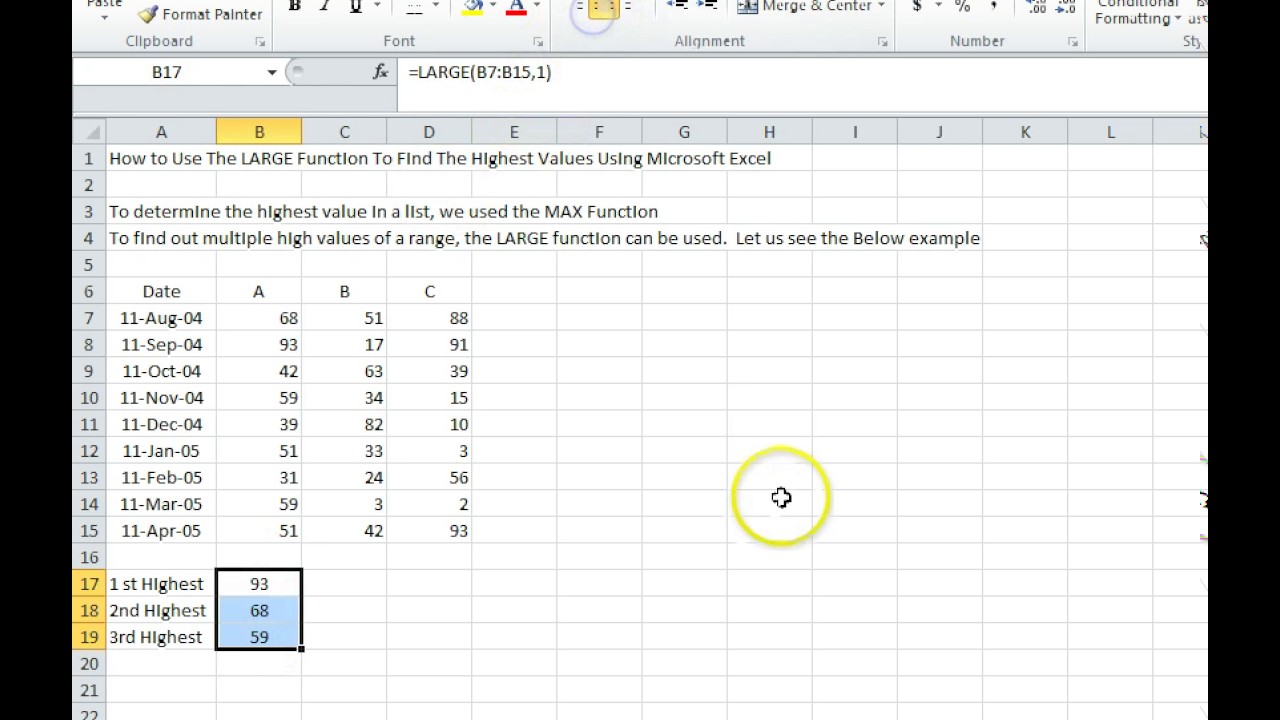
The LARGE function can be used to return the nth largest value in a set of data The generic syntax for LARGE looks like this LARGE range n where n is a number like 1 2 3 etc For example you can retrieve the first second and third largest values like this
Pre-crafted templates offer a time-saving solution for creating a varied variety of documents and files. These pre-designed formats and layouts can be used for numerous individual and expert tasks, consisting of resumes, invitations, leaflets, newsletters, reports, presentations, and more, streamlining the content development process.
Excel Highest 2 Values

Convert PDF To Excel Convert Multi Page PDF To Excel Import
How To Select The Highest Or Lowest Value In Excel Using Function YouTube

Excel Exercises SUMIFS Function
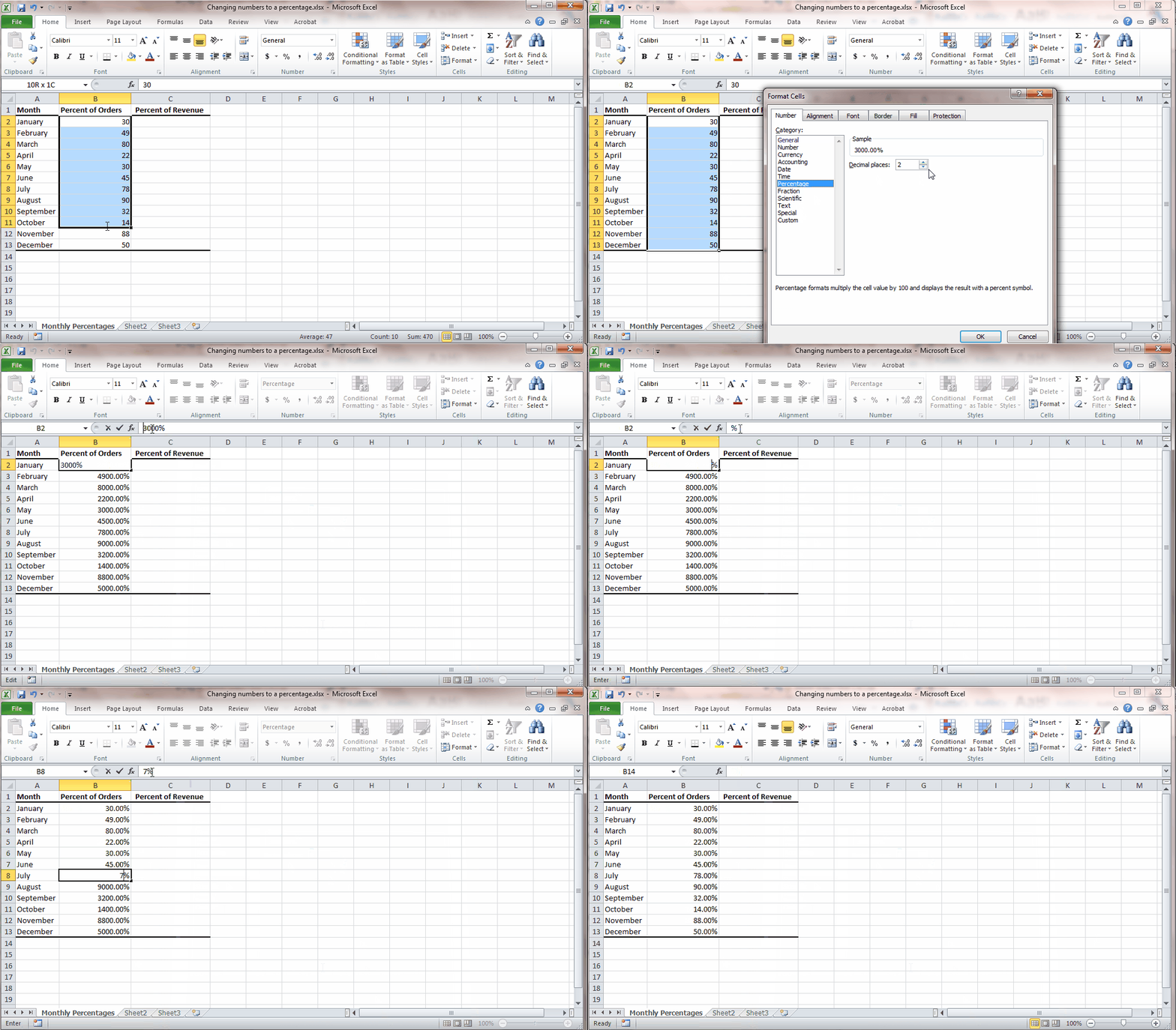
View Excel Gif Images Petui Riset

How To Calculate Nps Score Formula Haiper
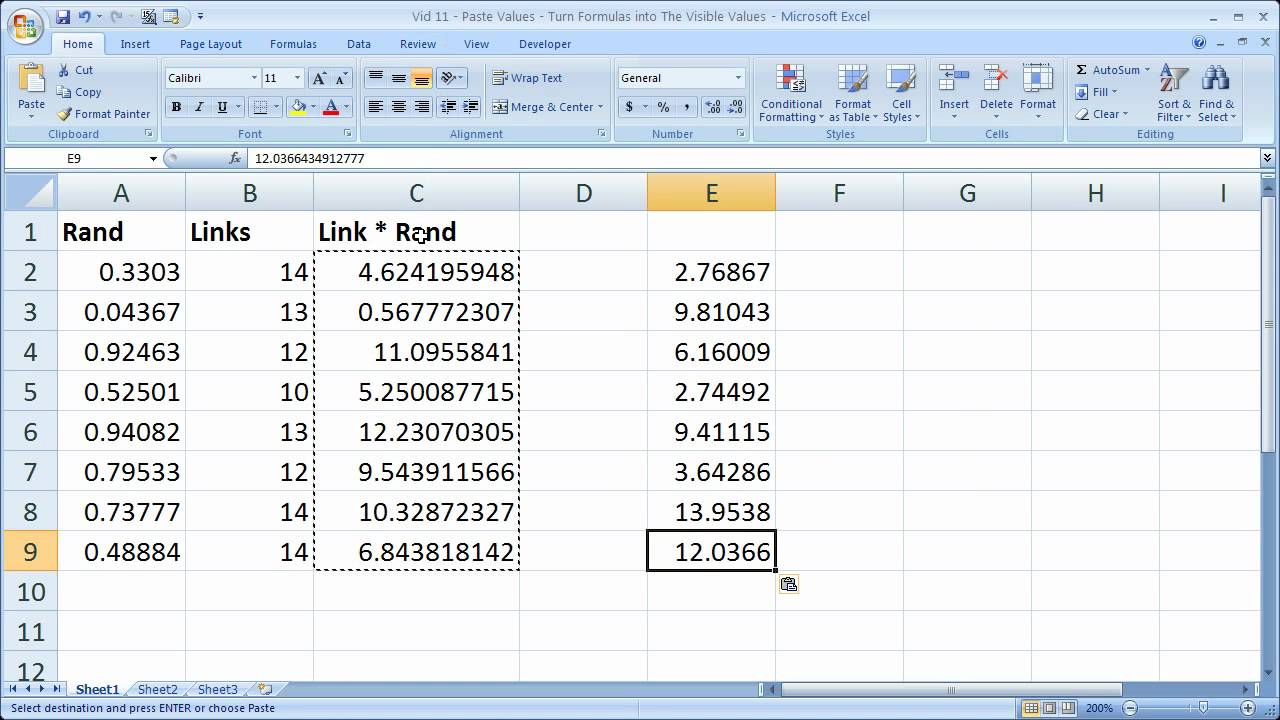
How To Calculate Average Excluding Zero In Excel Haiper
How this formula works The LARGE function compares all the numeric values in a range supplied for the 1 st argument array and returns the largest value based on the position specified in the 2 nd argument k The ROWS function with an expanding range reference like ROWS A 2 A2 generates the k values automatically

In Excel it s common to use the MAX function with a range like this MAX range max value in range However because MAX can accept values in separate arguments you can easily use the MAX function to select the larger of values in two cells like this MAX A1 B1 larger of A1 or B1 MAX A1 C1 larger of A1 or C1

The syntax of the MAXIFS function is as follows MAXIFS max range criteria range1 criteria1 criteria range2 criteria2 Where Max range required the range of cells where you want to find the maximum value Criteria range1 required the first range to evaluate with criteria1 Criteria1 the condition to use on the first range
The MAX function in Excel returns the highest value in a set of data that you specify The syntax is as follows MAX number1 number2 Where number can be represented by a numeric value array named range a reference to a cell or range containing numbers Number1 is required number2 and subsequent arguments are optional

Steps Double click on cell F7 and enter the below formula AGGREGATE 14 6 C5 D10 C4 D4 F5 2 Next press the Enter key and you should get the second largest away kit price 3 Utilizing SUMPRODUCT Function The SUMPRODUCT function first multiplies the range of values and then gives the sum of those multiplications
Method 1 Use the MAX Function to Find the Largest Value in Excel Sometimes we are given a range of values and we have to figure out which value is the largest or highest In that case we simply use the Excel MAX function to find the largest number in the range that is given Which should return the value of the second highest salesperson also returns Adams The problem occurs because the MATCH function finds the first value in the list Though the second highest sales figure is also 40 when Excel goes looking through column B it matches 40 with Adams MATCH stops looking when it finds the first match
Select highest values within ranges columns or rows with Kutools Kutools for Excel s Select Cells with Max Min Value feature allows you to select the largest value in a specified range or select the highest values across each column row within that range Moreover it provides the versatility to either select the first instance of the highest value or select all cells that contain the