Excel Formula Remove All Non Alpha Characters Solved 6 20 Java 6 20 LAB Remove All Non Alpha Characters Write A Find All Non alpha Characters In String excluding Special Alpha Chars Solved 4 20 LAB Remove All Non Alpha Characters Winte A Chegg Solved 7 10 LAB Remove All Non alpha Characters Chegg Python Remove Non Alphanumeric Characters From String Data Science Web Mar 10 2023 nbsp 0183 32 Select a range of cells where you want to remove a specific character Press Ctrl H to open the Find and Replace dialog In the Find what box type the character Leave the Replace with box empty Click Replace all As an example here s how you can delete the symbol from cells A2 through A6
Web To remove specific unwanted characters in Excel you can use a formula based on the SUBSTITUTE function In the example shown the formula in C4 is SUBSTITUTE B4 CHAR 202 quot quot Which removes a series of 4 invisible characters at the start of each cell in column B Generic formula SUBSTITUTE B4 CHAR code quot quot Explanation Web Mar 10 2022 nbsp 0183 32 excel Replace all non alphanumeric characters including wildcards Stack Overflow Replace all non alphanumeric characters including wildcards 378 times 2 I take this beautiful formula from JvdV answer
Python Remove Non Alphanumeric Characters From String Data Science Solved 6 16 LAB Remove All Non Alpha Characters Write A Chegg Solved 7 9 LAB Remove All Non alphabetic Characters Write A Chegg Solved Write A Program That Removes All Non Alpha Characters Chegg Alphanumeric Characters Definition Password List Use Solved 7 13 IDE LAB Remove All Non alpha Characters Chegg Solved How To Remove All Non alpha Numeric Characters 9to5Answer How To Remove First 3 Characters In Excel 4 Methods Exceldemy Riset Non alphanumeric Characters Coding Ninjas
Excel Formula Remove All Non Alpha Characters
Excel Formula Remove All Non Alpha Characters
https://www.coursehero.com/qa/attachment/29169242/
Web 1 Select the range that you want to remove the non alpha characters 2 Click Kutools gt Text Tools gt Delete Characters see screenshot 3 A Delete Characters dialog box will appear Then check Non alpha characters option in Delete Characters dialog box At the same time you can preview the result from the Preview Pane See screenshot
Pre-crafted templates offer a time-saving option for developing a diverse series of documents and files. These pre-designed formats and designs can be used for various individual and expert tasks, consisting of resumes, invitations, flyers, newsletters, reports, discussions, and more, improving the content production procedure.
Excel Formula Remove All Non Alpha Characters
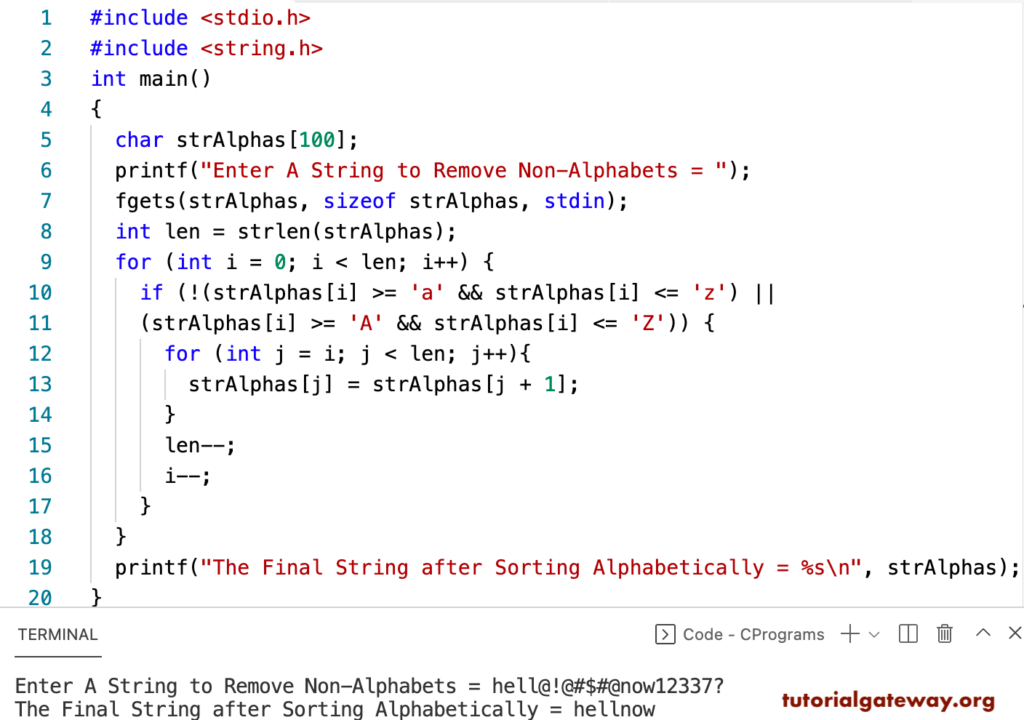
C Program To Remove Characters In A String Except Alphabets
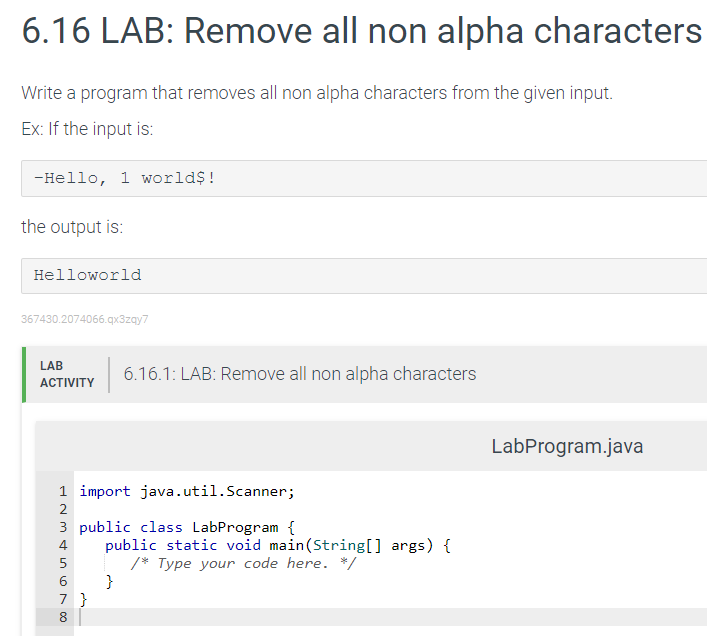
Solved 6 16 LAB Remove All Non Alpha Characters Write A Chegg
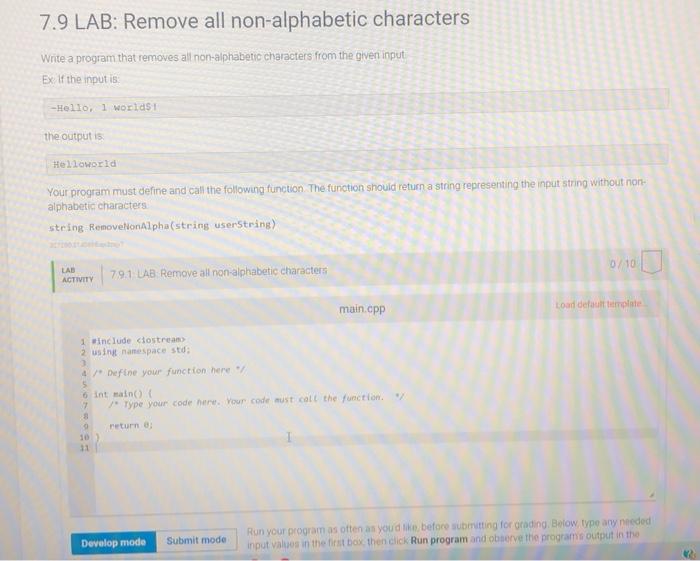
Solved 7 9 LAB Remove All Non alphabetic Characters Write A Chegg
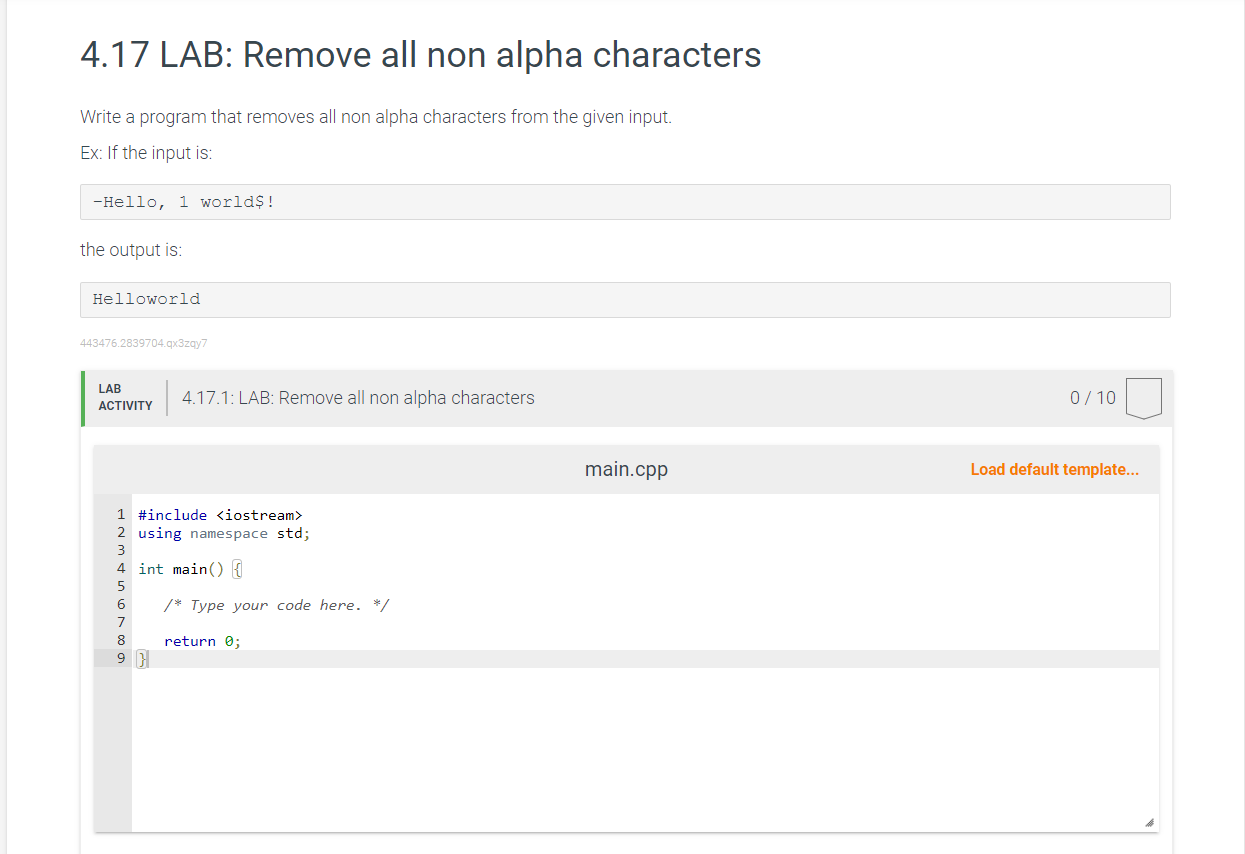
Solved Write A Program That Removes All Non Alpha Characters Chegg
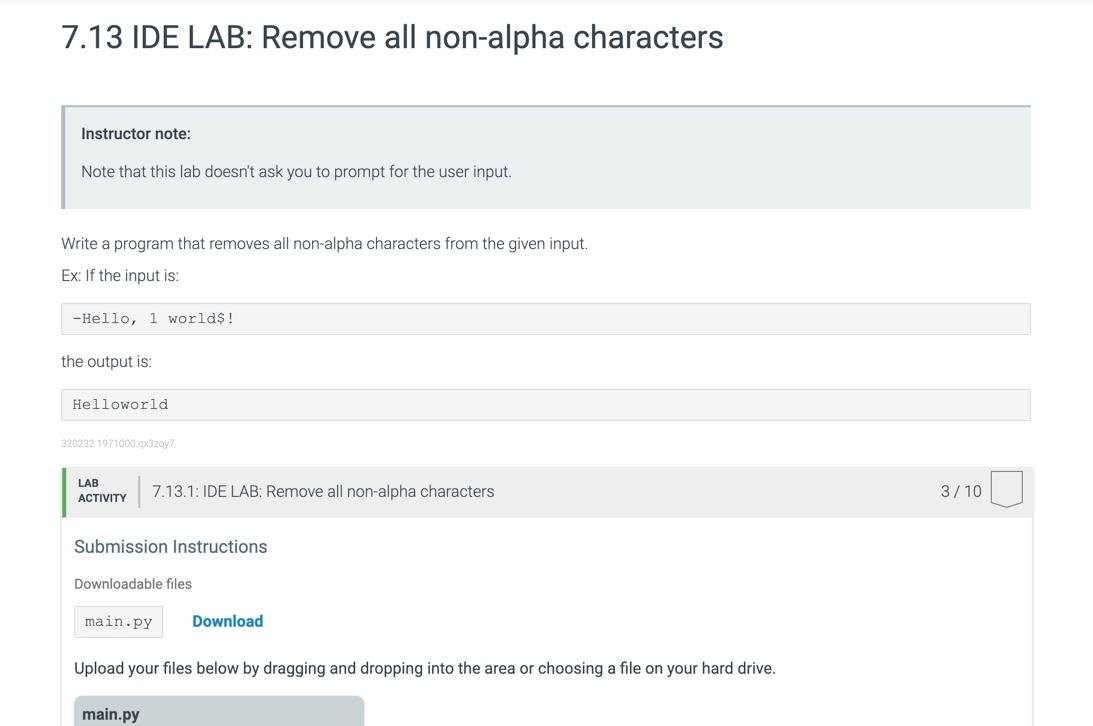
Solved 7 13 IDE LAB Remove All Non alpha Characters Chegg
Solved How To Remove All Non alpha Numeric Characters 9to5Answer
Web Mar 19 2015 nbsp 0183 32 I need to scrub a column of names in Excel to eliminate all non Alpha characters including periods commas spaces hyphens and apostrophes EXAMPLE Change O Malley Smith Tom Jr to OMALLEYSMITHTOMJR The client requires this to be an Excel function otherwise I d make it easy with a quick Java program similar to

Web To remove non numeric characters from a text string you can use a formula based on the the TEXTJOIN function In the example shown the formula in C5 is TEXTJOIN quot quot TRUE IFERROR MID B5 ROW INDIRECT quot 1 100 quot 1 0 quot quot Note this is an array formula and must be entered with control shift enter except in Excel 365
Web Apr 12 2023 nbsp 0183 32 To remove a character that is not present on your keyboard you can copy paste it to the formula from the original cell For instance here s how you can get rid of an inverted question mark SUBSTITUTE A2 quot 191 quot quot quot But if an unwanted character is invisible or does not copy correctly how do you put it in the formula
Web Step 1 Enter the formula SUBSTITUTE A2 in cell B2 Step 2 Press Enter key Step 3 Use the Fill Handle in cell B2 to drag down and copy the formula to the rest of the empty cells in the dataset All the asterisks have been replaced with empty strings

Web Mar 10 2022 nbsp 0183 32 SUBSTITUTE or REPLACE all non alphanumeric characters This array formula CTRL SHIFT ENTER trim any non alphanumeric characters TEXTJOIN quot quot 1 MID D2 ROW INDIRECT quot 1 quot amp LEN D2 IFERROR SEARCH MID D2 ROW INDIRECT quot 1 quot amp LEN D2 1 quot
Web Apr 24 2015 nbsp 0183 32 Is there a Non VBA way to check Col B and Col C to see if they contains any characters that are Non Alpha Just to clarify by Non Alpha I mean anything not part of the alphabet case insensitive Col B and Col C is a list of First and Last Names Some of these names have symbols or numbers in them through bad data entry Web text the text string or cell value that you want to remove all non numeric characters from 1 Please copy or enter the below formula into a blank cell where you want to output the result TEXTJOIN quot quot TRUE IFERROR MID A2 ROW INDIRECT quot 1 100 quot 1 0 quot quot 2 And then press Ctrl Shift Enter keys together to get the first result see
Web May 24 2016 nbsp 0183 32 1 Arrghhhhhhhhh I ve been trying to do this for weeks We have a report which arrives with 30 000 lines of different part numbers And we need to extract just the alpha A Z or a z numeric 0 9 characters from it leaving out all of the dahses slashes underscores spaces and everything else that people manage to include For example