Excel Formula For Top 5 Values Sum The Top 5 Values Excel Formula YouTube TOP Microsoft Excel Formula For Beginners YouTube Excel Formula For Percentage Made Easy Step by Step Guide MS Excel How To Calculate Factorial Number Excel Formula For Job MS Excel Formulas And Functions MS Excel Formula For Percentage Web To filter a set of data to show the top n values you can use the FILTER function together with the LARGE function In the example shown the formula in F5 is FILTER data score gt LARGE score 3 where data B5 D16 and score D5 D16 are named ranges Generic formula FILTER data range gt LARGE range n Explanation
Web Aug 6 2020 nbsp 0183 32 LARGE A 2 A 16 ROWS B 2 B2 Note that there are five columns between B2 and B6 so the top 5 values in the list will be displayed Ensure that you enter the formula correctly Proceed by pressing the enter button We aim to select the top 5 numbers from the list so locate cell B2 Select and drag the fill handle down to cell B6 Web Dec 6 2020 nbsp 0183 32 We can simply copy and paste this formula down to the remaining cells in the column to find the 10 largest values in the dataset This leaves us with a list of the 10 largest values in the dataset We can see that the largest value is 143 the second largest is 123 the third largest is 87 and so on
MS Excel Formulas And Functions MS Excel Formula For Percentage Top 60 Most Important Excel Formulas Excel Formula For Job Interview Combine Multiple Lists Into One Without Duplicates In Excel Microsoft Top 15 Excel Formula For Beginner s YouTube What Is Automatic Excel Formula For Sum Or Any Other Function Pattern TOP 10 Excel Formula For Management PART 1 YouTube Microsoft Excel Formula For Data Distribution Super User Advance Excel Formula For All Users PDF Visual Basic For Jconsole Csv Time Format Excel Printable Forms Free Online
Excel Formula For Top 5 Values
 Excel Formula For Top 5 Values
https://i.ytimg.com/vi/G7CAOwDJbWY/maxresdefault.jpg
Web May 7 2020 nbsp 0183 32 Generating the Top N List On the Top sheet select cell G8 and enter the following formula click on the formula for a larger view If we enter a 5 in cell G5 for the Top N value we are returned a single result This is because we are returning the 5 th largest item in the dataset
Templates are pre-designed files or files that can be used for different purposes. They can save effort and time by providing a ready-made format and layout for creating different type of material. Templates can be used for individual or professional jobs, such as resumes, invites, leaflets, newsletters, reports, discussions, and more.
Excel Formula For Top 5 Values
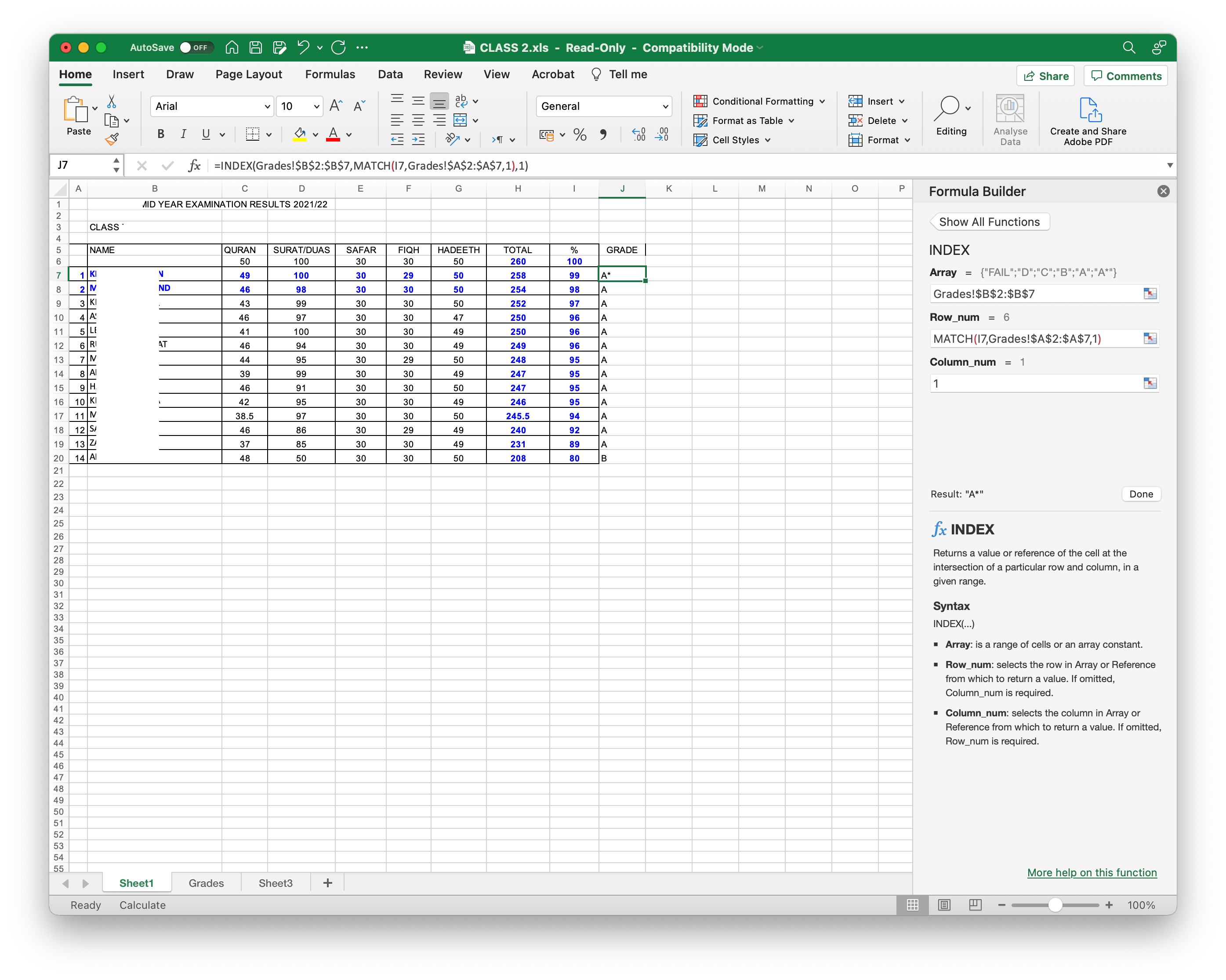
Excel Formula For Gradebook Microsoft Community

Top 60 Most Important Excel Formulas Excel Formula For Job Interview

Combine Multiple Lists Into One Without Duplicates In Excel Microsoft

Top 15 Excel Formula For Beginner s YouTube

TOP 10 Excel Formula For Management PART 1 YouTube

Microsoft Excel Formula For Data Distribution Super User

Web May 23 2023 nbsp 0183 32 Finding Top 5 Values amp Names Including Duplicates 2 1 Getting Top 5 Values Only by Using Large amp ROWS Functions Together 2 2 Pulling Out Top 5 Names with Duplicates by Combining INDEX MATCH amp COUNTIF Functions 2 3 Extracting Top 5 Names with Duplicates by Incorporating SORT amp FILTER Functions

Web Jun 20 2023 nbsp 0183 32 Column D now shows the top five scores from the original dataset Next we can type the following formula into cell E2 to extract the name that corresponds to the top score INDEX A 2 A 13 MATCH LARGE B 2 B 13 ROWS C 2 C2 B 2 B 13 0 We can then click and drag this formula down to the

Web Mar 14 2023 nbsp 0183 32 LARGE array k Create a support field Rank in column D Type the numbers 1 to 5 in the range of cells D2 D6 Go to cell E2 type the formula LARGE B 2 B 16 D2 and Press Enter Drag the fill handle to the range E2 E6 to copy the formula Find Top 5 Values in Excel with INDEX amp MATCH function

Web Feb 21 2022 nbsp 0183 32 Method 1 Find Top 10 Based on One Criteria LARGE IF A2 A20 quot Value quot C2 C20 quot quot ROW A1 A10 This formula finds the top 10 values in the range C2 C20 where the value in the range A2 A20 is equal to Value Method 2 Find Top 10 Based on Multiple Criteria LARGE IF A2 A20 quot Value quot

Web Mar 17 2023 nbsp 0183 32 Excel RANK function RANK EQ and RANK AVG explained with formula examples See how to use Rank formula in Excel to rank numbers descending ascending or based on multiple criteria calculate percentile rank and more
Web Jun 23 2021 nbsp 0183 32 This find Top 5 absolute value An array CSE formula in cell M93 IF ROW A1 lt 5 LARGE K 93 K 103 ROWS A 1 A1 quot quot N B Finish formula with Ctrl Shift Enter In above formula If Row A1 lt 5 is adjustable Adjust cell references in the formula as needed Web I will explain in this video what is and how to find the top 5 values in Excel This movie is a part of my online course Essential Excel for Business Analysts
Web Feb 13 2014 nbsp 0183 32 Using an Array Formula to Display Top Five Values 1 Select cells E3 to E7 This set of cells will hold the top five client balances 2 In the formula bar enter the following formula LARGE C3 C17 1 2 3 4 5 3 Then press Ctrl Shift Enter 4 The top five balances will be displayed