Excel Drop Down List With Name And Value How To Create A Dropdown List In Microsoft Excel Vrogue Excel Drop Down List From Table Name Printable Forms Free Online Multiple Dependent Drop down List Excel Template 2023 Template Printable How To Create Dependent Drop Down Lists Excel Campus Vrogue Vestirsi Patriottico Per Favore Conferma How To Insert Dropdown In WEB Jun 25 2024 nbsp 0183 32 You can add a dropdown list in Excel using the Data validation menu by selecting a list as the allowed data In this article I ll explain how to add an Excel drop down list add error messages and move drop down lists between other workbooks
WEB Dec 20 2023 nbsp 0183 32 A drop down list in Excel is a handy tool used to restrict the data input into a cell It allows users to select a value from a predefined list making data entry quicker WEB If you set up your list source as an Excel table then all you need to do is add or remove items from the list and Excel will automatically update any associated drop downs for you To add an item go to the end of the list and type
Vestirsi Patriottico Per Favore Conferma How To Insert Dropdown In Create Dropdown In Excel Creating A Drop Down List In Excel 2010 Riset How To Edit Drop Down List In Excel Excel Data Validation Drop Down Lists With Vlookup Function Tutorial The Definitive Guide To Creating A Drop Down List In Excel Acuity How To Edit A Drop Down List In Microsoft Excel Vrogue How To Create A Dropdown List In Microsoft Excel Vrogue How To Create Dynamic Drop Down List Without Blank In Excel Free Excel Create Dropdown In Excel Creating A Drop Down List In Excel 2010
Excel Drop Down List With Name And Value
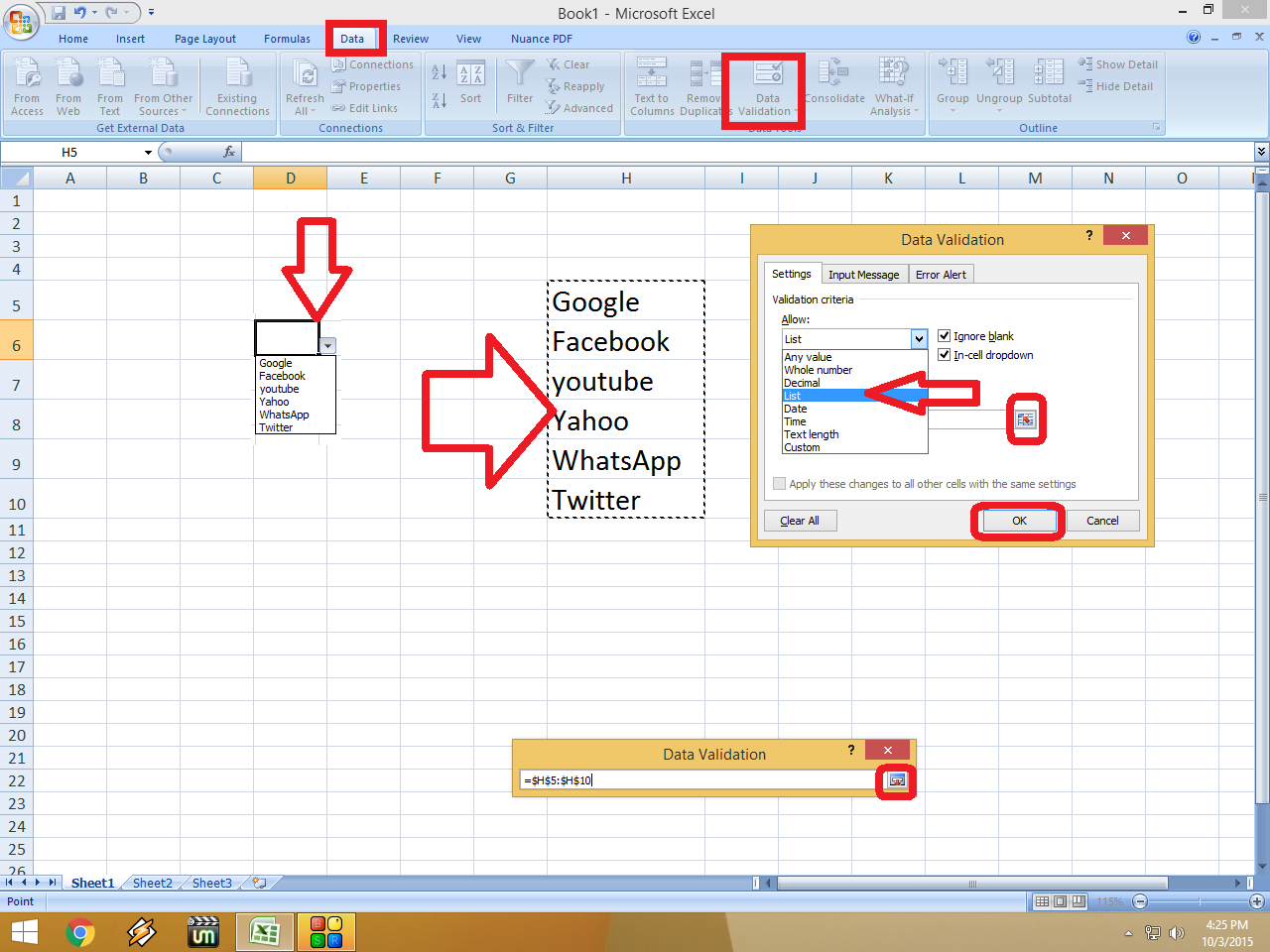 Excel Drop Down List With Name And Value
http://1.bp.blogspot.com/-KKtsG1bF1tI/Vg_4YFeWVAI/AAAAAAAAJrs/V0H23R6kXYk/s1600/1.png
WEB Here are the steps to create an Excel drop down list using the OFFSET function Select a cell where you want to create the drop down list cell C2 in this example Go to Data gt Data Tools gt Data Validation In the Data Validation dialogue box within the Settings tab select List as the Validation criteria
Pre-crafted templates use a time-saving service for creating a varied range of files and files. These pre-designed formats and layouts can be made use of for numerous personal and expert projects, consisting of resumes, invites, flyers, newsletters, reports, discussions, and more, streamlining the material production procedure.
Excel Drop Down List With Name And Value
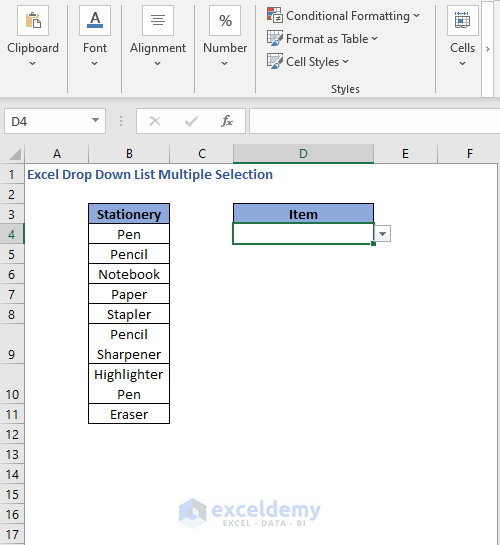
Excel Drop Down List From Table Name Printable Forms Free Online
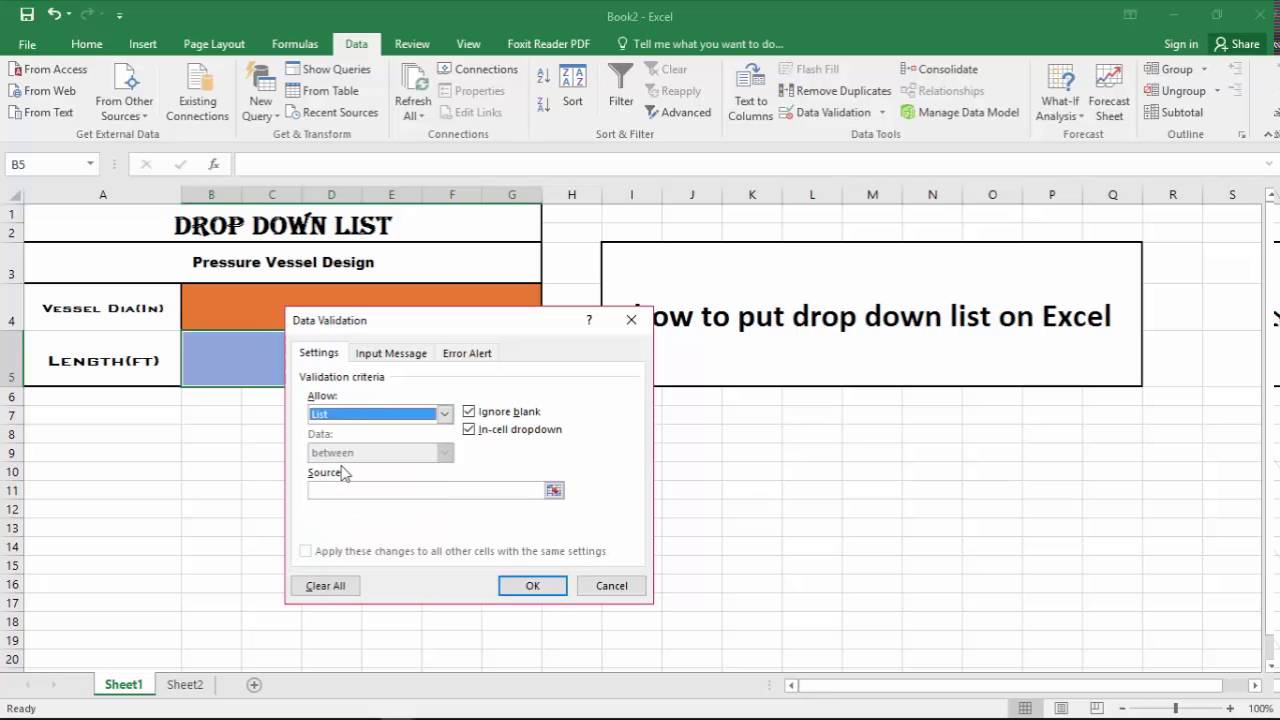
Create Dropdown In Excel Creating A Drop Down List In Excel 2010 Riset
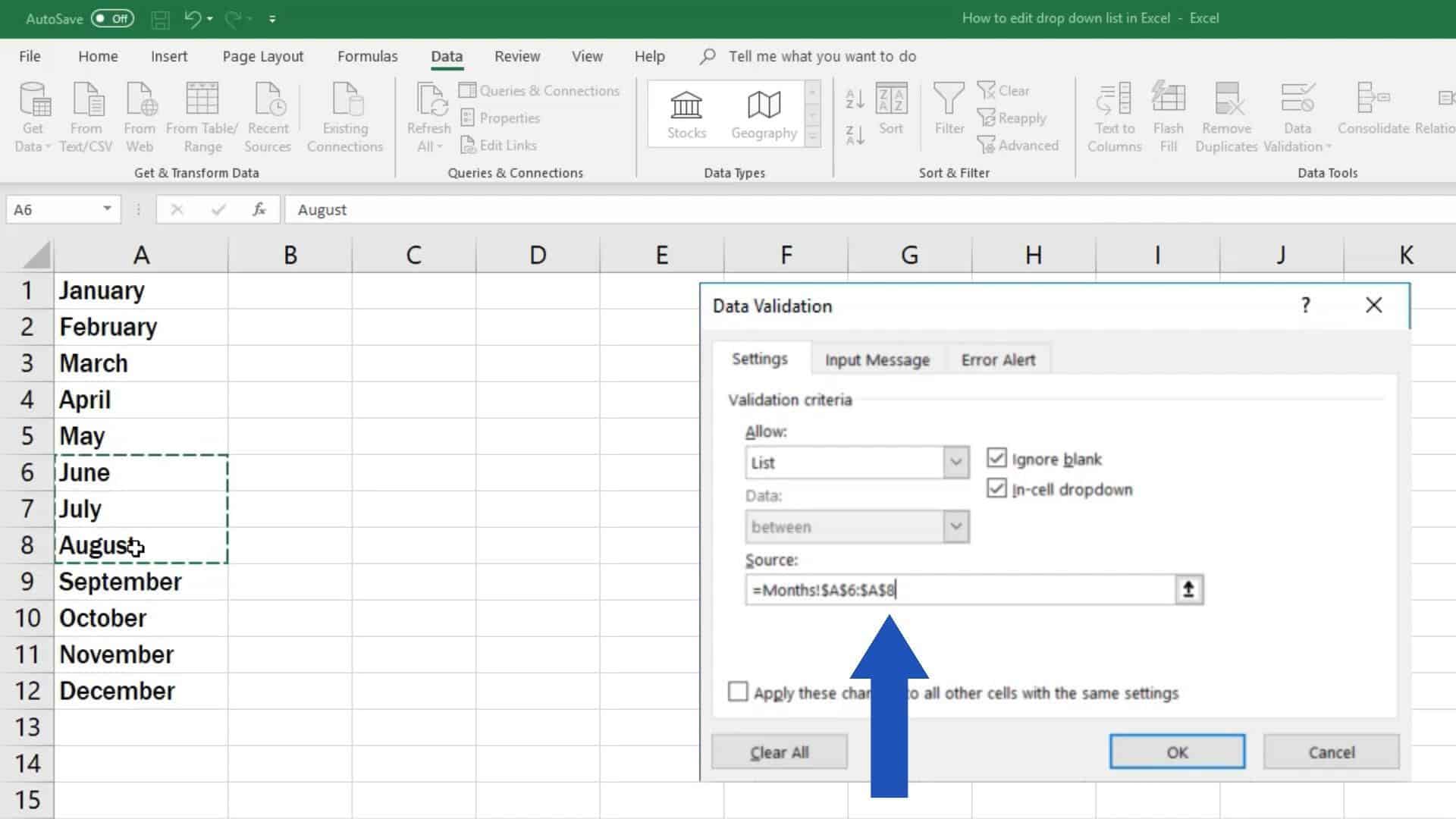
How To Edit Drop Down List In Excel
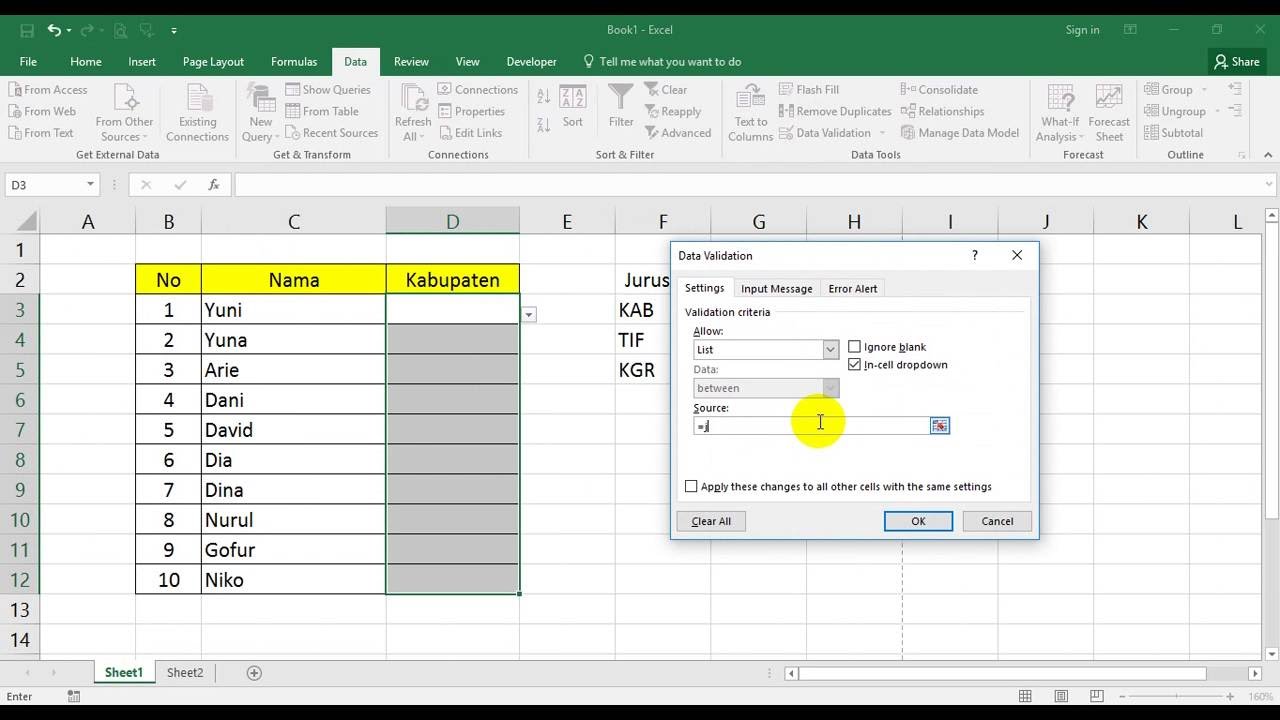
Excel Data Validation Drop Down Lists With Vlookup Function Tutorial
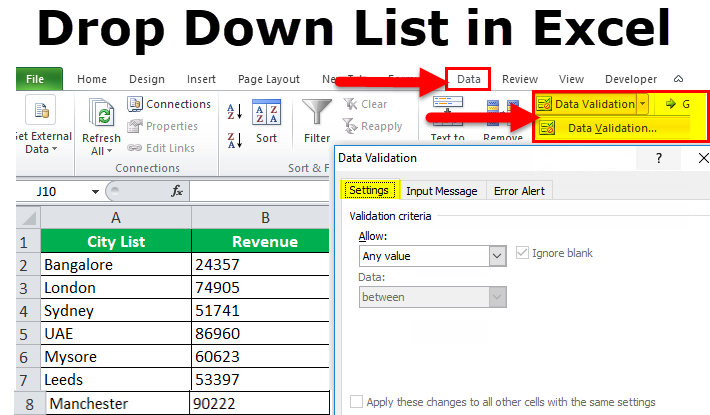
How To Edit A Drop Down List In Microsoft Excel Vrogue
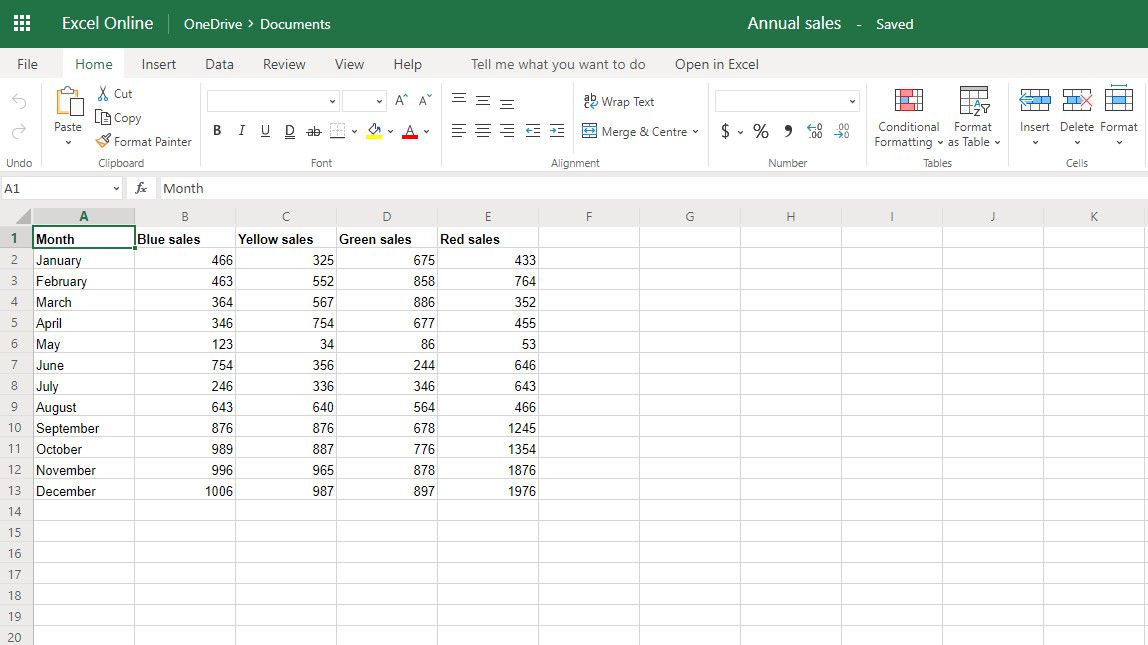
How To Create A Dropdown List In Microsoft Excel Vrogue
WEB Jul 8 2024 nbsp 0183 32 How to Create a Dropdown List There are several ways to populate list items when you create a dropdown list within your spreadsheet Use Comma Separated List of Values for List Items The first method is the most basic where all items are entered in the Data Validation menu as a comma separated list

WEB Apr 5 2023 nbsp 0183 32 See how to make a dependent dropdown list in Excel by using dynamic array functions Create multiple dropdown make the list expandable have the items sorted alphabetically and more
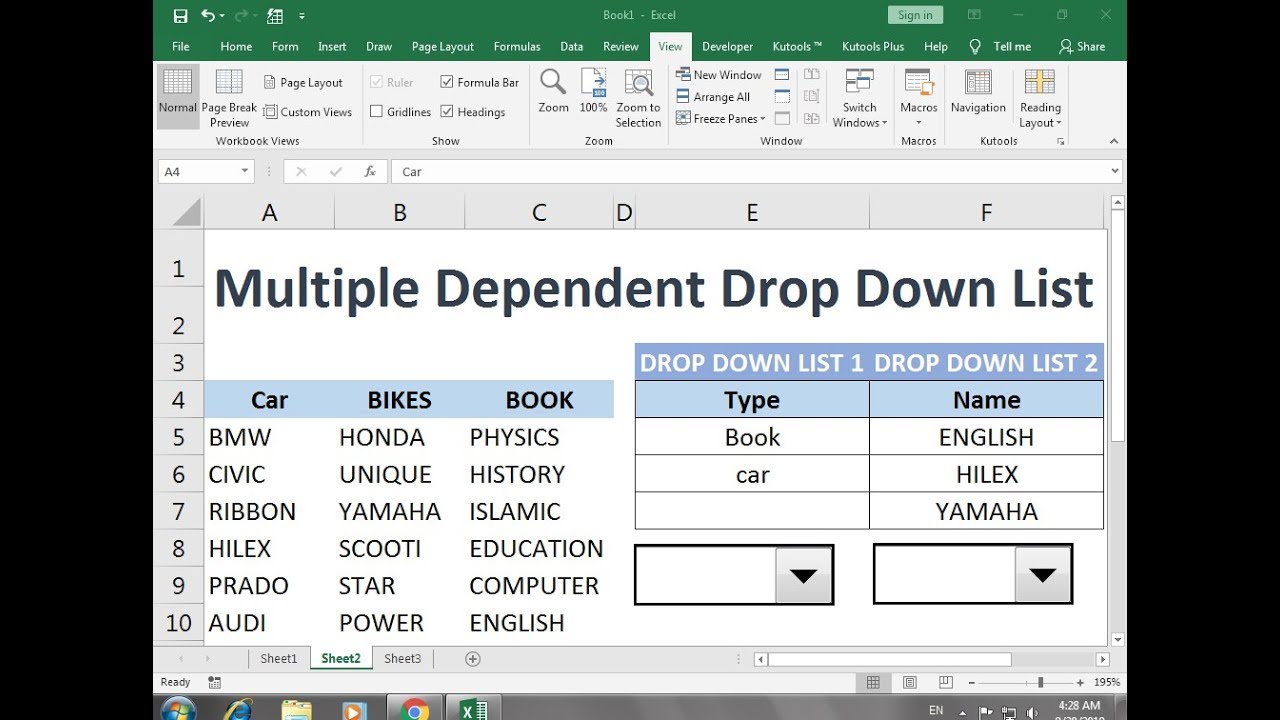
WEB Jul 3 2024 nbsp 0183 32 Learn to link a cell value with an excel drop down list by creating the dynamic dependent hyperlink list and functions
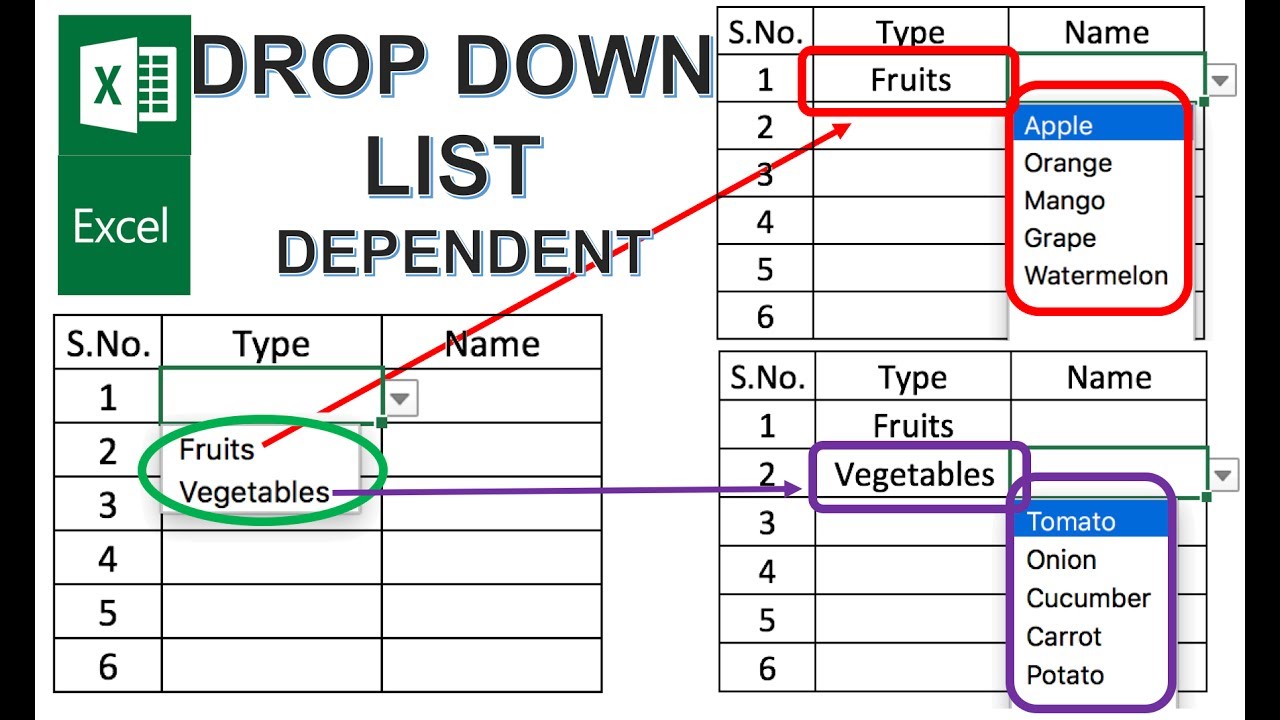
WEB You can insert a drop down list of valid entries also called a drop down menu or drop down box in Excel to make data entry easier or to limit entries to certain items that you define

WEB Sep 27 2023 nbsp 0183 32 See how to quickly create an Excel drop down list from comma separated values a range of cells or a table how to make a dynamic editable and searchable dropdown menu
WEB Aug 9 2018 nbsp 0183 32 Create Excel drop down lists in cells data validation lists Includes keyboard shortcuts copying updating removing searching invalid inputs amp more WEB Sep 6 2023 nbsp 0183 32 Drop down lists in Excel make data entry easier and more efficient by allowing users to select pre determined values from a list of options To add a drop down list in Excel use the Data Validation feature and name the
WEB Jul 25 2022 nbsp 0183 32 In Excel worksheet we can quickly create a drop down list with the Data Validation feature but have you ever tried to show a different value when you click the drop down list