Excel Drop Down List In One Cell How To Create A Drop Down List With Multiple Checkboxes In Excel Como Insertar Un Drop Down List In Excel BEST GAMES WALKTHROUGH How To Create Multiple Dependent Drop Down Lists In Excel YouTube How To Make A Drop Down List In Excel For One Cell Virgincaqwe Create A Single Cell Text List With Dynamic Response Excelbuddy Drop down List 1 To add an item to a drop down list go to the items and select an item Select Item 2 Right click and then click Insert Click Insert 3
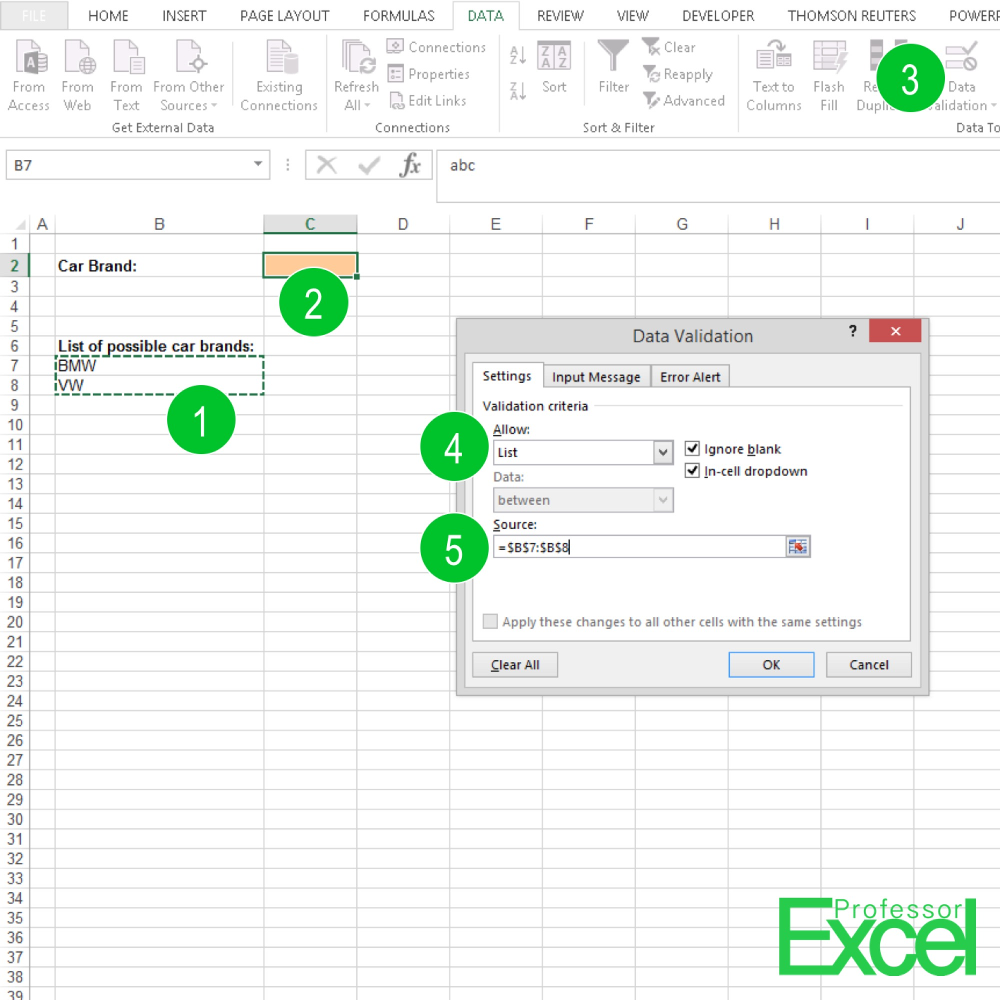
Transcript Excel Drop Down List Tutorial Smart Dependent Drop Down Lists in Excel Select List under Allow 5 Check the In cell dropdown option 6 Enter your drop down values into the Source box 7 Click OK
Create A Single Cell Text List With Dynamic Response Excelbuddy How To Make A Drop Down List In Excel Bsuperior Hot Sex Picture Excel Survey Template With Drop Down List Printable Templates How To Add A Drop down List To A Cell In Microsoft Excel Technotrait How To Create Drop Down List In Excel Dynamic Editable Searchable How To Add A Drop Down List To A Cell In Excel How To Add A Drop down List To A Cell In Microsoft Excel Technotrait Excel Course Drop Down List How To Make A Drop Down List In Excel To Sort Cleanxaser Photos
Excel Drop Down List In One Cell
 Excel Drop Down List In One Cell
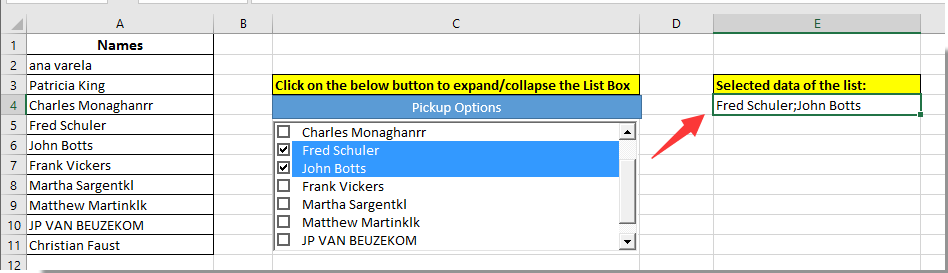
https://cdn.extendoffice.com/images/stories/doc-excel/doc-drop-down-list-with-checkboxes/doc-drop-down-list-with-checkboxes-1.png
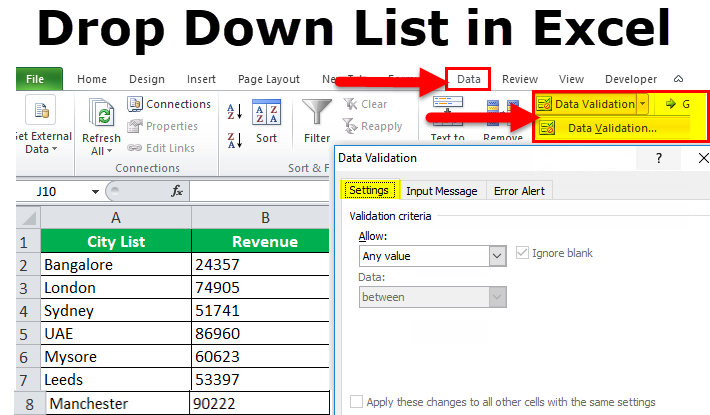
Select the cell where you want the drop down list to appear Choose Validation from the Data menu Using the Allow drop down list choose List Make sure the
Pre-crafted templates offer a time-saving solution for creating a diverse variety of files and files. These pre-designed formats and designs can be made use of for different personal and professional jobs, including resumes, invites, leaflets, newsletters, reports, presentations, and more, simplifying the content development process.
Excel Drop Down List In One Cell

Data Validation Drop Down List The Cell Microsoft Excel Computer
How To Make A Drop Down List In Excel Bsuperior Hot Sex Picture
Excel Survey Template With Drop Down List Printable Templates

How To Add A Drop down List To A Cell In Microsoft Excel Technotrait
How To Add A Drop Down List To A Cell In Excel
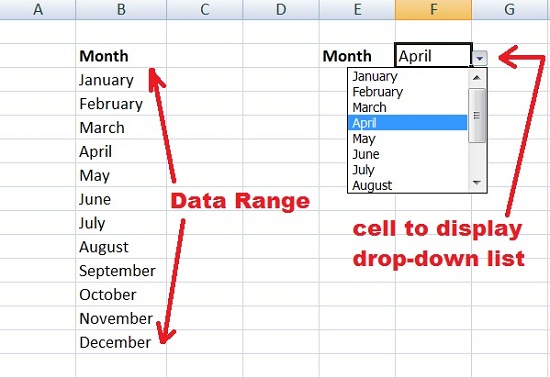
How To Add A Drop down List To A Cell In Microsoft Excel Technotrait

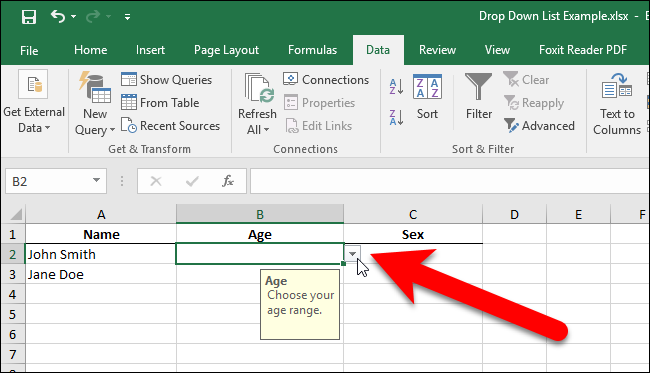
In a new worksheet type the entries you want to appear in your drop down list Select the cell in the worksheet where you want the drop down list Go to the

1 Select the cells where the drop down lists are needed 2 Select Data Validation 3 Select List 4 Enter the values for your drop down list
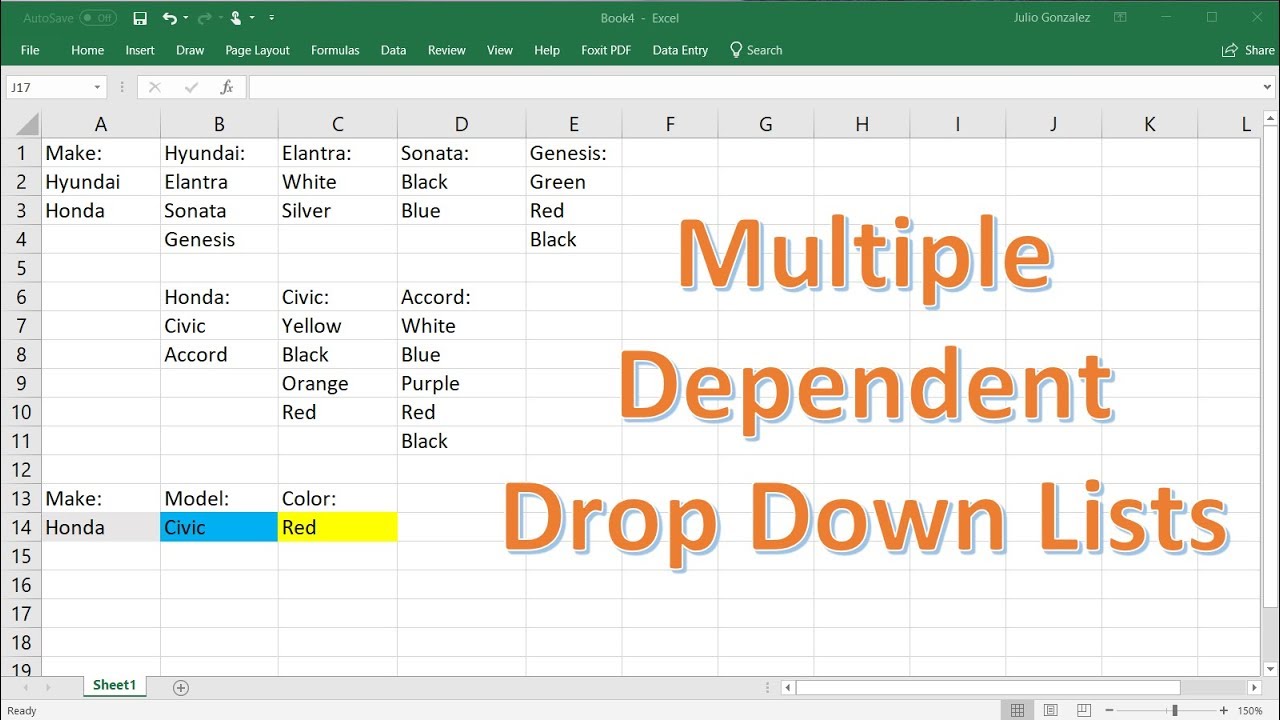
1 Write drop down list items 2 Go to the Data tab 3 Click Data Validation 4 Pick data validation list 5 Choose source range
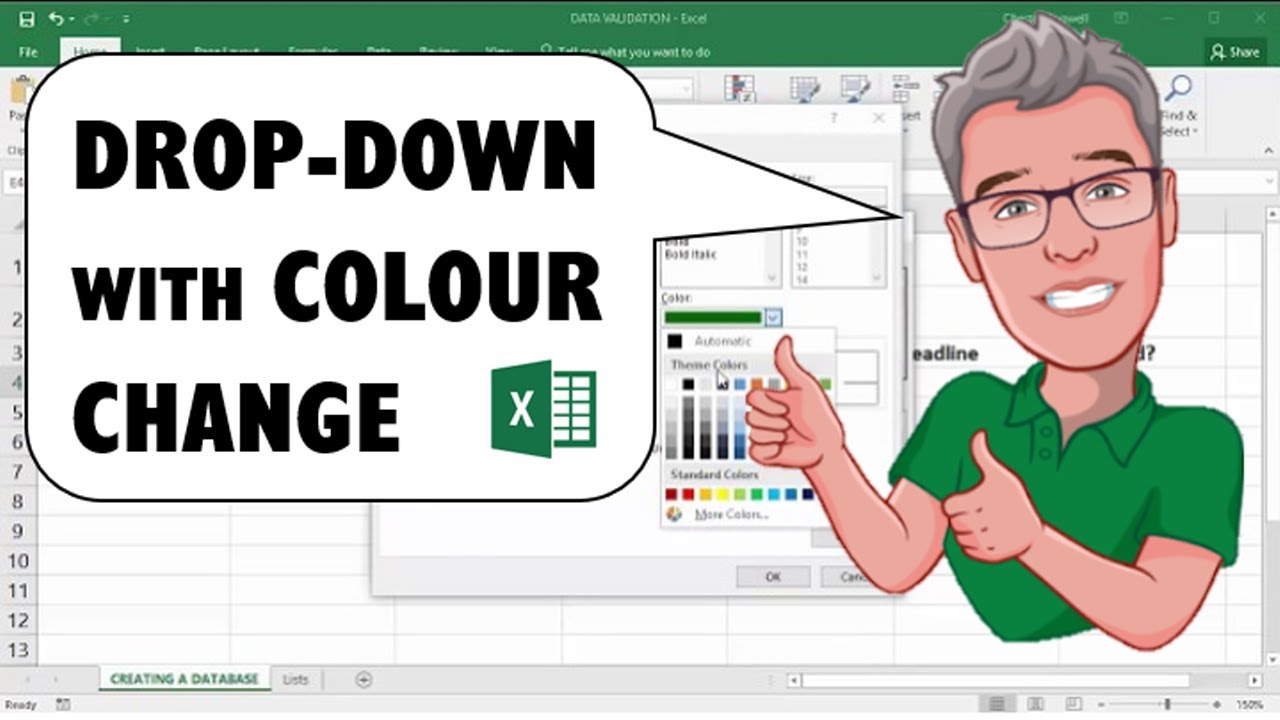
Simply click any cell in the list and press Ctrl T In the resulting dialog make sure the My Table Has Headers option is selected and click

Start by creating a list of items that you want to include in the drop down Select the cell s that are to contain the list On the ribbon
Select the cell where you want the first main drop down list Go to Data Data Validation In the data validation dialog box within the settings tab For the dependent lists you can create ranges with one word names such as YOFruit Then create a lookup table which lists each item in the
1 Click an Excel worksheet cell that you ve linked to a drop down list 2 Press Ctrl C and then highlight the cells that you d like to contain your drop