Excel Drop Down List Ignore Duplicates Excel Drop Down List Multiple Selection Without Duplicates VBA Code How To Create Drop Down List In Excel Dynamic Editable Searchable Microsoft Excel Count If Two Criteria Match While Ignoring Duplicates How To Create A Drop Down List In Excel TechRadar How To Create Drop Down List In Excel 2016 2013 2010 Highlight the list and then in the Ribbon go to Data Data Tools Remove Duplicates Remove the check mark from My data has headers and click OK Now there are only unique values in the list Note There are alternate ways of removing duplicate values without using the Remove Duplicates feature You can learn about this method
How to make dynamic drop down list in Excel This example demonstrates the general approach to creating a cascading drop down list in Excel by using the new dynamic array functions Supposing you have a list of There s no built in duplicate rule for Excel s Data Validation feature but you can combine the feature with the COUNTIF function to get the job done To do so competently you need to know
How To Create Drop Down List In Excel 2016 2013 2010 Adding Drop Down List In Excel How To Create A Drop Down List With Unique Values In Excel 4 Methods Drop Down List In Excel Infologix How To Create A Dropdown List In Microsoft Excel Riset How To Create A Drop Down List In Excel TechRadar How To Add In Excel Drop Down List How To Do Thing Learn To Add A Drop down List In Excel YouTube Creating Drop Down List In Excel Examples And Forms
Excel Drop Down List Ignore Duplicates
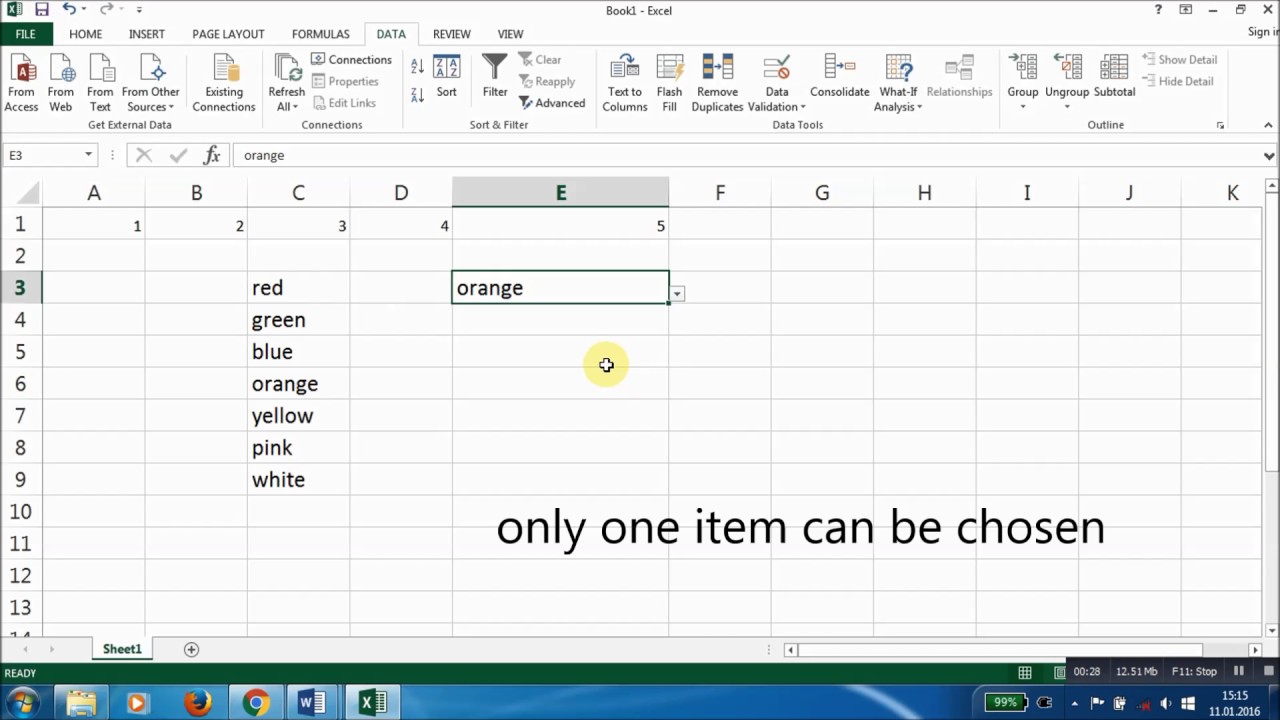 Excel Drop Down List Ignore Duplicates
https://i.ytimg.com/vi/xJe5N9L3uV4/maxresdefault.jpg
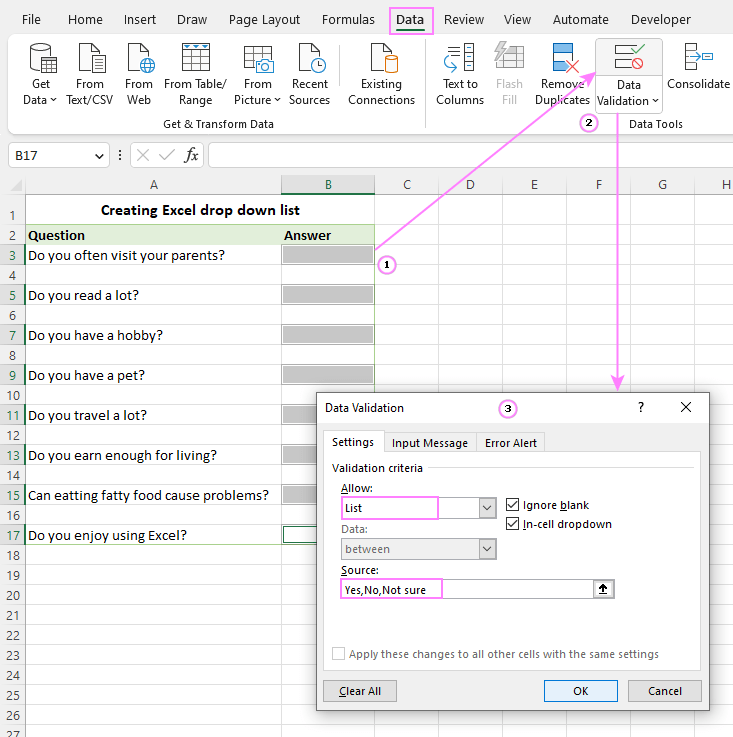
1 How To Avoid Duplicates Using Data Validation Tool Drop Down List or Conditional Formatting Rule In Excel 1 1 Use Excel Data Validation Tool You can use data validation in Excel to avoid duplicates in a specific cell or range of cells Here are the steps to set up data validation to prevent duplicates
Templates are pre-designed documents or files that can be used for different functions. They can save time and effort by supplying a ready-made format and design for producing various kinds of content. Templates can be utilized for personal or expert jobs, such as resumes, invites, leaflets, newsletters, reports, presentations, and more.
Excel Drop Down List Ignore Duplicates
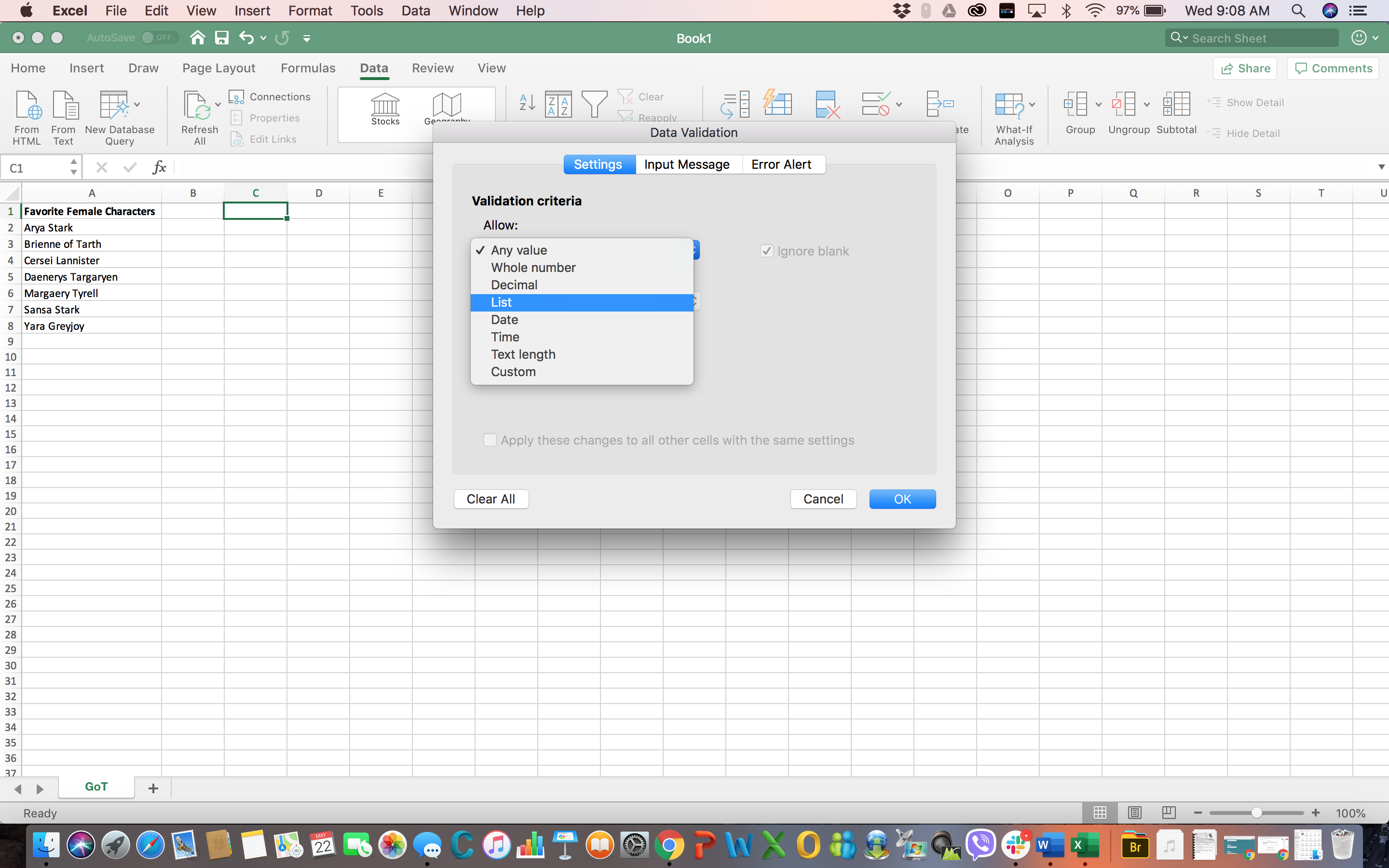
How To Create A Drop Down List In Excel TechRadar
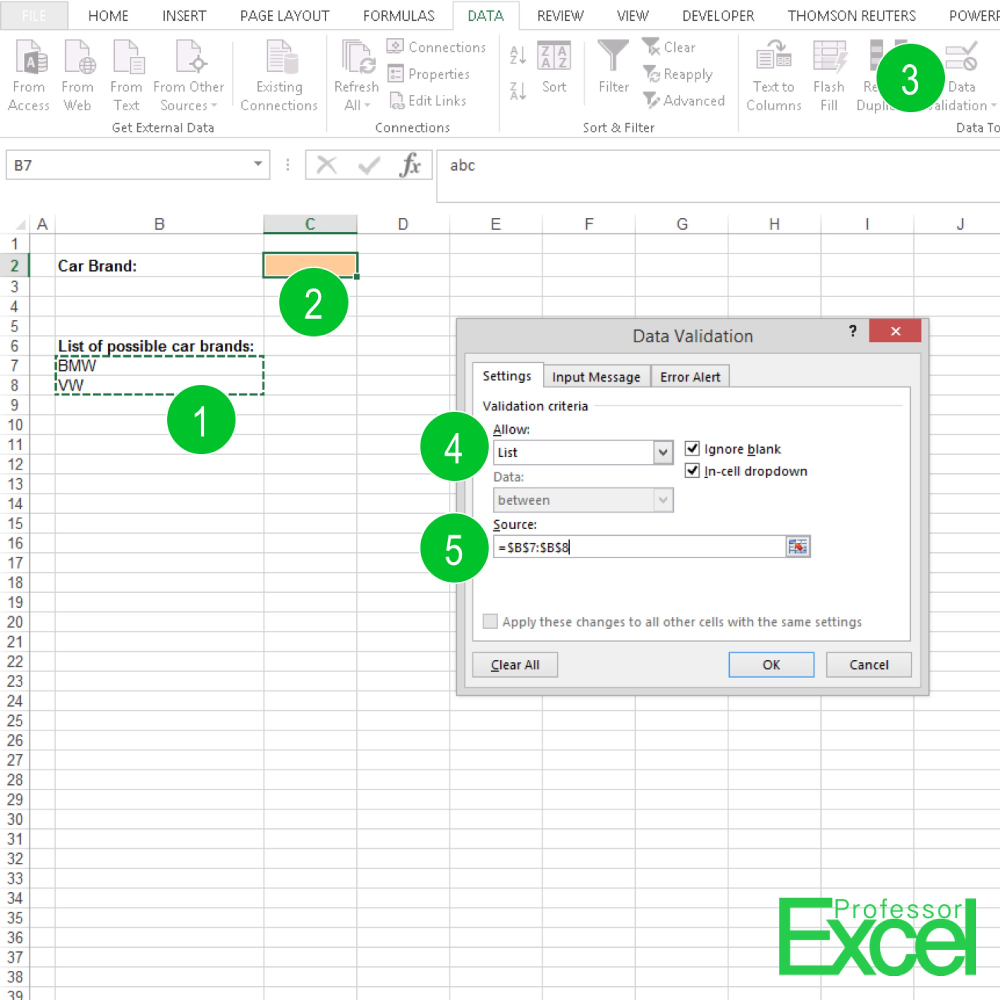
Adding Drop Down List In Excel

How To Create A Drop Down List With Unique Values In Excel 4 Methods
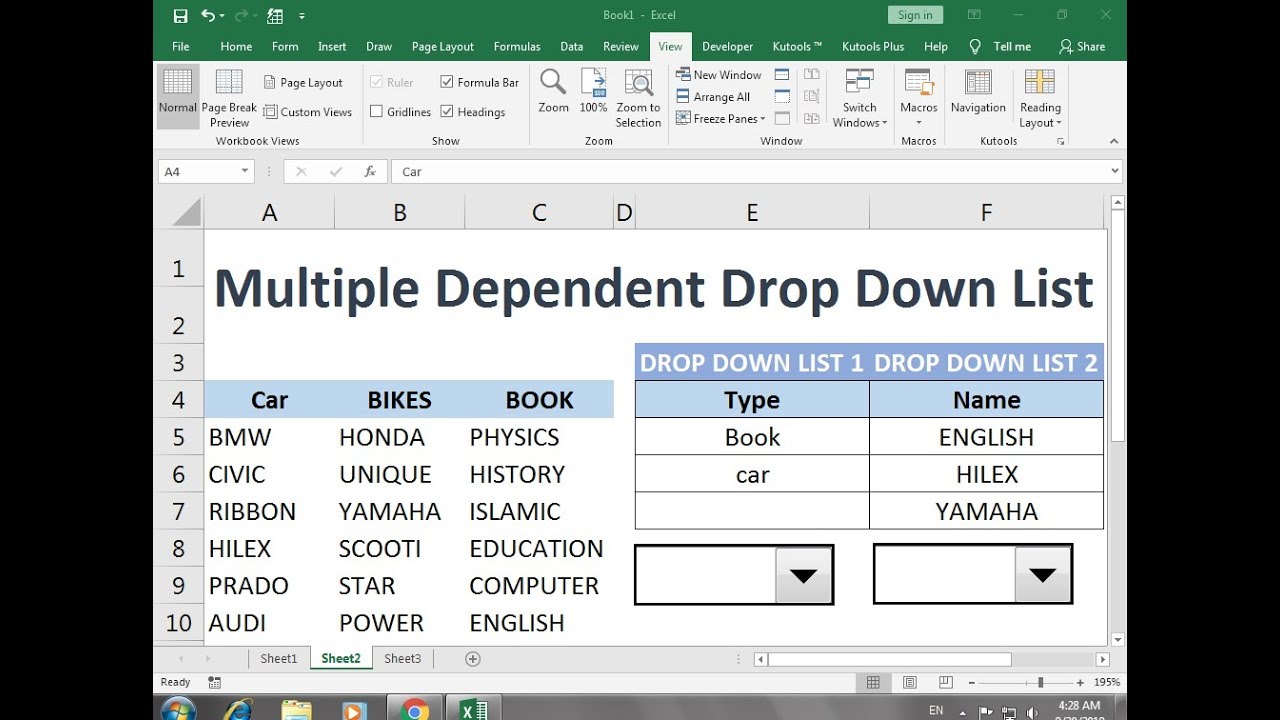
Drop Down List In Excel Infologix
How To Create A Drop Down List In Excel TechRadar

How To Add In Excel Drop Down List How To Do Thing
1 Creating a Proper Helper Column for Drop Down List In a distant column enter the following Excel 365 formula SORT FILTER UNIQUE A2 A100 UNIQUE A2 A100 0 I am entering it in cell H2 It will return a unique list from A2 A100 Also it removes blanks and sorts the items in ascending order
Select the column range you want to use in the table then click Kutools Select Select Duplicate Unique Cells 2 In the popping dialog check All unique Including 1st duplicates option click Ok then a dialog pops out to remind you the number of selected values Click OK

If entered correctly Excel with wrap the formula in braces e g and You do not type the braces in yourself Once entered into the first cell correctly they can be filled or copied down or right just like any other formula Try and reduce your full column references to ranges more closely representing the extents of your actual data
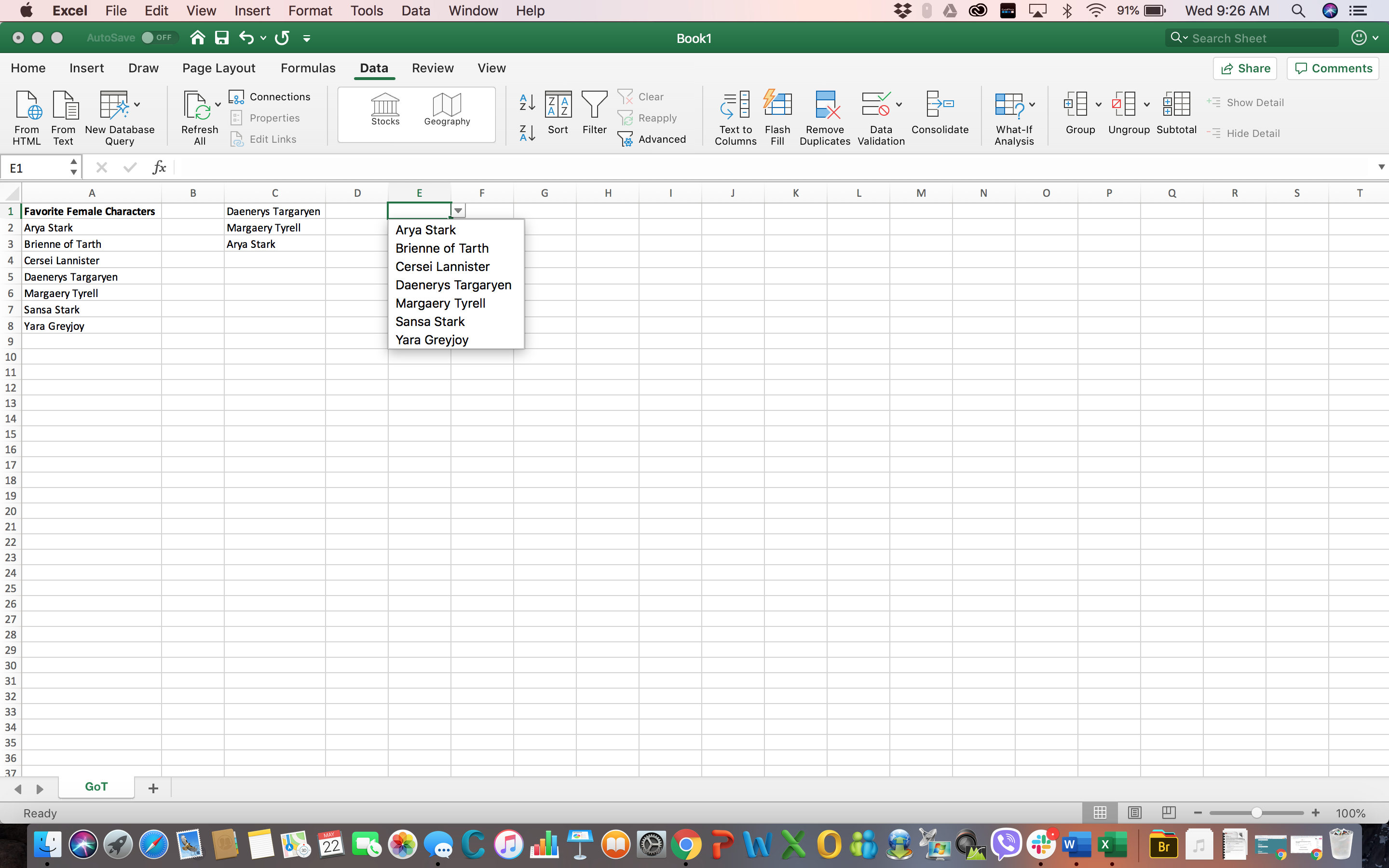
Want a drop down to show no duplicates And automatically update For example you have a table that is updated weekly which shows weekly employee pay You want a drop down based off the name column for a dashboard but if you use data validation to do it you get duplicates due to the employee name being there for every

Click the top left cell of the range and then drag to the bottom right cell On the Data menu point to Filter and then click Advanced Filter In the Advanced Filter dialog box click Filter the list in place Select the Unique records only
Unique Data Validation Drop Down From Duplicate Table Data In this post we ll explore a method for generating a drop down that contains a unique list of choices derived from a table column with duplicate values 1 Answer Sorted by 0 This is called cascaded lists and this post will help you to solve it http www bluepecantraining portfolio cascading drop down lists in excel Share Follow answered Feb 5 2014 at 13 22 Las Ten 1 165 10 22 Add a comment
Now I would like to make sure that I will not duplicate the entries from the drop down list in any of the cells in this column in example if I choose from drop down list number 55 in A3 cell then I should not be able to enter the same number 55 to any of the cells in column A