Excel Datetime From Date And Time Using Python s Datetime Module Overview Real Python Problem With Date Column In Python Pandas Python Codecademy Forums Date And Time Picker Excel 2010 64 Bit Pipekurt Extract Month From Datetime Python Mobile Legends Riset Extract Date From Date And Time Stamp In Excel YouTube Description DATE function Returns the serial number of a particular date DATEDIF function Calculates the number of days months or years between two dates This function is useful in formulas where you need to calculate an age DATEVALUE function Converts a date in the form of text to a serial number DAY function
Excel knows that 6 2 8 August has 31 days and rolls over to the next month 23 August 9 days 1 September Current Date Time To get the current date and time use the NOW function Note use the TODAY function to enter today s date in Excel Hour Minute and Second To return the hour use the HOUR function Note use the MINUTE 1 Days Between Dates This Excel date formula will calculate the number of days between two dates DATEDIF A1 B1 d The formula takes two cells separated by commas and then uses a d to calculate the difference in days The DATEDIF formula takes two date cells and calculates the days between them
Extract Date From Date And Time Stamp In Excel YouTube Convert Date Format In Power Automate Printable Forms Free Online Html Form Date Picker Bellarose jp Date And Time In Python Datetime Module Explained Python Tutorial Www Microsoft Excel Date Picker Control Porcoupons Free Date Picker For Excel Neurolokasin BigQuery Datetime And BigQuery Timestamp Functions Coupler io Blog Date And Time In Python Datetime Module Explained Python Tutorial Www How To Subtract Days From The Current Datetime In MySQL DATE SUB YouTube
Excel Datetime From Date And Time
 Excel Datetime From Date And Time
https://files.realpython.com/media/How-to-Use-Python-datetime-With-Examples_Watermarked.2676ca0aacf2.jpg
Change the date or time format To change the date or time format right click on a cell and select Number Format Then on the Number Format dialog box under Category click Date or Time and in the Type list select a type and click OK
Templates are pre-designed files or files that can be utilized for numerous purposes. They can conserve time and effort by offering a ready-made format and layout for developing different sort of material. Templates can be used for individual or professional projects, such as resumes, invitations, flyers, newsletters, reports, discussions, and more.
Excel Datetime From Date And Time
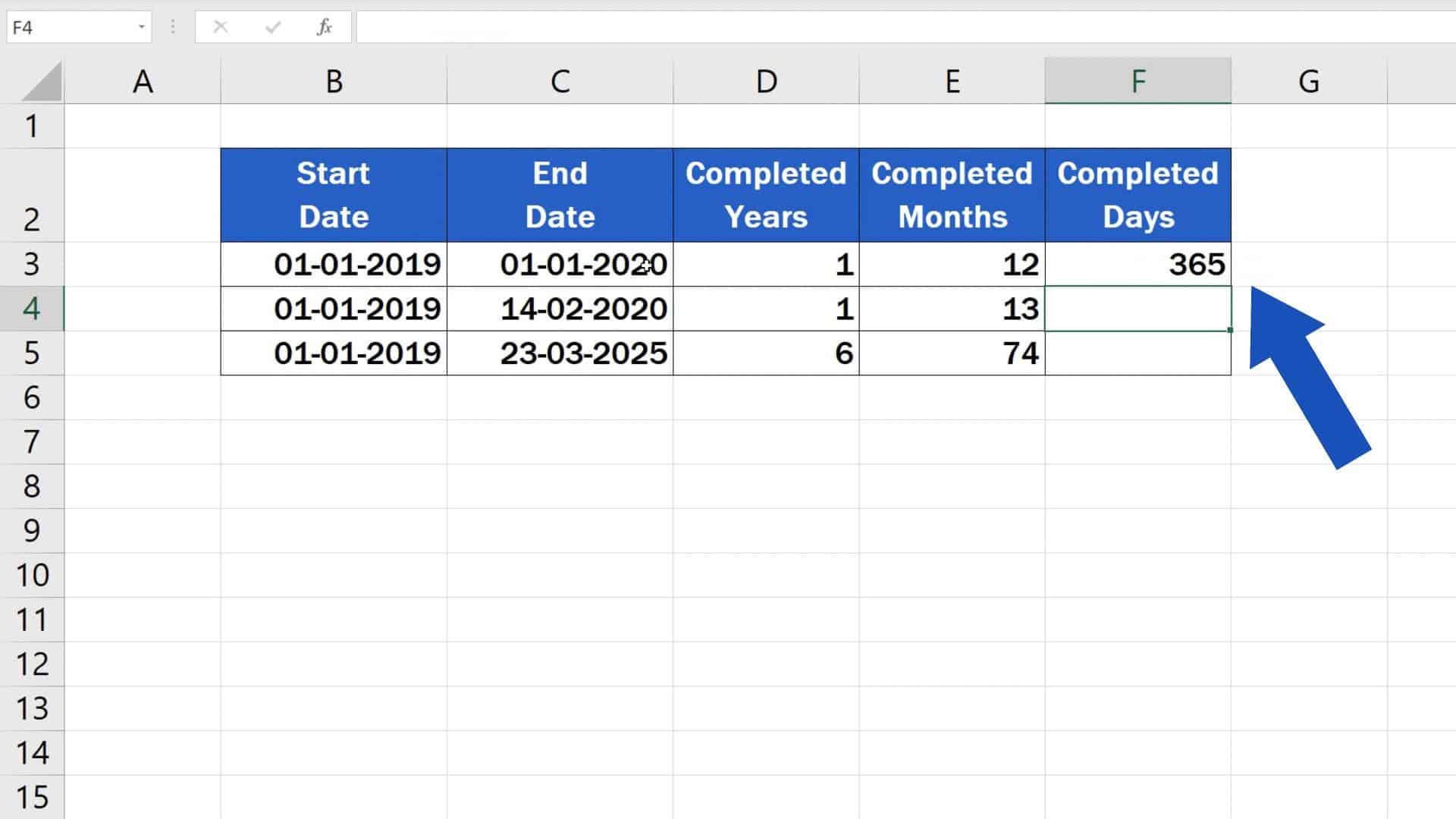
Calculate Time Difference Between Two Datetime In Power Automate Riset

Convert Date Format In Power Automate Printable Forms Free Online
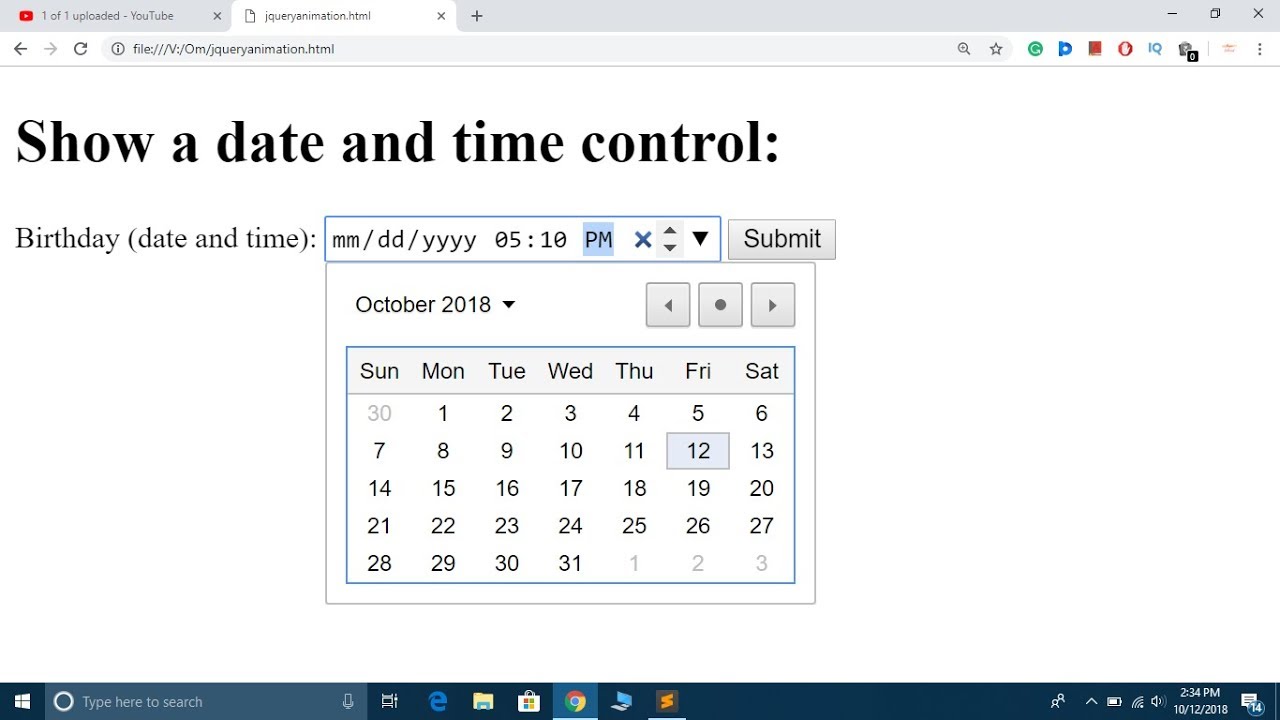
Html Form Date Picker Bellarose jp

Date And Time In Python Datetime Module Explained Python Tutorial Www
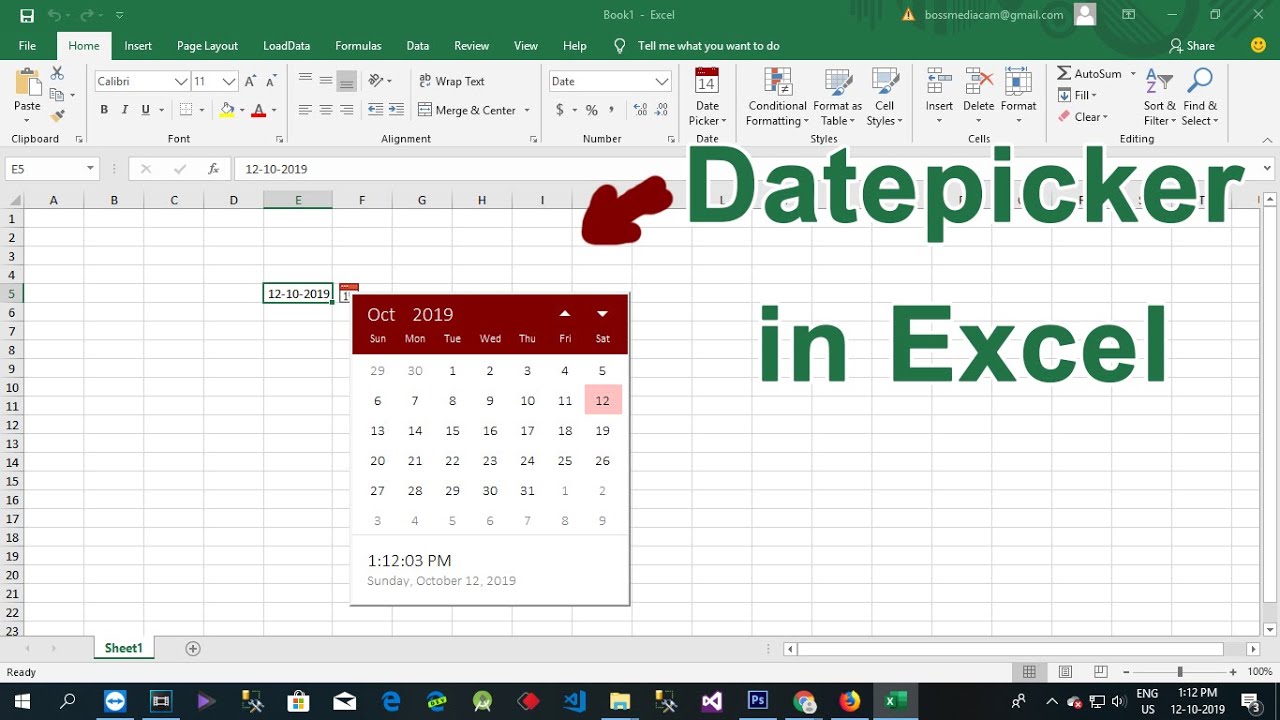
Free Date Picker For Excel Neurolokasin

BigQuery Datetime And BigQuery Timestamp Functions Coupler io Blog

Select cell C2 and type in the following formula CONCAT TEXT A2 dd mm yyyy TEXT B2 hh mm AM PM Press the Enter key on the keyboard or click the Enter button on the formula bar Double click or drag down the fill handle to copy the formula down the column Note The combined date and time values in column C are text strings and

The DATETIME function is a combination of DATE and TIME functions DATE returns the sequential serial number that represents a particular date TIME returns the decimal representation of the time with a value ranging from 0 zero to 0 99999999 representing the times from 0 00 00 12 00 00 AM to 23 59 59 11 59 59 P M
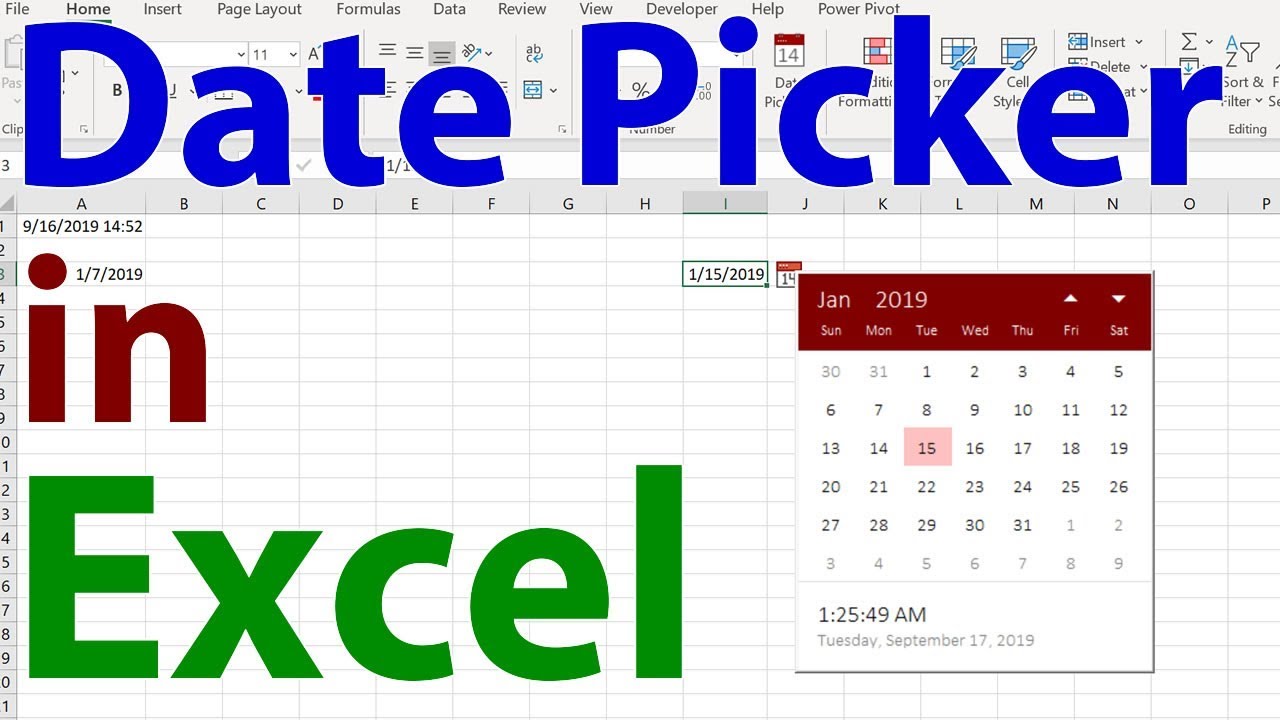
Excel handles dates and times using a system in which dates are serial numbers and times are fractional values For example June 1 2000 12 00 PM is represented in Excel as the number 36678 5 where 36678 is the date June 1 2000 and 5 is the time 12 00 PM In other words the time value in a datetime is the decimal

Using SpreadsheetGear for NET you can do this worksheet Cells A1 Value DateTime Now This will convert the DateTime to a double which is the underlying type which Excel uses for a Date Time and then format the cell with a default date and or time number format automatically depending on the value
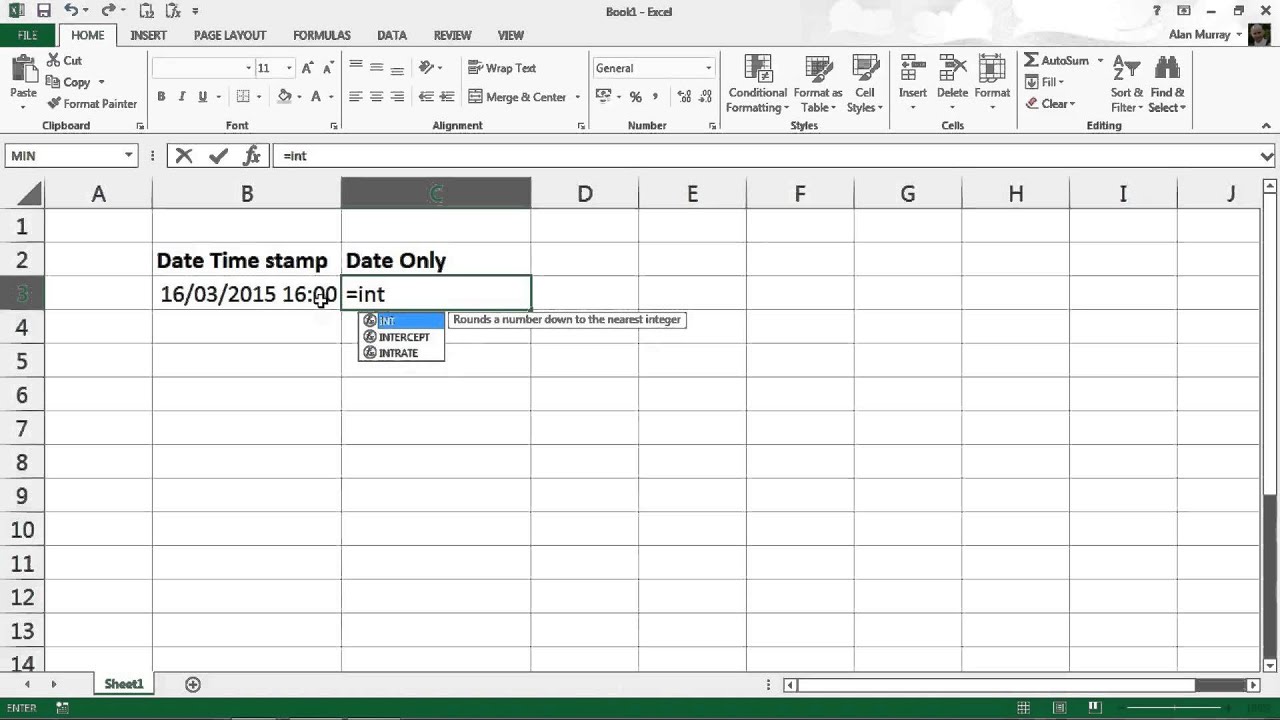
To extract the date part of a date that contains time i e a datetime you can use the INT function In the example shown the formula in cell D5 is INT B5 Excel handles dates and time using a scheme in which dates are serial numbers and times are fractional values For example June 1 2000 12 00 PM is represented in Excel as the
You can use the DATE function in Excel The syntax for the function is DATE year month day with all three arguments required Enter the year in four digits the month as a number from 1 to 12 and the day as a number from 1 to 31 To combine the year month and day from our cells A2 B2 and C2 respectively you would use the following Fortunately Excel has a set of functions to make it easier to find and use dates and times starting with DATE and TIME The syntax is as follows DATE year month day TIME hours minutes seconds For both functions specify the year month and day or hours minutes and seconds as numbers
Note that some of the Excel Date Time functions are new to Excel 2010 or Excel 2013 so are not available in earlier versions of Excel Excel Date and Time Functions List Creating Dates Times DATE Returns a date from a user supplied year month and day TIME Returns a time from a user supplied hour minute and second