Excel Data Settings Data Source Settings Power Query Excel Instructions To Restore Default Settings For Word Excel OFFICE Microsoft Excel For Office 365 Cheat Sheet Computerworld Airtel 5G Plus Launched How To Use Airtel 5G Network In India 2022 Web Locate the XLStart folder Any workbook template or workspace file that you place in the XLStart folder is automatically opened when you start Excel To find out the path of the
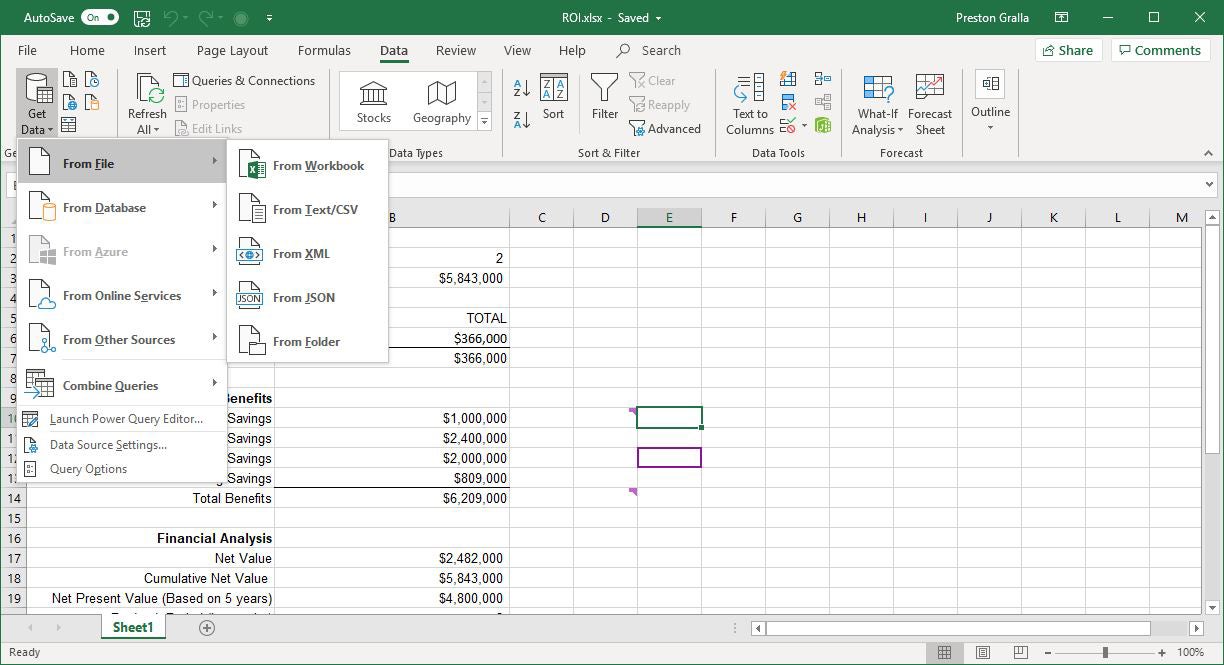
Web Apr 5 2023 nbsp 0183 32 What is data validation in Excel Excel Data Validation is a feature that restricts validates user input to a worksheet Technically you create a validation rule that controls what kind of data can be entered Web To display the Data Source Settings dialog box do one of the following Power Query Editor Select File gt Options and Settings gt Data Source Settings Excel Select Data
Airtel 5G Plus Launched How To Use Airtel 5G Network In India 2022 Excel General Settings Tab MTN DATA Settings For MTN Data Services Internet Browsing MTN How To Change Your Data Source In Excel Easy Way To Print Settings In Microsoft Excel KING OF EXCEL Cellular Data Settings IPhone Tutorial Manual User Voice Fixes Pivot Table Default Settings Peltier Tech Blog Microsoft Excel 5 Default Settings You Want To Change Now By Don How To Use Personal Hotspot On IPad Air And IPad Mini
Excel Data Settings
 Excel Data Settings
https://support.content.office.net/en-us/media/6994dde6-ea27-4e33-b1bd-39eca67578a3.png
Web Set the preferred regional format in Excel for the web Click File gt Options gt Regional Format Settings Click the regions drop down select a region and then click Change Your browser session refreshes using
Pre-crafted templates use a time-saving service for producing a diverse series of files and files. These pre-designed formats and layouts can be utilized for numerous personal and expert jobs, consisting of resumes, invites, leaflets, newsletters, reports, discussions, and more, streamlining the material creation procedure.
Excel Data Settings
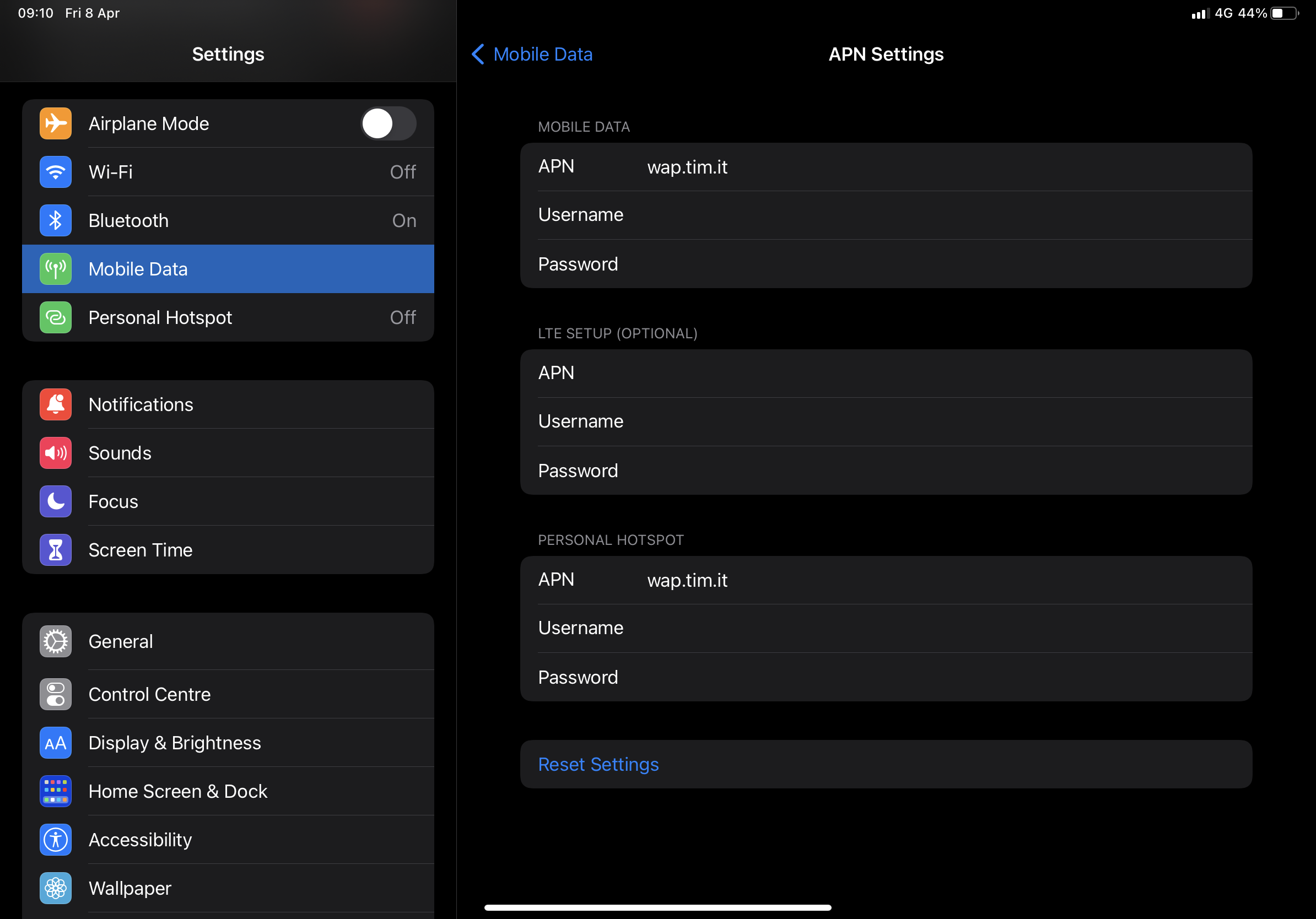
APN Configuration On IOS European University Institute

Excel General Settings Tab

MTN DATA Settings For MTN Data Services Internet Browsing MTN
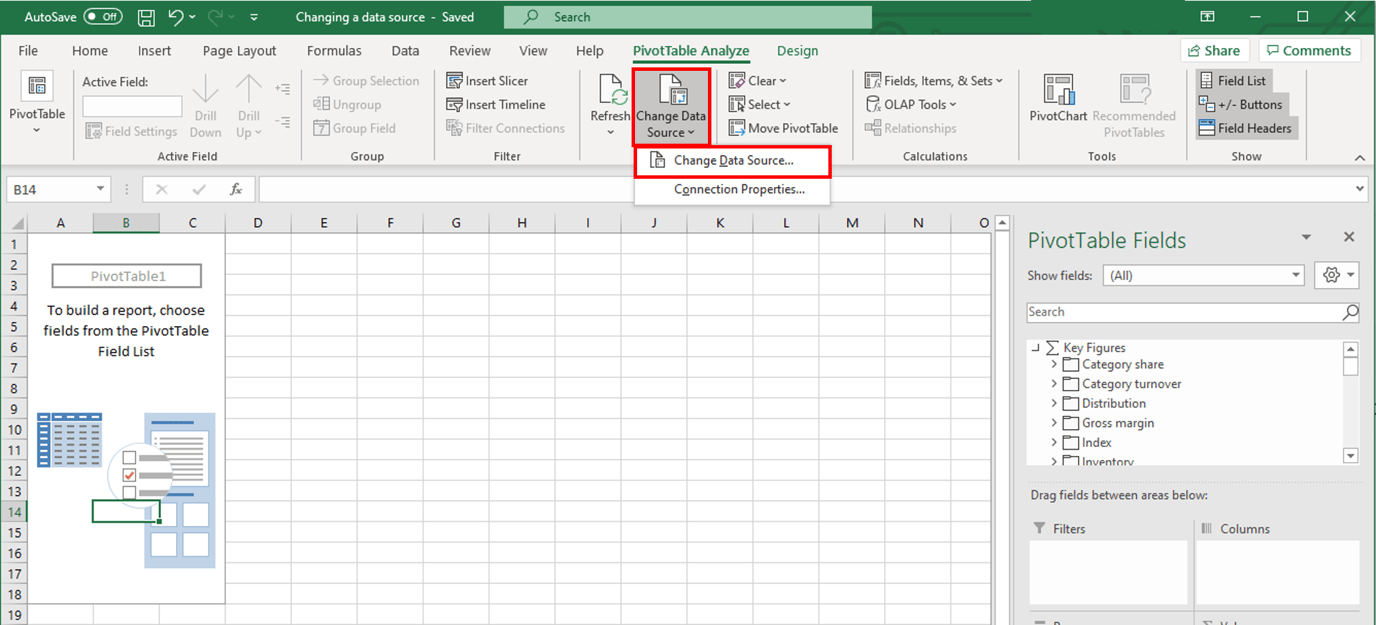
How To Change Your Data Source In Excel

Cellular Data Settings IPhone Tutorial Manual

User Voice Fixes Pivot Table Default Settings Peltier Tech Blog
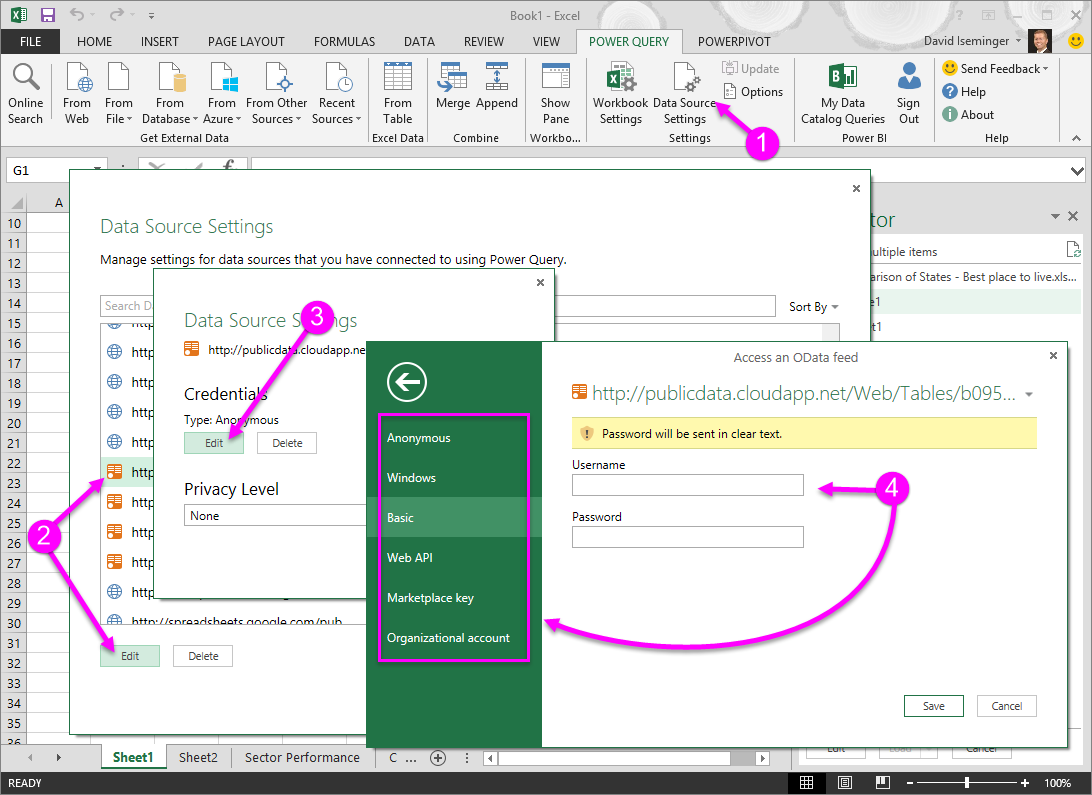
Web In Excel Select Data gt Get Data gt Data Source Settings Select one of the following Data sources in current workbook This is the default option and it also displays the Change
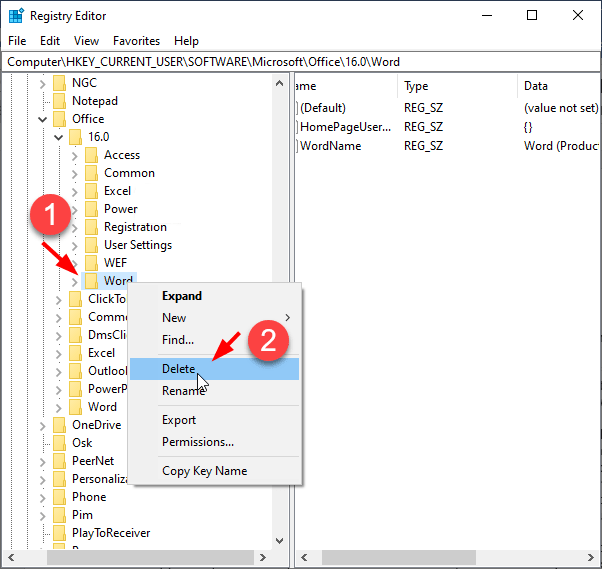
Web Beginning with Excel 2016 for Office 365 subscribers The Data import and analysis options have been moved to their own Data section in the Excel Options dialog box You can reach these options by selecting File gt

Web Note The following procedure applies only to an external data range that is converted from a Microsoft Office 2003 program or to an external data range that is created
Web To quickly remove data validation for a cell select it and then go to Data gt Data Tools gt Data Validation gt Settings gt Clear All To find the cells on the worksheet that have data validation on the Home tab in the Editing
Web Right click a data type gt Data Type gt Refresh Settings In Data Types Refresh Settings select one of the data types in the workbook to expand it Select one of the options to
Web Jan 17 2023 nbsp 0183 32 In a data connected Excel workbook on the Data tab click Connections On the Workbook Connections dialog box select the data connection that you want to Web May 5 2022 nbsp 0183 32 For more information see Excel Performance and Limits Improvements This article describes the functionality that the RealTimeData RTD function provides
Web Click the Start button and then click Control Panel Open the Regional and Language Options dialog box Do one of the following In Windows Vista 7 click the Formats