Excel Convert Text Formula To Value Convert Numbers To Text Excel Formula Exceljet Convert Date To Text Excel Formula Exceljet Quickly Convert Text String To Formula In Excel 30 Excel Formula Convert Text To Number Transparant Formulas Riset Convert Formulas To Values In Excel Microsoft Excel Excel Tutorials Web Apr 25 2023 nbsp 0183 32 For example to convert text in A2 to number you use this formula VALUE A2 In the screenshot below please notice the original left aligned strings in column A and the converted right aligned numbers in column B How to use VALUE function in Excel formula examples
Web Use a formula to convert from text to numbers You can use the VALUE function to return just the numeric value of the text Insert a new column Insert a new column next to the cells with text In this example column E contains the text stored as numbers Column F Web This article describes the formula syntax and usage of the VALUE function in Microsoft Excel Description Converts a text string that represents a number to a number Syntax VALUE text The VALUE function syntax has the following arguments Text Required The text enclosed in quotation marks or a reference to a cell containing the text you
Convert Formulas To Values In Excel Microsoft Excel Excel Tutorials Excel Convert Text To Date Without Formulas And VBA 5 Ways To Convert Text To Numbers In Excel Helpdeskgeek CLOUD HOT GIRL Excel Convert Cell Date To Text Catalog Library 25 Excel Text To Formula Convert Most Complete Formulas How To Convert Number To Text In MS Excel 2016 YouTube How To Split Text Into Multiple Cells In Excel Exceldemy Images And Manejo De Fechas En Excel Con La Funcion Texto En Excel Images My XXX How To Convert Formulas To Values In Excel YouTube
Excel Convert Text Formula To Value
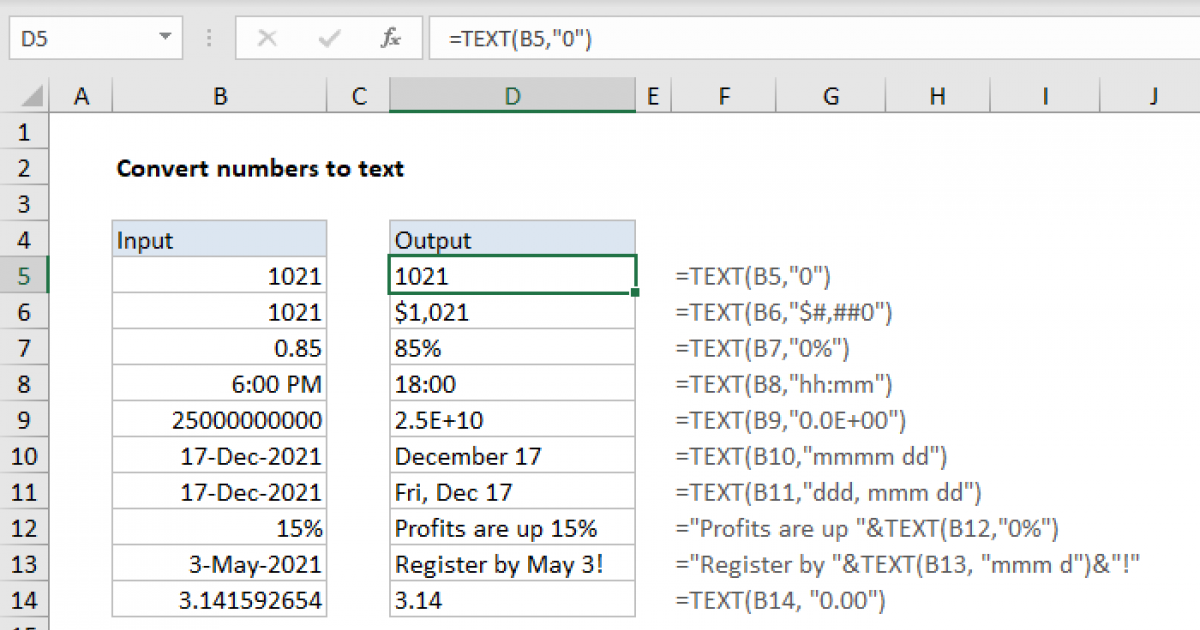 Excel Convert Text Formula To Value
https://exceljet.net/sites/default/files/styles/og_image/public/images/formulas/convert numbers to text.png
Web TIMEVALUE NUMBERVALUE VALUETOTEXT Summary The Excel VALUE function converts text that appears in a recognized format i e a number date or time format into a numeric value Normally the VALUE function is not needed in Excel because Excel automatically converts text to numeric values Purpose Convert text to a number
Templates are pre-designed files or files that can be used for different functions. They can save effort and time by offering a ready-made format and design for producing different type of material. Templates can be used for individual or professional tasks, such as resumes, invites, leaflets, newsletters, reports, presentations, and more.
Excel Convert Text Formula To Value
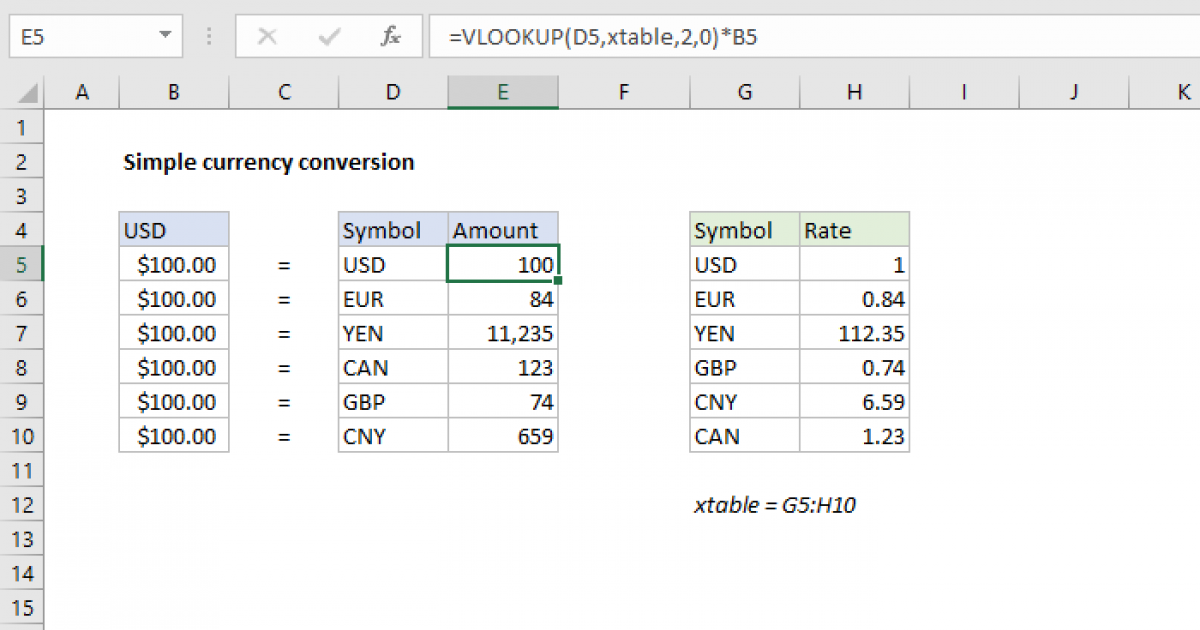
Simple Currency Conversion Excel Formula Exceljet
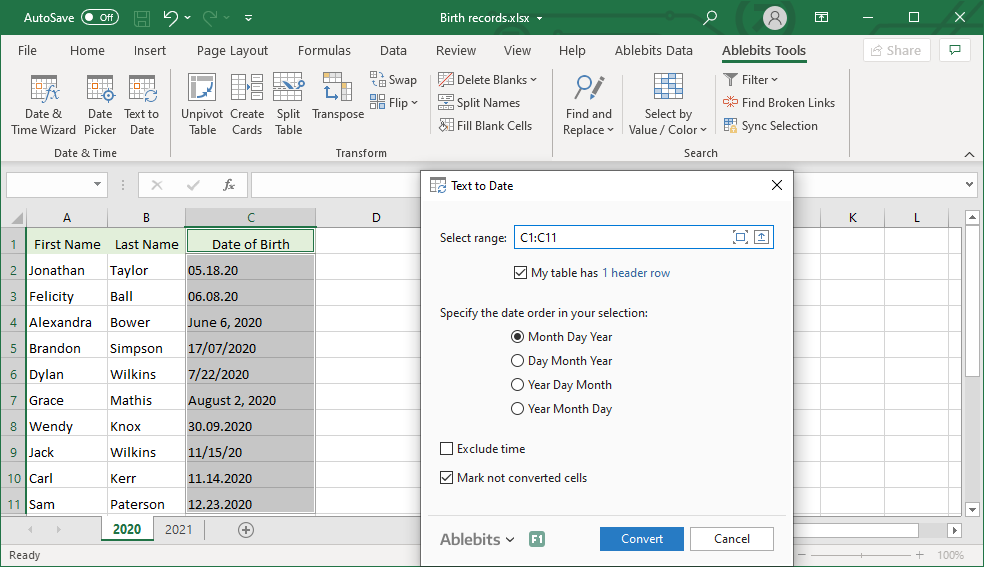
Excel Convert Text To Date Without Formulas And VBA
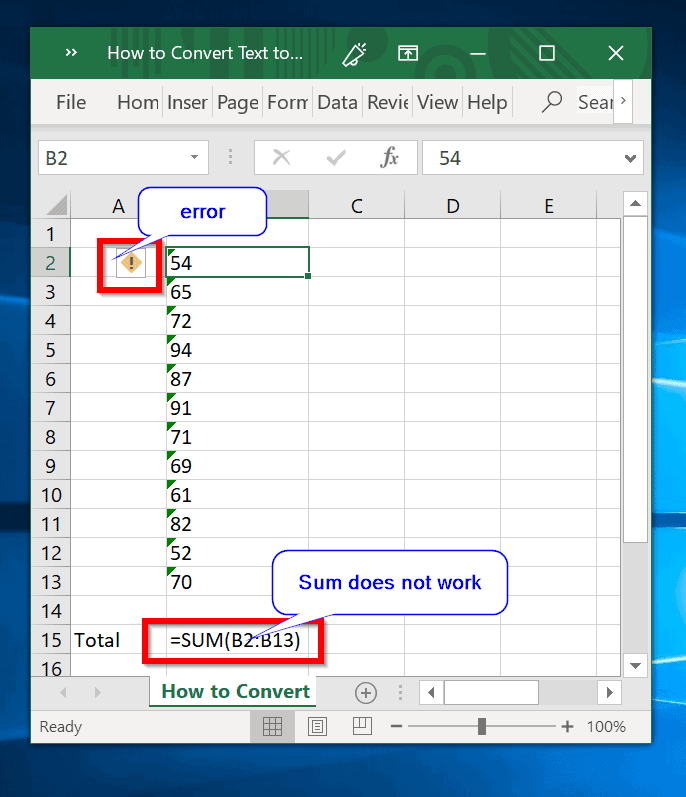
5 Ways To Convert Text To Numbers In Excel Helpdeskgeek CLOUD HOT GIRL

Excel Convert Cell Date To Text Catalog Library
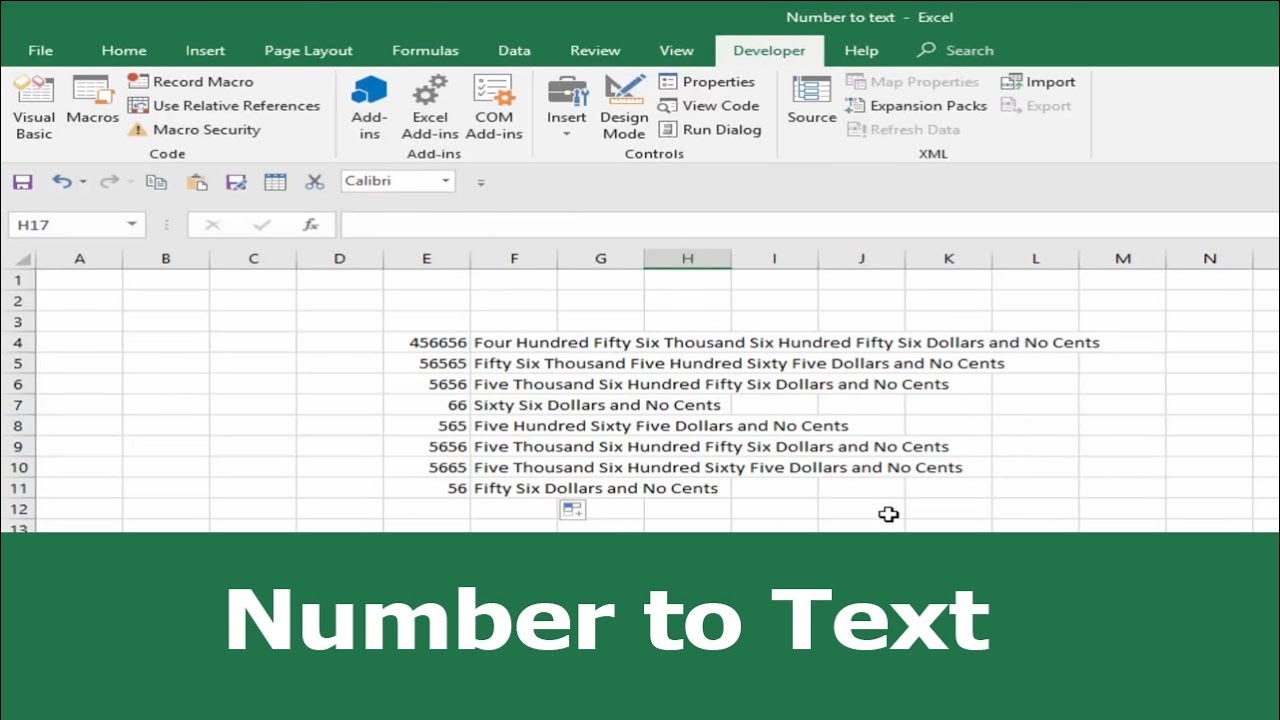
How To Convert Number To Text In MS Excel 2016 YouTube
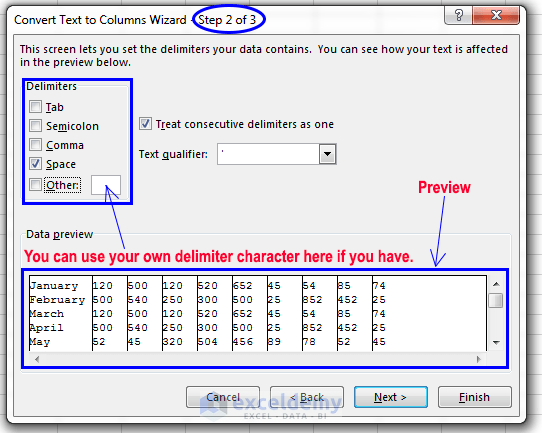
How To Split Text Into Multiple Cells In Excel Exceldemy Images And
Web You can convert formulas to their values on either a cell by cell basis or convert an entire range at once Important Make sure you examine the impact of replacing a formula with its results especially if the formulas reference other cells that contain formulas
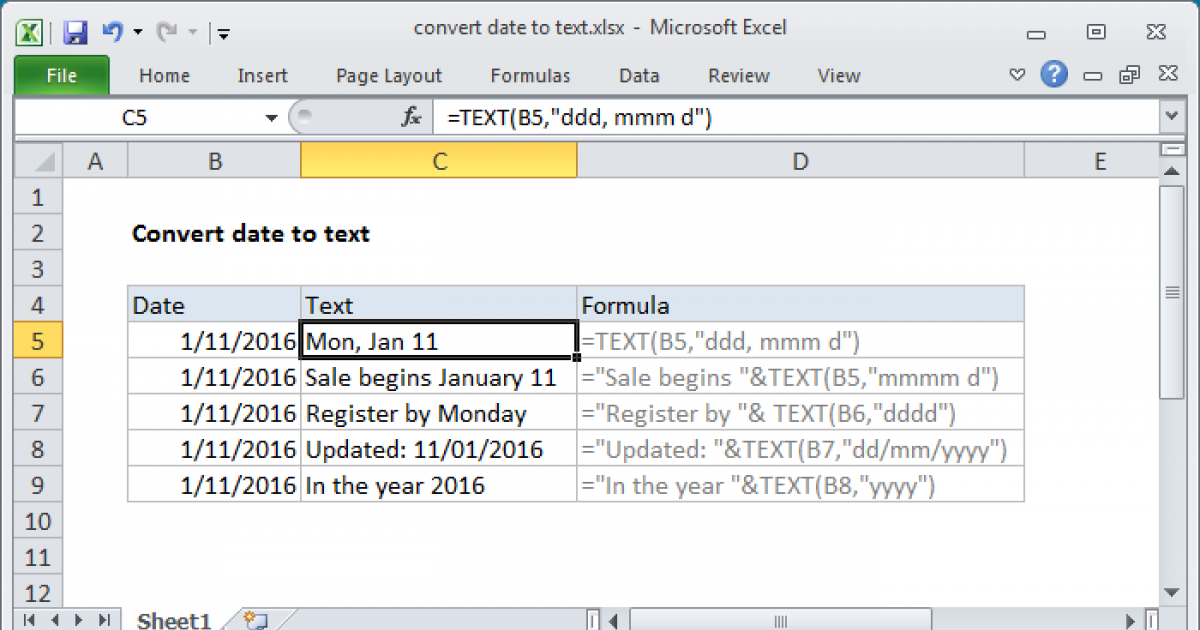
Web The VALUE function converts text that appears in a recognized format i e a number date or time format into a numeric value When VALUE can successfully convert a text value to a number it will just work and VALUE will return the corresponding number

Web Mar 16 2023 nbsp 0183 32 On the Home tab in the Number group choose General or Number from the Number Format drop down list
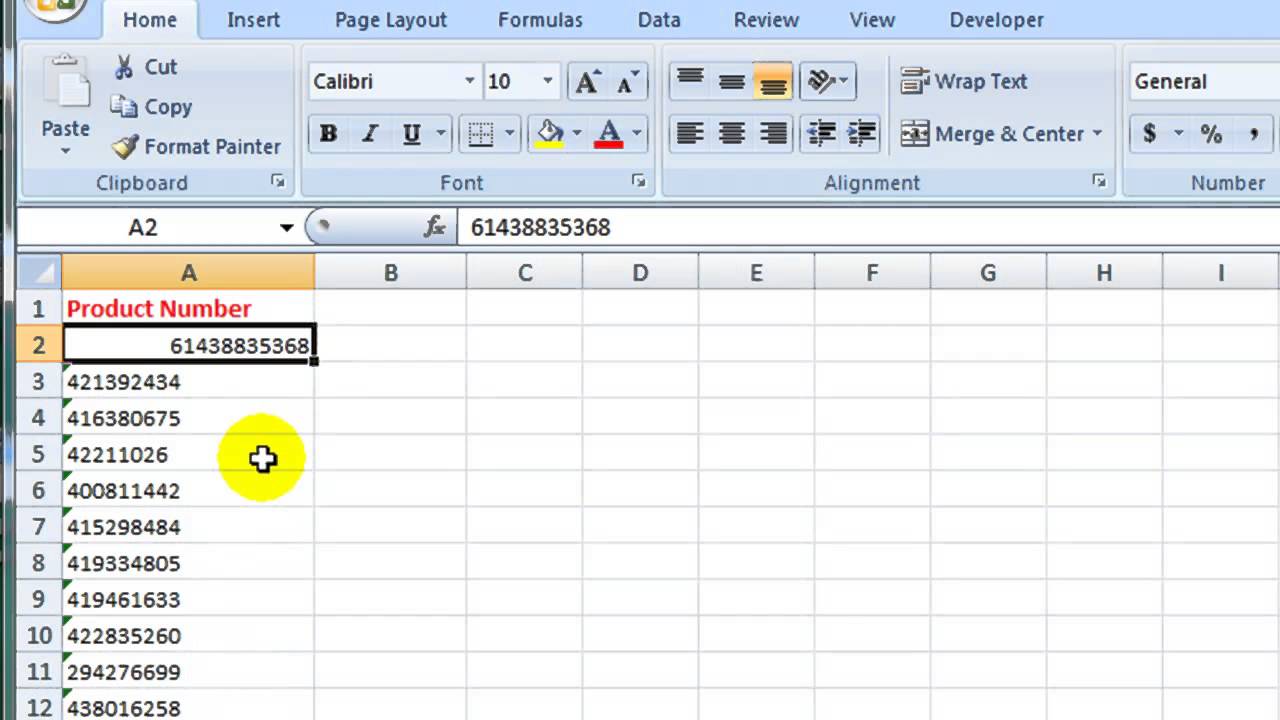
Web Mar 29 2022 nbsp 0183 32 A quick and easy way to convert text to a number is by changing the cell format on the Home tab Use the drop down box at the top of the Number section Choose quot Number quot from the list Alternatively right click the cell s and pick quot Format Cells quot Select the Number tab and pick quot Number quot on the left

Web Mar 22 2023 nbsp 0183 32 Converting formulas to values using Excel shortcuts Replacing formulas with values in a couple of mouse clicks Converting formulas to values using Excel shortcuts Suppose you have the formula to extract domain names from URLs You need to replace its results with values Just follow the simple steps below
Web Dec 21 2023 nbsp 0183 32 1 Use Paste Special Command to Convert Formulas to Values A paste special tool is a common tool in excel which is mostly used to paste values in a way you want In this method I will describe to you how you can convert formulas to values using the paste special command Steps Select cells F5 F14 Press Ctrl C to copy Web Nov 12 2019 nbsp 0183 32 Use the Excel VALUE Function to Convert Text to Numbers Software amp Apps gt MS Office Use Excel s VALUE Function to Convert Text to Numbers Convert text data into numeric values By Ted French Updated on November 12 2019
Web Jun 20 2021 nbsp 0183 32 To achieve this simply use the below formula Also Read All About Custom Excel Number Format VALUE B2 AND VALUE B3 As a result excel would convert the text string into numbers as shown in the below image As a result of using the VALUE function the numbers are now right aligned and in proper number format