Excel Convert Formula Result Into Text How To Convert Formula Result To Text String In Excel 7 Easy Ways Elementare Omosessuale Meccanico Excel Convert Number To String Convert Text To Number Excel Text To Converter Molqyhappy How To Convert Number To Words In Excel Overview In its simplest form the TEXT function says TEXT Value you want to format Format code you want to apply Here are some popular examples which you can copy directly into Excel to experiment with on your own Notice the format codes within quotation marks
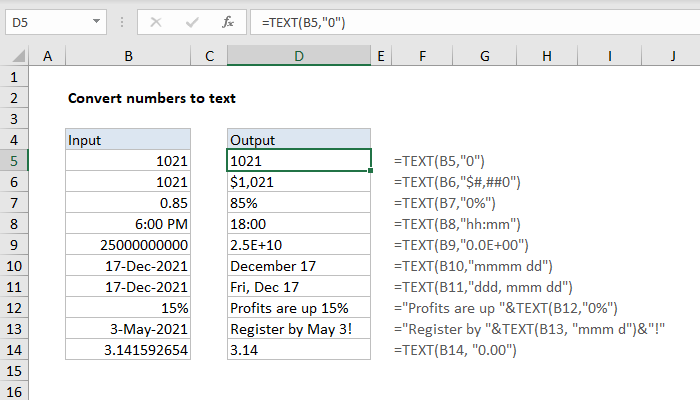
Press Ctrl C or Ctrl Ins to copy formulas and their results to clipboard Press Shift F10 and then V to paste only values back to Excel cells Shift F10 V is the shortest way to use Excel Paste special values only dialog That s it If this way is still not fast enough for you have a look at the next tip To convert numbers into text values you can use the TEXT function In the example shown the formula in C5 is TEXT B5 0 The result is the number 1021 formatted as text 1021 All numbers in column D are formatted as text with the formulas seen in column F Generic formula TEXT A1 0 Explanation
How To Convert Number To Words In Excel Excel Formula Convert Date To Text Exceljet Riset Excel Formula Convert Date To Text Exceljet Riset How To Convert Formula Result To Text String In Excel 7 Ways Quickly Convert Text String To Formula In Excel 30 Excel Formula Convert Text To Number Transparant Formulas Riset How To Convert Formula Result To Text String In Excel 7 Easy Ways EXCEL Convertir Fecha A Texto TRUJILLOSOFT Get Excel Convert Formula To Value Tips Formulas
Excel Convert Formula Result Into Text
 Excel Convert Formula Result Into Text
https://www.exceldemy.com/wp-content/uploads/2022/06/excel-convert-formula-result-to-text-string-2-767x371.png
How to convert between formula and text value The tutorial demonstrates different ways to convert a formula to its result or its text string and to convert a formula in the form of text to a working formula which would show its result in Excel CONVERT FORMULAS TO ACTUAL VALUES Press F2 F9 to convert formulas to actual values
Templates are pre-designed files or files that can be utilized for various purposes. They can save time and effort by providing a ready-made format and layout for developing different kinds of material. Templates can be used for individual or professional projects, such as resumes, invitations, flyers, newsletters, reports, presentations, and more.
Excel Convert Formula Result Into Text

Excel Convert Formula TRACCreations4E
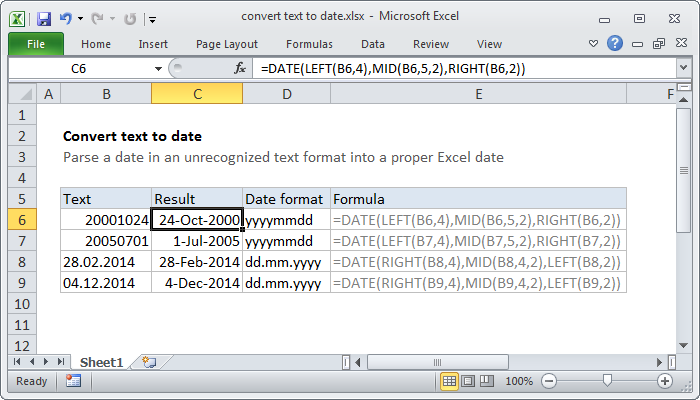
Excel Formula Convert Date To Text Exceljet Riset
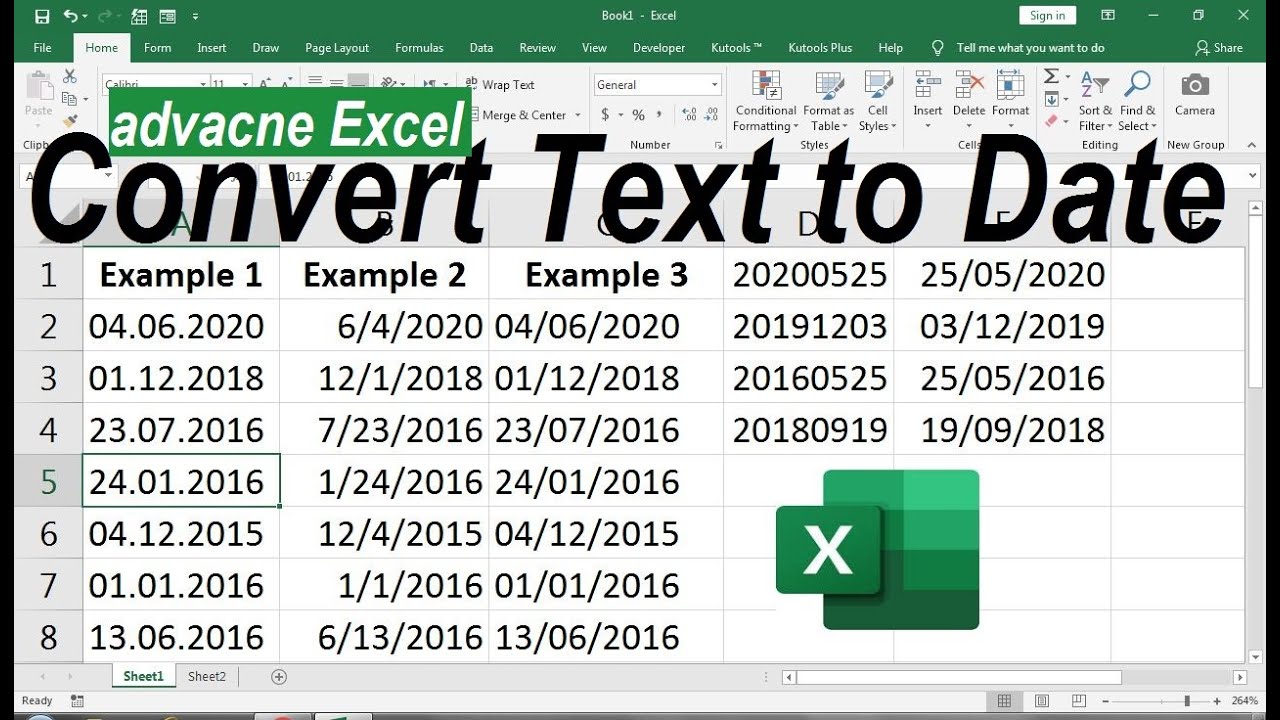
Excel Formula Convert Date To Text Exceljet Riset
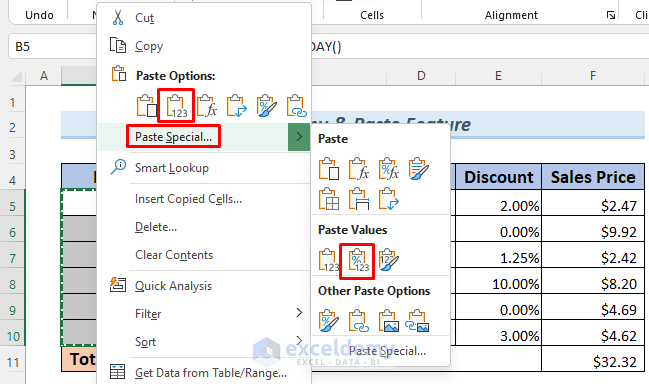
How To Convert Formula Result To Text String In Excel 7 Ways
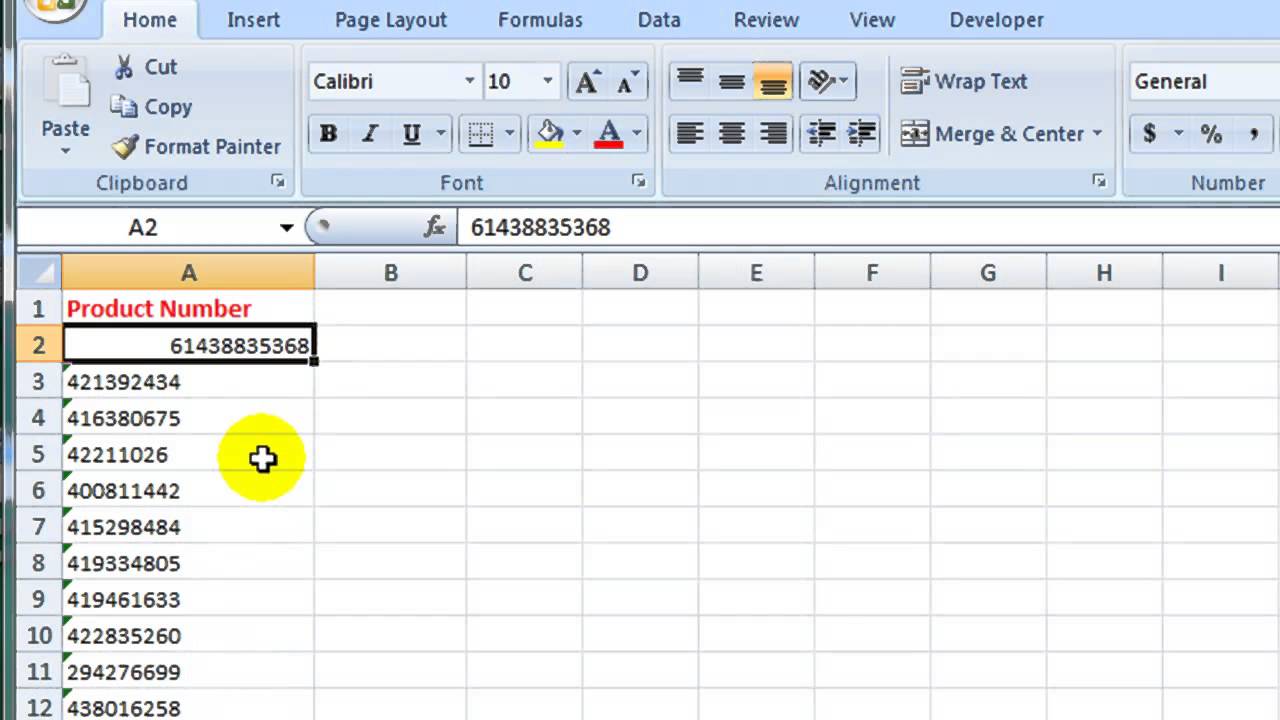
30 Excel Formula Convert Text To Number Transparant Formulas Riset
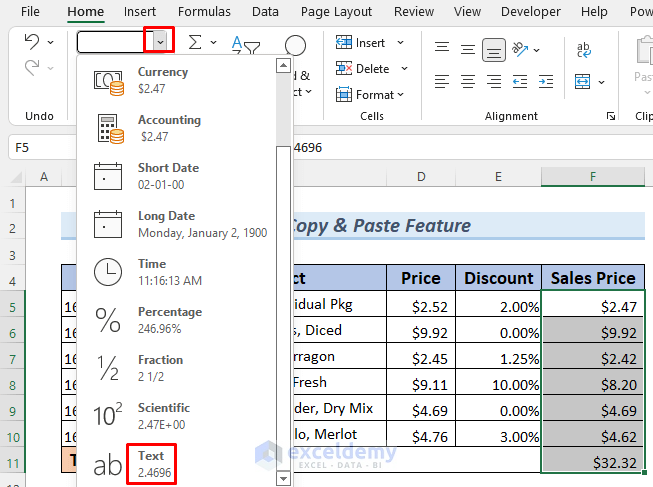
How To Convert Formula Result To Text String In Excel 7 Easy Ways

You can convert the contents of a cell that contains a formula so that the calculated value replaces the formula If you want to freeze only part of a formula you can replace only the part you don t want to recalculate
If the Reference argument is to an entire row or column or to a range or defined name containing more than one cell FORMULATEXT returns the value in the upper leftmost cell of the row column or range In the following cases FORMULATEXT returns the N A error value The cell used as the Reference argument does not contain a formula
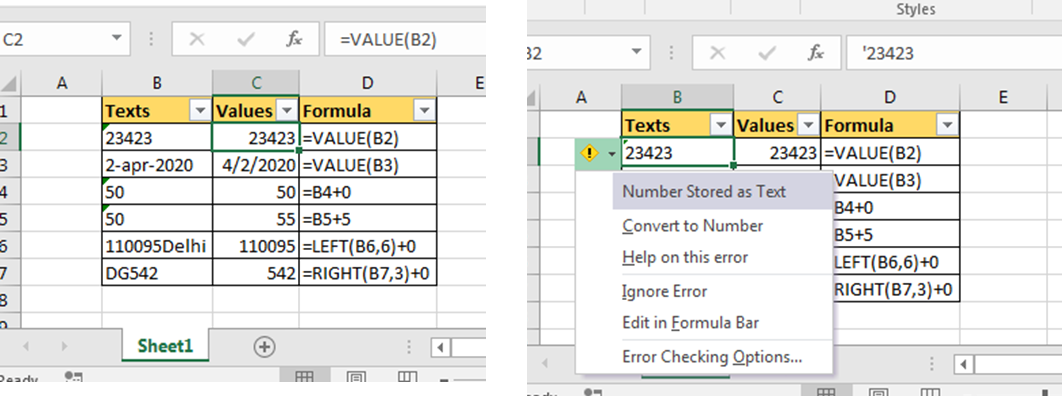
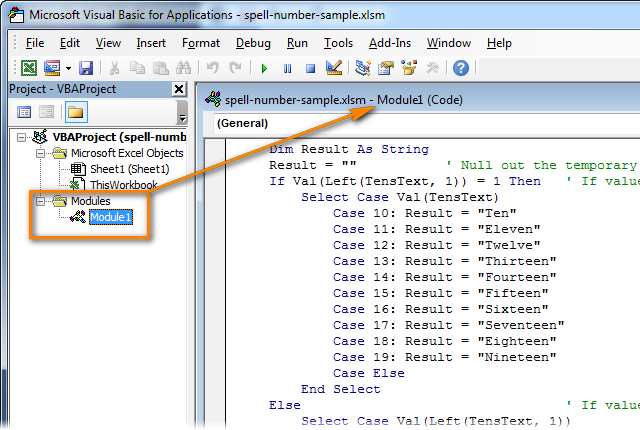
1 Paste Values with a Simple Keyboard Shortcut 2 Using Paste Special for Converting to Values 3 Using Right Click Menu 4 Convert Formulas into Values with a VBA Code 5 Convert To Values Inside the Formula 6 Get the Formula s Result Value with Power Query Conclusion Related Tutorials

Method 1 Copy and paste values to convert formulas to text strings Copy and paste value is one of Excel s most frequently used methods for converting complex formulas to values You can use the copy and paste values method on a cell and a range of cells Follow the steps below to learn this basic method Select all the cells with a formula
Syntax VALUETOTEXT value format The VALUETOTEXT function syntax has the following arguments Note If format is anything other than 0 or 1 VALUETOTEXT returns the VALUE error value Examples Copy the example data in the following table and paste it in cell A1 of a new Excel worksheet
How to turn a string formula into a real formula Ask Question Asked 13 years ago Modified 2 months ago Viewed 421k times 93 I have 0 4 A1 in a cell as a string How can convert this string formula into a real formula and calculate its value in another cell excel string formula worksheet function evaluate Share Follow To solve this job the Find and Replace feature may help you please do as follows 1 Select the calculated result cells that you want to convert to text string 2 Then press Ctrl H keys together to open the Find and Replace dialog box in the dialog under the Replace tab enter equal sign into the Find what text box and enter into the Replace with text box see screenshot
Use the formula in C2 cell TEXT A2 0 0 returns the general text format Press Enter and copy the formula in remaining cells using Ctrl D As you can see we got numbers as text output because the significance number always varied Here we have some numbers to convert to text format or any other required format