Excel Convert Column To Time How To Convert Row Into Column Column Into Row In Excel YouTube Best Website To Find Apartments Lanasam Columns And Rows Free Columns And Rows Software Download Excel Convert Column To Table And Table To Column Software Download And How To Convert Column List To Comma Separated List In Excel Web Apr 12 2022 nbsp 0183 32 Open an Excel sheet and select any cell where you want the output Type the formula TIME hour minute second Replace hour minute and second with numerical values for the time you want to represent Press enter to see your results displayed in a conventional time format
Web Convert a standard time format to a decimal number To convert from hours minutes seconds format use the INT function Convert from a decimal to the standard time format Web The Excel TIMEVALUE function converts a time represented as text into a proper Excel time For example the formula TIMEVALUE quot 9 00 AM quot returns 0 375 the numeric representation of 9 00 AM in Excel s time system Numeric time values are more useful than text since they can be directly manipulated with formulas and pivot tables
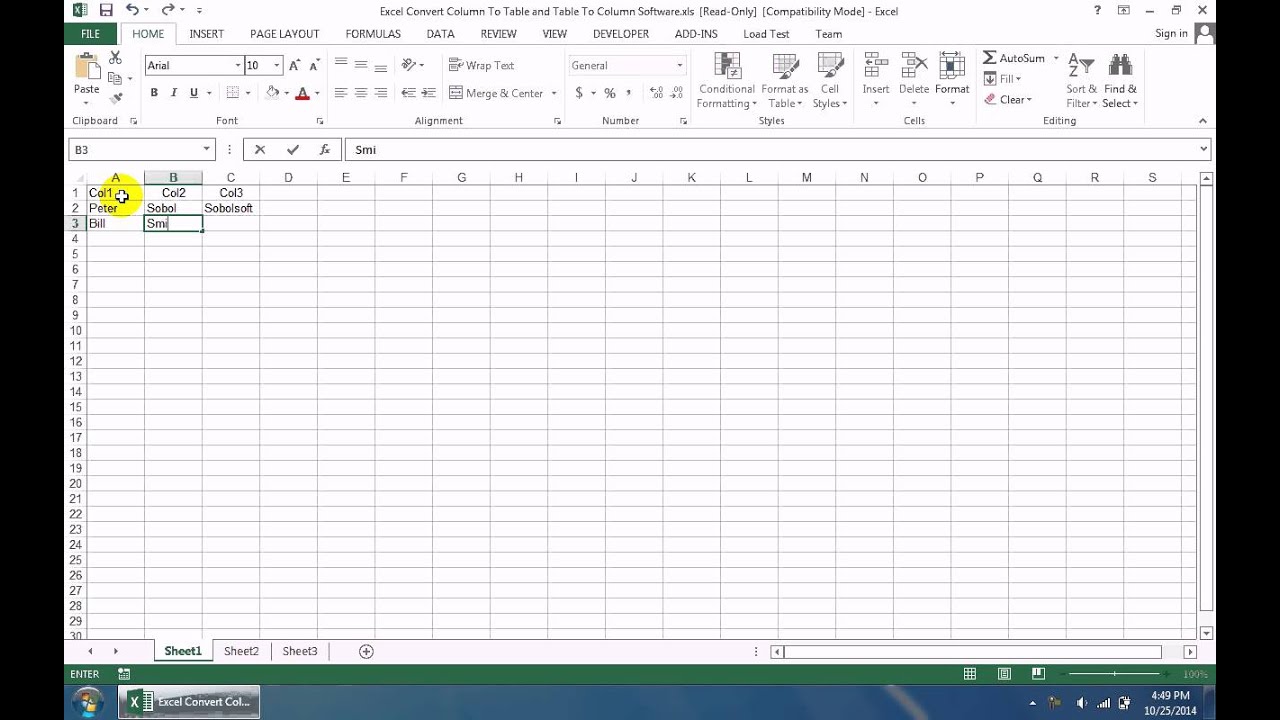
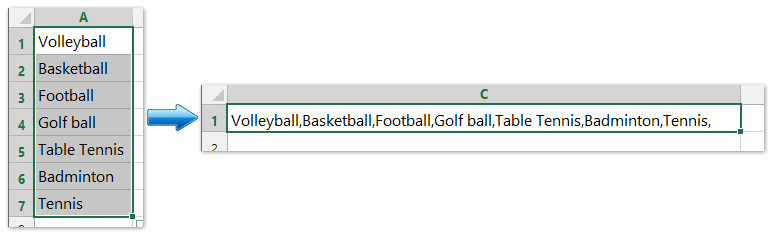
How To Convert Column List To Comma Separated List In Excel Excel Convert Column To Table And Table To Column Software Columns And Rows Free Columns And Rows Software Download Excel Convert Column To Cell String Power Query Stack Overflow How To Convert Column Number To Letter In Excel Free Excel Tutorial 30 Excel Formula Convert Text To Number Transparant Formulas Riset ActivePresentation Designer Download And Install Windows Excel Columns To Rows Convert Excelnays How To Convert A Row To A Column In Excel The Easy Way TrendRadars
Excel Convert Column To Time
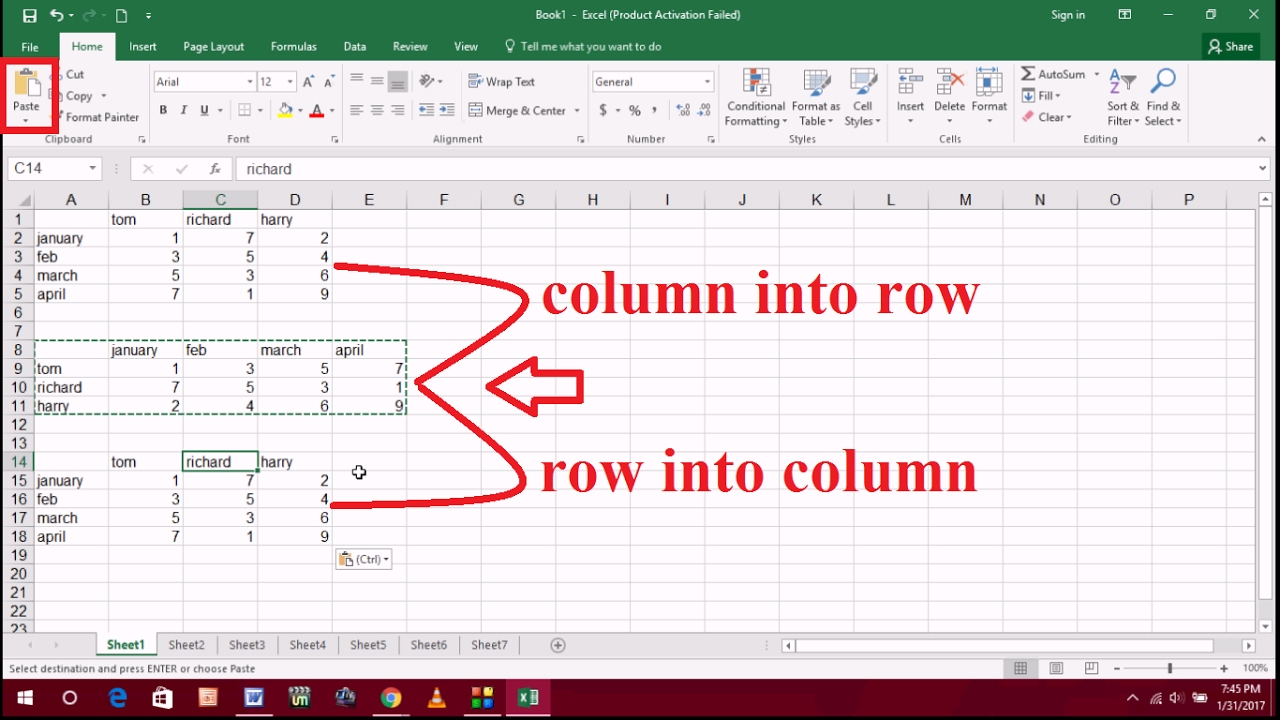 Excel Convert Column To Time
https://i.ytimg.com/vi/wf2N-X1dPNg/maxresdefault.jpg
Web Now we wish to put date and time in separate columns For this we can use the formulas DATEVALUE LEFT B5 10 and TIMEVALUE MID B5 12 8 To get the date we extract the first 10 characters of the value with LEFT so DATEVALUE LEFT B5 10 will return the date as 03 01 17 The result is a text string
Templates are pre-designed files or files that can be utilized for various functions. They can save effort and time by providing a ready-made format and design for producing different type of material. Templates can be utilized for individual or expert jobs, such as resumes, invitations, leaflets, newsletters, reports, presentations, and more.
Excel Convert Column To Time
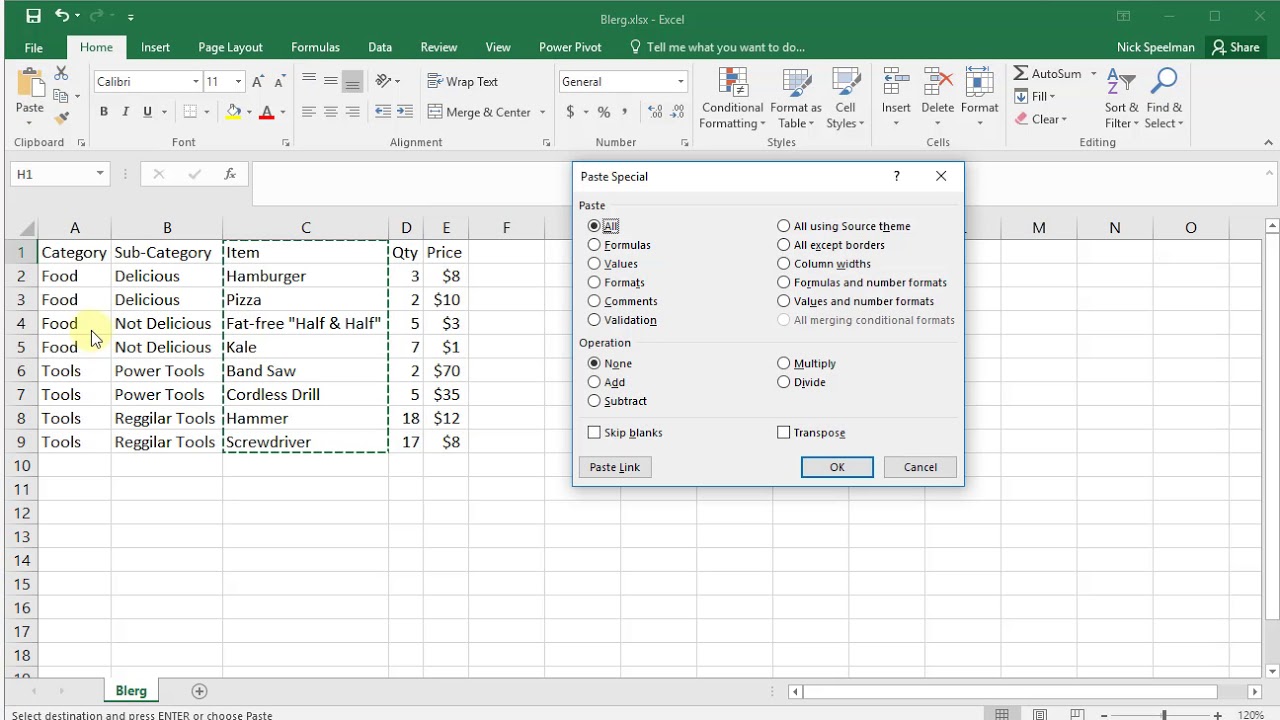
How To Convert Columns Into Rows And Vice Versa In Excel YouTube
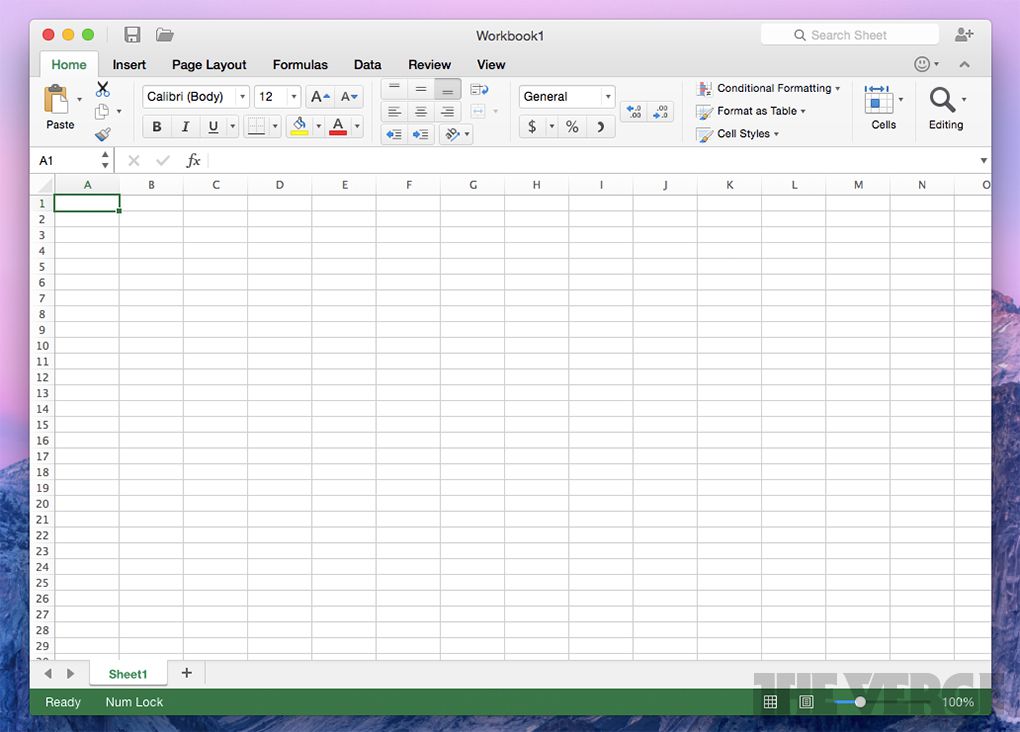
Excel Convert Column To Table And Table To Column Software
Columns And Rows Free Columns And Rows Software Download

Excel Convert Column To Cell String Power Query Stack Overflow
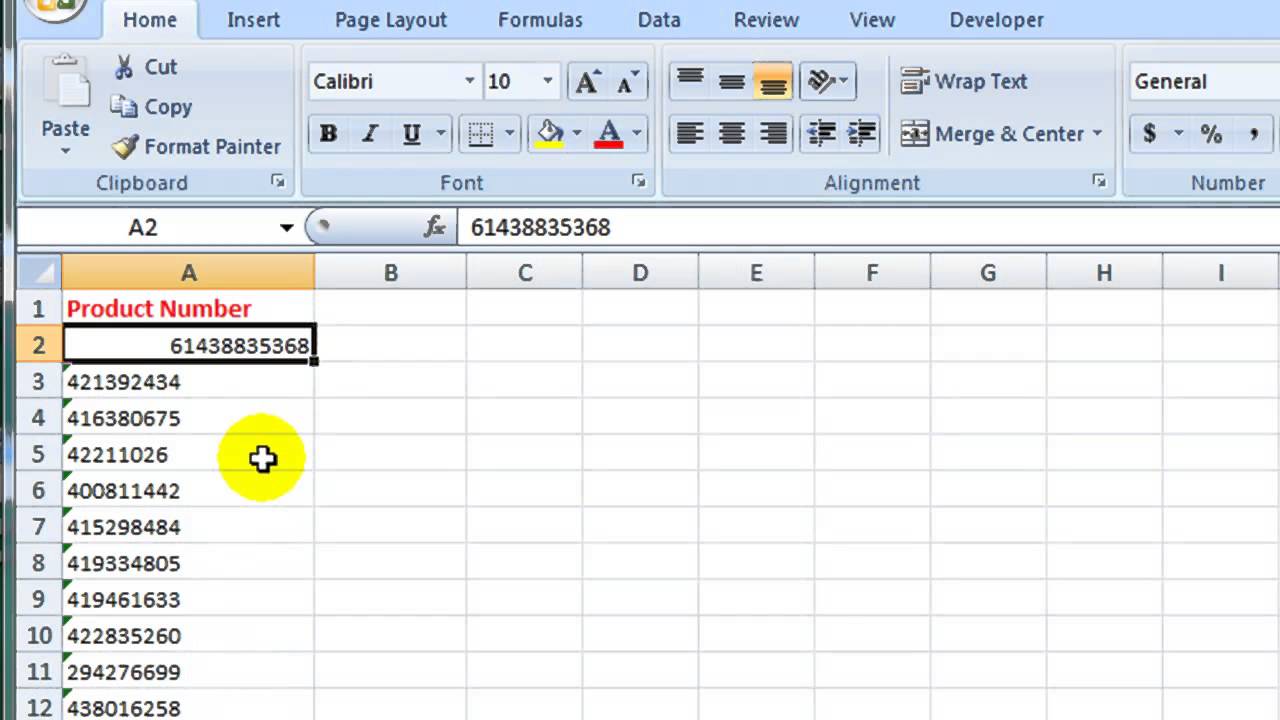
30 Excel Formula Convert Text To Number Transparant Formulas Riset

ActivePresentation Designer Download And Install Windows
Web Dec 18 2023 nbsp 0183 32 As a result you will get the time value in hhmmss format for the B5 cell s number Following place your cursor in the bottom right position of the cell When the Fill Handle appears drag it downward Consequently you will get all the time in hhmmss time values for all the given numbers

Web Copying the formulas in columns B E to each row you have data in A column for you can then SUM E1 Ex where x the last row of your data and you will get the total number of hours minutes and seconds in the list

Web Dec 20 2023 nbsp 0183 32 2 Applying Excel VALUE Function to Change Text to Date and Time The VALUE function converts a text string that represents a number to a number Syntax VALUE text We can convert text to both date and time using this function Steps Initially add time to our data We added time in cells B5 and B6
Web Sep 11 2023 nbsp 0183 32 You can use one of the following formulas to convert a datetime to a time in Excel Formula 1 Convert Datetime to Time with AM PM e g 2 14 AM TEXT A2 quot H MM AM PM quot Formula 2 Convert Datetime to Time without AM PM e g 2 14 TEXT A2 quot H MM quot Formula 3 Convert Datetime to Time with Hours Minutes and
Web May 2 2019 nbsp 0183 32 Solution 1 Text Functions In the video below I walk through how to solve the challenge with text functions The text functions MID and SEARCH are used to find and extract the numbers for each time period hours minutes seconds Explanation of the formula The formula to extract each time increment looks like the following
Web To convert a date string to a datetime date with time you can parse the text into separate components then build a proper datetime In the example shown we are using several functions to perform this task including DATEVALUE TIMEVALUE LEFT and MID In the worksheet shown to extract the date the formula in C5 is DATEVALUE LEFT B5 10 Web Dec 21 2023 nbsp 0183 32 Method 1 Use Format Cells Window Select cell C5 gt gt apply the formula below gt gt drag the Fill Handle icon to C9 Select range C5 C9 gt gt press Ctrl 1 to open the Format Cells window Later go to Number gt gt choose Time as category gt gt select intended Type gt gt click on OK
Web Feb 2 2009 nbsp 0183 32 To quickly use the default date or time format click the cell that contains the date or time and then press CTRL SHIFT or CTRL SHIFT If a cell displays after you apply date or time formatting to it the cell probably isn t wide enough to