Excel Automatically Create Tabs From List How To Create Multiple Worksheets From A List Of Cell Values YouTube How To Add Autonumber In Excel Automatically create a visual presentation of your garden expenses FPPT Countdown Template Excel Example Calendar Printable TECH 006 Create A List That Automatically Sorts Data alphabetically Web Jul 31 2014 nbsp 0183 32 Hello I currently have two tabs on my spreadsheet quot Master quot amp quot Template quot I would like to create a macro that creates a new worksheet based upon a list of information in the quot Master quot tab starting with cell A5 and ending with cell A50 The macro would select the contents in cell A5 from the quot Master quot tab
Web Create a PivotTabel Drag a field into the Reportfilter PivotTable Tools Options gt Options gt Show Reportfilter Pages Select the field in the dialog Show Reportfilter Pages and click Ok You ll get for each item in the reportfilter a seperate worksheet with the name of the item on the tab Ok Regards Frank Web Jan 19 2016 nbsp 0183 32 1 I have found code for creating and naming new tabs from a list in a quot Master quot tab but I need to also have the name be populated in a cell in each new tab Further I need each new tab to contain a template different from the master tab which is merely a blank table with headers and some formulas built in to some of the columns
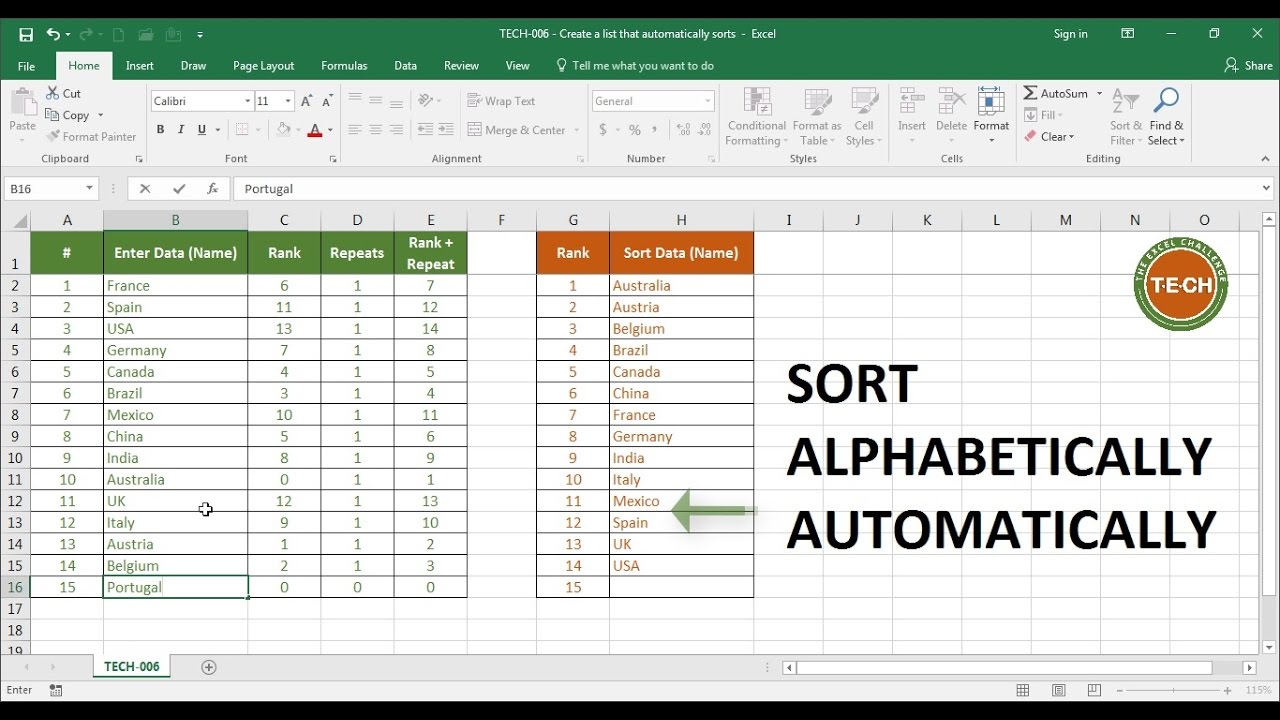
TECH 006 Create A List That Automatically Sorts Data alphabetically ASAP Utilities For Excel Blog How To Show More Sheet tabs In Excel Excel Using Tabs YouTube Link Cells Between Sheets And Workbooks In Excel Worksheet Function Macro Copy Data From One Workbook To Another Top 9 Best Answers Ar Modify A Schedule Automatically For Vacation In Excel YouTube Excel Archives PresentationPoint How To Show Microsoft Excel Sheet Tabs YouTube 47 How Do You Use Formulas In Excel Pics Formulas
Excel Automatically Create Tabs From List
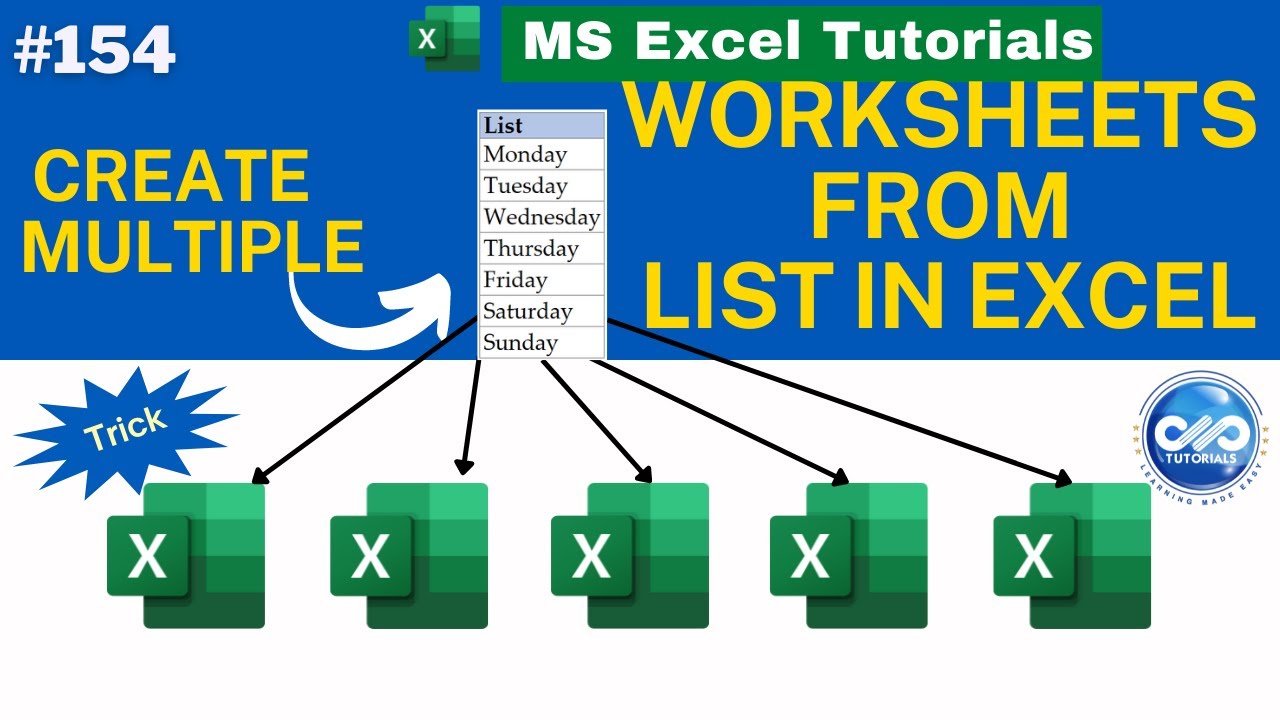 Excel Automatically Create Tabs From List
https://i.ytimg.com/vi/2h_1qS8-6tA/maxresdefault.jpg
Web Apr 15 2019 nbsp 0183 32 In this example I ve created a workbook with a lot of sheets There are 50 sheets in this example so I was lazy and didn t rename them from the default names Now we will create our named function Go to the Formulas tab Press the Define Name button Enter SheetNames into the name field Enter the following formula into the Refers to field
Pre-crafted templates use a time-saving option for developing a diverse range of files and files. These pre-designed formats and designs can be utilized for various personal and expert jobs, consisting of resumes, invitations, flyers, newsletters, reports, discussions, and more, improving the content creation procedure.
Excel Automatically Create Tabs From List
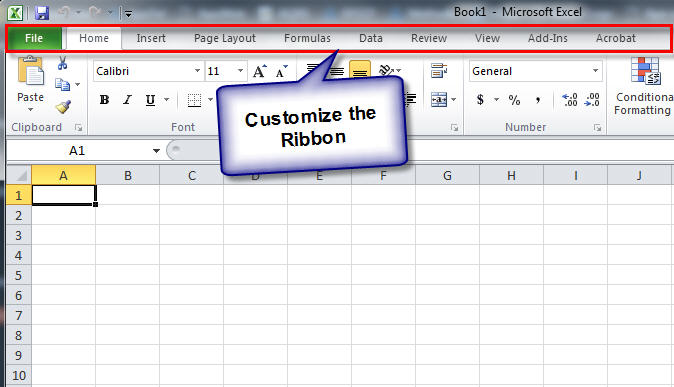
How To Customize Ribbon Tabs In Excel DummyTech
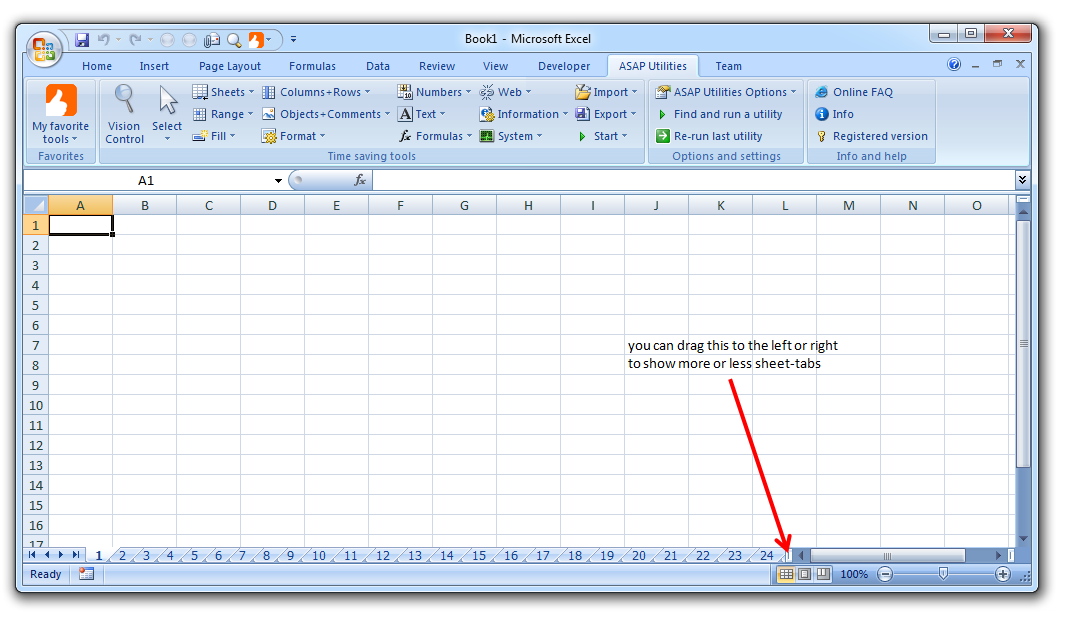
ASAP Utilities For Excel Blog How To Show More Sheet tabs In Excel
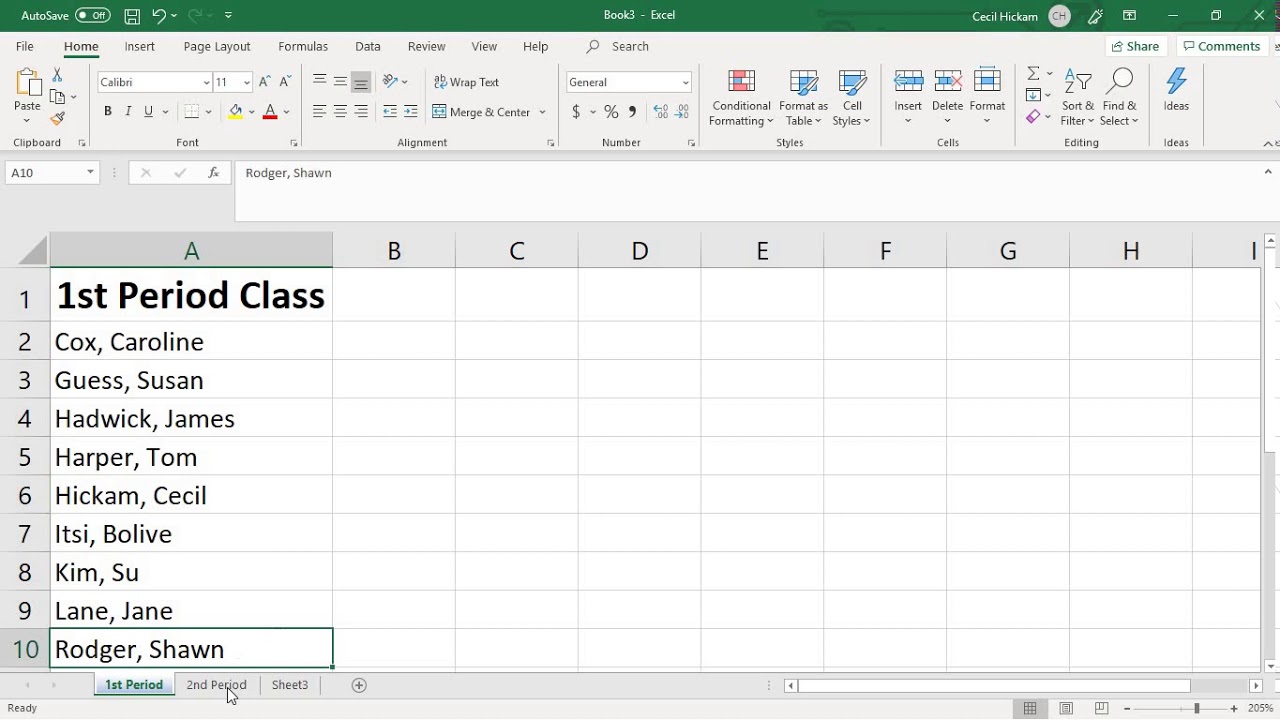
Excel Using Tabs YouTube

Link Cells Between Sheets And Workbooks In Excel Worksheet Function
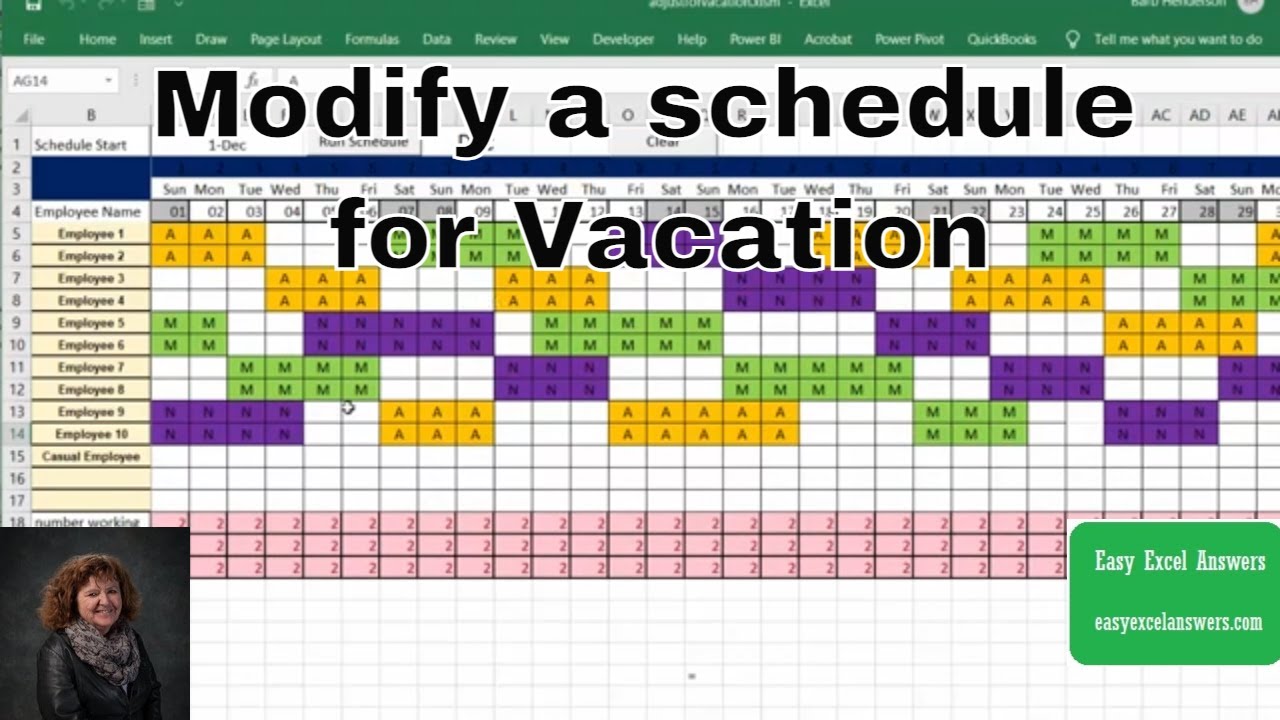
Modify A Schedule Automatically For Vacation In Excel YouTube

Excel Archives PresentationPoint

Web Are there any quick or easy methods for us to create multiple worksheets based on a list of cell values in Excel In this article I will talk about some good tricks to solve this job Create multiple worksheets from a list of cell values with VBA code
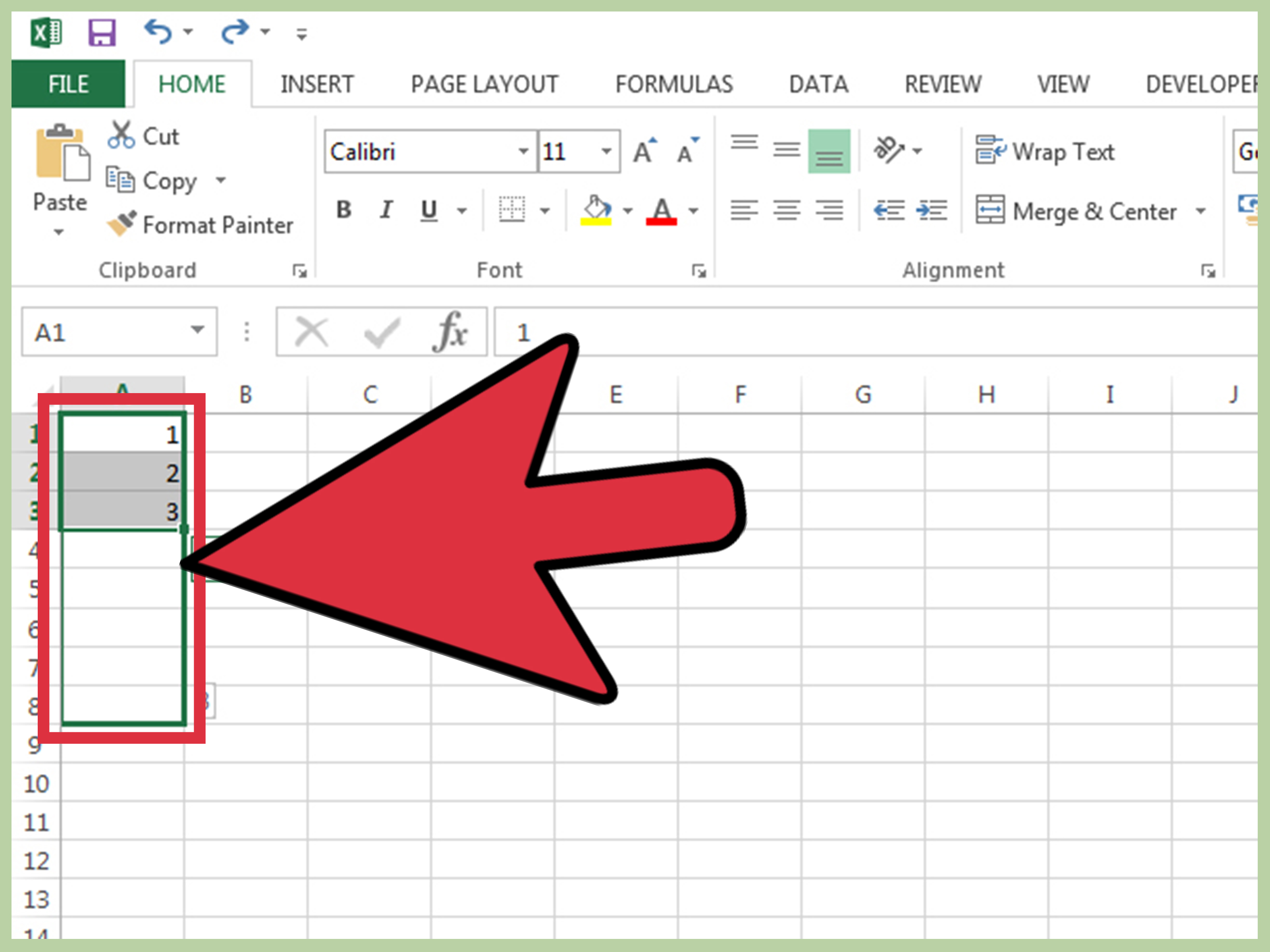
Web Aug 17 2022 nbsp 0183 32 How to Create Tabs Automatically in Excel 3 Easy Ways Here you will see three separate methods to create tabs automatically in Excel We will use three different VBA codes in those three methods respectively By using VBA we don t have to insert tabs manually or use any shortcuts repeatedly
Web Jul 12 2015 nbsp 0183 32 Automatically creating worksheets based on a list in excel I am trying to achieve the following When I enter a value on Master worksheet in the Range A5 A50 a macro is run which creates a new worksheet with the same name as the value and then copies the template onto the new sheet
Web Jan 6 2012 nbsp 0183 32 What I have below from a command button will make the new tab How can it read from a list of names and automatically create a tab with the name in cell B3 on each tab Private Sub CmdNewTAB Click Worksheets quot FocusAreas quot Copy After Worksheets Worksheets Count Active Sheet Name NewSheet Value Tab
Web Feb 19 2023 nbsp 0183 32 Make an automatic list of tabs in an Excel workbook a better and more flexible way with options to create clickable links and sort the sheet list Unlike older methods it works in Excel for Windows and Mac We ve already talked about fitting more tabs on the screen or making a manual list of tabs worksheets
Web Jul 29 2008 nbsp 0183 32 Follow these easy steps to disable AdBlock 1 Click on the icon in the browser s toolbar 2 Click on the icon in the browser s toolbar 2 Click on the quot Pause on this site quot option Web Nov 6 2023 nbsp 0183 32 Steps First of all select the range of cells B5 B9 Now in the Insert tab select the drop down arrow of the PivotTable gt From Table Range option from the Tables group As a result a small dialog box called PivotTable from table or range will appear
Web Jan 7 2020 nbsp 0183 32 The first tab is the Master tab used to track all tabs I would like all new tabs to auto populate information into columns on the master tab For example I have multiple fields in my form I would like information from these fields to