Excel Automatic Date When Cell Changes How To Use Date Function Set Automatic Date Change Formula Microsoft How To Perform Automatic Date Change In Excel Using Formula How To Perform Automatic Date Change In Excel Using Formula How To Perform Automatic Date Change In Excel Using Formula Auto Insert Current Date In Excel Amlasopa The following if statement checks for two things 1 if it is the second column that changed Column B and 2 if the cell 3 columns over Column E is currently empty If Target Column 2 And Target Offset 0 3 Value Then If both conditions are true then it puts the date into the cell in Column E with the NOW function
Nov 05 2021 01 56 PM Sam Chig Right click the sheet tab Select View Code from the context menu Copy the code listed below into the code window Close the Visual Basic Editor Save the workbook as a macro enabled workbook xlsm Make sure that you allow macros when you open it How to enter a date in Excel You can type a date in an Excel cell in a variety of ways for example 1 1 2015 or 1 Jan 2015 or 1 Jan or January 1 2015 When you type something like that in a cell Microsoft Excel knows you are entering a date and automatically applies the date format to that cell
Auto Insert Current Date In Excel Amlasopa ExcelMadeEasy Vba Activate Macro When Cell Changes In Excel How To Insert Excel Timestamp When Cell Changes Without VBA 3 Ways How To Insert Excel Timestamp When Cell Changes Without VBA 3 Ways How To Save A Workbook When A Specific Cell Is Changed Save An Excel Workbook When A Cell Changes How To Change Dates Automatically Using Formula In Excel ExcelDemy How To Insert Excel Timestamp When Cell Changes Without VBA 3 Ways Solved VBA Code To Autoupdate Cell With Current Date When Cell
Excel Automatic Date When Cell Changes
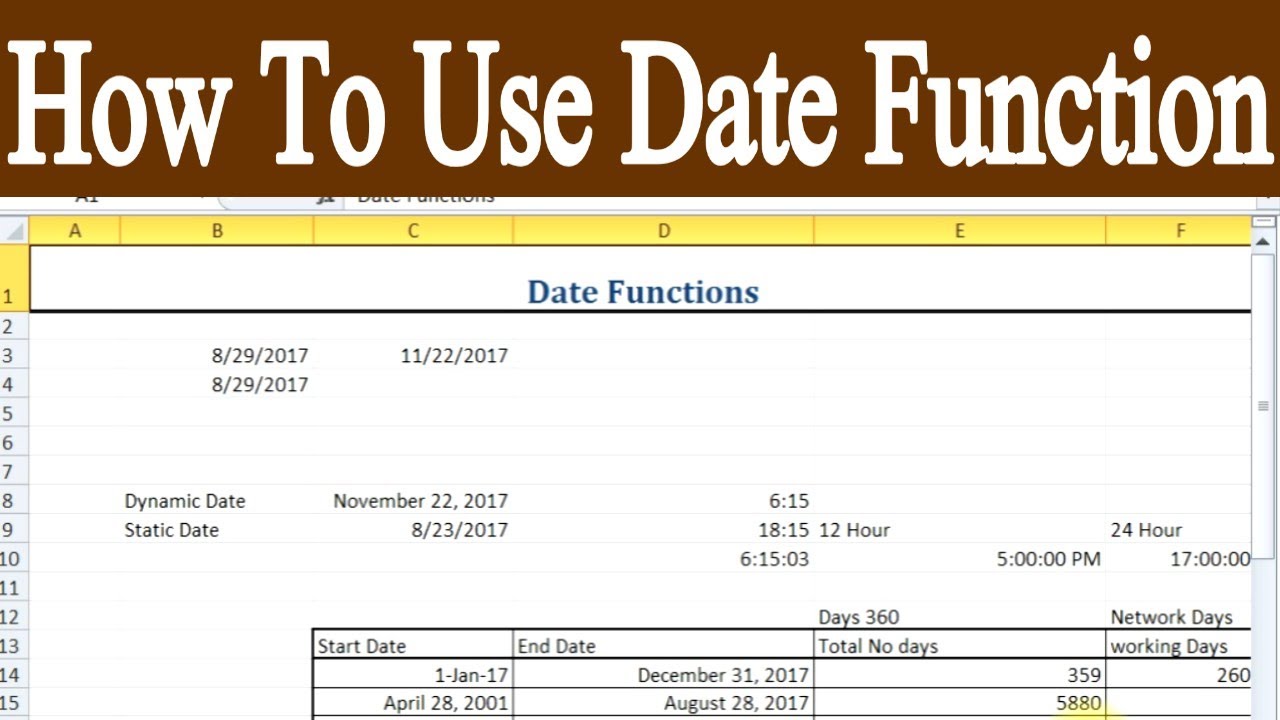 Excel Automatic Date When Cell Changes
https://i.ytimg.com/vi/zdk1ceD-m6Y/maxresdefault.jpg
Record date and time automatically when cell changes with VBA code Record date and time automatically when cell changes with VBA code Amazing Using Efficient Tabs in Excel Like Chrome Edge Firefox and Safari Save 50 of your time and reduce thousands of mouse clicks for you every day Microsoft Visual Basic for Applications window
Templates are pre-designed documents or files that can be utilized for numerous purposes. They can save time and effort by supplying a ready-made format and design for developing different kinds of content. Templates can be utilized for personal or expert jobs, such as resumes, invitations, flyers, newsletters, reports, discussions, and more.
Excel Automatic Date When Cell Changes
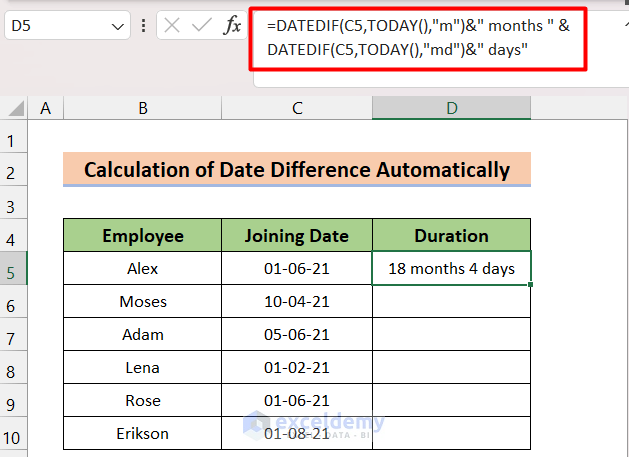
How To Perform Automatic Date Change In Excel Using Formula
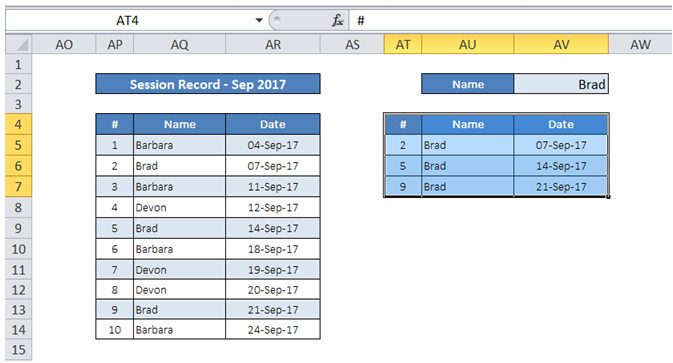
ExcelMadeEasy Vba Activate Macro When Cell Changes In Excel

How To Insert Excel Timestamp When Cell Changes Without VBA 3 Ways

How To Insert Excel Timestamp When Cell Changes Without VBA 3 Ways

Save An Excel Workbook When A Cell Changes

How To Change Dates Automatically Using Formula In Excel ExcelDemy
3 Answers Sorted by 9 Create a cell with the value Now Format it how you want like yyyy mm dd HH mm ss for a full timestamp in 24 hour time Now as long as auto recalculate the default is set any time another cell is changed you ll get a fresh timestamp

1 This question already has answers here Automatically update cell in Excel with current timestamp when another cell is changed 3 answers How to insert the now function in a cell automatically when I write in another and hit enter duplicate 2 answers Closed 1 year ago

4 Answers Sorted by 0 I d say that the simplest way to do this would be with a user defined function That function will update when any cell it references change so you won t have to tie it into any events A function for your problem would be Function Updating Date dependent cell as Range As Date Updating Date Date End Function

Windows Web Select the cells that you ll enter numbers into Press Ctrl 1 the 1 in the row of numbers above the QWERTY keys to open Format Cells Select Text and then click OK Notes We recommend using an apostrophe instead of a space for entering data if you plan on using lookup functions against the data

Automatically adding the date time to a cell when another cell is updated Microsoft Community Hub I am trying to create a spreadsheet where when a specific cell is updated in anyway the date time stamp automatically updates in the cell right beneath the
Once you ve defined the named range you can use the formula below anywhere you like to display the same message Updated TEXT last update ddd mmmm d yyyy Whenever you change the date value in the named range all formulas will update instantly and all date stamps will stay in sync Control Shift This would instantly insert the current time in the cell So if you want to have both date and timestamp you can use two different cells one for date and one for the timestamp Using TODAY and NOW Functions to Insert Date and Timestamps in Excel
In excel I am trying to automatically fill in a cell with the date that another cell is edited I tried using If D4 TODAY as a formula in D5 That works the first time the cell is filled in The problem is this spreadsheet has the same need when cells E4 F4 G4 etc are edited So If I put the same formula in E5 F5 G5 etc when