Excel Auto Update Date In Cell How To Auto Update Current Time In Excel With Formula And VBA Auto Update Date And Time Function Fix AM PM Format In Excel In 2022 How To Auto Update Current Time In Excel With Formula And VBA How To Auto Update Current Time In Excel 3 Easy Ways How To Auto Update With Interval 5 Seconds In Excel ExcelDemy Oct 9 2019 nbsp 0183 32 excel amp
May 31 2018 nbsp 0183 32 WORD Enter quot EXCEL Sep 26 2016 nbsp 0183 32 excel
How To Auto Update With Interval 5 Seconds In Excel ExcelDemy How To Automatically Update Current Timestamp When Another Cell Is How To Insert Calendar In Excel Date Picker Printable Calendar Template Excel Tips 21 Automatically Display The Current Date In Excel How To Auto Update With Interval 5 Seconds In Excel ExcelDemy Excel s TODAY Function Auto Update Your Worksheet With Today s Date Stop Microsoft Office Updates Passlzo 13 Excel Next Date Formula Image Formulas How To Auto Update Current Time In Excel 3 Easy Ways
Excel Auto Update Date In Cell
 Excel Auto Update Date In Cell
https://www.exceldemy.com/wp-content/uploads/2021/11/Excel-Auto-Update-Current-Time-8-2048x1537.png
Excel 1 ctrl shift
Templates are pre-designed documents or files that can be utilized for numerous purposes. They can conserve effort and time by providing a ready-made format and layout for producing different kinds of content. Templates can be used for individual or expert jobs, such as resumes, invites, leaflets, newsletters, reports, presentations, and more.
Excel Auto Update Date In Cell

How To Auto Update Current Time In Excel 3 Easy Ways
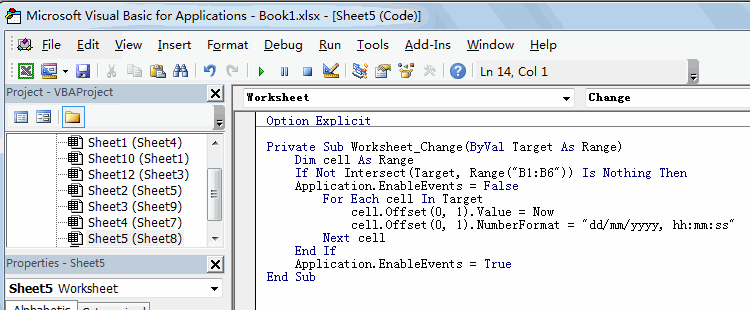
How To Automatically Update Current Timestamp When Another Cell Is
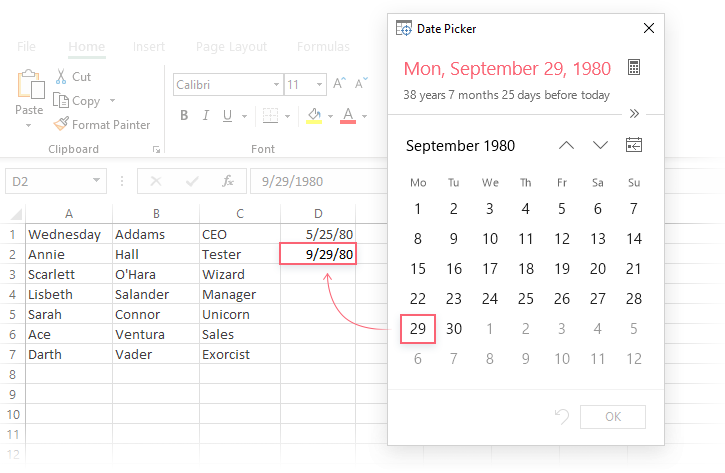
How To Insert Calendar In Excel Date Picker Printable Calendar Template
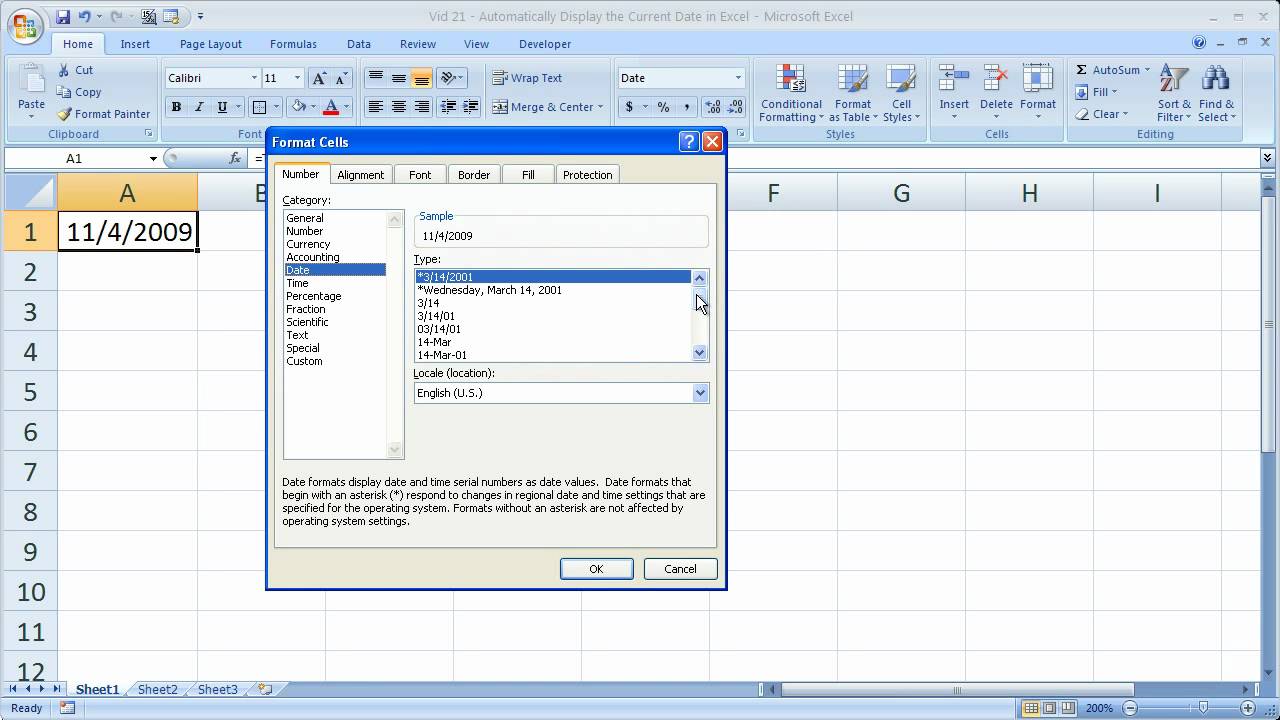
Excel Tips 21 Automatically Display The Current Date In Excel
Excel s TODAY Function Auto Update Your Worksheet With Today s Date
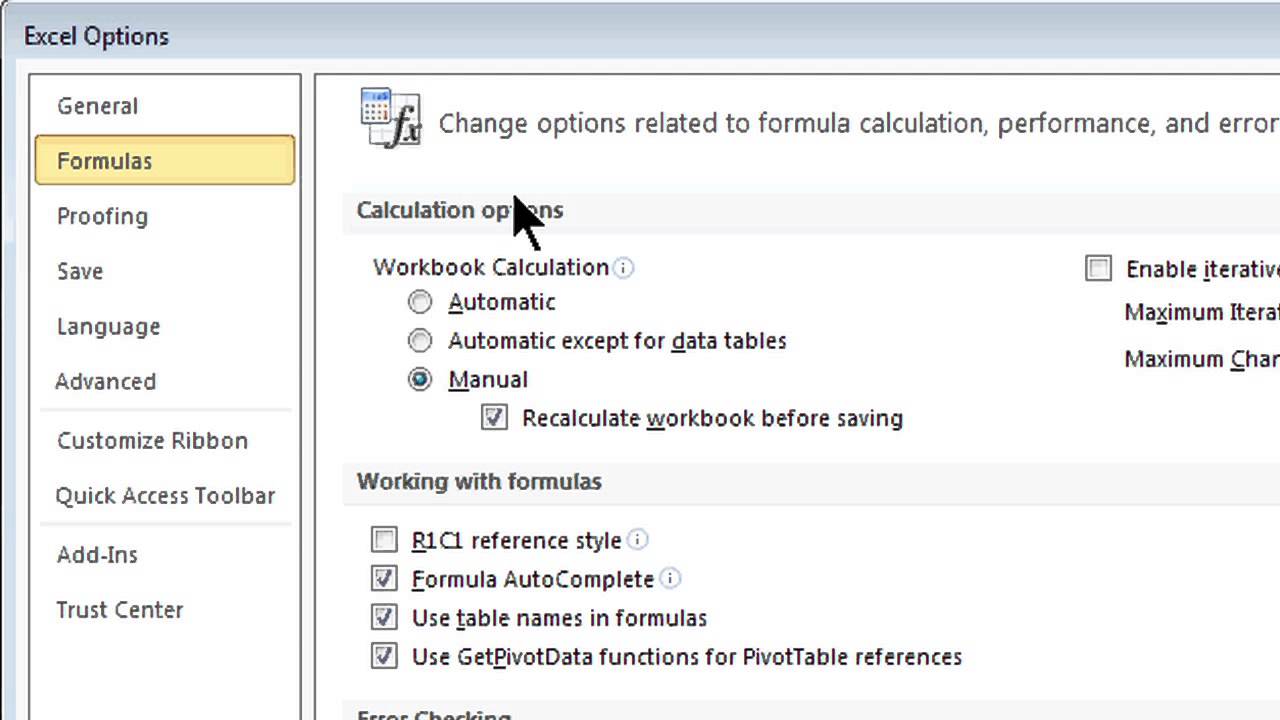
Stop Microsoft Office Updates Passlzo

Feb 19 2025 nbsp 0183 32 number1

Office Excel Office excel Word PPT excel

Excel AVERAGE

Jan 2 2020 nbsp 0183 32 Excel

Jan 16 2021 nbsp 0183 32 Excel 1 Excel
[desc-11] [desc-12]
[desc-13]