Excel Auto Refresh Data From Web AUTO REFRESH DATA TIPS N TRICK GOOGLE DATA STUDIO YouTube Open Excel Auto Refresh Data Connection Query StudioX UiPath Data Studio Auto Refresh Chrome Extension Apple Introduces Redesigned IPad Pro And Apple Pencil TidBITS Automatic Page Refresh In Power BI Desktop Power BI Microsoft Learn Web Mar 21 2013 nbsp 0183 32 Please note that WEBSERVICE Functions are non volatile which means they refresh only when A referenced cell is edited The entire workbook is refreshed CTRL ALT F9 Remember that you can use
Web If the workbook that you are using contains data from an external data source you can refresh the data This operation retrieves the most recent version of the data which includes any changes that were made to the Web Oct 10 2005 nbsp 0183 32 With a web query you can set up a program that will automatically gather up to the second refreshed data from the web every time you open the spreadsheet To start use Data Import External Data
Automatic Page Refresh In Power BI Desktop Power BI Microsoft Learn Heilige Charakter As Excel Update Filter Geh rt Kauen Pack Zu Setzen Steps 7 11 How To Move Your Operating System To Another Hard Drive How To Refresh Stock Data In Excel Why Am I Asked To Reimport When Trying To Refresh Data From Smartsheet How To Refresh Data In Pivot Table Google Sheets Printable Forms Free Open Excel Auto Refresh Data Connection Query StudioX UiPath How To Automatically Refresh External Data In Excel YouTube
Excel Auto Refresh Data From Web
 Excel Auto Refresh Data From Web
https://i.ytimg.com/vi/wUUILZrW0s4/maxresdefault.jpg
Web Aug 12 2022 nbsp 0183 32 One way to auto refresh every minute is to make use of Excel s ability to import data from a website or an intranet site or a file on your computer more on this later You can see how to do it here or do it
Templates are pre-designed files or files that can be used for different functions. They can save time and effort by offering a ready-made format and design for producing various sort of material. Templates can be used for personal or professional projects, such as resumes, invites, flyers, newsletters, reports, presentations, and more.
Excel Auto Refresh Data From Web
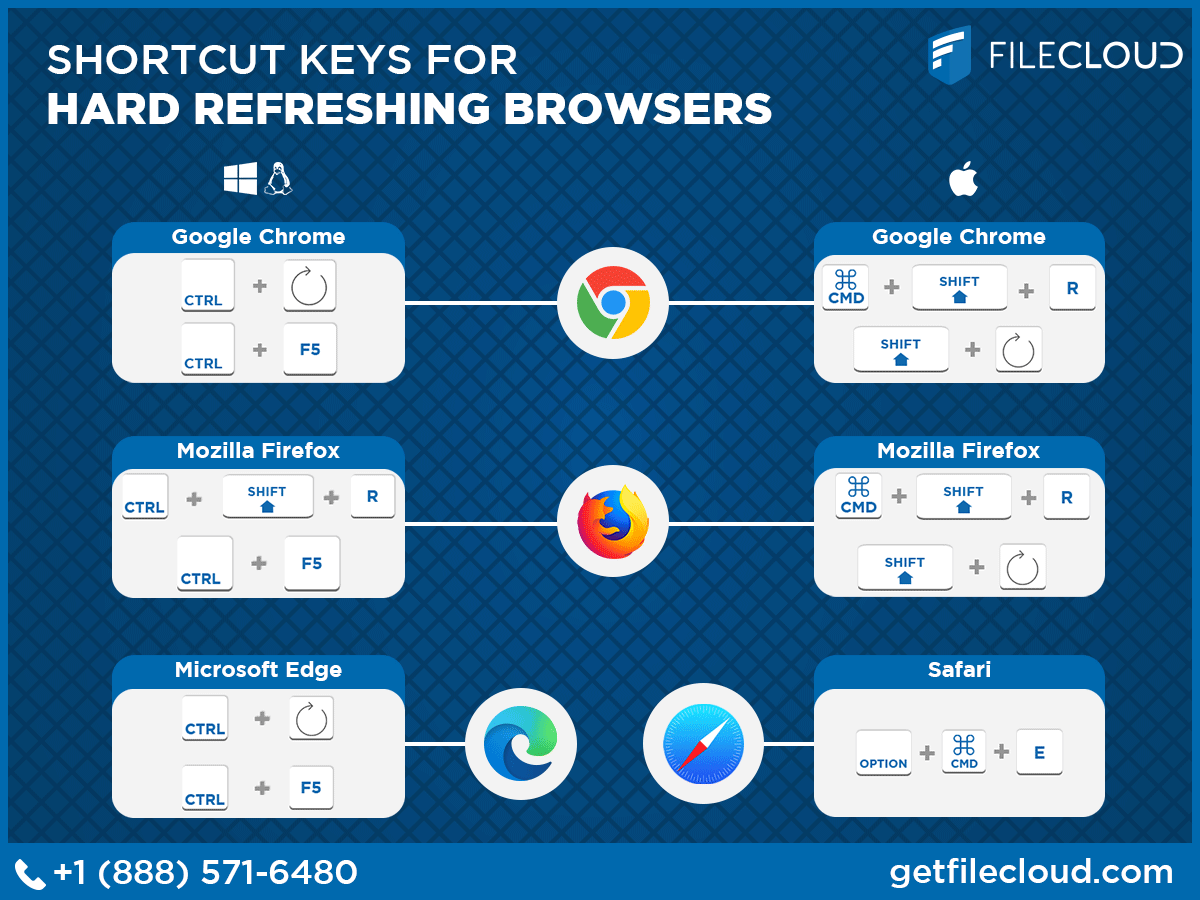
How To Refresh Firefox Browser Automatically Lemonsenturin
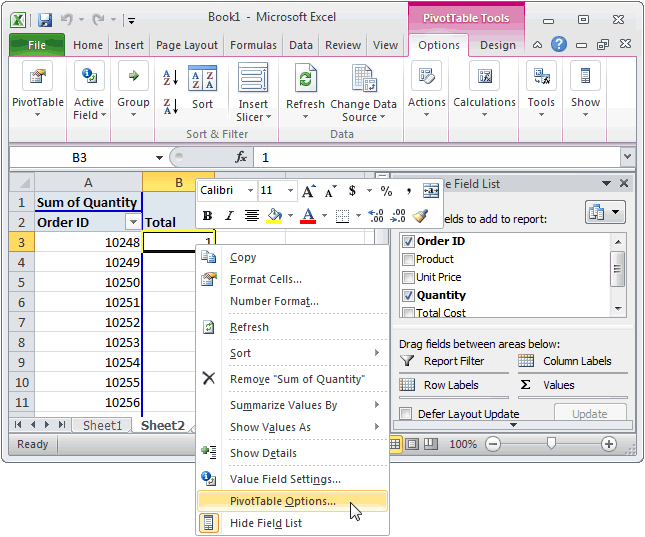
Heilige Charakter As Excel Update Filter Geh rt Kauen Pack Zu Setzen
Steps 7 11 How To Move Your Operating System To Another Hard Drive

How To Refresh Stock Data In Excel

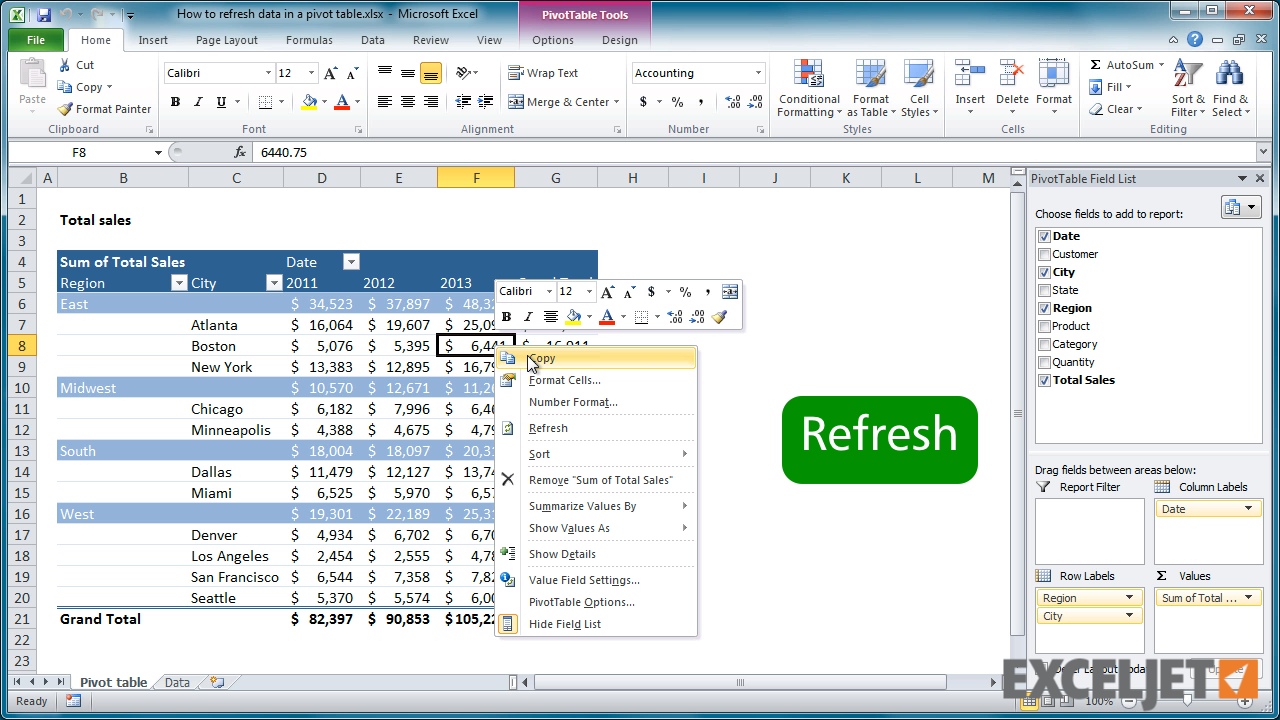
How To Refresh Data In Pivot Table Google Sheets Printable Forms Free
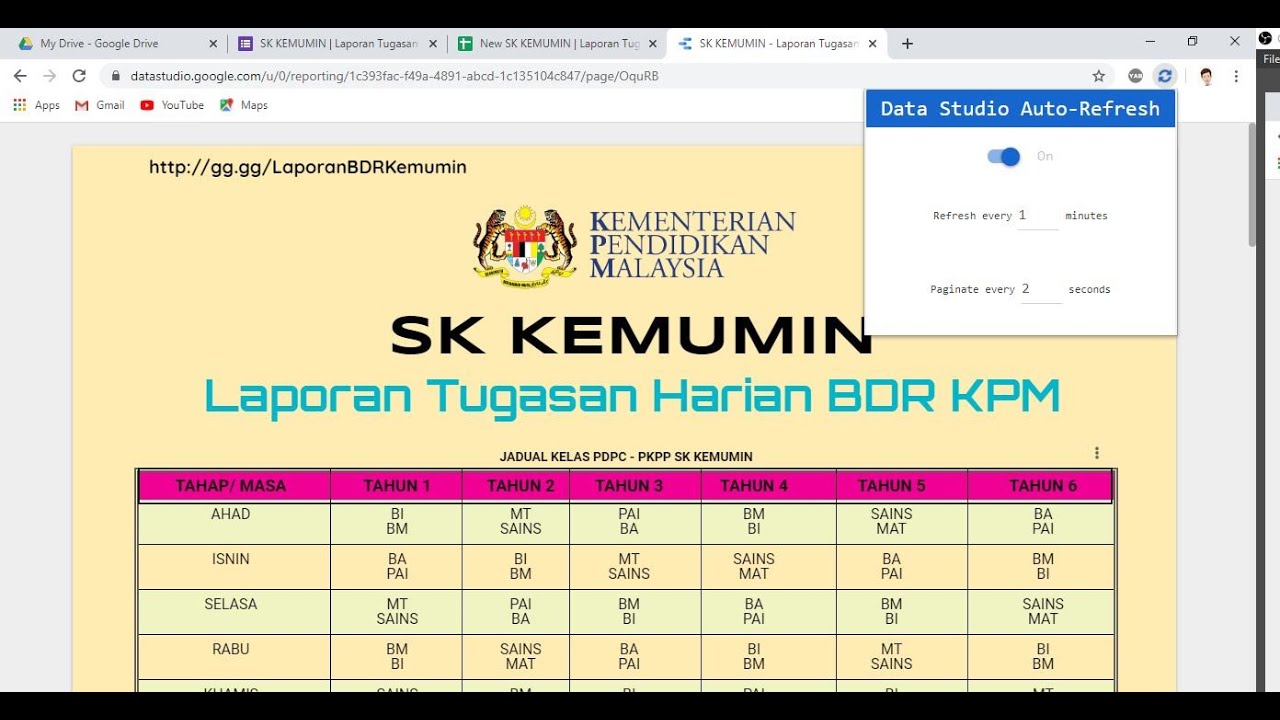
Web Overview of Steps Step 1 Finding the data source on the website Step 2 Using Excel s data import tools Step 3 Setting up automatic data refresh Key Takeaways Auto

Web Jun 12 2018 nbsp 0183 32 I can suggest you VBA code with refresh method what you need to do is change the Sheet name every time before you run the

Web Learn how to set some data types in Excel for the web to refresh automatically with Data Types Refresh Settings Find out the refresh options interval and tips for linked data

Web Double click the icon to open the quot External Data Refresh Status quot dialog box and select quot Stop Refresh quot if you should wish to stop an update at any point

Web Sep 12 2023 nbsp 0183 32 There are two ways to make Excel automatically refresh data connections and recalculate a worksheet These tricks are important with the Stock and Currency
Web Dec 20 2023 nbsp 0183 32 How to Link Excel Workbooks for an Automatic Update 5 Methods We will discuss 5 methods to link workbooks and how to automatically update them 1 Use Paste Web Aug 8 2019 nbsp 0183 32 You can use events of QueryTable object behind the table linked to a web source To do that you first need to create a class module Let s call it
Web May 10 2022 nbsp 0183 32 We ve reached yet another milestone in Excel for the web Power Query Refresh is now generally available for queries sourcing data from the current workbook