Esxi Start Vm Command Line Vmware Player Start Vm Command Line Linux Programming For Beginners Jcmd VMmand line Get The Command Line Start VM Start Virtual Machine ShellGeek VMware ESXi Command Line Cheat Sheet NetworkProGuide How To Export And Import VM From ESXi Host Or Command Line Managing vSphere with Command Line Interfaces vSphere supports several command line interfaces for managing your virtual infrastructure including the vSphere Command Line Interface vCLI a set of ESXi Shell commands and PowerCLI You can choose the CLI set best suited for your needs and write scripts to automate your CLI tasks This
In this mode the output of the cmdlet is a Task object For more information about the RunAsync parameter run help About RunAsync in the vSphere PowerCLI console Specifies the vCenter Server systems on which you want to run the cmdlet If no value is given to this parameter the command runs on the default servers In the DCUI go to Troubleshooting Options navigate to Enable ESXi Shell and or Enable SSH and press Enter to enable each desired service Press Alt F1 to open the command line console You ll need to enter your login credentials root user credentials can be used
How To Export And Import VM From ESXi Host Or Command Line How To Update ESXi 6 Via Command Line Comtronic Blog 07 Enable Vm In Esxi Start Automatic YouTube Running A Command During ESXi Boot To Start A VM VHersey VCDX Two Vmware Esxi 6 7 Clone Vm Command Line Nimfaherbal Windows VirtualBox 5 VBox Manage Start VM Command Exiting Non 0 Cloud Foundry Tutorial Guy Tel Zur Upgrading ESXi 6 5 Automatically From The Command Line Without VSphere VMware ESXi SSH
Esxi Start Vm Command Line
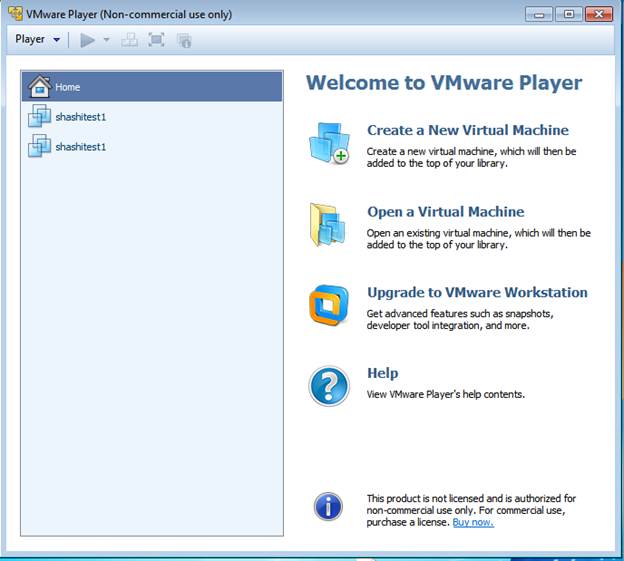 Esxi Start Vm Command Line
https://www.slac.stanford.edu/grp/cd/soft/unix/images/clip_image002_000.jpg
A possible solution is to console into the ESXi host and get into a console session and use vim cmd to power off each VM similarly to what we ve just done above If you have many VMs on the host you can use a for loop to get all the VMIDs on the host and power off each one with vim cmd The Syntax would look like the below just type in
Templates are pre-designed documents or files that can be used for different functions. They can save effort and time by offering a ready-made format and layout for developing different kinds of content. Templates can be used for personal or professional jobs, such as resumes, invitations, leaflets, newsletters, reports, discussions, and more.
Esxi Start Vm Command Line

Gira Homeserver Vmware Relieflinda

How To Update ESXi 6 Via Command Line Comtronic Blog

07 Enable Vm In Esxi Start Automatic YouTube

Running A Command During ESXi Boot To Start A VM VHersey VCDX Two
Windows VirtualBox 5 VBox Manage Start VM Command Exiting Non 0

Cloud Foundry Tutorial Guy Tel Zur

Note If you were unable to start the virtual machine from vCenter Server VirtualCenter but were successful from an ESXi ESX host your vCenter Server server service may need to be restarted see Stopping starting or restarting the vCenter Server service 1003895 Starting a virtual machine via the command line of an ESX ESXi host

After that hit Start to launch the SSH server once or hit Edit Startup Policy and select Start and Stop with host if you wish to enable the SSH server for an extended period of time ESXi shell commands list provided in this blog post for fine ESXi tuning and experience the extra power of using the command line interface in VMware vSphere
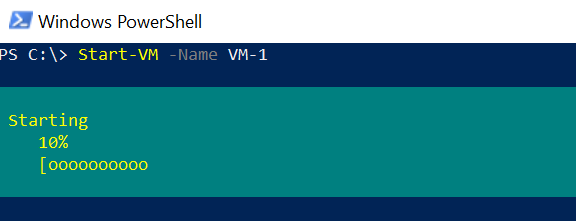
Enabling ESXi Shell access using the Host Client in vSphere 6 x 7 x and 8 x Use the Host Client to enable local and remote access to the ESXi Shell Log in to a Host Client using IP address of the host in a browser Click on Manage under Navigator section Click the Services tab In the Services section select TSM from the list
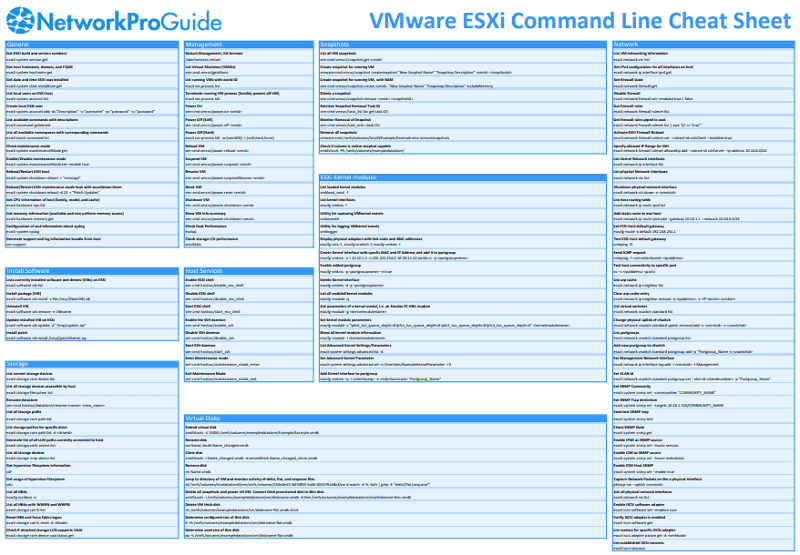
Path to vmx on datastore is the path to the virtual machine s vmx file relative to the datastore on which it resides vm name is the display name of a virtual machine path to vmx file is the full path to a virtual machine s vmx file snapshot name is the name given to a virtual machine snapshot guest admin user is a user account with
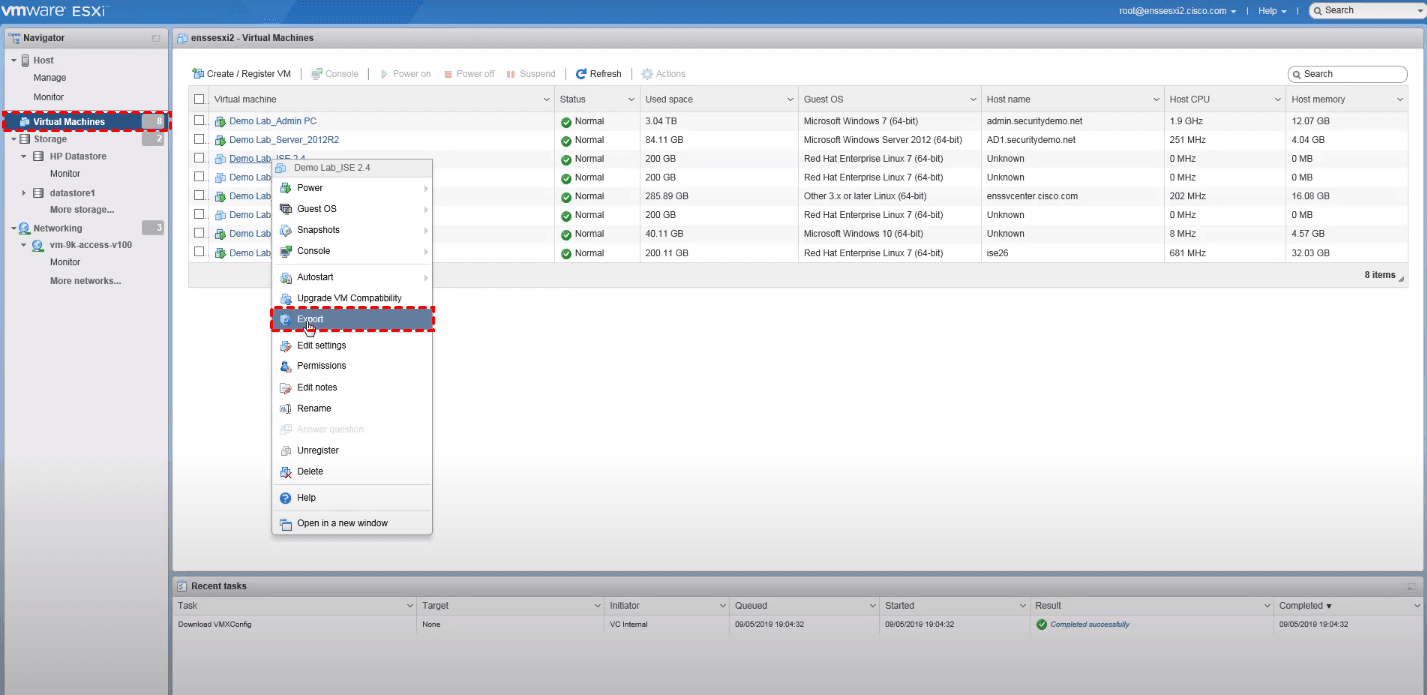
An ESXi system includes a Direct Console User Interface DCUI that you can use to start and stop the system and to perform a limited set of maintenance and troubleshooting tasks You can use the direct console to access the ESXi Shell which is disabled by default
For a PXE boot installation you can pass options through the kernelopts line of the boot cfg file See About the boot cfg File and Network Booting the ESXi Installer To specify the location of the installation script set the ks filepath option where filepath indicates the location of your kickstart file With VMWare Workstation I can use this command to start an view a local VM vmware exe X q path MyVM vmx With ESXi I Stack Exchange Network Stack Exchange network consists of 183 Q A communities including Stack Overflow the largest most trusted online community for developers to learn share their knowledge and build their careers
How to power on a virtual machine guest from the command line on a VMWare ESXi 6 5 server host