Esxi Command To List Vms How To List VMs On ESXi Host Command Line How To Update ESXi 6 Via Command Line Comtronic Blog Vmware Command Line Management In VSphere 5 0 For Service Console Users How To List VirtualBox VMs From The Command Line How To Install VMware PowerCLI Via PowerShell StudyAll You would think getting all the virtual machines on a ESXi host would be more important than that Work on this VMware give us a Get VM VMHost But I digress this is how you get the list of virtual machines on a ESXi host I mean I was ranting up there but it s really not that difficult just that there s no proper documentation on it
1 Run vmware cmd l to list all registered virtual machines on a server vmware cmd H vc server U login user P login password vihost esx host l The command lists the VMX file for each virtual machine vmfs volumes storage winxpPro sp2 winxpPro sp2 vmx vmfs volumes storage RHEL lsi RHEL lsi vmx This VMware ESXi command line cheat sheet can help you automate management tasks and troubleshoot your virtualization environment through the ESXi CLI if vCenter is unavailable Learn these ESXi troubleshooting commands now so you re ready when a problem strikes
How To Install VMware PowerCLI Via PowerShell StudyAll How To Upgrade ESXi 6 0 To 6 5 Via CLI On Line ESX Virtualization How To Update ESXi 6 5 With Command Line CloudHat eu Mac VirtualBox How To List VirtualBox VMs From The Command Line How To Update ESXi 6 5 With Command Line CloudHat eu Back Up And Restore VMware ESXi Host Configuration A Step By Step Niekto Cestovanie P rod Vmware List Hdd Storageformat k tsky Z How To Upgrade ESXi From 6 5 To 6 7 With Command Line CloudHat eu
Esxi Command To List Vms
 Esxi Command To List Vms
https://i.ytimg.com/vi/CL1Llk5ChAQ/maxresdefault.jpg
You can check which VMs are running on an ESXi server by using the esxcli command from the ESXi shell esxcli vm process list This will only show the running VMs You can get an overview of all registered VMs by using vim cmd vmsvc getallvm as I explained in an earlier post Running the command will output something like this for every VM running
Pre-crafted templates provide a time-saving option for producing a varied series of files and files. These pre-designed formats and layouts can be utilized for numerous personal and professional tasks, consisting of resumes, invites, leaflets, newsletters, reports, discussions, and more, streamlining the material creation process.
Esxi Command To List Vms

ESXi 6 5 Upgrade Bundle Via Command Line No Space Left On Device Error
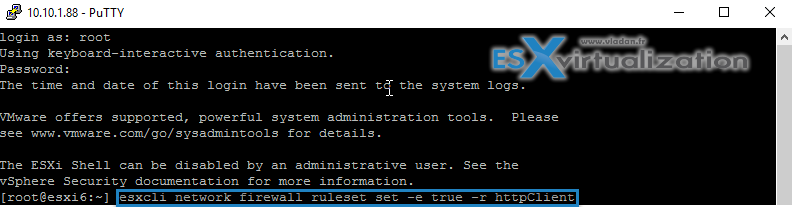
How To Upgrade ESXi 6 0 To 6 5 Via CLI On Line ESX Virtualization

How To Update ESXi 6 5 With Command Line CloudHat eu

Mac VirtualBox

How To Update ESXi 6 5 With Command Line CloudHat eu

Back Up And Restore VMware ESXi Host Configuration A Step By Step

Jump to solution esxcli list all vms Hello everyone Is there a way to list all VMs including powered off directly from the host via ssh Like vim cmd vmsvc getallvms or esxcli vm process list but for every vm on the host I know about PowerCLI and its get vm commandlet but It would be better for me to fetch vms right from the host

You can execute ESXi shell commands If you need to go back to the ESXi DCUI press Alt F2 The Enable SSH option allows you to open the ESXi console remotely by using an SSH client Enabling access to the console using VMware Host Client Open a web browser and enter the IP address of your ESXi host in the address bar then log in
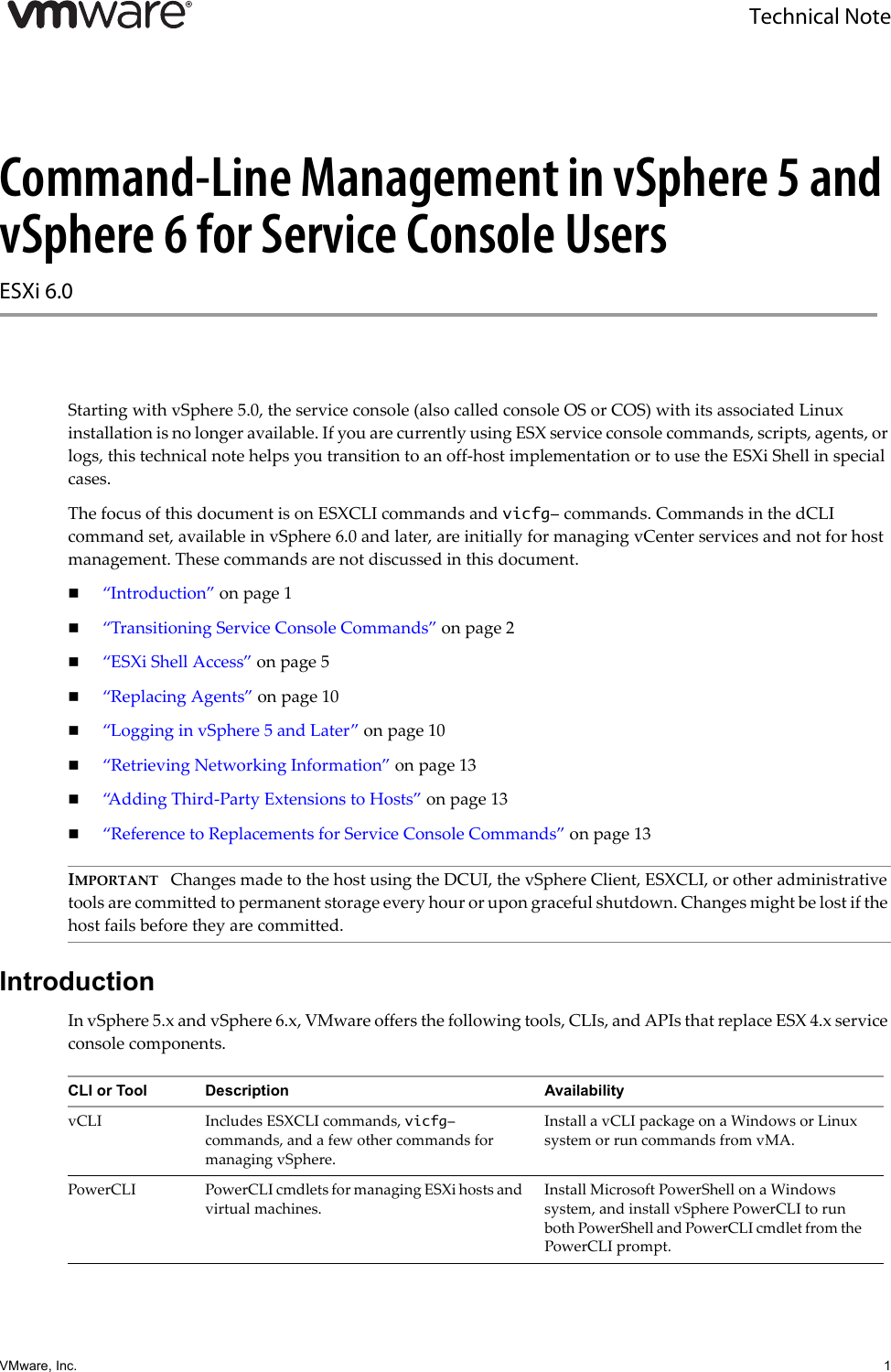
The ESXCLI command set allows you to run common system administration commands against vSphere systems from an administration server of your choice The actual list of commands depends on the system that you are running on Run esxcli help for a list of commands on your system ESXCLI Commands

The esxcli command list exposes a number of namespaces against which you can run queries to retrieve information about ESXi as well as configure it the entire esxcli system The following table lists the available namespaces on ESXi along with a description for each source VMware
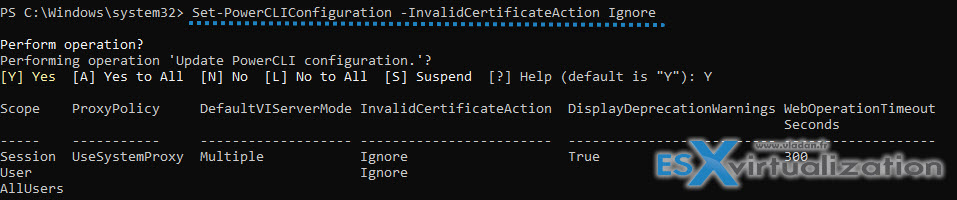
Below we list over 120 common and useful CLI commands including esxcli for VMware ESXi Host and VM management Keep in mind these shell commands are to be ran at the host CLI not from the VCSA command line Knowing how to work with ESXi CLI commands is an underappreciated skill as a system administrator or infrastructure engineer
I was looking for VMs list from ESX server using service console command with VMs performance data Not sure whther I can use ESXTOP thanks Jithin The vSphere CLI command set allows you to run common system administration commands against vSphere systems from an administration server of your choice Linux Installation If you accepted the defaults during installation you can find the installed software in the following locations vSphere CLI scripts usr bin
The vm namespace can be exploited for operations on running virtual machines processes Check the list about running VMs and display their Worldwide IDs The ESXi shell commands list that may be helpful for you be provided below Open the ESXi DCUI from the control the colors are different when you couple to the ESXi shell go SSH