Esxi Command Line Get All Vms VMware ESXi Command Line Cheat Sheet NetworkProGuide Vmware Command Line Management In VSphere 5 0 For Service Console Users How To Update ESXi 6 Via Command Line Comtronic Blog Vmware Esxi Software Nutclever VMware Script Get All VMs And Their Disk Locations On A Datastore Details This article provides intormation to gather the configuration file path and virtual disk information for a virtual machine VM using the ESXi command line For a VM containing many virtual drives this method can be more efficient than gathering the data through Edit Settings in the vSphere Client Solution
VSphere CLI command to get list of all esx hosts vcenter host manages i am tring to find a vsphere cli command i have to stay away from vsphere powercli that will query the vcenter windows host i am on and return to me a list of all the esx hosts that the vcenter host manages and also if possible the version of each esx host thanks Tags Using the virtual machine s Snapshot Manager Log in to the ESXi Host UI or vCenter Web Client Right click on the virtual machine and select Snapshots Snapshot Manager Manage Snapshots If a snapshot is listed the virtual machine is attached to one or more virtual disks which are in a snapshot state Right click on VM and select Edit settings
VMware Script Get All VMs And Their Disk Locations On A Datastore ESXi 6 5 Upgrade Bundle Via Command Line No Space Left On Device Error How To Back Up ESXi Host Configuration Easy Guide Back Up And Restore VMware ESXi Host Configuration A Step By Step PhoneSpin Managing ESXi Virtual Machines By Command line VMware Guide Top ESXi Command Line V2 0 Power Off The Virtual Machine In An ESXi Host ESXi Commands List Networking Commands ESX Virtualization Changing The ESXi Management IP Address Using The Command Line
Esxi Command Line Get All Vms
 Esxi Command Line Get All Vms
https://networkproguide.com/wp-content/uploads/vmware-esxi-command-line-cheat-sheet-preview.png
Command Description Options Help vm process kill Used to forcibly kill Virtual Machines that are stuck and not responding to normal stop operations type t The type of kill operation to attempt There are three types of VM kills that can be attempted soft hard force Users should always attempt soft kills first which will give
Pre-crafted templates offer a time-saving option for producing a varied variety of documents and files. These pre-designed formats and designs can be made use of for different personal and expert projects, consisting of resumes, invites, leaflets, newsletters, reports, discussions, and more, simplifying the material production process.
Esxi Command Line Get All Vms

How To Update ESXi From Command Line Written By Powersjo
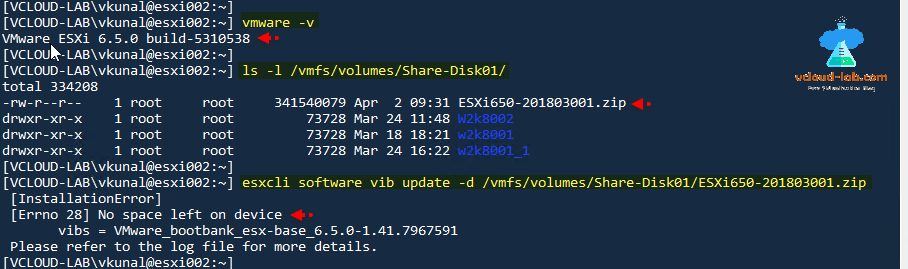
ESXi 6 5 Upgrade Bundle Via Command Line No Space Left On Device Error

How To Back Up ESXi Host Configuration Easy Guide

Back Up And Restore VMware ESXi Host Configuration A Step By Step
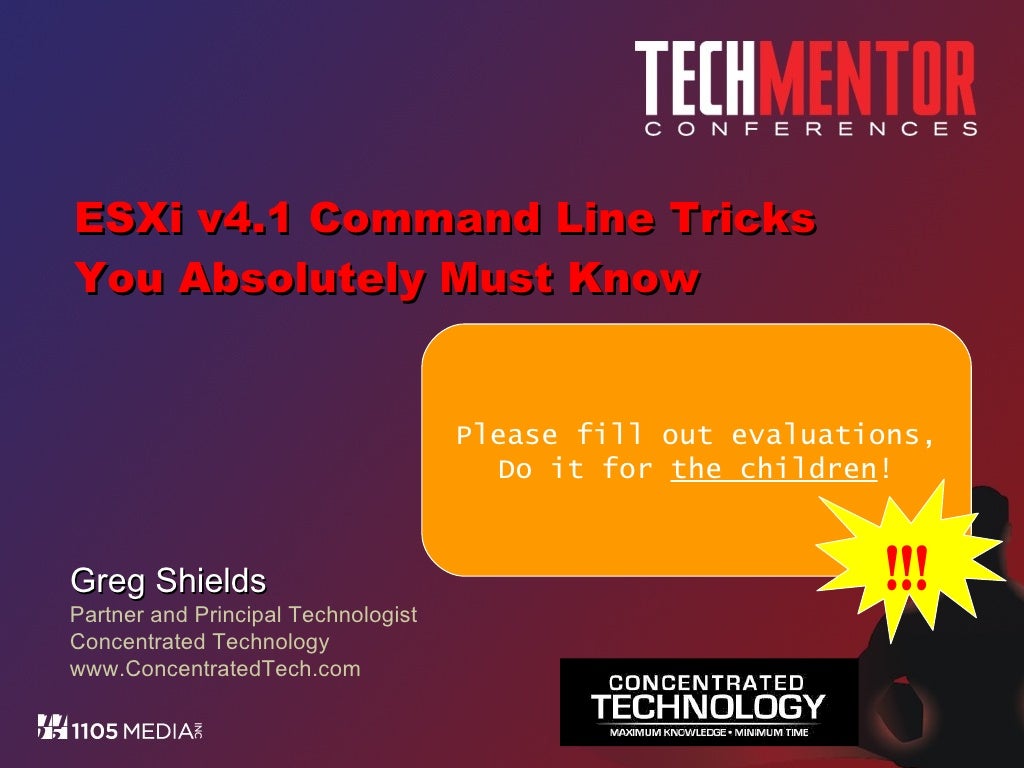
Top ESXi Command Line V2 0

Power Off The Virtual Machine In An ESXi Host
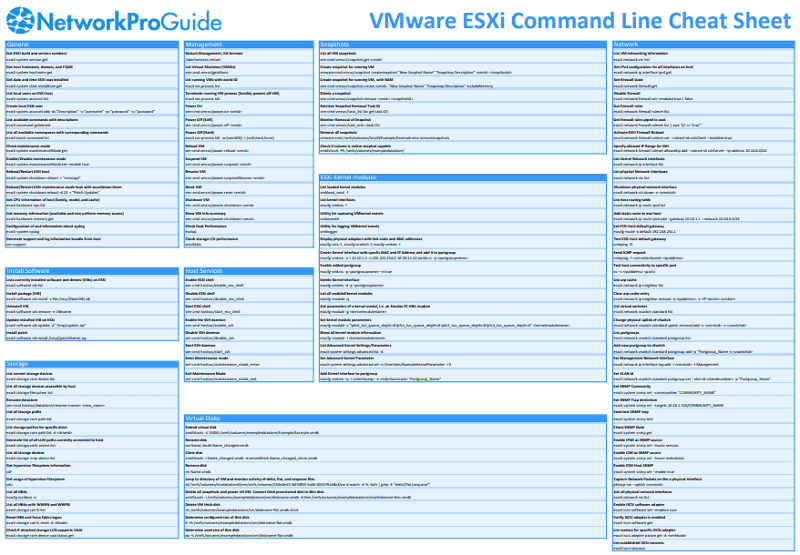
You can easily list all running virtual machines on the host from a shell prompt without accessing GUI by typing the following command esxcli vm process list The World ID can be used with other ESXCLI commands to carry out various tasks related to VMs
Go to Manage Services Right click the TSM SSH service Hit Policy Start and Stop with host to enable SSH access even after ESXi reboot Now you can connect to the ESXi console by using your SSH client remotely Enabling access to the console using vCenter and VMware vSphere Client

I have a shell script and want to get all IDs and Names of virtual machines for i in vmware vim cmd vmsvc getallvms sed 1d awk print 1 2 all is fine but in my list i get the notes of the machine I have written in Vcenter For example

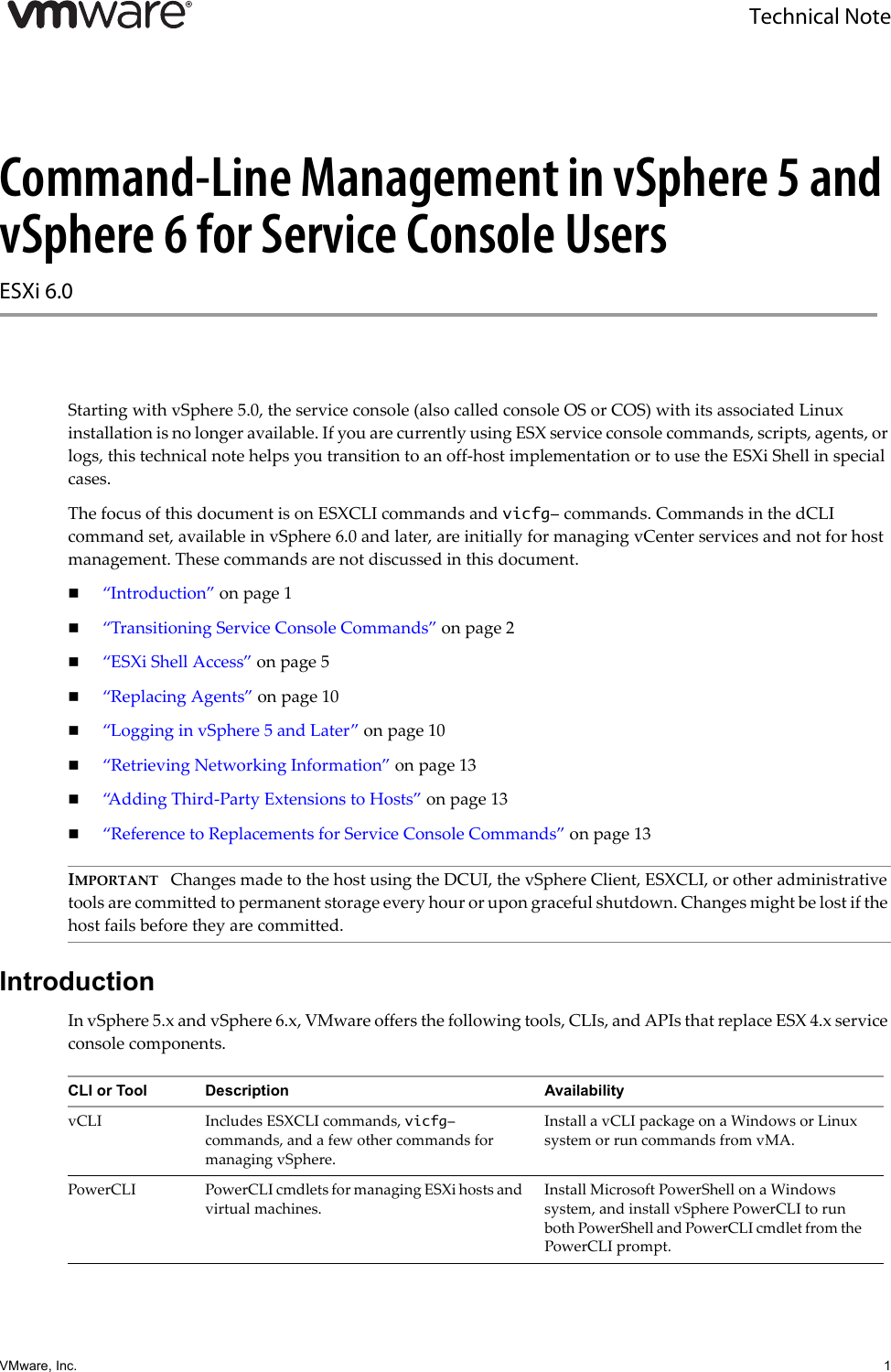
Command line access grants you the ability to configure settings not available in the GUI of which there are still many providing greater flexibility in managing your VMware ESXi environment It significantly enhances your troubleshooting capabilities by allowing you to access detailed system information logs and performance metrics quickly

ESXCLI Reference The ESXCLI command set allows you to run common system administration commands against vSphere systems from an administration server of your choice The actual list of commands depends on the system that you are running on Run esxcli help for a list of commands on your system
The esxcli command list exposes a number of namespaces against which you can run queries to retrieve information about ESXi as well as configure it the entire esxcli system The following table lists the available namespaces on ESXi along with a description for each source VMware Get the host domain or fully qualified name of the ESX host help Show the help message system hostname set This command allows the user to set the hostname domain name or fully qualified domain name of the ESX host domain d The domain name to set for the ESX host This option is mutually exclusive with the fqdn option fqdn f
By using process command with esxcli vm you will get 2 commands kill It will help you to kill the virtual machine forcefully which are not responding or stuck list It will help you to get the list of virtual machines running on esxi with some of important information you can check the below image for more