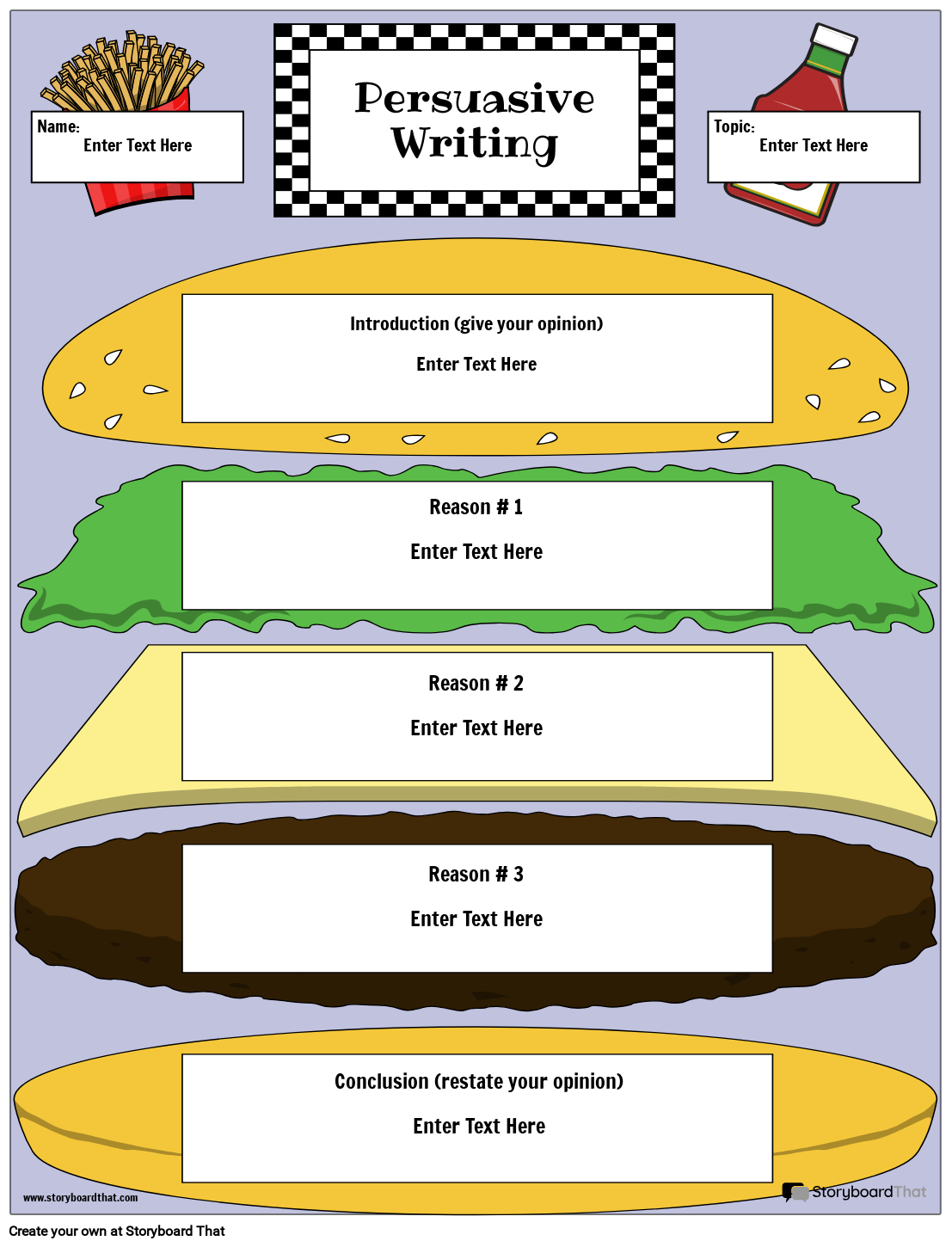
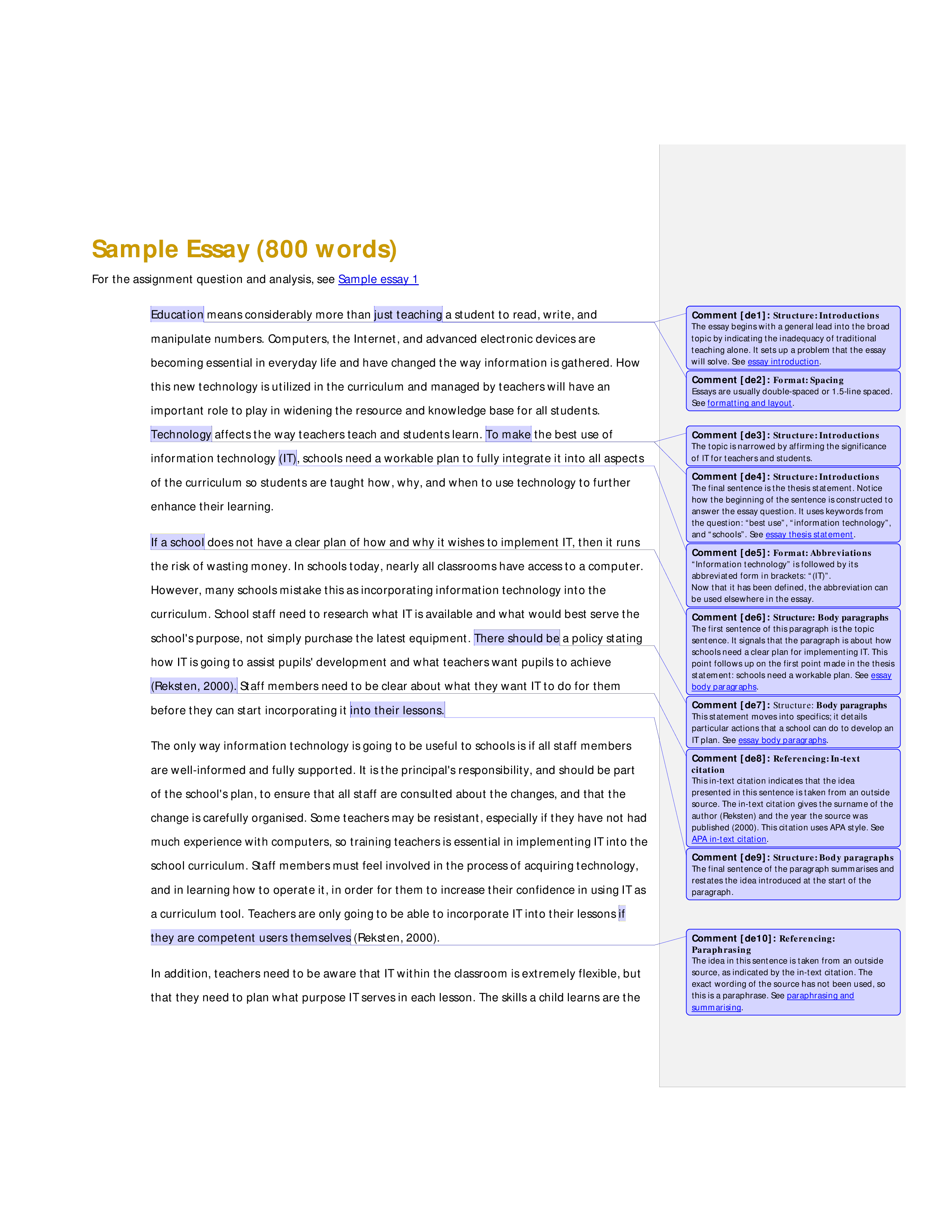
Ending With Essay Writer s Workshop Ways To End An Essay Anchor Chart Writing Anchor Ei invasiivinen Follikulaarinen Kilpirauhasen Kasvain Jossa On Persuasive Essay Worksheet Portrait Color 7 Storyboard Come Concludere Un Saggio 15 Passaggi con Immagini T l charger Gratuit Short Informative Essay Sample Sep 17 2020 nbsp 0183 32 Visual Studio Code Ajustar linea de c 243 digo a ventana Formulada hace 5 a 241 os y 2 meses Modificada hace 3 a 241 os y 1 mes Vista 51k veces
What is the keyboard shortcut to navigate back to the last cursor position in Visual Studio Code Visual Studio VSCode Microsoft
T l charger Gratuit Short Informative Essay Sample Download C0C0C0 Slovenia Map Flag With Stroke SVG FreePNGImg Tabata T glich Vier Minuten F r Ihre Fitness Joulukyl n Kohtaus Valon Kanssa 12 Flying Tiger Copenhagen How To End A Narrative Story HISTORYZI Download 00FF00 Boy With Big Text Balloon SVG FreePNGImg Essay On Mobile Phone For Students 100 150 250 400 Words Franklin bar stool with backrest foldable black black 0727487 pe735712 Story Ending Chart Teaching Writing Narrative Writing Third Grade
Ending With Essay
 Ending With Essay
https://i.pinimg.com/originals/3a/e5/95/3ae595cce0ead4c5ac1d710cafb101d8.jpg
Apr 30 2015 nbsp 0183 32 Visual Studio Code is a source code editor developed by Microsoft for Windows Linux and macOS It includes support for debugging embedded Git control syntax
Pre-crafted templates provide a time-saving option for creating a varied series of documents and files. These pre-designed formats and layouts can be made use of for various individual and professional jobs, including resumes, invitations, leaflets, newsletters, reports, presentations, and more, improving the content development procedure.
Ending With Essay

Essay Writing Conclusion Maker

Download C0C0C0 Slovenia Map Flag With Stroke SVG FreePNGImg

Tabata T glich Vier Minuten F r Ihre Fitness

Joulukyl n Kohtaus Valon Kanssa 12 Flying Tiger Copenhagen

Download 00FF00 Boy With Big Text Balloon SVG FreePNGImg
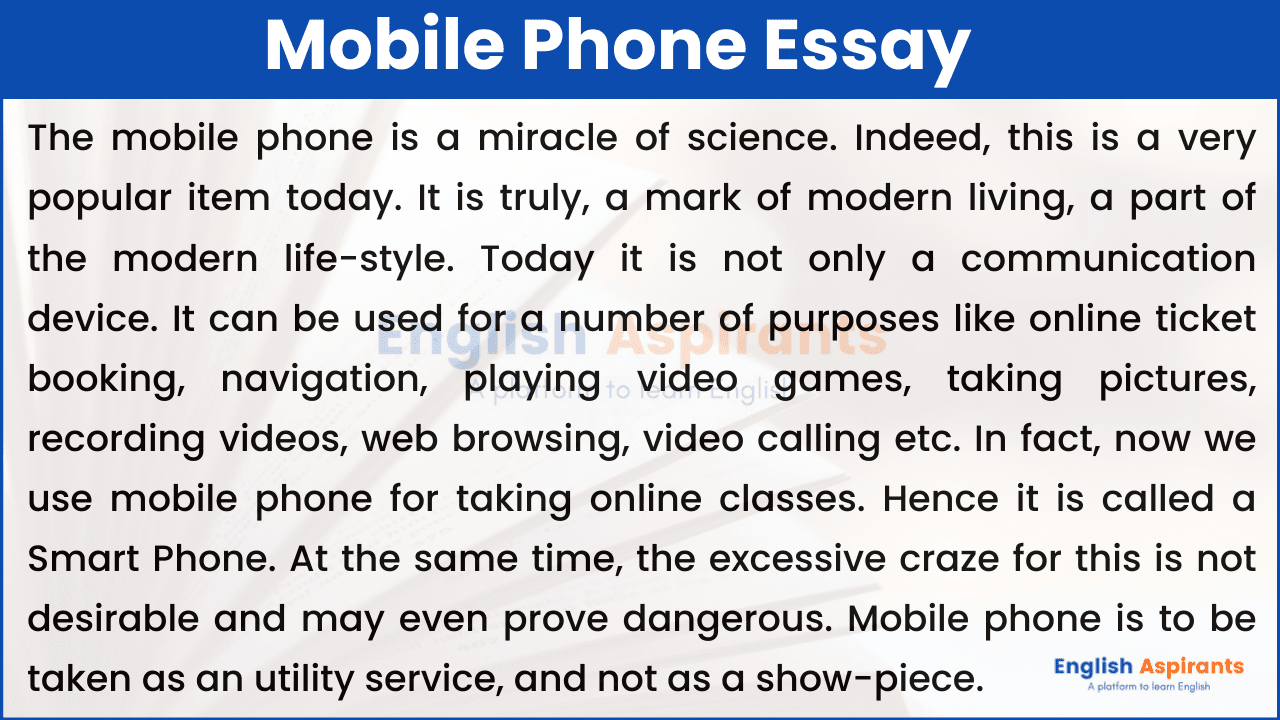
Essay On Mobile Phone For Students 100 150 250 400 Words

I want to indent a specific section of code in Visual Studio Code I read How do you format code in Visual Studio Code that gives shortcuts to indent the whole code but it doesn t work when

May 29 2015 nbsp 0183 32 Visual Studio Code is a simpler and more efficient code editor with support for development operations like debugging task running and version control It aims to provide
Jul 17 2018 nbsp 0183 32 24 I don t think Visual Studio Code has Git rebase functionality built in If you want to do your rebasing in Visual Studio Code instead with the git command line tool or with a Git

Oct 6 2018 nbsp 0183 32 I updated to the version here where it installs it per user instead of all How do I install for all users instead Do I need to install for each user now
How to go to previous location in Visual Studio Code VS Code duplicate Asked 9 years 4 months ago Modified 3 years 5 months ago Viewed 92k times
[desc-11] [desc-12]
[desc-13]