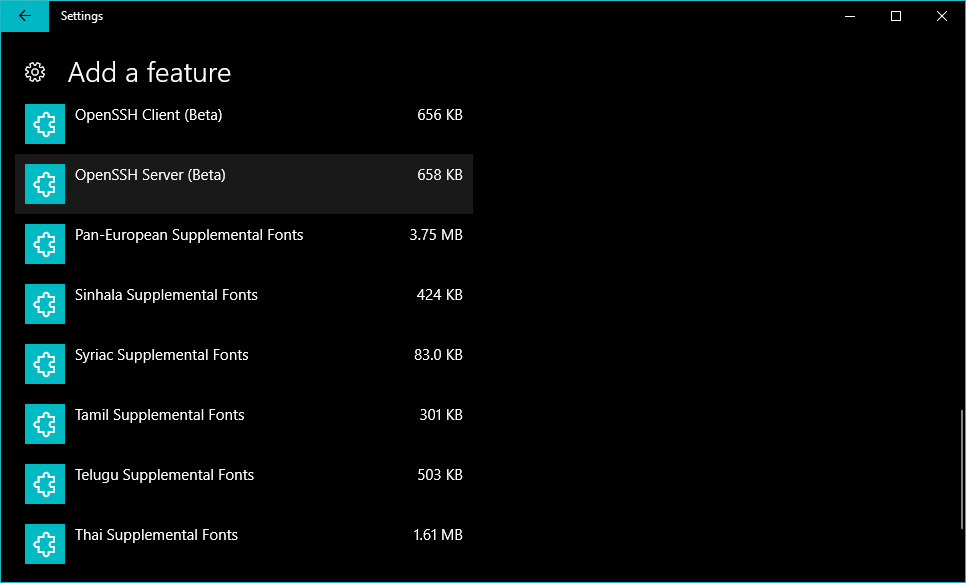
Enable Openssh In Windows 10 How To Enable New Built In Windows 10 OpenSSH Client How To Install Microsoft Windows Openssh In Windows 10 Version 1709 Windows 10 SSH C mo Habilitar El Servidor OpenSSH En Windows 10 Windows 10 How To Enable Ssh On Windows Server Web Go to Settings gt Apps gt Apps amp features gt Optional features and click on Add a feature Locate OpenSSH server feature expand it and select Install Binaries are installed to
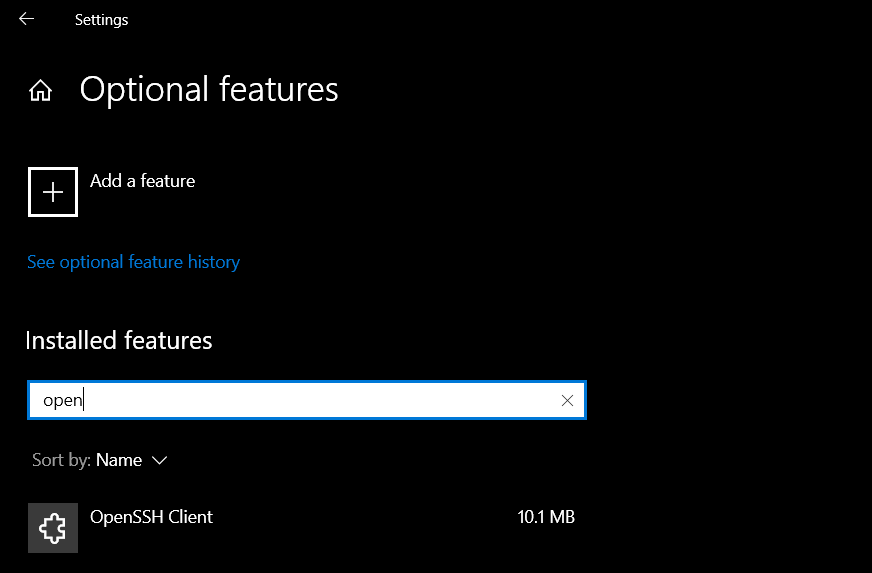
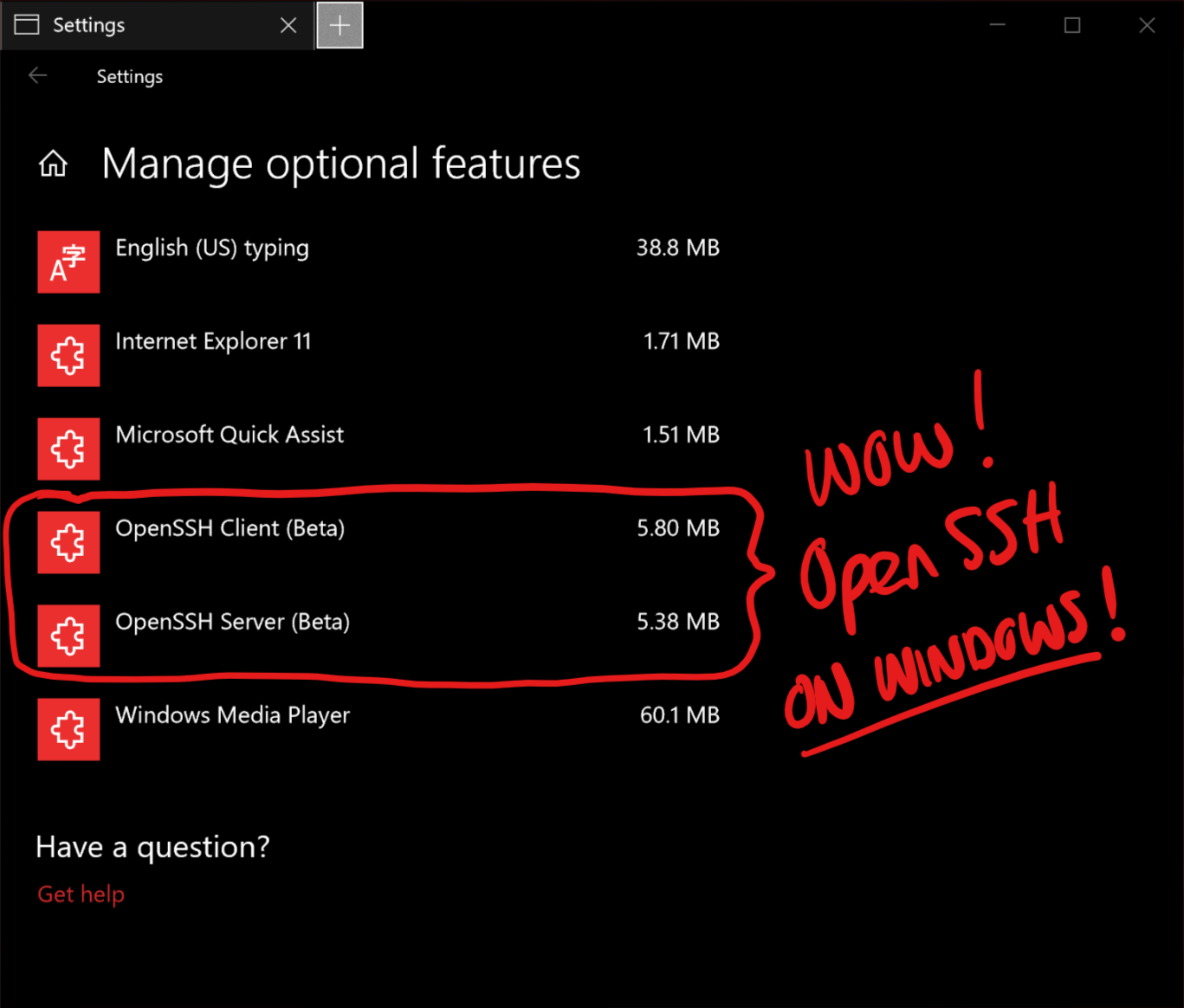
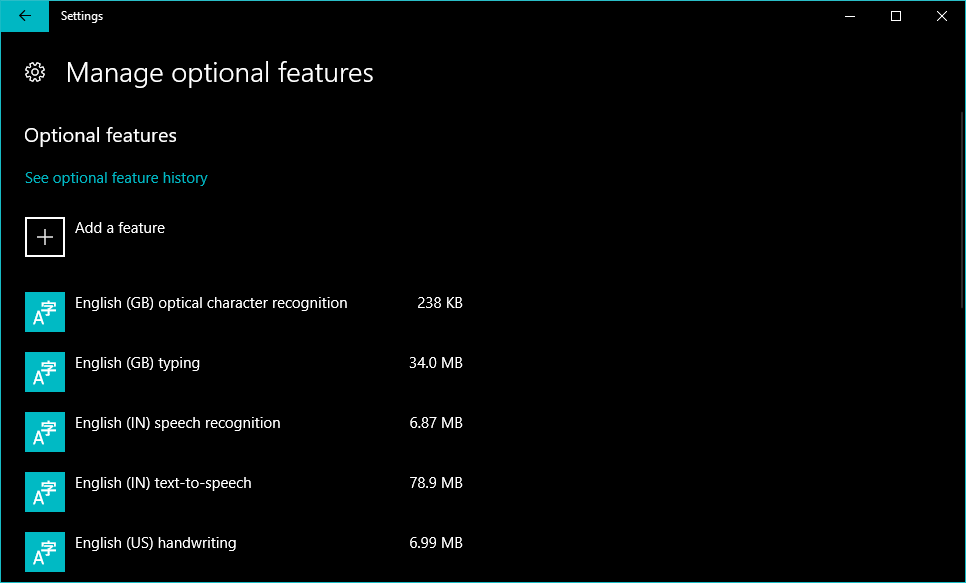
Web 08 05 2022 7 contributors Feedback Applies to Windows Server 2022 Windows Server 2019 Windows 10 build 1809 and later OpenSSH is the open source version of the Web Jan 25 2021 nbsp 0183 32 To enable it follow these steps Open your settings Go to Apps gt Apps and Features gt Manage Optional Features Check the list to see if OpenSSH Client is
How To Enable Ssh On Windows Server What Is Ssh Enable To Upload Dummy Content Gautreaux Eflete How To Install And Use OpenSSH In Windows 10 How To Enable And Use Native OpenSSH Client On Windows 10 How To Enable And Install OpenSSH In Windows 10 B Windows OpenSSH In Windows 10 How To Enable New Built In Windows 10 OpenSSH Client How To Install And Use OpenSSH In Windows 10 Enable OpenSSH In Windows 10 MajorGeeks
Enable Openssh In Windows 10
 Enable Openssh In Windows 10
https://fossbytes.com/wp-content/uploads/2017/12/Windows-OpenSSH.png
Web Aug 25 2021 nbsp 0183 32 How to Enable and Use SSH Commands on Windows 10 We show you how to install SSH on Windows 10 by enabling the Windows Open SSH client We also walk
Templates are pre-designed documents or files that can be used for different purposes. They can save time and effort by providing a ready-made format and design for developing various sort of content. Templates can be used for individual or expert jobs, such as resumes, invitations, flyers, newsletters, reports, presentations, and more.
Enable Openssh In Windows 10

Come Installare Client OpenSSH In Windows 10 HardwareTheory it
What Is Ssh Enable To Upload Dummy Content Gautreaux Eflete

How To Install And Use OpenSSH In Windows 10

How To Enable And Use Native OpenSSH Client On Windows 10
B Windows OpenSSH In Windows 10
How To Enable New Built In Windows 10 OpenSSH Client
Web Jun 8 2023 nbsp 0183 32 You can also install OpenSSH on Windows 10 11 through the modern Settings panel Settings gt Apps and features gt Optional features gt Add a feature Find

Web Dec 20 2017 nbsp 0183 32 Scroll down click the quot OpenSSH Client Beta quot option and click quot Install quot Windows 10 also offers an OpenSSH server which you can install if you want to run an SSH server on your PC You should only

Web Dec 17 2017 nbsp 0183 32 Go to the c windows system32 Openssh directory using the command cd c windows system32 Openssh Here run the

Web Dec 12 2017 nbsp 0183 32 Using the Windows 10 OpenSSH Client To use the OpenSSH client simply open a command prompt and type ssh and press enter If the OpenSSH Client was properly installed you will see the
Web Jul 29 2022 nbsp 0183 32 In this article OpenSSH configuration files Configuring the default shell for OpenSSH in Windows Windows Configurations in sshd config Applies to Windows
Web Nov 12 2021 nbsp 0183 32 As you may have noticed you can install OpenSSH Client and OpenSSH Server on Windows 10 and Windows Server 2019 2022 You need at least Windows Web Dec 7 2023 nbsp 0183 32 On Windows 10 or 11 you can use the Settings panel to enable the OpenSSH server Go to Settings gt Apps gt Apps and features gt Optional features Or run the command ms settings appsfeatures
Web Dec 14 2017 nbsp 0183 32 Installing the Windows 10 OpenSSH Server The first step is to click on the Windows Start Menu and then in the search field type option A search result labeled