Enable Disable Button On Checkbox Click How To Disable A Button In Flutter Sarunw Ionic 5 Tutorials How To Create Checkbox ionic 5 Checkbox how To Angular Angular Disable Button Till Dropdown Option Is Selected Datatables Select All Checkbox Also Selects Disabled Checkboxes Rows Issue Oct 12 2020 nbsp 0183 32 If you like you can use the InPrivateModeAvailability policy to enable disable or force the InPrivate mode feature in Microsoft Edge for all users on the computer This tutorial
Dec 17 2023 nbsp 0183 32 This tutorial will show you how to enable or disable automatic updates in Windows Update for all users in Windows 10 May 15 2020 nbsp 0183 32 This tutorial will show you how to enable or disable read and write access to all removable storage devices for all users in Windows 7 Windows 8 and Windows 10
Select All Checkbox Also Selects Disabled Checkboxes Rows Issue Javascript Solved How To Disable Textbox Depending On Checkbox 9to5Answer Tkinter Disable Button After Click Design Talk Table Row Add Listener Php Makingmakersbook Enable Disable Control In JQuery CheckBox Check UnCheck Enable H rmas Trombita Viselked s Radio Vs Checkbox Az g Botr nyos Nem Enable Disable Textbox On Checkbox Click Checked Unchecked Using Disable Div In Html Webiz jp
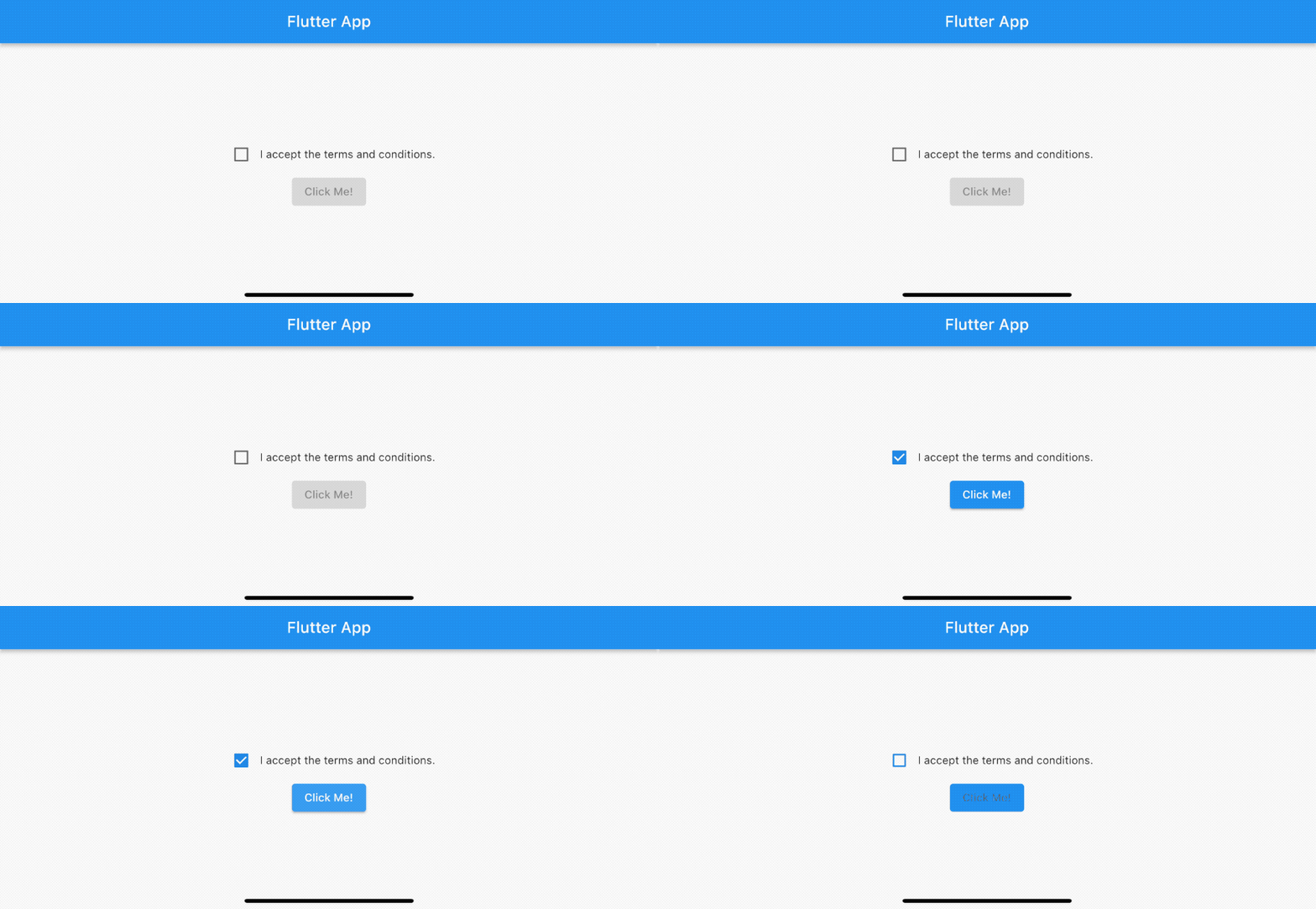
Enable Disable Button On Checkbox Click
 Enable Disable Button On Checkbox Click
https://d33wubrfki0l68.cloudfront.net/e7d7d04b66e38f35571037de6ca4777832b35178/7537a/images/disable-flutter-button-condition.gif
Jun 2 2021 nbsp 0183 32 How to Enable or Disable Changing Mouse Pointers in Windows A mouse pointer or cursor is a graphical image on the PC monitor or other display device The pointer echoes
Templates are pre-designed documents or files that can be utilized for various functions. They can save time and effort by providing a ready-made format and layout for creating different kinds of content. Templates can be utilized for personal or professional tasks, such as resumes, invites, leaflets, newsletters, reports, presentations, and more.
Enable Disable Button On Checkbox Click

Sending AJAX On Checkbox Click Using Jquery And Rails 7 YouTube

Javascript

Solved How To Disable Textbox Depending On Checkbox 9to5Answer
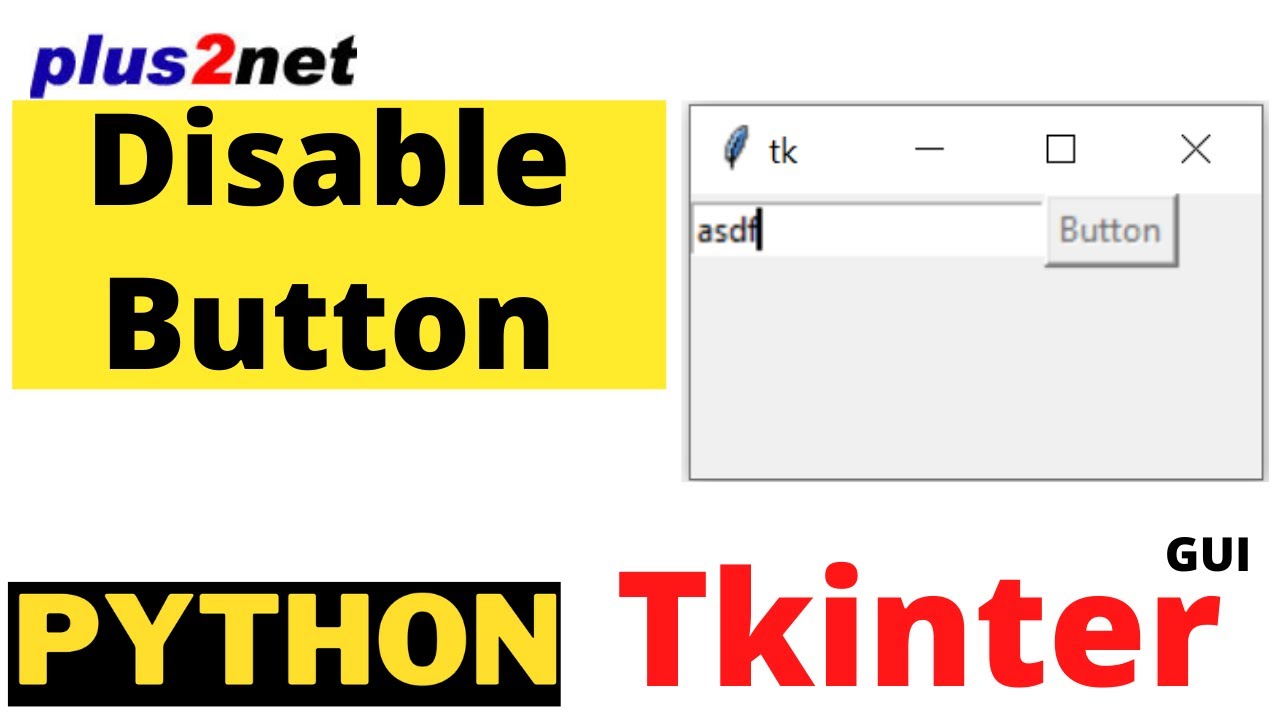
Tkinter Disable Button After Click Design Talk

Enable Disable Control In JQuery CheckBox Check UnCheck Enable

H rmas Trombita Viselked s Radio Vs Checkbox Az g Botr nyos Nem
1 enable enable sb to do 2 enable sb to do enable sb to do 1 This is but a foretaste of what the emerging technologies will

Jun 24 2022 nbsp 0183 32 How to Add Delete Enable or Disable Startup Items in Windows 10 Startup items are the apps shortcuts folders drives etc that are set to run or open automatically at startup

Jun 8 2023 nbsp 0183 32 How to Enable or Disable Touchpad in Windows 10 Published by Shawn Brink Category Hardware amp Drivers 08 Jun 2023 How to Enable or Disable Touchpad in Windows

Mar 22 2020 nbsp 0183 32 To Enable or Disable Sound Output Device in Settings Device properties This option is only available in Windows 10 1 Open Settings and click tap on the System icon 2
Jan 25 2020 nbsp 0183 32 Enable and Configure or Disable MultiFinger Gestures for Precision Touchpad in Settings 1 Open Settings and click tap on the Devices icon 2 Click tap on Touchpad on the
[desc-11] [desc-12]
[desc-13]