Edit Table Size In Powerpoint How To Change The Page Size In Powerpoint 2010 Solveyourtech How To Lock The Font Size In PowerPoint Quora Microsoft Office Mechanicaleng Blog How To Change PowerPoint Slide Size Standard Widescreen Custom How To Make A Picture The Size Of A Powerpoint Slide Barcodeulsd Web Applying a predefined table style is the quick easy way to change the look of a table in PowerPoint A table style is a combination of formatting options including color and optional shading The color combinations are
Web Sep 17 2023 nbsp 0183 32 Try it free Master the art of table editing in PowerPoint with our step by step tutorial Whether you re updating data adding or removing rows and columns or Web Delete a table Click the table to select it On the Layout tab in the Rows amp Columns group click Delete and then click Delete Table or press Delete on your keyboard
How To Make A Picture The Size Of A Powerpoint Slide Barcodeulsd How To Change The Size Of Slides In Microsoft PowerPoint To Match Your Customized Presentation How To Make A 1x1 Picture In Microsoft Word 2022 Powerpoint Presentation Template Size How To Change Slide Size In PowerPoint A Helpful Guide Art Of Presentations How To Change The PowerPoint Slide Size All You Need To Know Digital Citizen How To Check Table Size In Sql Dbeaver Brokeasshome How To Change The Slide Size In PowerPoint Tutorial 4 3 Archives SlideModel
Edit Table Size In Powerpoint
 Edit Table Size In Powerpoint
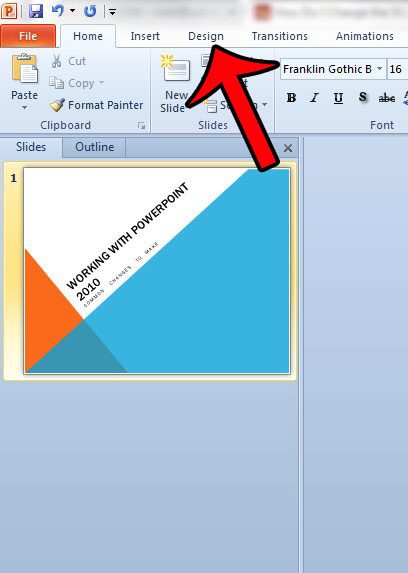
https://v8r5x7v2.rocketcdn.me/wp-content/uploads/2015/07/powerpoint-2010-page-size-1.jpg
Web Sep 17 2023 nbsp 0183 32 Level up your PowerPoint skills with our tutorial Learn how to effortlessly edit tables within your slides making your data presentations more engaging and
Templates are pre-designed files or files that can be utilized for various purposes. They can conserve time and effort by supplying a ready-made format and layout for creating different type of content. Templates can be used for individual or expert projects, such as resumes, invites, flyers, newsletters, reports, discussions, and more.
Edit Table Size In Powerpoint

How To Adjust The Table Size In PowerPoint SlideGem

How To Change The Size Of Slides In Microsoft PowerPoint To Match Your Customized Presentation
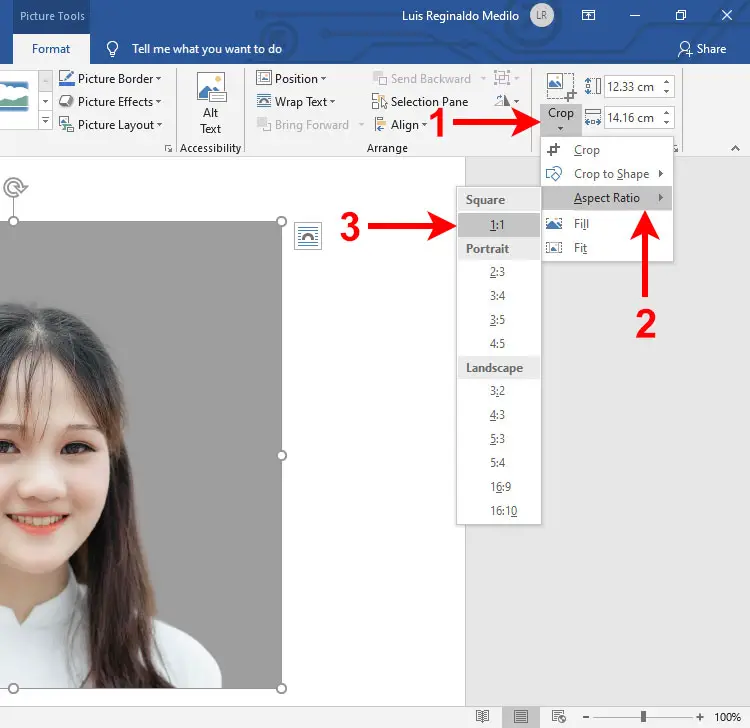
How To Make A 1x1 Picture In Microsoft Word 2022
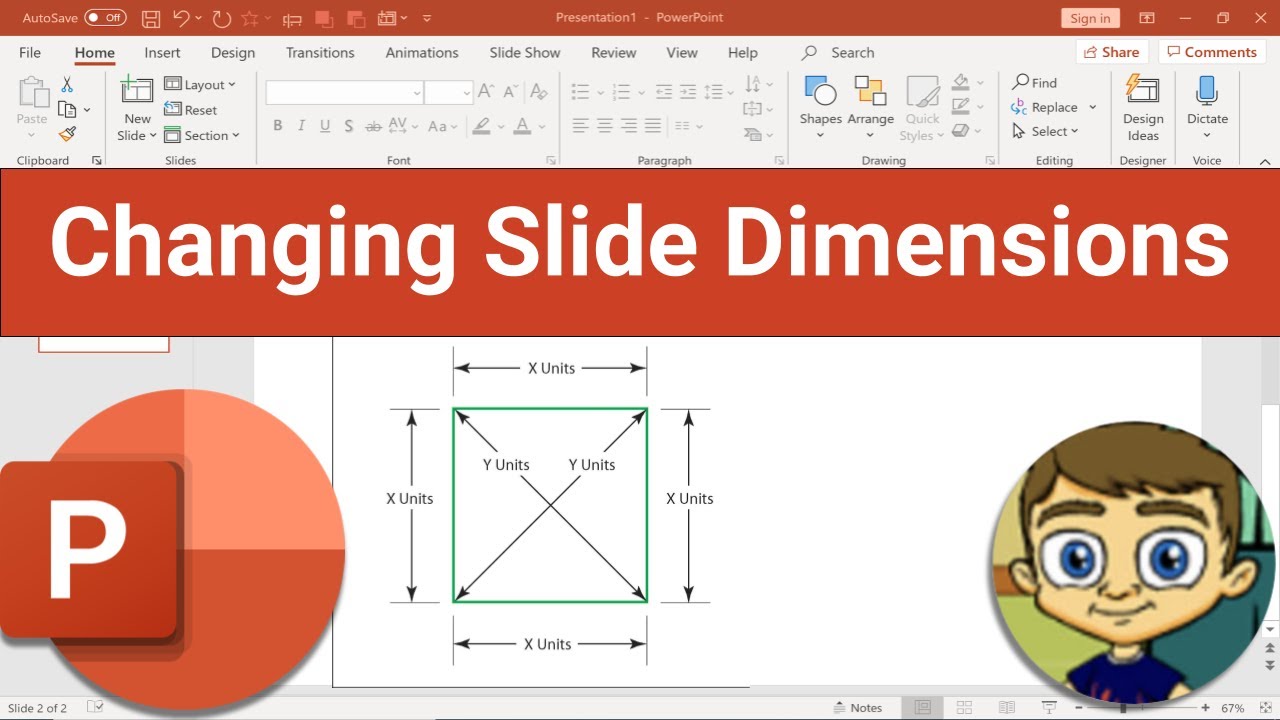
Powerpoint Presentation Template Size
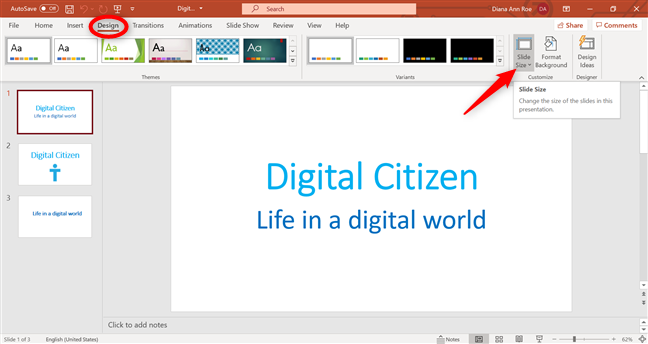
How To Change The PowerPoint Slide Size All You Need To Know Digital Citizen
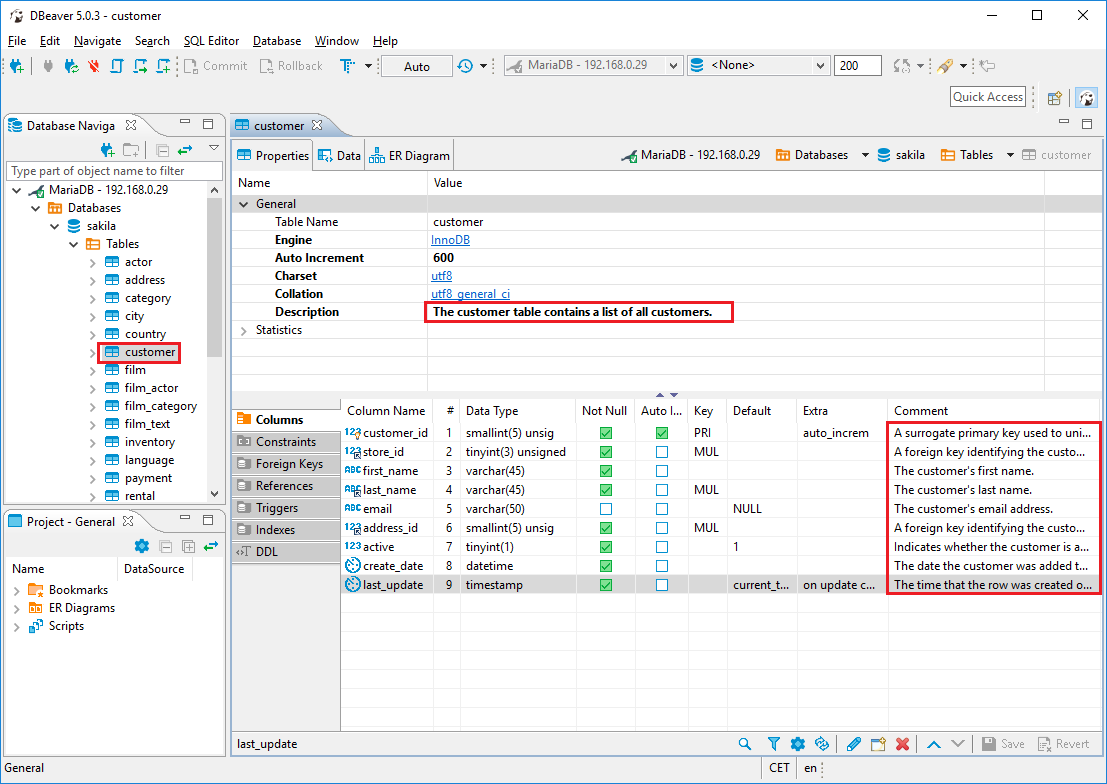
How To Check Table Size In Sql Dbeaver Brokeasshome

Web Resize an entire table manually Rest the cursor on the table until the table resize handle appears at the lower right corner of the table Rest the cursor on the table
Web Feb 24 2023 nbsp 0183 32 The tables in PowerPoint are very easily editable There is a ton of stuff that you can do to a table For instance you can add rows or columns in a table However a
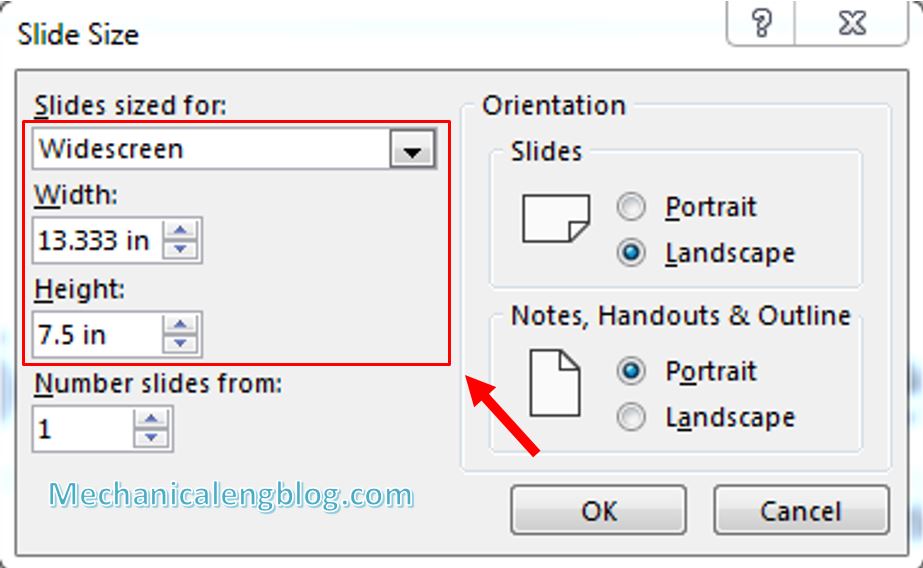
Web Resize a table Rest the pointer on the lower right corner of the table until appears and then drag the table boundary until the table is the size that you want Resize rows columns

Web Aug 2 2021 nbsp 0183 32 If you re using a blank slide head to the Insert tab and click the quot Table quot drop down box You can either move your cursor to cover the number of columns and rows
Web Feb 24 2023 nbsp 0183 32 Step 1 Click on the Table Design tab In the open slide click on the table to select it first Then click on the Table Design contextual tab to access options for
Web Open your PowerPoint presentation and select the slide you want the table to be on Click on Insert in the Table option This will open a submenu allowing you to configure it In Web Instructions for PowerPoint 2010 Select all the text within the table and click Table Tools on the ribbon Select the Layout tab Click on Cell Margins in the Alignment group
Web Oct 8 2018 nbsp 0183 32 How to quickly resize tables in PowerPoint PowerPoint Training Online 654 subscribers Subscribe 61 Share 17K views 4 years ago If you like this video please