Edit Pixel Size Iphone Google Pixel Pixel XL Elementalx Iphone X Pixel Size My XXX Hot Girl Buy Divoom Pixoo Pixel Art Digital Photo Frame LED Panel 16X16 Retro Editing Did Not Copy Just Looked At The Pixels XD Free Online Pixel Lcd Screen Pixel Pattern Supermacro By Stocksy Contributor Pixel Open the Photos app Tap to open the image that you want to crop to a specific size Tap the Edit button in the top right corner Tap the Rotate Crop icon Tap the Aspect Ratio icon at the top of the screen Select your preferred aspect ratio at the bottom of the screen
1 Open the Photos app on your iPhone and the picture that you want to resize 2 Tap Edit in the top right corner of the screen Tap Edit in the upper right corner Stefan Ionescu Insider Open the Photos App and scroll your screens to find the image you want to adjust image size Tap the image and find the Edit icon on the upper right corner of the screen Tap it and select the third crop and rotate image icon on the bottom of the screen Find the third gray rectangular icon on the top of the screen and tap it
Lcd Screen Pixel Pattern Supermacro By Stocksy Contributor Pixel Editing Figure Base Free Online Pixel Art Drawing Tool Pixilart Google May Ditch Qualcomm And Use Its Own Chipsets In Pixel Phones In Editing GB Topdown Animation Base Free Online Pixel Art Drawing Tool Google Pixel 7 Vs Pixel 7 Pro Is There Any More Than A Pixel Between Editing Add A Dot Size 4 Free Online Pixel Art Drawing Tool Pixilart Pixel Pattern 02 Free Stock Photo Public Domain Pictures Comment Google Is Moving Away From Smaller Phones With The Pixel 6 CM IPhone 12 Tough Clear
Edit Pixel Size Iphone
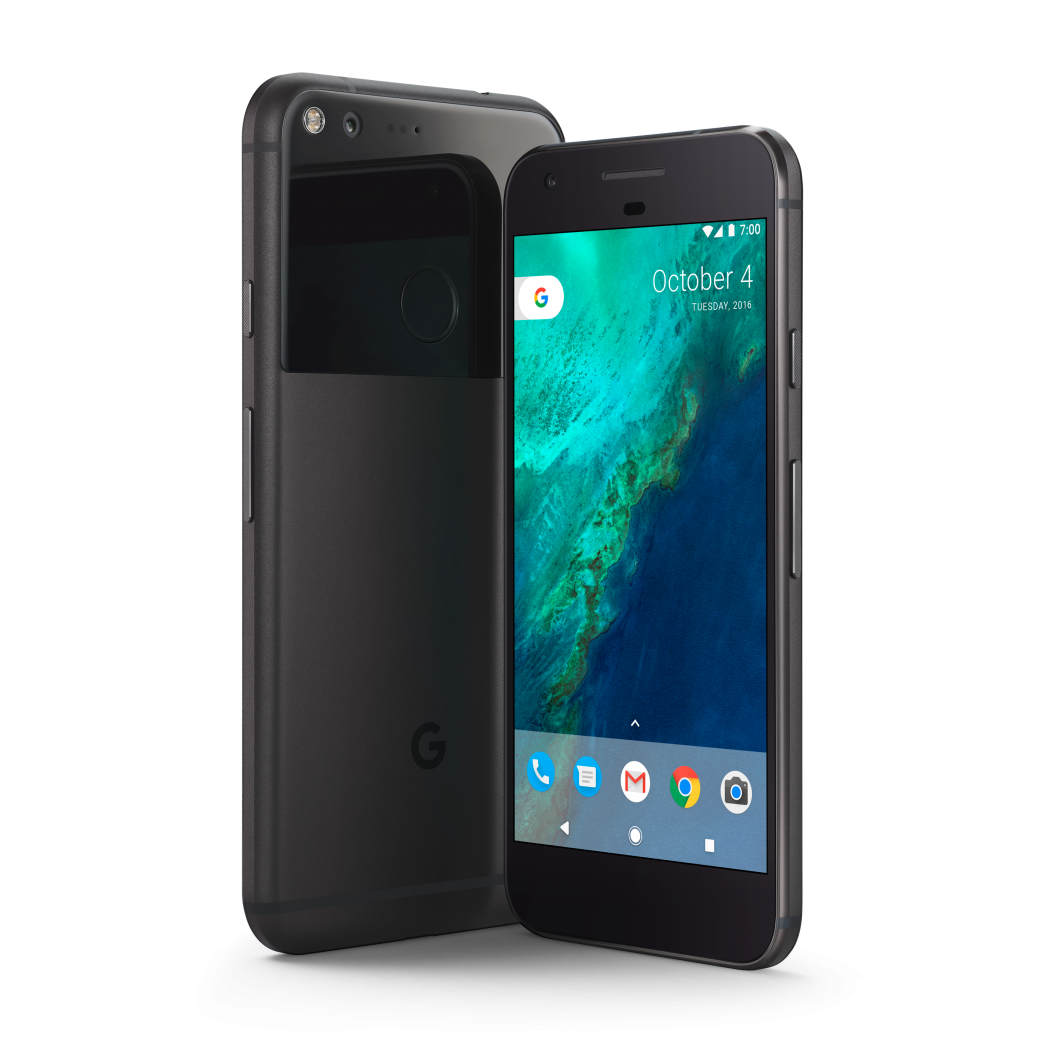 Edit Pixel Size Iphone
https://elementalx.org/wp-content/uploads/2016/11/pixel.png
Tap on the Create a Design button in the bottom center of the screen Select the Custom dimensions option Enter the new dimensions for the photo Tap the Uploads button in the bottom right corner Select the photo you want to resize from your Camera Roll Use the move and scale tool to adjust the size of the photo
Pre-crafted templates provide a time-saving service for producing a varied range of documents and files. These pre-designed formats and layouts can be made use of for numerous personal and expert jobs, including resumes, invites, flyers, newsletters, reports, discussions, and more, enhancing the content production procedure.
Edit Pixel Size Iphone

Editing Fluff Base Free Online Pixel Art Drawing Tool Pixilart

Editing Figure Base Free Online Pixel Art Drawing Tool Pixilart

Google May Ditch Qualcomm And Use Its Own Chipsets In Pixel Phones In

Editing GB Topdown Animation Base Free Online Pixel Art Drawing Tool

Editing Add A Dot Size 4 Free Online Pixel Art Drawing Tool Pixilart

Pixel Pattern 02 Free Stock Photo Public Domain Pictures
1 Crop the Photo To Reduce Its File Size The first and most straightforward method to reduce a photo s file size is to crop it This method might not be the best solution for most people
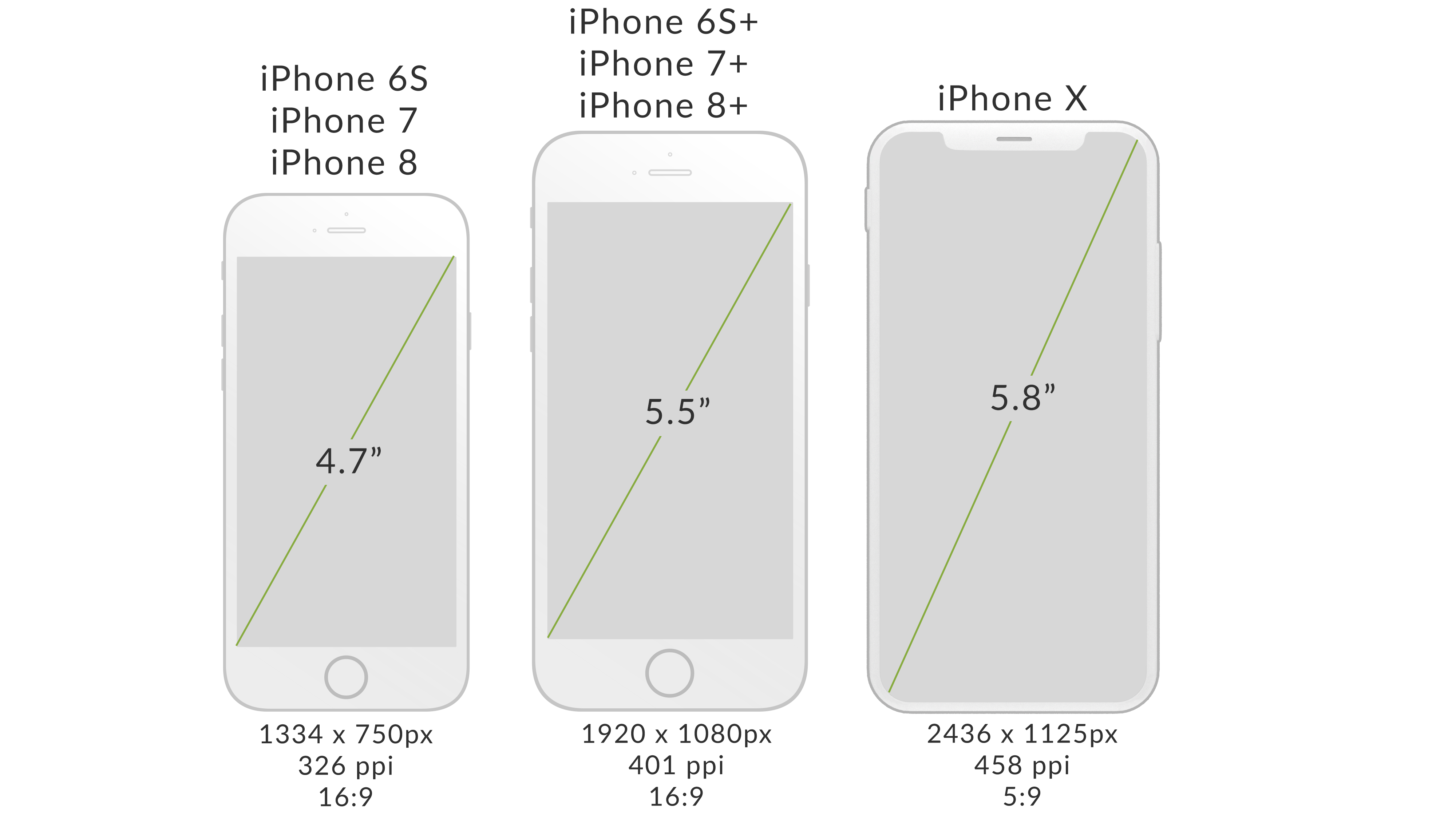
1 Reduce Photo Size in iPhone Settings Time needed 2 minutes Follow these simple steps to reduce iPhone pictures in Settings On iPhone open Settings Camera Next tap on Formats
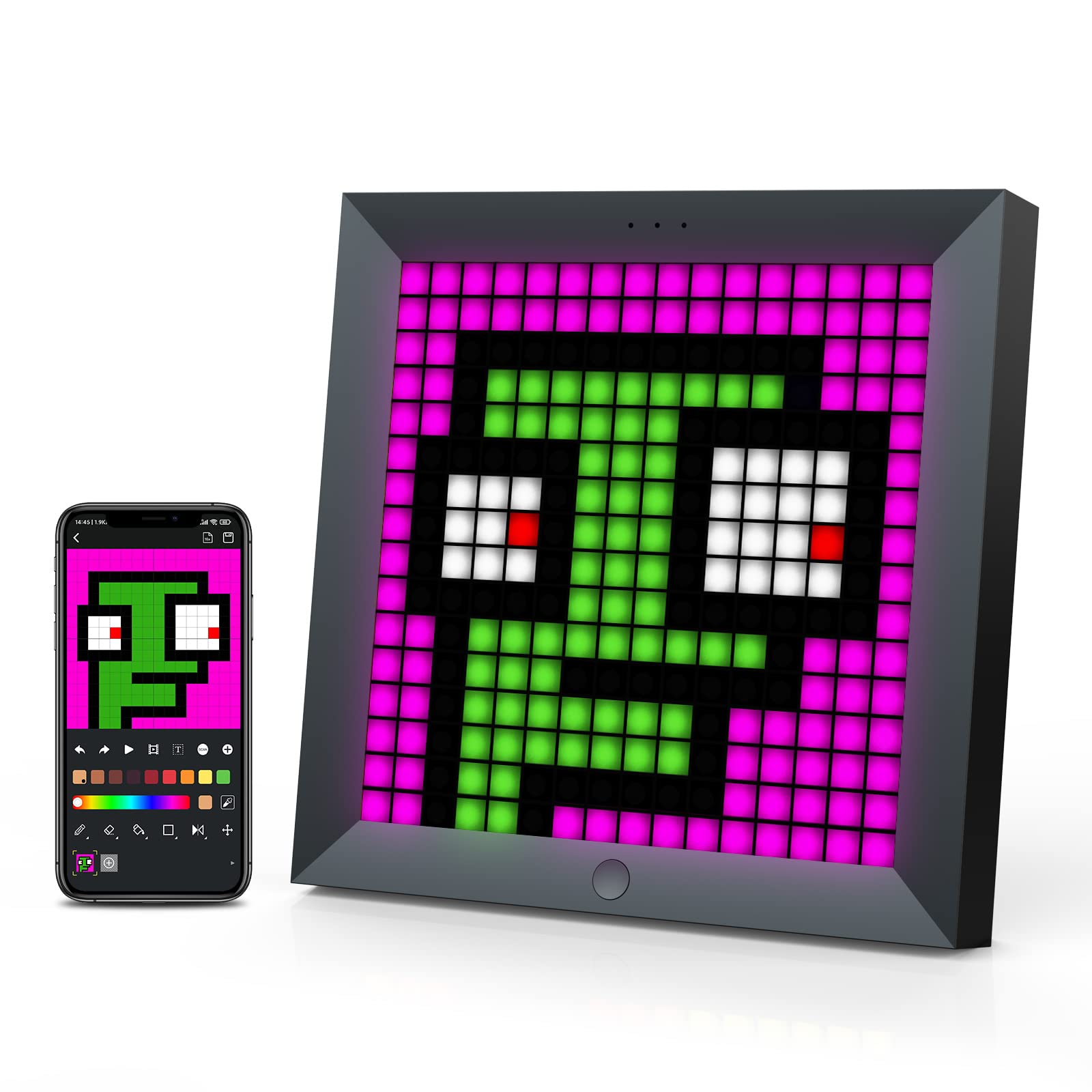
1 Open the Photos app While the iPhone Photos app can t make an image s resolution larger or smaller you can resize the images by cropping them to a different size 2 Open the album that has the photo you d like to edit 3 Tap the photo you want to crop 4 Select the blue Edit text in the upper right hand corner 5
Go to Settings Camera Formats Select your desired format Keep in mind that not all formats are compatible with all devices so you may want to stick with JPG if you plan on sharing your

How to create cutouts It s super easy to crop and resize photos in iOS 16 and you don t even need a third party app to get it done In fact the simple crop tool built into your iPhone s photos app is powerful enough to resize almost any image and you can change their size shape and even aspect ratio
Apply filter effects In Photos tap a photo or video thumbnail to view it in full screen Tap Edit then tap to apply filter effects such as Vivid or Dramatic To remove a filter that was applied when you took the photo apply Original Tap a filter then drag the slider to adjust the effect To do so follow these steps Step 1 open your photo in the Photos app Step 2 Tap edit button Step 3 Tap Crop button at the bottom of the screen Step 4 Tap Crop box button at the top of the screen Step 5 Select an aspect ratio among the various options more on that below Step 6 Select an orientation Portrait or Landscape Step 7 Crop t
You can compress the image with Siri Shortcuts or using Image Size App right on your iPhone or iPad Watch this video to learn two different ways to g more more Shop the iGeeksBlog