Edit Pdf Preview Mac Os X Mac OS X Theme For Windows 7 By Willdeveloper On DeviantArt Mac Os X Soubory Mac Os X F Os Theme For Windows 8 1 By ZEUSosX On DeviantArt How To Fix Mac Quick Look Not Working On MacOS AppleToolBox Tapety Mac OS X OS X Big Sur 2688x1512 Scloud 1965917 Tapety Fill out and sign PDF forms in Preview on Mac In Preview you can add text and signatures to PDFs Fill out a PDF form In the Preview app on your Mac open the PDF form Click a field in the form then type your text If a PDF won t allow you to type directly into the form you can add a text box instead
Click Thumbnails to expose Preview s sidebar where each page of the document is represented by a small page image You can quickly move to a different page by clicking its thumbnail Table of What free software app is there to edit pdf files on Mac OS X Specifically I am looking to edit an existing PDF file and re save it in PDF format macos software recommendation pdf Share Improve this question Follow edited Sep 25 2018 at 3 03 bmike 234k 78 420 921 asked Jun 20 2011 at 18 54 unk1102 1 033 2 12 16 4
Tapety Mac OS X OS X Big Sur 2688x1512 Scloud 1965917 Tapety MAC OS X Mac OS X Und IOS Optimieren Set The Default PDF Viewer In Mac OS X Back To Preview Mac OS X Theme Download Latest Version For Windows Fioletowy Ekran Narz dzie Online Not From Here Mac OS Downofiles Mac Os Tumblr Gallery Php Studio For Mac
Edit Pdf Preview Mac Os X
 Edit Pdf Preview Mac Os X
https://img00.deviantart.net/6761/i/2012/176/5/3/mac_os_x_theme_for_windows_7_by_willdeveloper-d54rtjt.jpg
How to Edit a PDF with Preview on Mac Audrey Goodwin 2024 01 30 19 37 46 Filed to Edit PDFs on Mac Proven solutions 0 A handy PDF editor is already installed on a Mac Preview It is simple to review and manage your PDF files with the Preview app Markup your document merge files and sign PDF forms effortlessly
Pre-crafted templates use a time-saving solution for developing a varied range of documents and files. These pre-designed formats and layouts can be made use of for different personal and expert tasks, consisting of resumes, invites, leaflets, newsletters, reports, discussions, and more, simplifying the material production procedure.
Edit Pdf Preview Mac Os X
Shrinking PDFs A Step by Step Guide For Mac Users Infetech

MAC OS X
Mac OS X Und IOS Optimieren

Set The Default PDF Viewer In Mac OS X Back To Preview

Fioletowy Ekran Narz dzie Online

Not From Here Mac OS Downofiles

2 This will open Quick Look and allow you to see the PDF To begin editing a PDF click the pencil icon Image credit Future 3 You will now be presented with a bar of editing tools

1 Open the PDF in Preview 2 Click Tools Annotate Signature You can insert your signature into PDF documents Laura McCamy Business Insider 3 If you ve already added a signature to

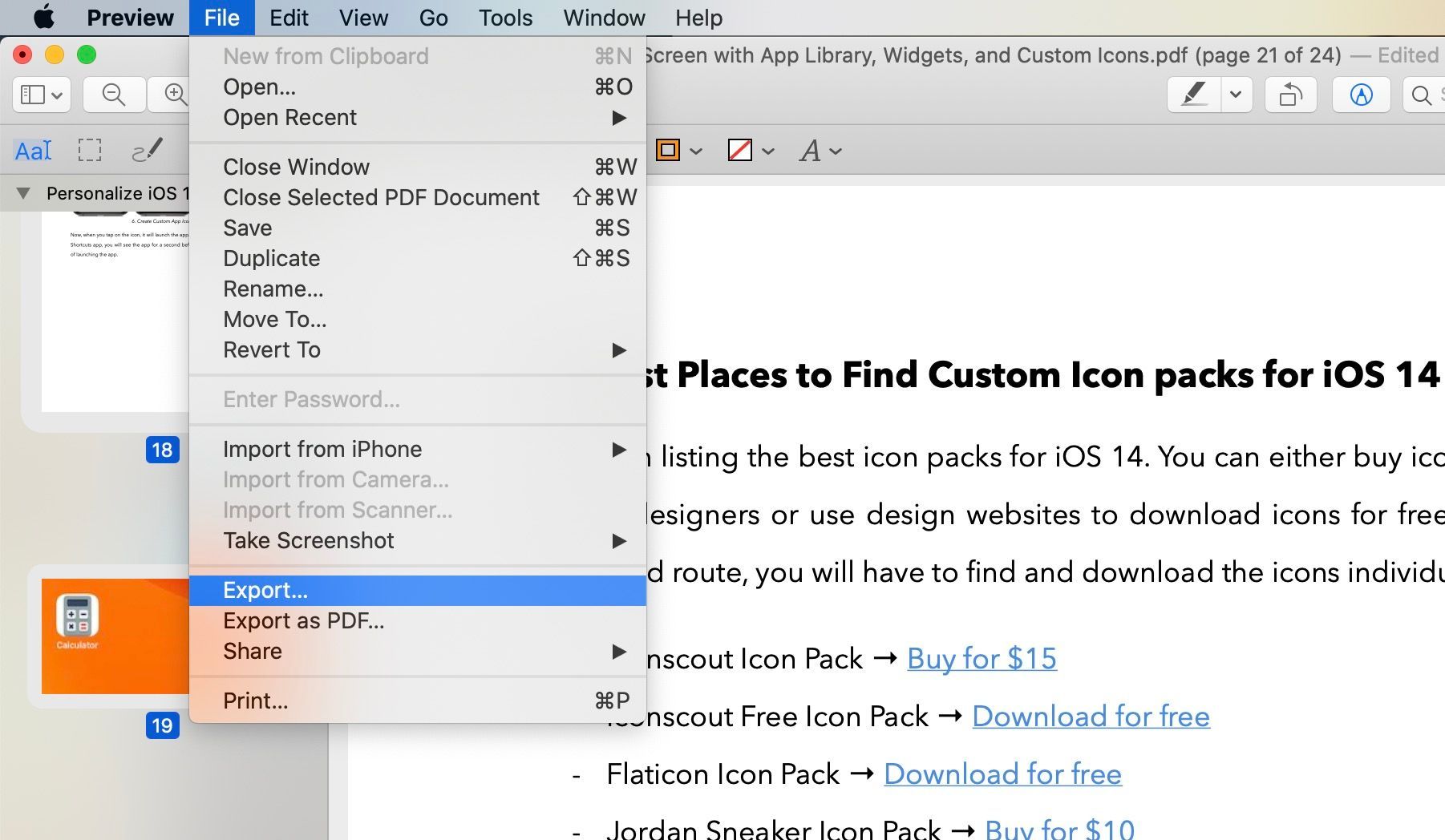
In the Preview app on your Mac open the PDF you want to change Do any of the following Add a page to a PDF Select the page you want to appear before the new page choose Edit Insert then choose Page from File or Blank Page The new page is inserted after the current page

To explore the Preview User Guide click Table of Contents at the top of the page or enter a word or phrase in the search field Helpful Learn how to use Preview on your Mac to work with and change image files and PDF documents

So to open a PDF with Preview on a Mac just double click the document you want to view In Preview you can annotate a PDF on Mac with strike through underline highlight existing text adding comments and adding shapes Although you can t edit existing text you can add new text
The latest macOS lets you access PDF controls that previously required Adobe Acrobat or a third party PDF editor Mac 911 By Glenn Fleishman Senior Contributor Macworld JAN 13 2022 Depending on the version of macOS you are using the PDF editing tools are either built in to Quick Look which shows you a preview of a document when you press the spacebar or you can
Edit PDFs With Preview Preview is a program pre installed to your Mac that can open and edit PDFs It s about as extensive as any other PDF editor with the exception that it can t edit pre existing text However it has the added benefit that you don t have to install anything extra to use it just open the PDF and start editing right