Edit Pdf Name Iphone How To Change My Iphone Name For Hotspot Haiper How To Edit PDF On IPhone Full Guide YouTube Free Images Blueprints Entrepreneur Hands Iphone Laptop Macbook File Apple IPhone 4 Bumper jpg Wikimedia Commons How To Change The Airdrop Name On Iphone Haiper First enter the edit mode and select the page after you which you want to add the scanned copy of a document To add a scanned document to the PDF tap and hold on the selected page and select the Scan Pages option This will load up the inbuilt camera inside the Files app
What is the Files app on iPhone It is Apple s file management app Files lets you access all your files even those from third party apps such as Google Drive across your devices The quickest way to edit a PDF on your iPhone or iPad is by using the Files app Open Files app Tap on the PDF you want to edit Tap the Markup icon How to Edit a PDF on iPhone with Adobe Acrobat Reader Tap the blue pen circle in the bottom right A menu will pop up To add comments tap Comment You can also enter a name to identify your comments at this stage To add a signature tap Fill Sign To make more complex edits tap Edit PDF
How To Change The Airdrop Name On Iphone Haiper Personalized Custom Name IPhone Case Fitted Cases IOS 16 Vs IOS 15 What s Changed TechRadar IPhone Free Stock Photo Public Domain Pictures Iphone Pin On Popular Girl Names Setup Your Name iPhone XS 13 3 IOSthemes I Call Your Name Tumblr Pics Custom Name IPhone With Premium Shrink Leather Case Limited 7
Edit Pdf Name Iphone
 Edit Pdf Name Iphone
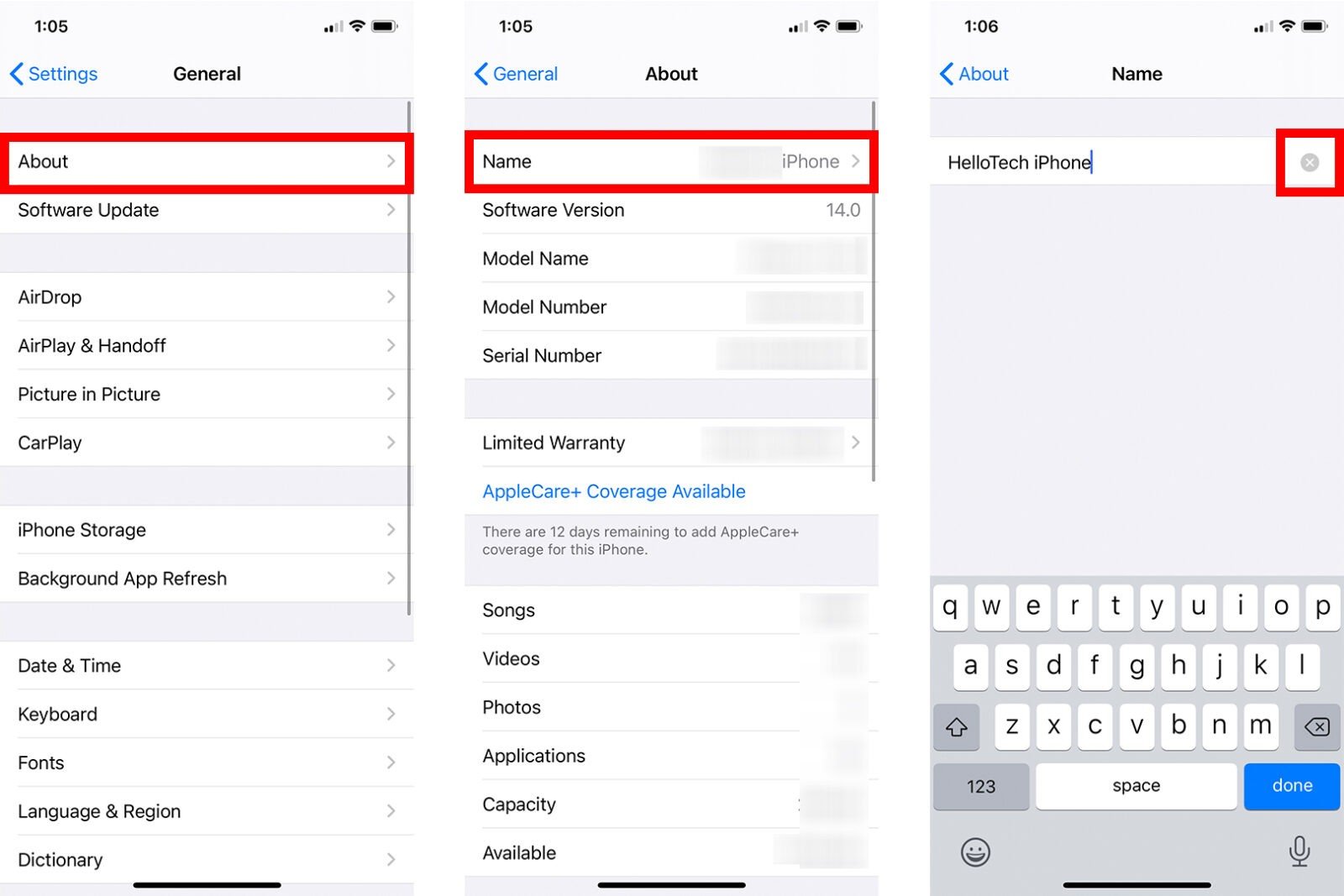
https://www.hellotech.com/guide/wp-content/uploads/2020/07/how-to-change-iPhone-name.jpg
The easiest way to open a PDF file on an iPhone is with the Adobe Reader app Follow the below instructions to get started 1 Install the Adobe Reader app from your App Store Launch the app 2 Select Files 3 Find the file you want to open and tap it 4
Templates are pre-designed documents or files that can be used for numerous purposes. They can conserve effort and time by supplying a ready-made format and design for creating various sort of content. Templates can be utilized for personal or professional tasks, such as resumes, invitations, flyers, newsletters, reports, discussions, and more.
Edit Pdf Name Iphone

Personalized Floral Letters Name Case For Iphone 13 12 11 Pro Max

Personalized Custom Name IPhone Case Fitted Cases
IOS 16 Vs IOS 15 What s Changed TechRadar

IPhone Free Stock Photo Public Domain Pictures

Pin On Popular Girl Names

Setup Your Name iPhone XS 13 3 IOSthemes

Step 1 Open PDF in Files app Step 2 Tap on the marker icon Step 3 Press the to do more Step 4 Use the sidebar to view multiple pages Step 5 Change orientation insert a page and more

Tap Files Open a PDF file Swipe from the left edge of the screen to the right to see the thumbnail page view Select a page by pressing and holding on the page icon Choose Rotate Left Rotate Right Insert Blank Page Insert from File or Scan Pages from the dropdown menu

What to Know Open a PDF in Files then swipe from the left edge of the screen to open the thumbnail view Press and hold a page to open the edit menu The edit menu allows you to rotate a file insert new pages or documents and delete pages Markup tools continue to make it possible to add signatures and text to files

Swipe left over the app icons and tap Books If you don t see Books tap the More button Then tap Books Your PDF opens and automatically saves in the Books app You can find it later in the Library tab To access your files on any of your other devices make sure that you set up iCloud Drive Convert a webpage to a PDF on your iPhone or iPad

Press and hold on a page or tap a page twice to open the edit menu Now you can rotate insert blank or pages from files scan in new pages or delete pages If you add a blank page need to fill
Here s how to electronically sign a PDF on iPhone using the Scanner App First launch the Scanner App PDF Editor and hit the Plus Select your source and choose the PDF file you want to sign After it s added to the library open it And go to Adjustment from the bottom left Then select the Signature Want to Edit a PDF on Your iPhone Here s How You Can Do It Using the Files App By Hiba Fiaz Published Jan 4 2022 You don t need a third party app for most PDF edits on an iPhone Here s how to use the Files app instead Readers like you help support MUO When you make a purchase using links on our site we may earn an affiliate commission
How to Edit PDF on iPhone and iPad with the Files App First up let s take a look at how you can edit PDFs on your iPhone to add pages delete pages and do some of the most basic stuff To get started launch the Files app on your iPhone or iPad 2 Now head over to the folder where you have saved the PDF file and then open it 3