Edit Bullets In Word Quick Tips How To Change Bullet Point Styles In MS Word YouTube How To Change The Color Of The Bullets Using Html Css My XXX Hot Girl How To Apply Bullets And Numbering In MS Word Bullet List Gif Clip Art Library Twitch Bits Bullets Airsoft Firearms Submarine Badges Tactical Jun 29 2022 nbsp 0183 32 Learn how to add bulleted lists in Microsoft Word using menu and symbols with AutoFormat and use emoji and custom symbols as bullet icons
May 27 2023 nbsp 0183 32 This tutorial shows two ways to create bulleted lists in Microsoft Word We will also look at how to change list levels and how to change the size and color of bullets Quick May 1 2023 nbsp 0183 32 To create a bulleted list in Microsoft Word follow the steps below Tip The Microsoft Word keyboard shortcut to create a bullet is Ctrl Shift L Position the cursor
Twitch Bits Bullets Airsoft Firearms Submarine Badges Tactical How To Create Bullet Points In Word Mac Nsawrite Solved Bullets And Sub bullets In One Paragraph Style Adobe Bullets Clipart Clip Art Library Bullets WEB Inserting Bullets In Word Mechanicaleng Blog Bullets Clipart Sprite Bullets Sprite Clip Art Library Bullets Free Stock Photo Public Domain Pictures Bullets PNG Image
Edit Bullets In Word
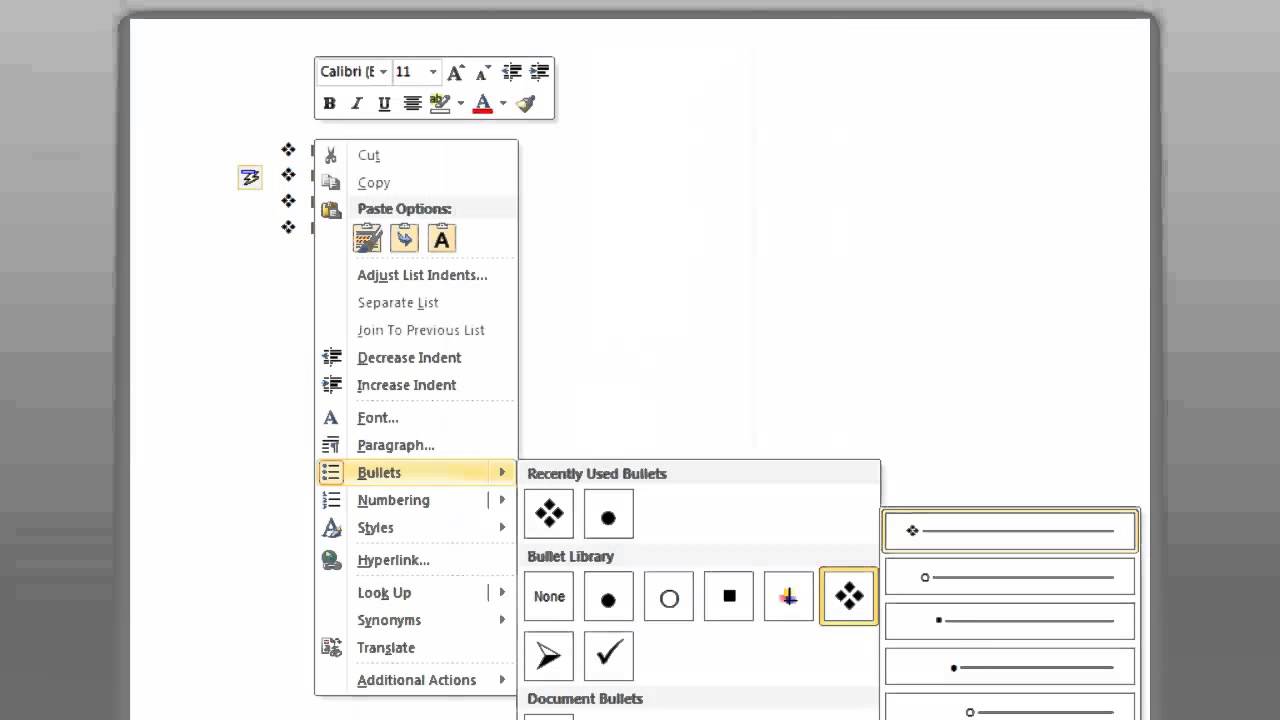 Edit Bullets In Word
https://i.ytimg.com/vi/1QIwbOx2qys/maxresdefault.jpg
Nov 30 2022 nbsp 0183 32 To add bullet points in Word press Ctrl Shift L Windows or Command Shift L Mac Or click the quot Bullets quot button in the ribbon s quot Home quot tab You can start a preformatted
Templates are pre-designed documents or files that can be utilized for numerous purposes. They can save effort and time by offering a ready-made format and design for producing different kinds of material. Templates can be used for personal or professional tasks, such as resumes, invites, leaflets, newsletters, reports, presentations, and more.
Edit Bullets In Word

Bullet Microsoft Word Clip Art PNG 512x512px Bullet Black Black
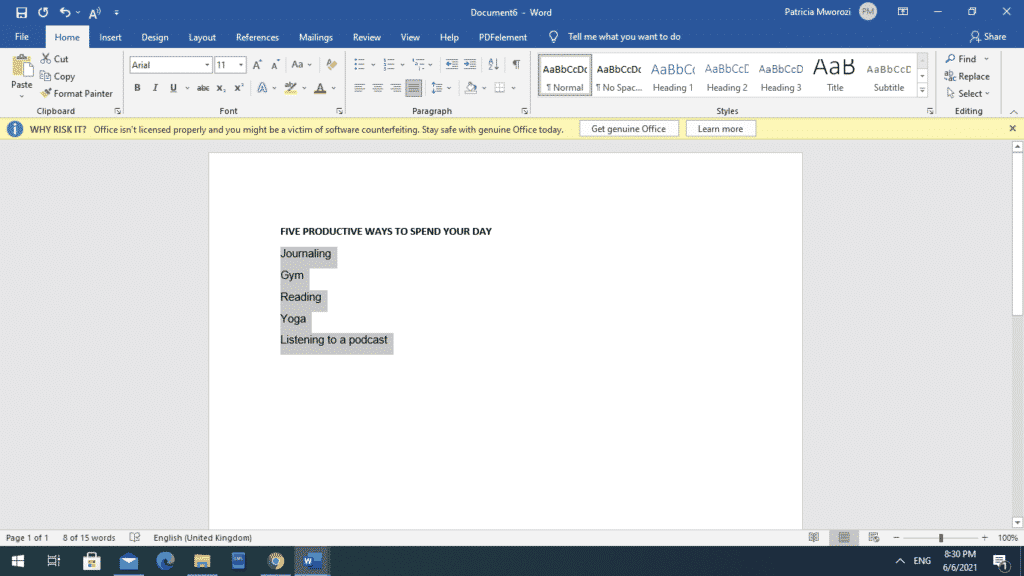
How To Create Bullet Points In Word Mac Nsawrite

Solved Bullets And Sub bullets In One Paragraph Style Adobe

Bullets Clipart Clip Art Library
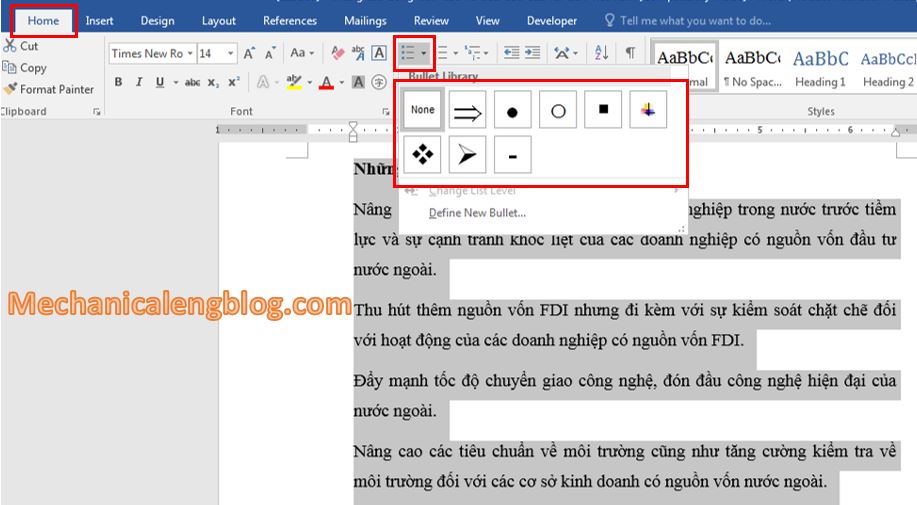
Inserting Bullets In Word Mechanicaleng Blog
Bullets Clipart Sprite Bullets Sprite Clip Art Library
Changing the position of the bullets in a list or the spacing between the bullets and text involves fine tuning the bullet indents Here s how Select the bullets in the list by clicking a bullet The

Change the indent between a bullet or number and text in a list Change the numbering in a numbered list Customize the appearance of a bulleted numbered or multilevel list with new
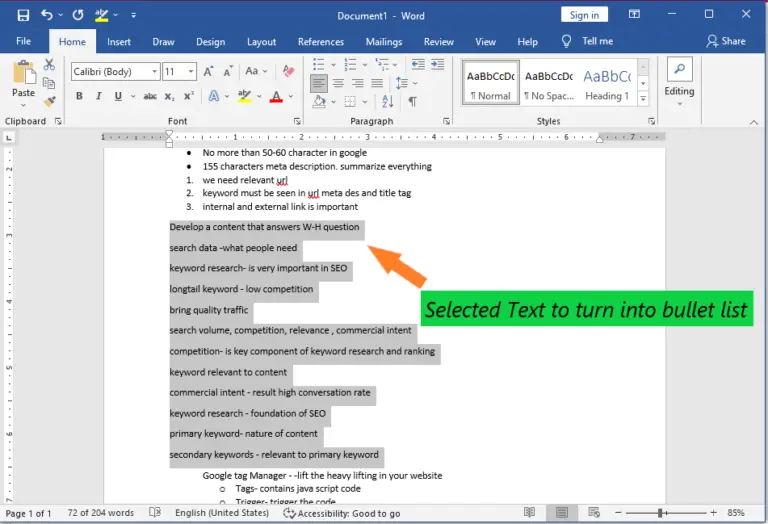
Nov 9 2015 nbsp 0183 32 By default the plain black circular bullets are used when creating bulleted lists However you can customize your bulleted lists We will show you how to change the symbol

May 27 2023 nbsp 0183 32 Learn how to create custom bullets in Microsoft Word using font symbols and your own images Plus learn how to delete custom bullets

Jun 21 2018 nbsp 0183 32 Microsoft Word lets you easily create and format multilevel lists in your documents You can choose from a variety of formatting options including bulleted numbered or
Mar 18 2021 nbsp 0183 32 2 Ways to Change Bullet Spacing in MS Word Using the Adjust List Indents command Using the Line Spacing feature We ll consider two different aspects list indents Create your own picture bullets or symbols or save one you like from any document to use in a list
Jan 1 2021 nbsp 0183 32 Right click and choose Adjust List Indents from the context menu Make the desired changes in the dialog box quot Bullet position quot is the position of the bullet quot Text indent quot is the