Dynamic Axis In Excel Excel Chart Dynamic Axis Lucidchart Diagonal Line Line Chart Looking Good Xy Scatter Chart Definition 3 Axes Graph Articles Data Axis Node X Axis Clipart Transparent PNG Hd Vector Axis Icon Axis X Axis Y How To Add Or Remove A Secondary Axis In An Excel Chart A dynamic chart is a special chart in Excel which updates itself when the range of the chart is updated In static charts the chart does not change itself when the range is updated To create a dynamic chart in Excel the range or the source of data needs to be dynamic in nature A dynamic chart range can be created in the following two ways
How to Create Interactive Charts with Dynamic Elements in Excel Written by Editorial Team Reviewed by Steve Rynearson Last updated on February 22 2023 This tutorial will demonstrate how to create interactive charts with dynamic elements in all versions of Excel 2007 2010 2013 2016 and 2019 The typical dynamic range chart advice is to use a table where the chart expands when more data is added to the table This article shows the table method as well as another method that involves using the OFFSET function to define the set of cells to be used in the chart
How To Add Or Remove A Secondary Axis In An Excel Chart AXIS Q6135 LE PTZ Network Camera VS Tecnologia E Automa o Customize X axis And Y axis Properties Power BI Microsoft Learn How To Add Dynamic Chart Title And Dynamic Axis Title In Excel YouTube How To Name An Axis In Excel SpreadCheaters How To Set Axis Limits In Ggplot2 Without Losing Data Roel Peters PDMREA Excel 2016 Format Axis Axis Options Does Not Give The Option To Molachek Wedding 4 The Axis Hotel How To Add Secondary Axis In Excel Charts 2 Easy Ways
Dynamic Axis In Excel
 Dynamic Axis In Excel
https://miro.medium.com/max/1400/0*HijaV6P2wiQ4EcFm.gif
Any chart you build on the table will be dynamic To illustrate create a quick column chart as follows Select the table Click the Insert tab In the Charts group choose the first 2 D column
Pre-crafted templates use a time-saving service for developing a varied series of documents and files. These pre-designed formats and designs can be used for various personal and expert tasks, including resumes, invitations, flyers, newsletters, reports, discussions, and more, improving the material production procedure.
Dynamic Axis In Excel

Lunn On Twitter RT finaIspace My Favorite Dynamic

AXIS Q6135 LE PTZ Network Camera VS Tecnologia E Automa o
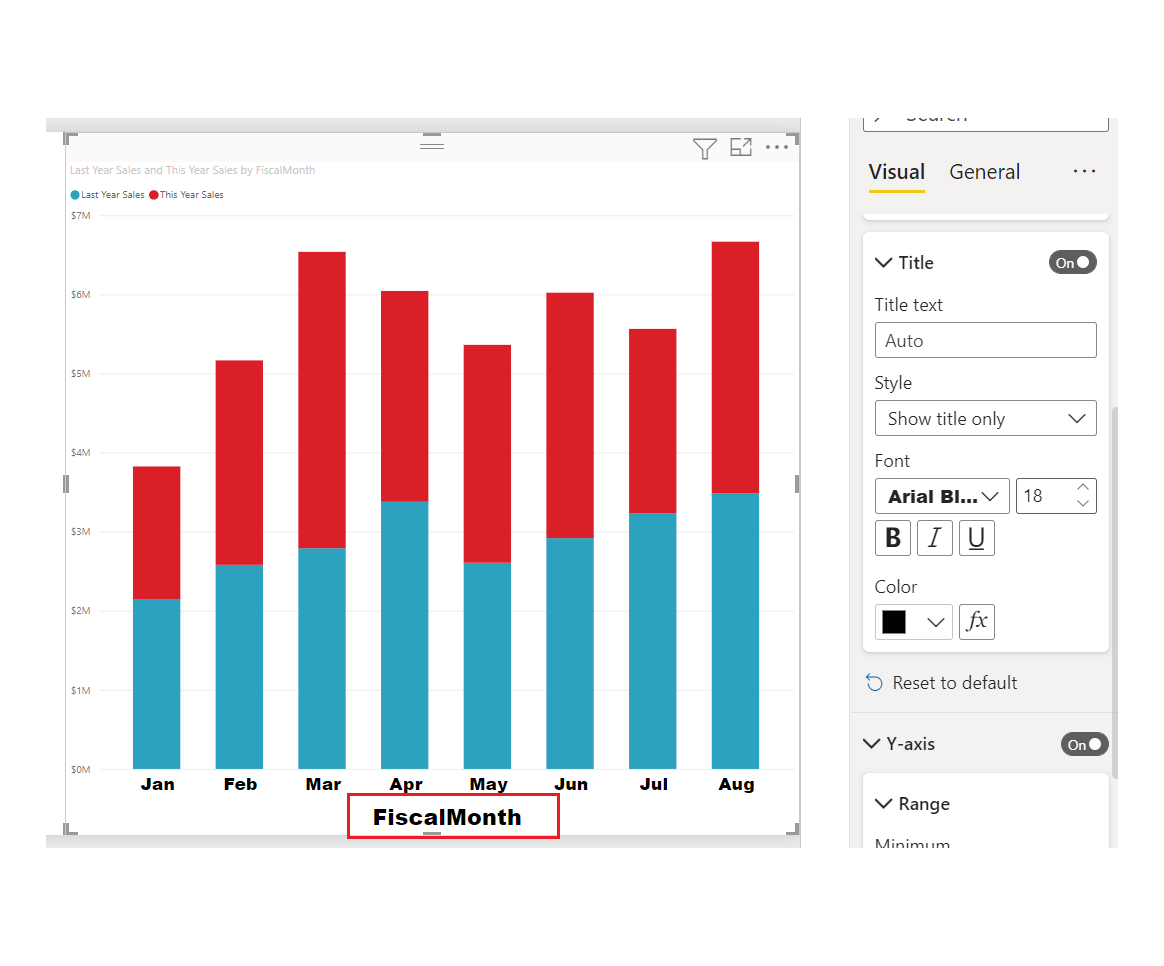
Customize X axis And Y axis Properties Power BI Microsoft Learn

How To Add Dynamic Chart Title And Dynamic Axis Title In Excel YouTube
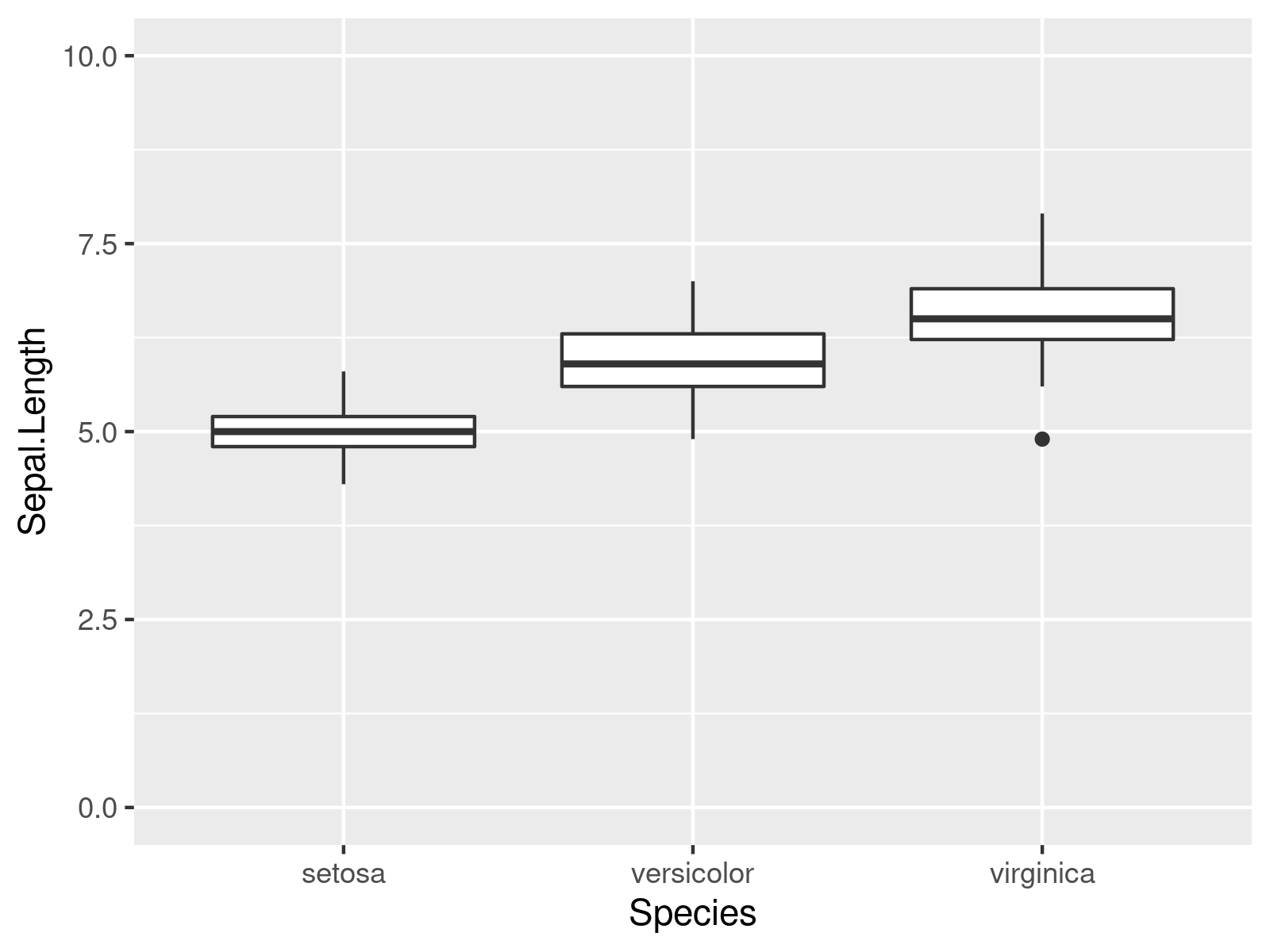
How To Set Axis Limits In Ggplot2 Without Losing Data Roel Peters PDMREA
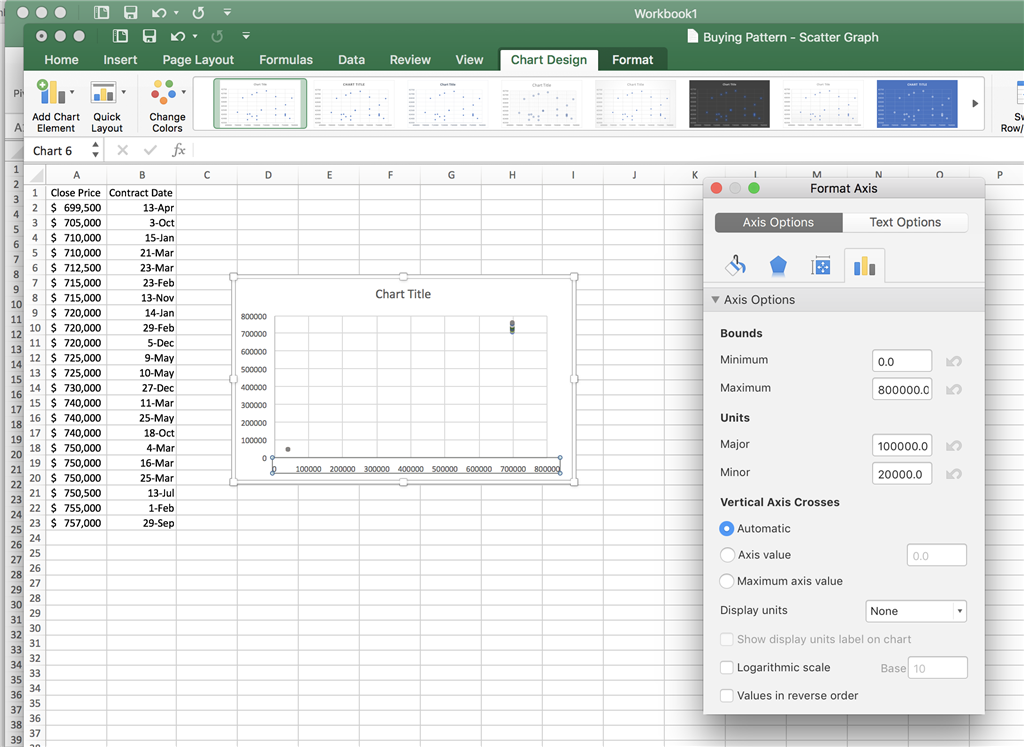
Excel 2016 Format Axis Axis Options Does Not Give The Option To
Dynamic x axis for an excel chart I need to dynamically vary the x axis range for an Excel chart Is there any way of doing this I tried to use the OFFSET function to vary the range but it is not accepted This thread is locked You can vote as helpful but you cannot reply or subscribe to this thread I have the same question 33 Report abuse
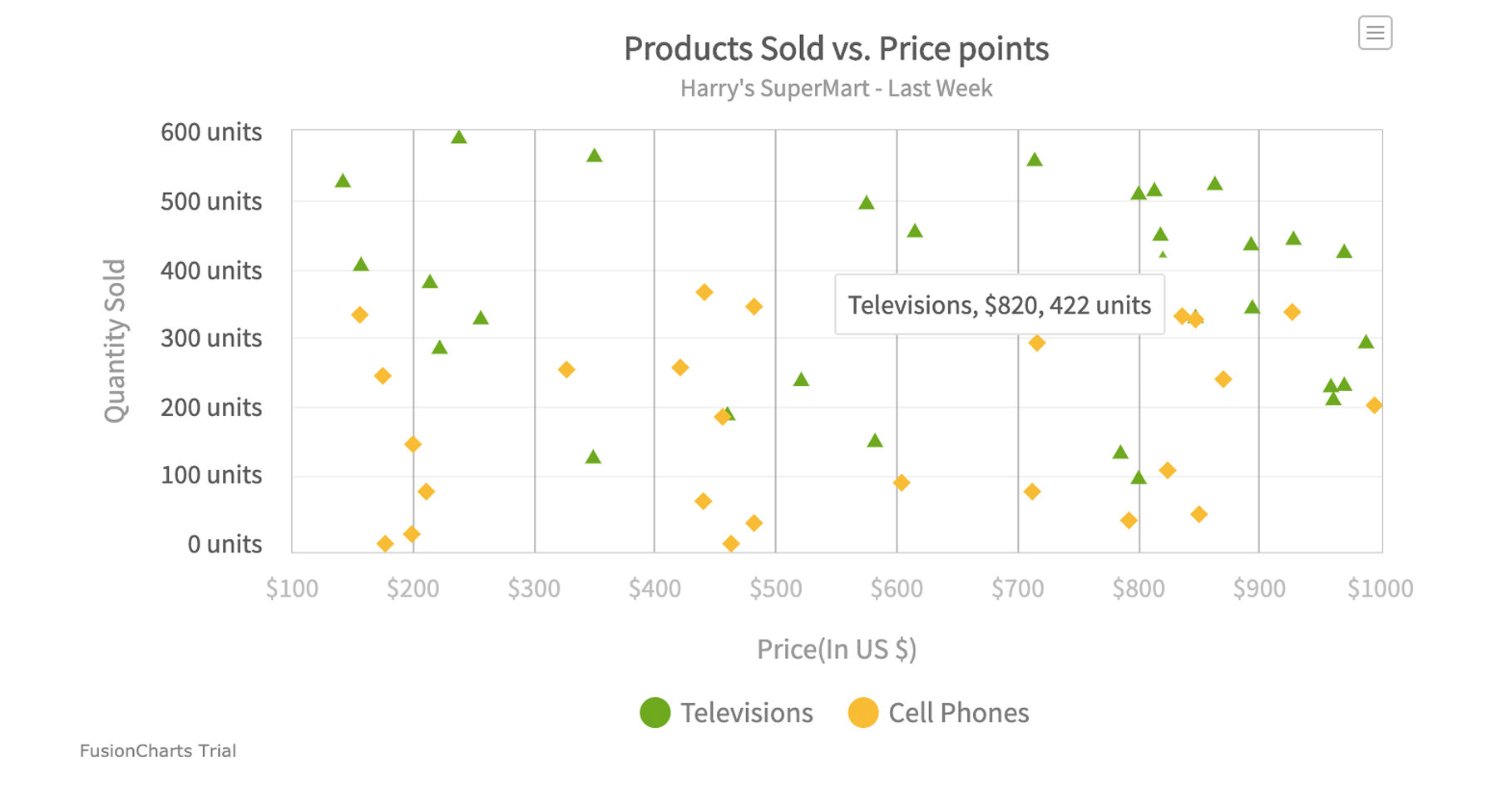
The Two Ways to Create a Dynamic Chart in Excel Ultimately the goal is to tell Excel that the data source is a dynamic range that way the chart will automatically update to reflect any additions and changes made to the source data We ll look at two ways to accomplish this using a table or a fancy formula

Step 1 Convert the data range into a table Right out of the gate transform the cell range containing your chart data into a table Highlight the entire data range A1 B6 Click the Insert tab Hit the Table button In the Create Table dialog box do the following

A dynamic chart range is a data range that updates automatically when you change the data source This dynamic range is then used as the source data in a chart As the data changes the dynamic range updates instantly which leads to an update in the chart Below is an example of a chart that uses a dynamic chart range
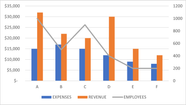
How to make a chart axis dynamic in excel Karina Adcock 34 6K subscribers Subscribe 20K views 1 year ago Excel tutorials How to change the dates on the x axis of charts in excel Select
This video shows how to create a dynamic X axis label By adding a few columns and linking to a chart you can create additional description for the X axis P Change the start and end dates on the x axis of a chart using MATCH formula INDIRECT formula and named ranges
How to Create a Dynamic Chart Range in Excel Last Updated June 22 2023 Written by Puneet Contents hide Are you sure I need a Dynamic Chart Range Using Data Table for Dynamic Chart Range Using Dynamic Named Range Creating a Dynamic Named Range for Dynamic Chart Changing Source Data for the Chart to the Dynamic Named Range Sample File