Drop Down Checklist In Google Sheets How To Create Multilevel Lists In Google Docs Guide Bollyinside How To Make A Checklist In Google Sheets Google Form Drop Down List From Spreadsheet How To Create A Dropdown List In Google Sheets How To Make A Checklist In Google Docs In 3 Simple Steps How To Make Drop Down List In Google Sheet Mazink Web Sep 7 2023 nbsp 0183 32 Open your spreadsheet Select the cell or cells where you d like to add a dropdown menu In the example below I want to add a dropdown list beside each lead to capture their location In the top menu bar click Data Then select Data validation Alternatively you can right click the cell you want to add a dropdown to and select
Web Apr 28 2023 nbsp 0183 32 Step 1 Launch your Google Sheets Open Google Sheets and the spreadsheet to which you want to add the drop down list Step 2 List your Drop Down Items somewhere If you already know offhand what items you want to include on the list you can skip this step Web Jan 10 2024 nbsp 0183 32 5 Ways To Use Google Sheets Drop Down Lists 1 Create a Drop Down List from a Range of Cells 2 Add a Drop Down List via Manually Specified Options 3 Copy an Existing Google Sheets Drop Down List 4 How to Build a Dynamic Chart in Google Sheets using a Drop Down List 5 How to Change and Remove a Google
How To Make Drop Down List In Google Sheet Mazink How To Create A Google Sheets Drop Down Menu Meopari EdrawMax app Manager s Closing Checklist Template Download In Word Google Docs Apple Pages Template How To Add A Drop Down List In Google Sheets Shut Down Checklist 2013 How To Add A Checklist In Google Docs Or Sheets Windows Bulletin Tutorials How To Create A Checklist In Google Sheets Checklist Template In Google Sheets With Download Page 4 H2S Media
Drop Down Checklist In Google Sheets
 Drop Down Checklist In Google Sheets
https://cdnimage.bollyinside.com/articles/wp-content/uploads/sites/4/2022/01/How-To-Create-Checklist-In-Google-Docs.jpg
Web Oct 28 2023 nbsp 0183 32 To create a drop down list in Google Sheets follow these steps Select the cell range of cells that you want to create a drop down list in On the top toolbar click quot Data quot A menu will appear Click quot Data validation quot Another menu will appear Click quot Add rule quot and a menu will pop up on the right
Pre-crafted templates provide a time-saving option for producing a diverse variety of files and files. These pre-designed formats and designs can be used for numerous individual and professional tasks, consisting of resumes, invites, leaflets, newsletters, reports, discussions, and more, streamlining the material production procedure.
Drop Down Checklist In Google Sheets

When To Put Your Dog Down Checklist Pet Memorial Australia
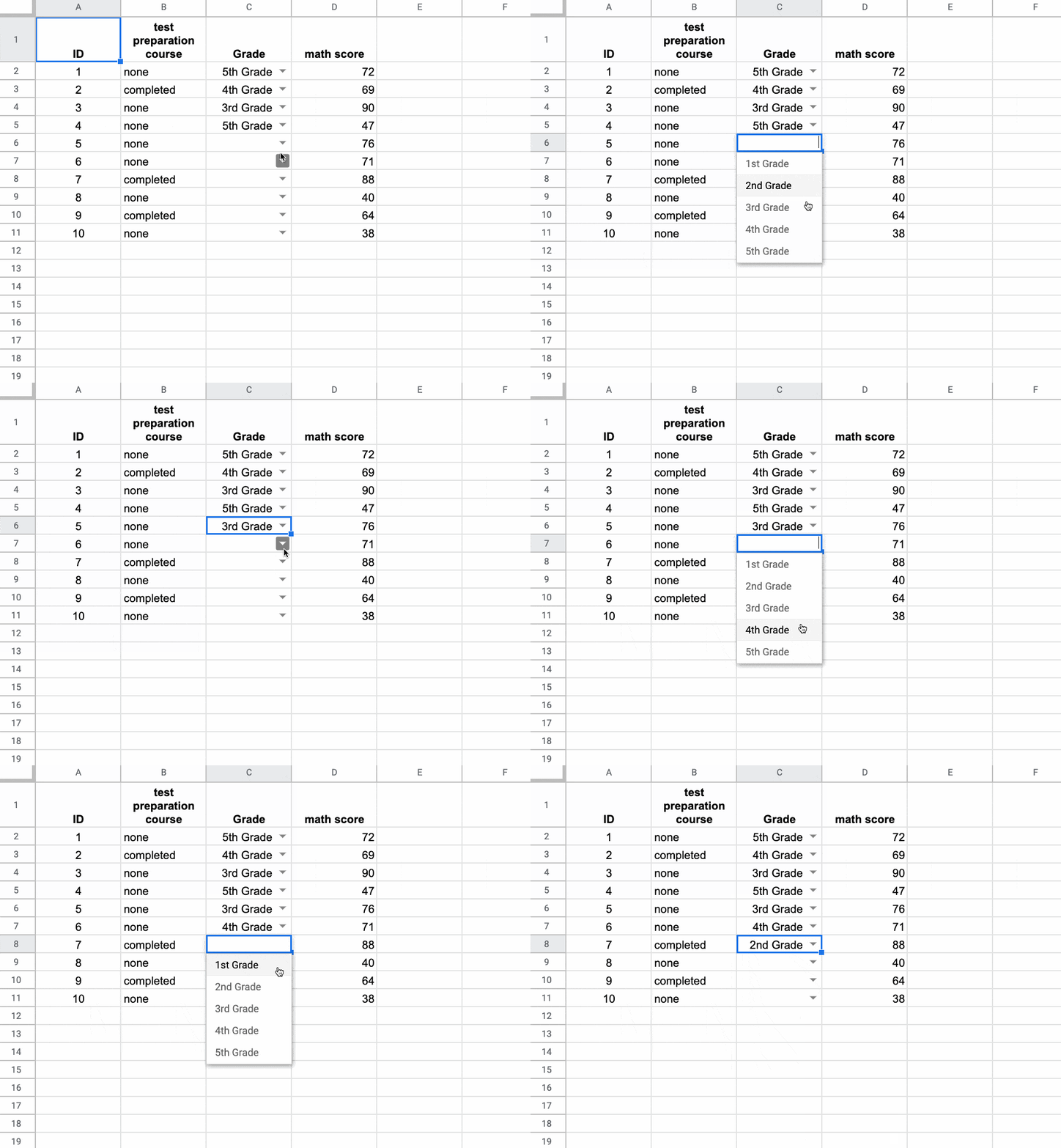
How To Create A Google Sheets Drop Down Menu Meopari
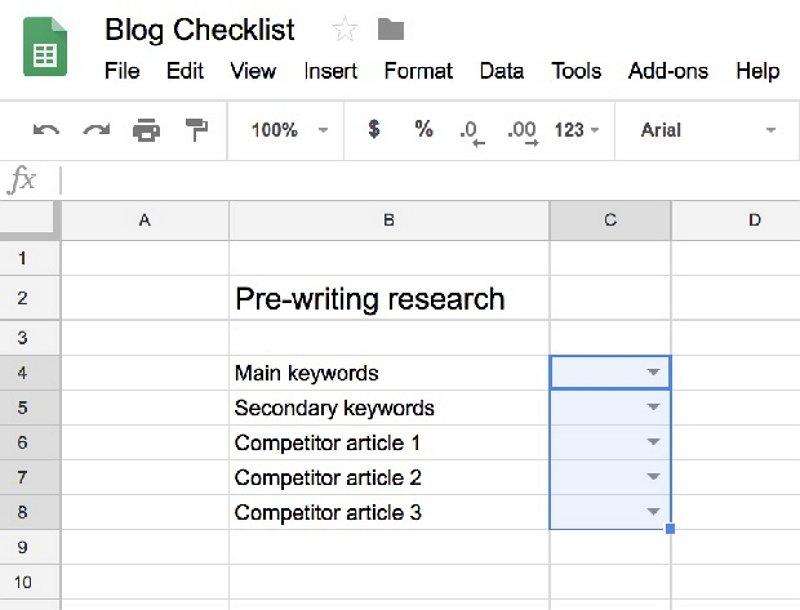
EdrawMax app
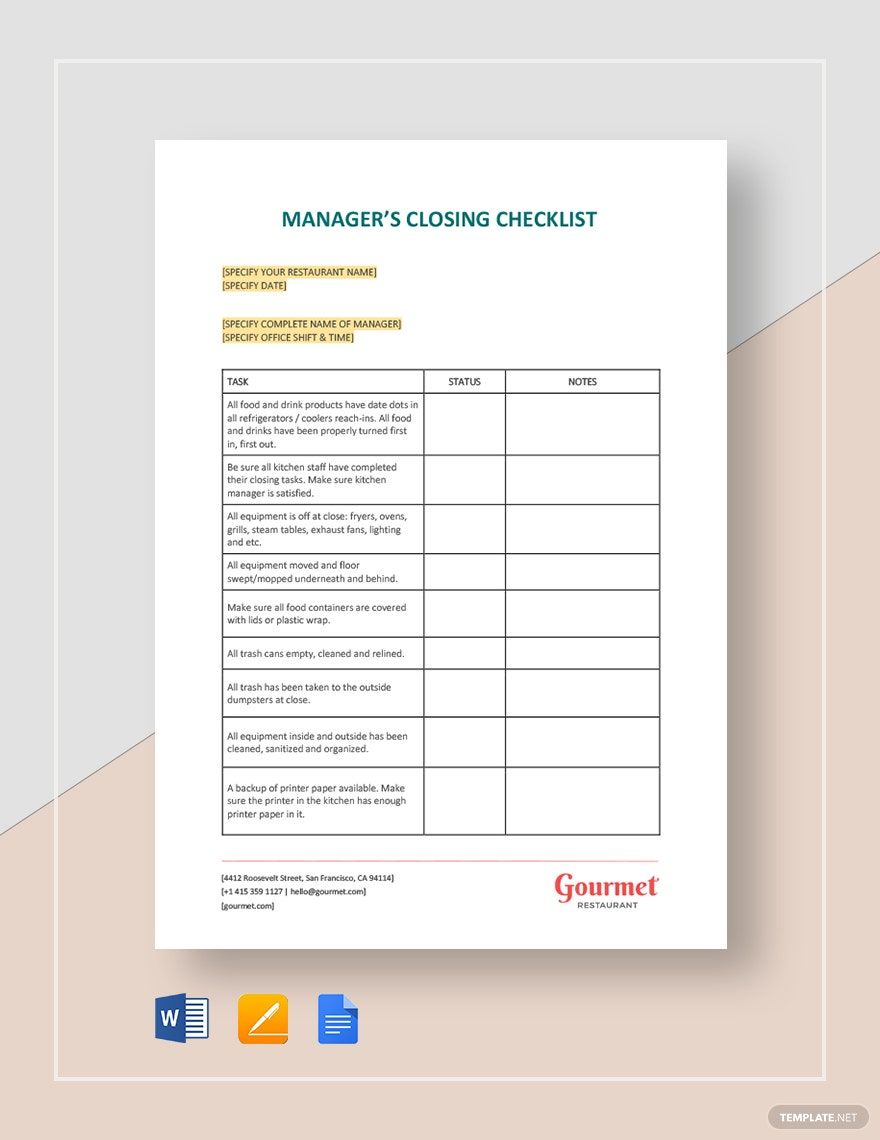
Manager s Closing Checklist Template Download In Word Google Docs Apple Pages Template

Shut Down Checklist 2013
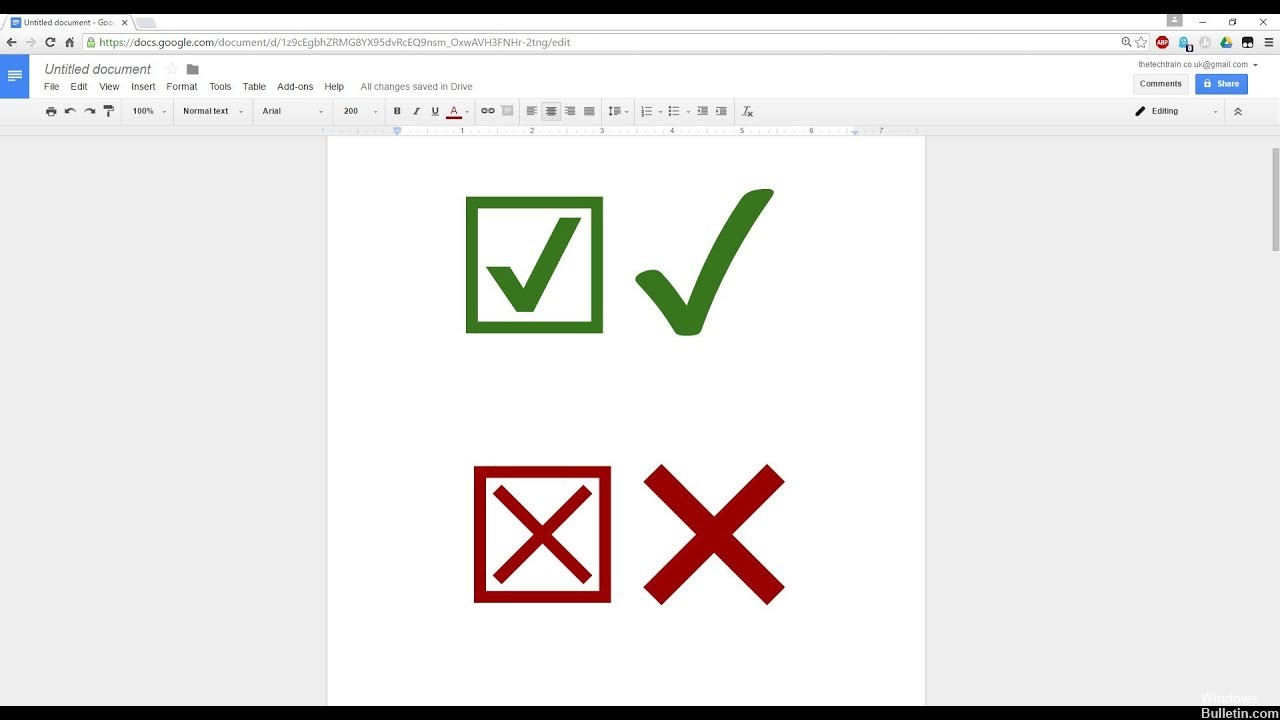
How To Add A Checklist In Google Docs Or Sheets Windows Bulletin Tutorials

Web Nov 19 2018 nbsp 0183 32 A drop down list is a great way to ensure the data people enter into your form application or spreadsheet is exactly what you re expecting It also provides a much faster way for people to input that data since they re selecting from
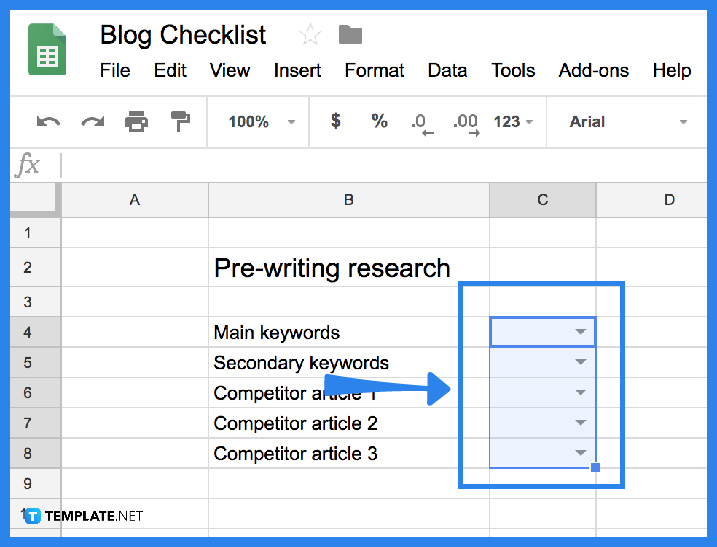
Web Nov 3 2023 nbsp 0183 32 Step 1 First select the range of cells where you want to add a drop down list with checkboxes In this example we ll select the range of cells in column G Step 2 Next click on the Data validation option found under the Data menu Step 3 In the Data Validation dialog pop up click on the drop down list next to the Criteria label

Web Feb 11 2022 nbsp 0183 32 Select quot List From a Range quot in the drop down box and then enter the cell range containing the list items that display from the INDIRECT function Check the box for Show Dropdown List in Cell complete the invalid data and appearance settings per your preference and click quot Save quot
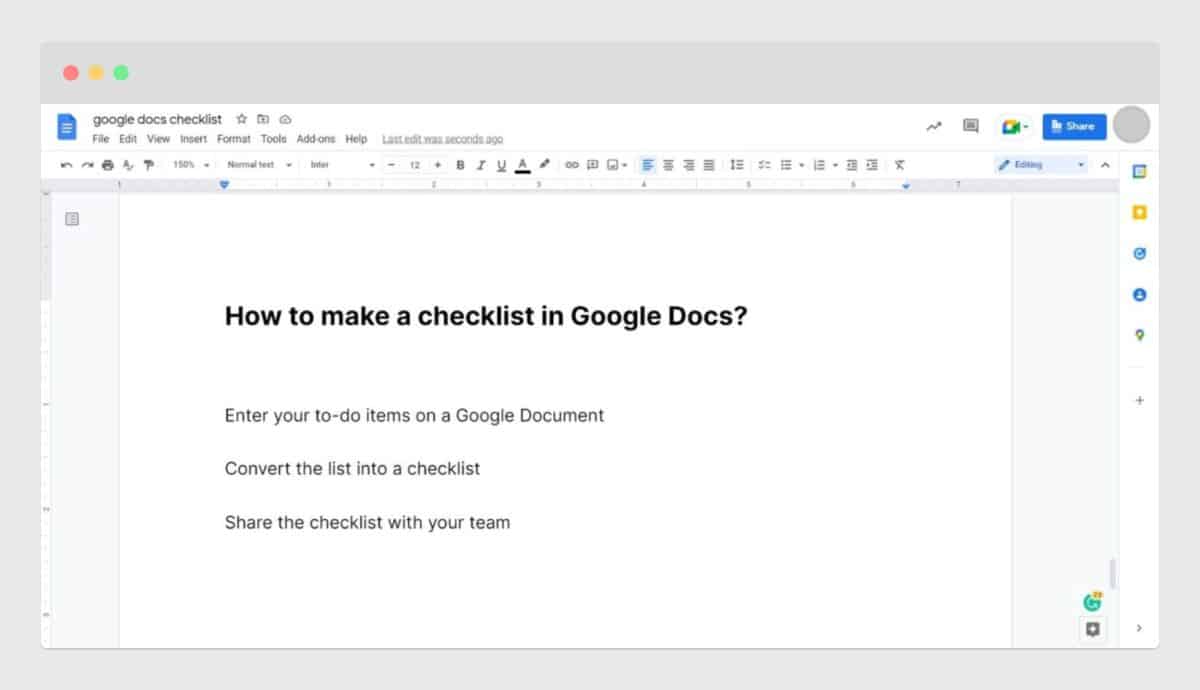
Web May 5 2023 nbsp 0183 32 What is a drop down list in Google Sheets and why you may need one How to insert checkboxes in Google Sheets Add a checkbox to your table Add a custom Google Sheets drop down list to your table How to copy checkboxes to another range of cells Remove multiple Google Sheets checkboxes from a certain range
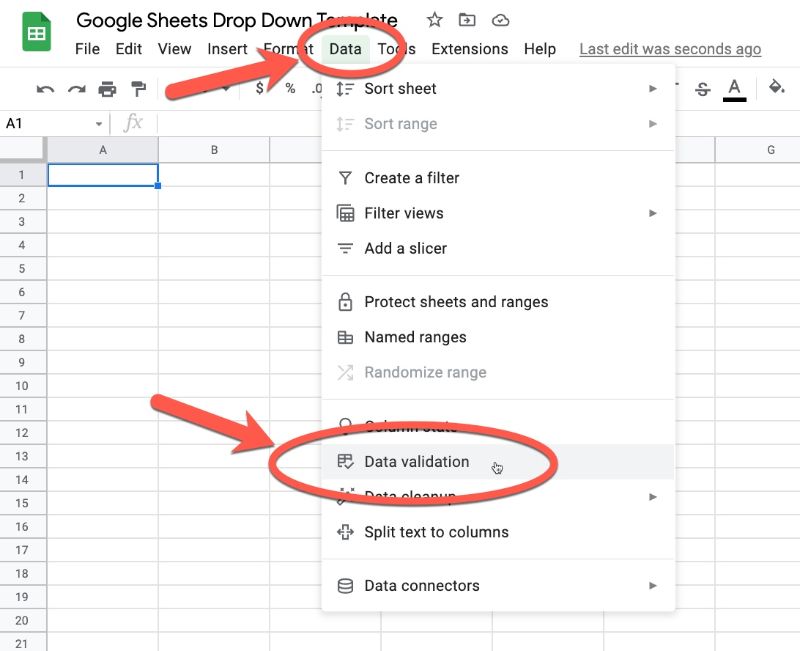
Web Apr 28 2022 nbsp 0183 32 While your drop down menus are selected in Google Sheets menu bar click Data gt Data Validation A quot Data Validation quot window will open where you ll customize your drop down list items On this window the quot Criteria quot menu defines the kind of items your drop down menus have To add or remove items then use the box next to this menu
Web Nov 7 2023 nbsp 0183 32 This is the ultimate guide to drop down lists in Google Sheets based on real examples and step by step walkthroughs Three Ways to Make a Drop Down List in Google Sheets The methods below outline how to add a drop down list in Google Sheets Method 1 Create a Drop Down List from a Range of Cells Google Sheets lets Web Jun 30 2023 nbsp 0183 32 We ve covered the basics of Google Sheets delved into the benefits of drop down lists and provided step by step instructions for creating and customizing your own drop down lists Moreover we ve explored advanced techniques troubleshooting tips and best practices to help you make the most of this powerful feature
Web Mar 26 2023 nbsp 0183 32 To add a drop down list to your Google Sheets spreadsheet click Data gt Data validation In the pop up window select the desired list type under Criteria and click Save to apply the drop down list