Dos Command To Change File Extension How To Change File Extension In Windows YouTube How To Change File Extension Of Multiple Files In Python Fedingo Change File Extension For One Or Multiple Files In Windows 10 How To Change File Extension Harewstarter How To Change Extension Of Multiple Files To Other Type Of Extension Web Mar 6 2020 nbsp 0183 32 Use the following command at the MS DOS or Windows command line or within a batch file xcopy shn wav Using a wildcard lets you rename all files with shn to a wav while keeping the original files and extensions See the xcopy command for further information about this command
Web Aug 25 2015 nbsp 0183 32 2 Answers Sorted by 1 You can use this supposed you are running the command in the directory that contains the files move Y 321983249423 0000 tif 321983249423 0000 For more flexibility you could also create a batch file named repl bat with the following code Web Jun 22 2009 nbsp 0183 32 7 Answers Sorted by 7 for r c path G in do ren quot G quot bla Share Follow edited Jan 21 2011 at 9 41 abatishchev 98 1k 88 296 433 answered Dec 1 2010 at 3 35 k3beast 71 1 1 Add a comment 4 echo off for f quot tokens delims quot i in dir b s A d DO if quot xi quot quot quot rename quot fi quot quot ni bla quot
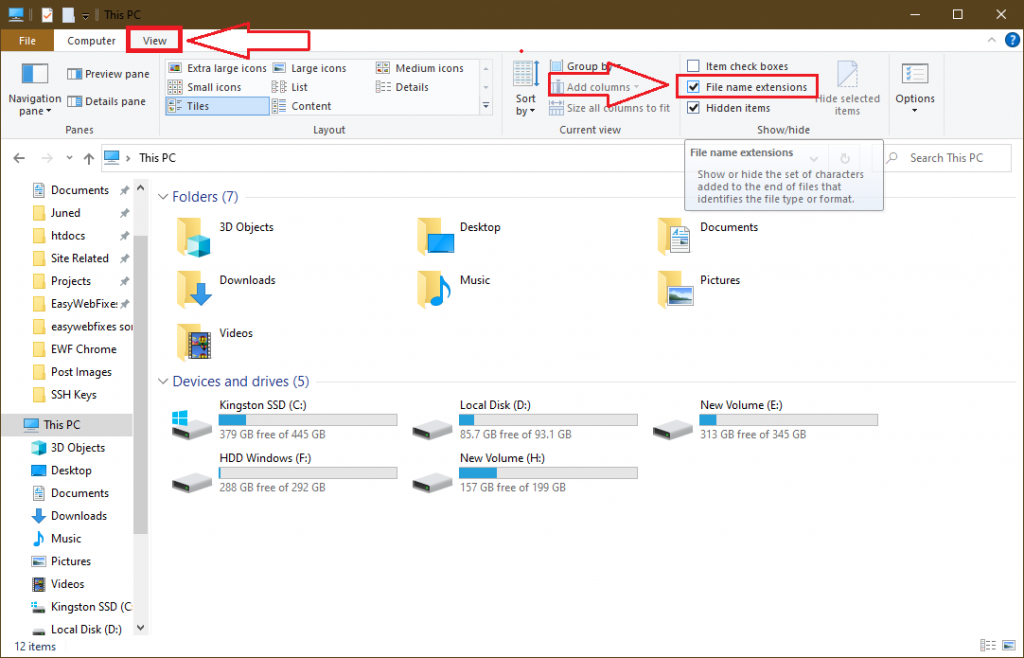
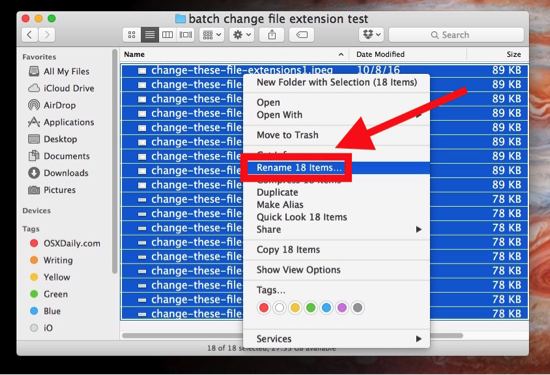
How To Change Extension Of Multiple Files To Other Type Of Extension How To Change File Extension Vvtidotcom Basic MS DOS Commands To Know For Testers TestingDocs How To Batch Change File Extensions In Mac Command Prompt Commands Cd Example Geradeath Command Prompt Commands Change Directory Likoscities Change File Extension Of Multiple Files In Windows How To Change File Extension In Computer 7 Zip File Manager Full How To Change Directory In CMD On Windows 10 Via Command Line
Dos Command To Change File Extension
 Dos Command To Change File Extension
https://i.ytimg.com/vi/J65OCmUGf7g/maxresdefault.jpg
Web Oct 26 2021 nbsp 0183 32 1 Answer Sorted by 0 This seems to work for F quot usebackq delims quot F in quot dir b s ino quot do ren quot F quot quot nF txt quot The usebackq is needed to allow the back quotes in the file set The delims is for folders or filenames with embedded spaces The nF expands F to a file name only without path or extension
Pre-crafted templates offer a time-saving option for creating a varied series of documents and files. These pre-designed formats and layouts can be used for various personal and professional jobs, consisting of resumes, invites, flyers, newsletters, reports, discussions, and more, simplifying the content development procedure.
Dos Command To Change File Extension

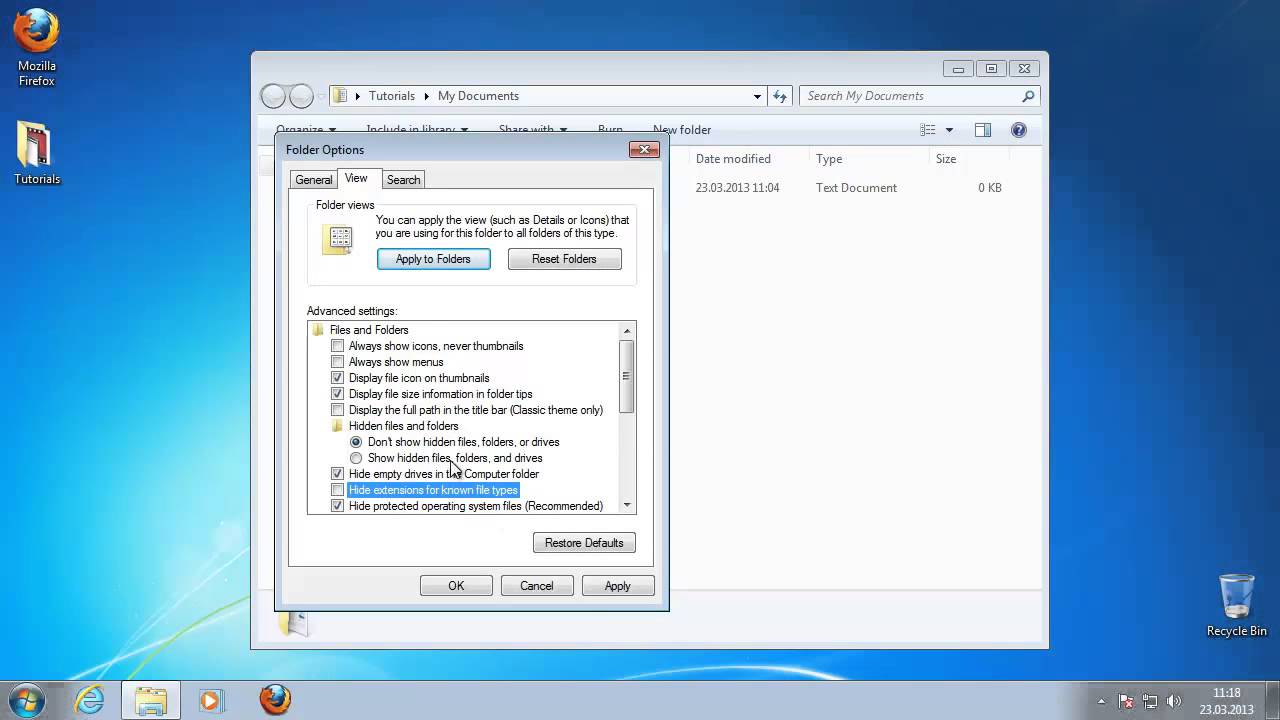
How To Change File Extension In Windows 7 YouTube
How To Change File Extension Vvtidotcom

Basic MS DOS Commands To Know For Testers TestingDocs
How To Batch Change File Extensions In Mac
Command Prompt Commands Change Directory Likoscities
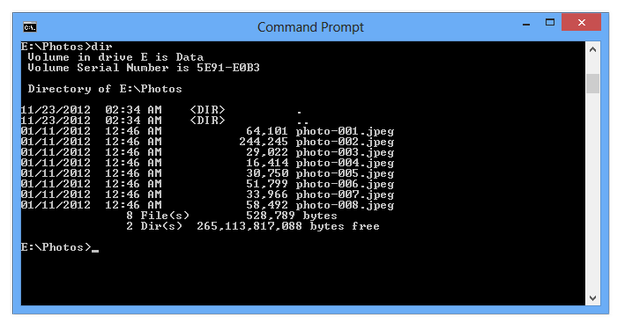
Change File Extension Of Multiple Files In Windows

Web Windows operating systems have the MS DOS command prompt that allows you to manipulate copy delete and rename files In Linux such commands are available via a terminal window The way to change the file extension in both Windows and Linux is to rename a file providing the new extension

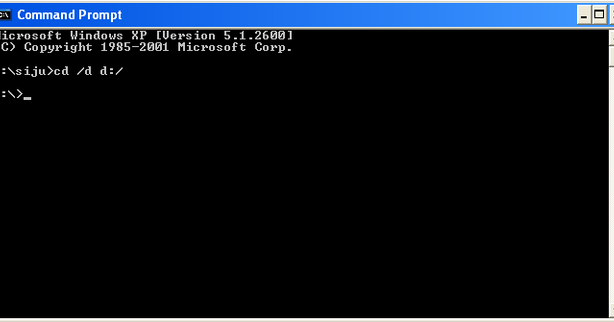
Web Jun 11 2020 nbsp 0183 32 Open an MS DOS or Windows command line Change the directory to the location of where the file is located In our example below we rename the file myfile txt to myfile doc move myfile txt myfile doc Unless the file already exists no message is displayed or an quot OK quot message indicates the file was renamed

Web Dec 6 2012 nbsp 0183 32 In the command prompt type the address of the directory where the file is located E g if your destination drive is E then type E in the command prompt and hit Enter 4 Now type the following command ren filename extension newfilename newextension
Web May 15 2016 nbsp 0183 32 Open a command prompt window run for and read the output help carefully and completely There is explained xI only file extension of I and nI only file name of I and nxI file name with extension of I

Web Update For completness here the fastest way I have figured out until now Right click in the folder while holding down the Shift key Select Open command window here from the menu Use dir to list the currrent file name with its extension Enter rename filename oldExtension filename newExtension command line Share
Web Nov 30 2022 nbsp 0183 32 Learn how to batch rename files or change file extension for all files in a folder quickly amp easily in Windows Mass or Bulk rename multiple files Web Oct 4 2012 nbsp 0183 32 You can replace txt and xml with any other extensions in the commands above Also you can replace txt the first variable with just if you want to rename all extensions for all files NOTE Make sure you type the commands above correctly as you may not be able to undo the renaming process
Web Sep 18 2022 nbsp 0183 32 2 Answers Sorted by 1 For a single file you can use brace expansion to construct a command line to rename a file where only one part of the file name changes mv Users dir dir1 moredir long foo txt yaml