Does Microsoft Word Have A Checklist Template 10 Checklist Template Microsoft Word 2010 SampleTemplatess 4 Checklist Templates Word Excel Free Formats Excel Word Checklist Template Word FREE DOWNLOAD The Best Home School Guide 13 Checklist Templates Word Excel PDF Formats Checklist Template Word FREE DOWNLOAD The Best Home School Guide Setting up the Checklist Template Open the template then get customizing Just click the text boxes to add or remove items To mark an item as complete use checkboxes or symbols For a more visually appealing checklist consider colors or icons You can also adjust the font style size and formatting
You can add checklists or checkboxes to your Word documents with bulleted lists or via the checkbox control in the Developer menu Let s explore both ways to create a checklist in Microsoft Word Want to add a checklist to a PDF You need to make the PDF editable first Learn how to convert the PDF to Published March 2 2021 Learn how to easily create a checklist in Microsoft Word We ll show you how to make both a printable and a fillable checklist If there s one thing that can help you
Checklist Template Word FREE DOWNLOAD The Best Home School Guide Word Document Microsoft Word Checklist Template Download Free Best Of Free To Do List Excel Template Template Invitations Template Microsoft Word Templates For Checklists Download Free Turbabitmid Checklist Template Word FREE DOWNLOAD The Best Home School Guide Addictionary Free Printable To Do Checklist Template Paper Trail Design FREE 6 Checklist Templates In Excel 5 Ms Word Checklist Template 2007 SampleTemplatess SampleTemplatess
Does Microsoft Word Have A Checklist Template
 Does Microsoft Word Have A Checklist Template
http://www.sampletemplatess.com/wp-content/uploads/2018/03/checklist-template-microsoft-word-2010-nhpms-inspirational-word-template-checklist-monpence-of-checklist-template-microsoft-word-2010-ndjfd.jpg
You may also decide to use a Word template with a checklist built in Premium templates for Word are created by professional designers So the big design and layout decisions have already been made for you In this case the steps below will come in handy as well if you want to change or customize a Microsoft
Pre-crafted templates offer a time-saving solution for producing a varied variety of documents and files. These pre-designed formats and designs can be used for various individual and expert jobs, including resumes, invitations, leaflets, newsletters, reports, discussions, and more, enhancing the content creation process.
Does Microsoft Word Have A Checklist Template

Free Editable Checklist Template Word Checklist Template Daily
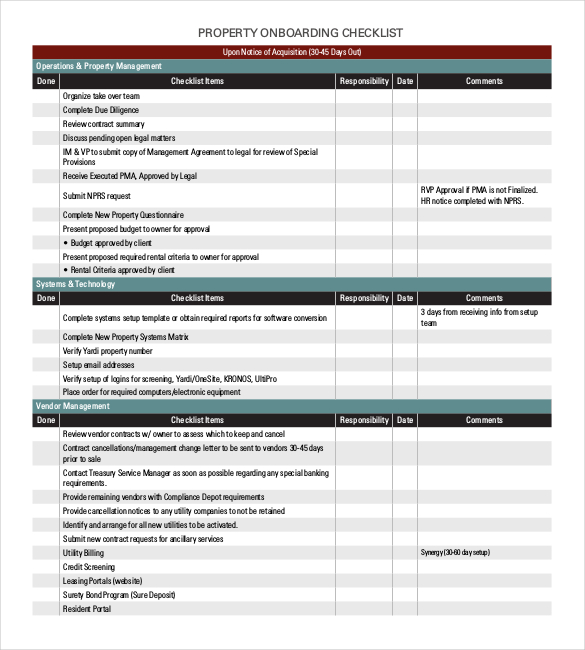
Word Document Microsoft Word Checklist Template Download Free Best Of
Free To Do List Excel Template Template Invitations Template
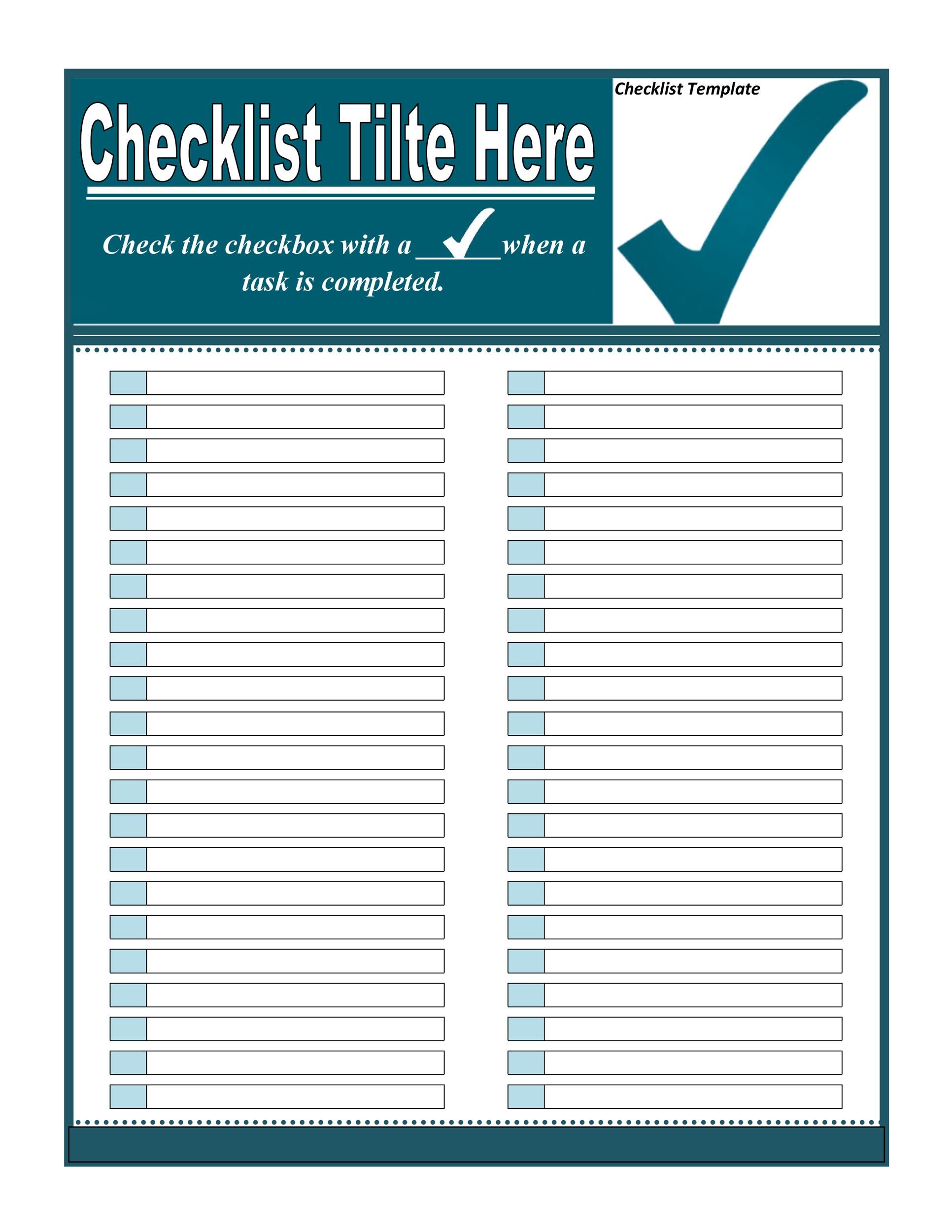
Microsoft Word Templates For Checklists Download Free Turbabitmid

Addictionary

Free Printable To Do Checklist Template Paper Trail Design

Learn how to make a checklist in Word with this easy to follow tutorial Three ways to create three different checklists depending on its use All the tools
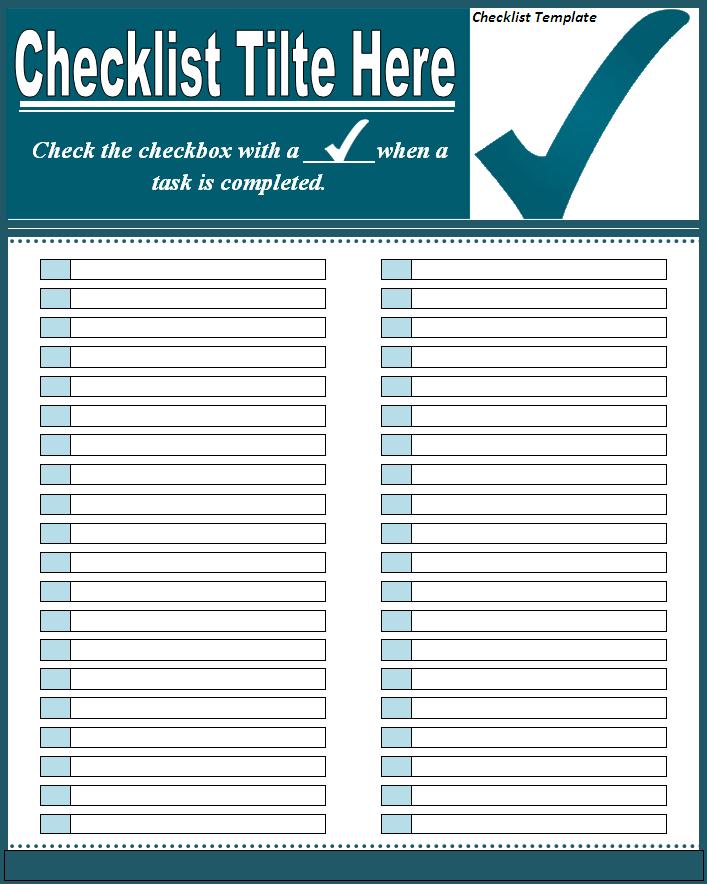
Step 1 Open Microsoft Word First you need to make sure that Microsoft Word is available on your computer You will need this program to work on the checklist Step 2 Look for a Template on the Website Option 1 Visit Template and look for a checklist template that meets your requirements

Can You Make a Checklist in Microsoft Word Yes Microsoft Word allows users to create checklists However if you need to make a digital checklist you will have to paste to add

Table of contents How to create a checklist in Microsoft Word for printing How to create a checklist for a form to be filled in Word and not on paper How to modify the symbols used to mark the checklist in a form in Microsoft Word How to lock the checklist for text changes in a form from Microsoft Word
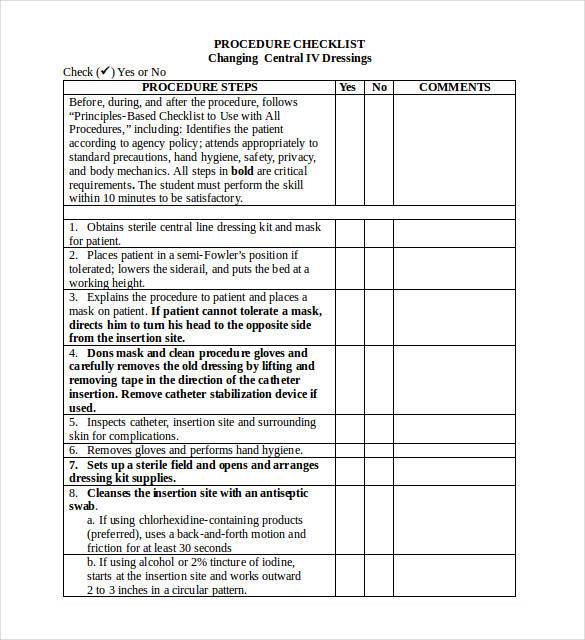
Go to New section type checklist in the search box and press enter to filter all checklist templates Find Checklist Templates in Word for Windows Select the checklist template and download it for your use You can edit the template s content and modify easily Example Checklist Template
Each free editable checklist template in Word is available in different formats Select the layout that will best suit your needs The text is editable so select according to the layout and not according to the titles We also offer an Excel checklist template for various purposes Time Management 6 min read How To Make A Checklist In Microsoft Word In 5 Simple Steps Jitesh Patil Last Updated 14 August 2023 A checklist is a simple yet powerful tool to manage your work and improve task completion quality There are a number of checklist tools and templates
Make a checklist you can check off in Word To create a list that you can check off in Word add content controls for checkboxes to your document Show the Developer tab For more info if the developer tab isn t already visible in Word see Show the Developer tab Make your list Create your list