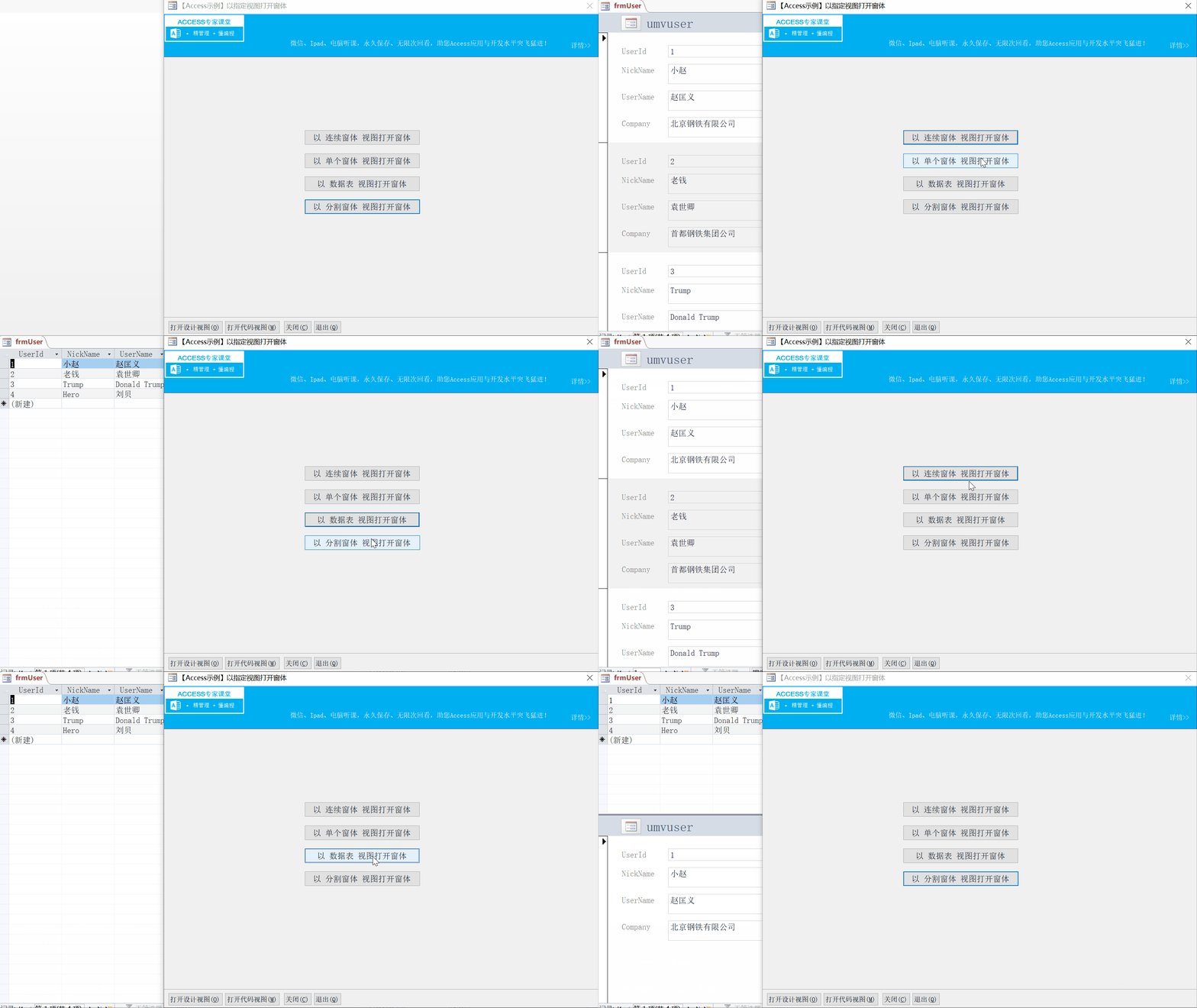
Docmd Open Form Example Ms Access VBA Project How To Open Multi Forms Using VBA CODE Docmd Open Docmd OpenForm With Multiple Parameters Docmd OpenForm With Multiple Parameters Dribbble Form ready png By Alla Lopatkova Initiating Or Opening A Windows Form In Microsoft Access VBA And VB Syntax DoCmd OpenForm FormName View FilterName WhereCondition DataMode WindowMode OpenArgs In the following example form you will notice that we have
The OpenArgs property can also be referred to in macros and expressions For example suppose that the form you open is a continuous form Open a form Syntax DoCmd OpenForm FormName View FilterName WhereCondition DataMode WindowMode OpenArgs Key FormName The name of the form to open
Initiating Or Opening A Windows Form In Microsoft Access VBA And VB Open Blank Form When Database Is Opened Access VBA VBA And VB Net Microsoft Access Open Form Openargs Access Baddash How To Use Docmd OpenQuery Vs Running Manual Queries In Access VBA Enhanced Access How To Create A New Record In A Form Docmd Open Ray88 s Diary VBA Access DoCMD Heart4DataScience Ms Access 2016 DoCmd OpenForm Not Working With Multiple Databases In How To Use Docmd OpenQuery Vs Running Manual Queries In Access VBA
Docmd Open Form Example
 Docmd Open Form Example
https://i.ytimg.com/vi/GxxJI3LUVUk/maxresdefault.jpg
A very popular keyword is the DoCmd object and this command calls one of several actions within the database application including how to open a form using the
Pre-crafted templates offer a time-saving solution for creating a varied series of documents and files. These pre-designed formats and designs can be used for various individual and professional projects, including resumes, invitations, flyers, newsletters, reports, presentations, and more, streamlining the material development process.
Docmd Open Form Example
Access Access

Open Blank Form When Database Is Opened Access VBA VBA And VB Net
Microsoft Access Open Form Openargs Access Baddash

How To Use Docmd OpenQuery Vs Running Manual Queries In Access VBA

Docmd Open Ray88 s Diary

VBA Access DoCMD Heart4DataScience

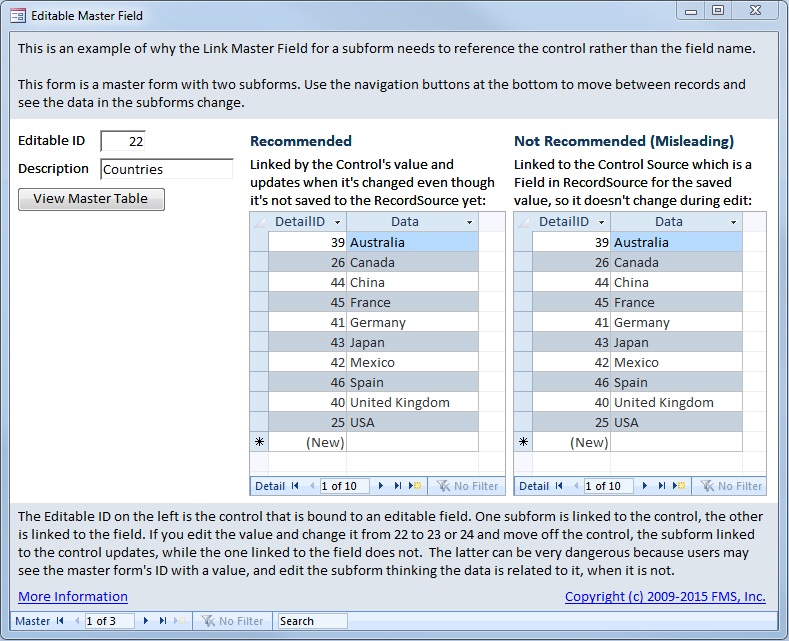
For example suppose that the form you open is a continuous form list of clients If you want the focus to move to a specific client record when the form opens you can specify the
The simple way to open a form is by supplying the FormName and keeping all the defaults DoCmd OpenForm FormName Customer When opened this way Access interprets
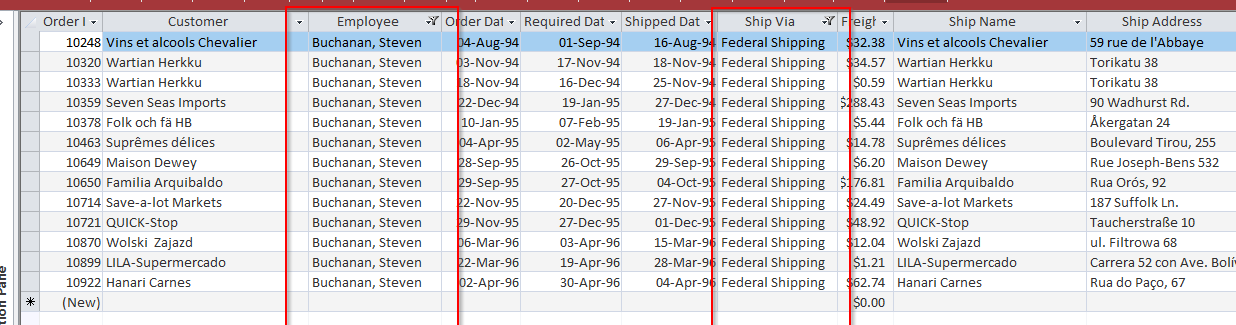
Opening form with DoCmd OpenForm Ask Question Asked 2 years 8 months ago Viewed 291 times 0 I am troubleshooting and found that a button does not

MicrosoftAccess Docmd OpenForm Example the command line is continued below The arguments for the Open Form method are as follows FormName A string or string

Syntax DoCmd OpenForm Explaining the syntax parameters Form Name The name
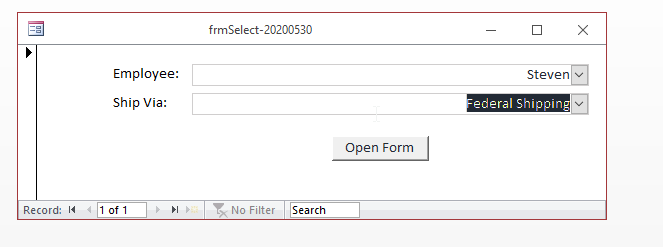
For example you could display a form that prompts users to select an order ID for the invoice they want to print If you are using an event procedure you can apply a There are 3 different ways to load the View Everything form One is via command button which opens the form to the most recent record Another is to double
Hi everyone I received a question as a result of one of my other posts How To Open A Form To A Specific Record In Access 2016 VBA please help me i ve been