Do Professionals Use Affinity Photo Affinity Photo Software 2023 Reviews Pricing Demo Do Professionals Use FL Studio What Do Professionals Use For Ceramic Coating Detailing Gurus What Paint Do Professionals Use My Paint Guide Do Professionals Use FL Studio YouTube Affinity Photo award winning photo editing software The photo editor you ve been dreaming of As the only fully loaded photo editor integrated across macOS Windows and iPad Affinity Photo is the first choice of millions of creative and photography professionals around the world
Affinity Photo 2 is the perfect Photoshop alternative for anyone who wants professional photo editing power without an Adobe subscription And this really is a professional tool matching or even beating Photoshop in many key areas It s recently been re released in version 2 now with a free v2 1 update to incorporate many new features Affinity Photo is a professional photo editing application that rivals Photoshop for features but it s subscription free Image credit James Paterson Affinity Photo articles The tutorials 1 Affinity Photo vs Photoshop 2 RAW editing with Affinity Photo 3 Focus merge with Affinity Photo 4 Replace a sky in Affinity Photo 5
Do Professionals Use FL Studio YouTube What Pool Table Do Professionals Use Pool Cue Champ Do Professionals Use Waves Vocal Rider Holdingssapje Do Professionals Use Affinity Designer All Free Mockups What Do Professionals Use To Edit Photos What Do Professionals Use To Clean Windows What Strategies Do Professionals Use In The Forex Market Forex Articles Why Do I Use Affinity Designer Instead Of Illustrator What Paint Do Professional Painters Use Commercial Painting
Do Professionals Use Affinity Photo
 Do Professionals Use Affinity Photo
https://gdm-catalog-fmapi-prod.imgix.net/ProductScreenshot/92e94aa6-9b98-41d6-acb2-b88901fef1b1.jpeg?auto=format&q=50
British firm Serif has tried for decades to make inroads on Adobe s firm grip on the media and design software industry with its Affinity line of software of which Affinity Photo is the
Pre-crafted templates use a time-saving solution for developing a varied variety of files and files. These pre-designed formats and layouts can be made use of for various personal and expert jobs, consisting of resumes, invitations, flyers, newsletters, reports, discussions, and more, enhancing the content creation process.
Do Professionals Use Affinity Photo
What Do Professionals Use To Clean Carpets Answered By A Local Expert

What Pool Table Do Professionals Use Pool Cue Champ

Do Professionals Use Waves Vocal Rider Holdingssapje

Do Professionals Use Affinity Designer All Free Mockups

What Do Professionals Use To Clean Windows

What Strategies Do Professionals Use In The Forex Market Forex Articles
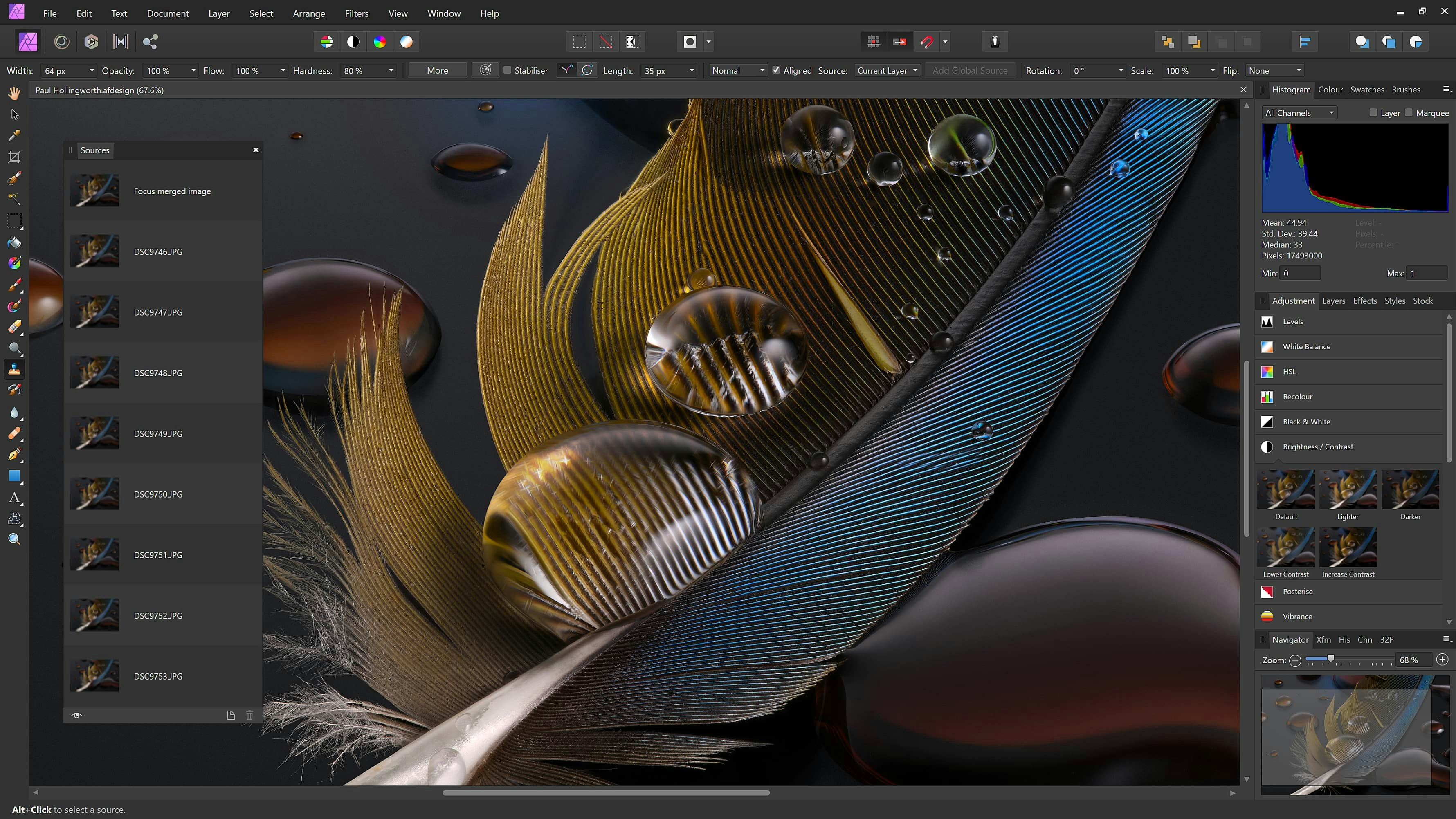
10 Best Affinity Photo Tutorials for Beginners Professionals Affinity Photo is arguably the best Photoshop alternative available right now And if you re still thinking about switching to this graphic editing software now is the perfect time to do it

But when comparing the list of tools Photoshop slightly edges out Affinity Photo It has more variety and a wider range of advanced tools for professionals And with Photoshop you also get access to the extensive Adobe Stock photo library The Adobe Typekit font library is another nice addition
How To Use Affinity Photo Pro Tips Tutorials for Beginners Affinity Photo is well known among designers as one of the best alternatives for Photoshop But it s also a very underrated graphics editor that does its job beyond expectation Affinity Photo is a great entry point for designers who are looking to start a career in the industry

Professional and beginner photographers increasingly use the entire image editing software Affinity Photo It provides various tools and features that simplify modifying and improving your photographs However mastering this powerful software can be a daunting task

Languages Affinity Photo is a newer software program compared to Photoshop and as a result it is less accessible in terms of overcoming the language barrier Affinity Photo is available to users in only 9 languages whereas Photoshop is available in up to 26 different languages Winner Adobe Photoshop
Affinity Photo has a lot of great default resources particularly default brushes It can also use ABR files which is the same brush file format that Photoshop uses However brushes with dynamic settings won t convert perfectly But stamp brushes will cross over absolutely fine Open a portrait in Affinity Photo Duplicate the bottom layer with Cmd Ctrl J we ll edit this layer to preserve our original then grab the Patch tool from the toolbar Zoom in close then use the tool to drag selections over blemishes Next click on a clean sample area nearby to fix the blemish
I ve been using Affinity for about 3 years now freelancing and professionally and its a great alternative but still missing a few key features that I think would get most people to switch over like a dedicated shape builder tool that isn t boolean