Disable Proxy Configuration Gpo Disable Proxy Server On Mac Network Settings Commandline Lokasinsafari 4 Ways To Disable Proxy Settings WikiHow AdrienM Kube Active Proxy GitLab Configure Internet Explorer 11 Settings Using GPO Windows OS Hub Configuring Proxy Settings Via GPO On Windows 10 Windows Server 2016 WEB Dec 10 2020 nbsp 0183 32 The best way to centrally manage GPO proxy settings is to add those settings to configure a PC to use the correct proxy settings which in turn creates a registry value You can then use a group policy setting to push a copy of this registry key to the other PCs on your network
WEB Aug 9 2023 nbsp 0183 32 The Proxy Auto Configuration can be disable by changing this registry key Computer HKEY LOCAL MACHINE SYSTEM CurrentControlSet Services WinHttpAutoProxySvc In the value quot start quot please change the data value from quot 3 quot to quot 4 quot WEB Oct 5 2016 nbsp 0183 32 Try disabling the Proxy settings using the following registry setting Open Regedit throgh Run Got to HKEY LOCAL MACHINE Software Policies Microsoft Windows CurrentVersion Internet Settings ProxySettingsPerUser Change the number from quot 0 quot to 1 This will turn off the automatically configuration of proxy settings
Configuring Proxy Settings Via GPO On Windows 10 Windows Server 2016 How To Open Computer Configuration In Windows Server 2016 Clevenger MB Lab Proxy 02 YouTube HTTP Proxy Configuration On Windows 7 Perfect Privacy Burp Suite Proxy Configuration Problem 127 0 0 1 8080 Can t Catch The How To Use Same Host Header For Origin And Proxy In Apache Mod proxy Features Proxy Settings Sugar Labs Failed To Open Group Policy Object Spicetoo Proxy WineImprove
Disable Proxy Configuration Gpo
 Disable Proxy Configuration Gpo
https://macmule.com/wp-content/uploads/2011/09/auto-proxy-url.jpg
WEB Learn how to configure a GPO to prevent changes to the Proxy settings on the domain computers running Windows in 5 minutes or less
Pre-crafted templates use a time-saving option for producing a varied series of documents and files. These pre-designed formats and designs can be made use of for various personal and professional jobs, consisting of resumes, invitations, flyers, newsletters, reports, presentations, and more, streamlining the content development process.
Disable Proxy Configuration Gpo
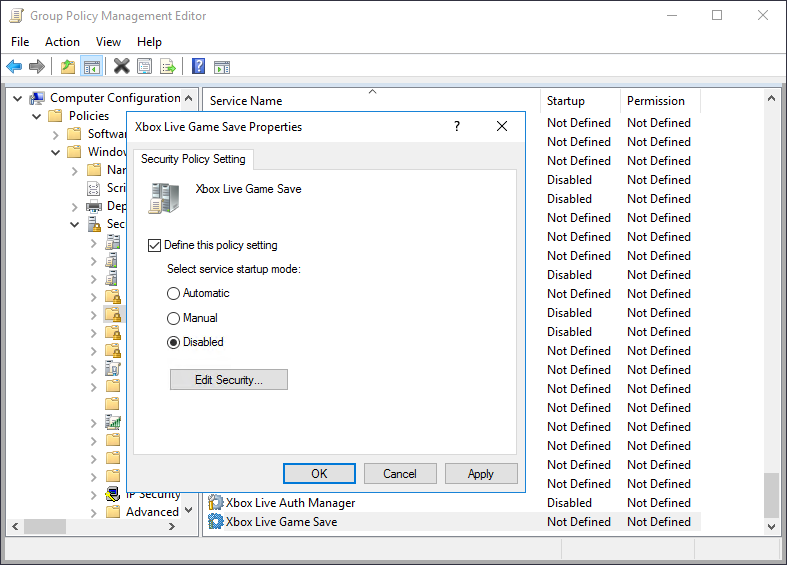
Unnecessary Windows 10 Services To Disable Darelomale
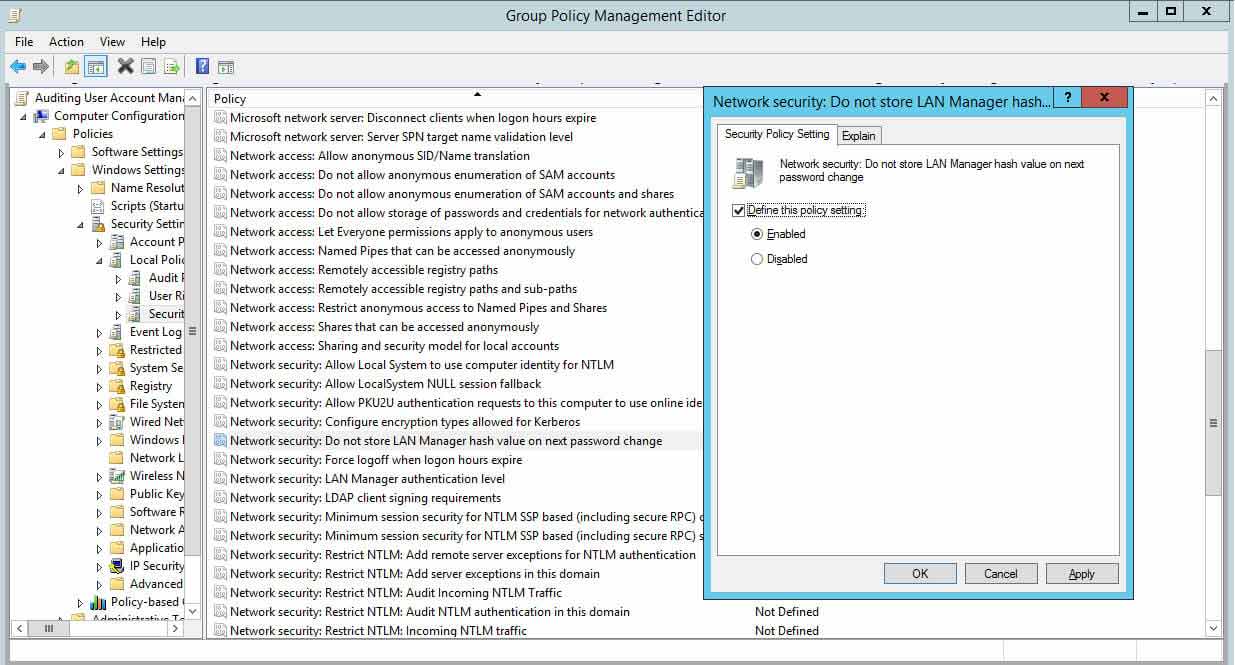
How To Open Computer Configuration In Windows Server 2016 Clevenger

MB Lab Proxy 02 YouTube
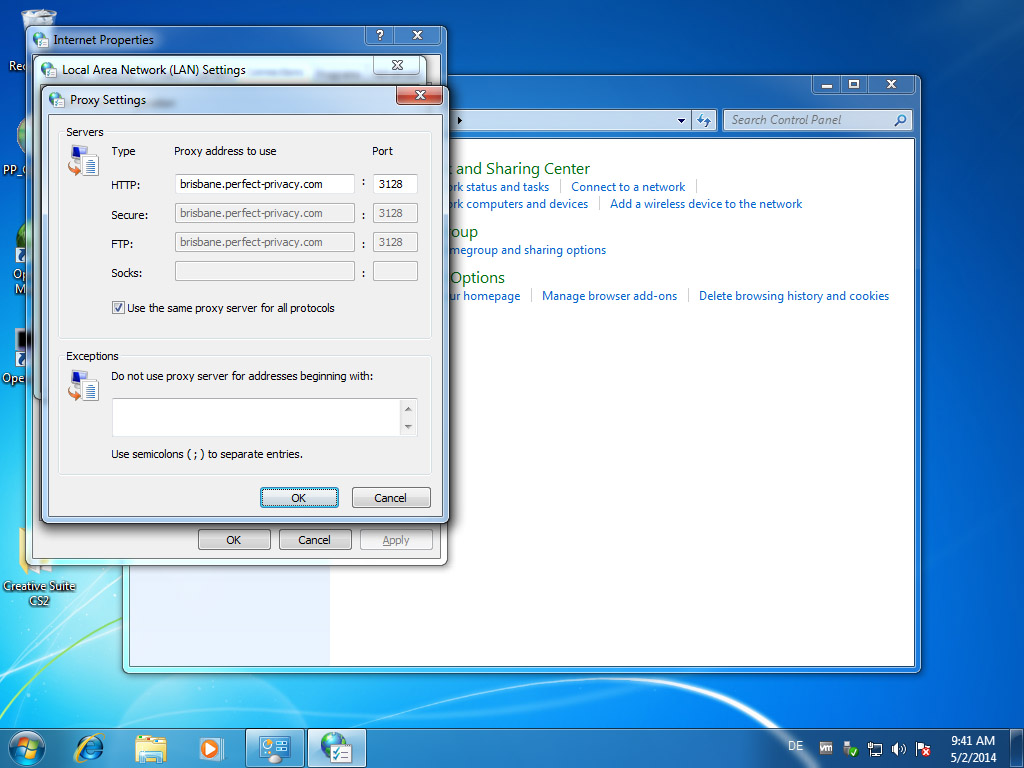
HTTP Proxy Configuration On Windows 7 Perfect Privacy

How To Use Same Host Header For Origin And Proxy In Apache Mod proxy

Features Proxy Settings Sugar Labs

WEB Feb 27 2023 nbsp 0183 32 To prevent users from changing proxy servers settings you can hide the IE Connection page using GPO User Configuration Administrative Templates Windows Components Internet Explorer Internet Control Panel gt Disable the Connections page

WEB Oct 26 2017 nbsp 0183 32 It has been suggested to go to configuration gt Windows Settings gt Internet Explorer Maintenance gt Connection gt Automatic Browser Configuration clear Enable Automatic Configuration But these do not exist in
WEB You can disable the Windows 10 proxy settings using the Group Policy Editor Using Group Policy is the safest and easiest way So follow the steps as shown below and the Windows 10 proxy settings will be disabled in no time
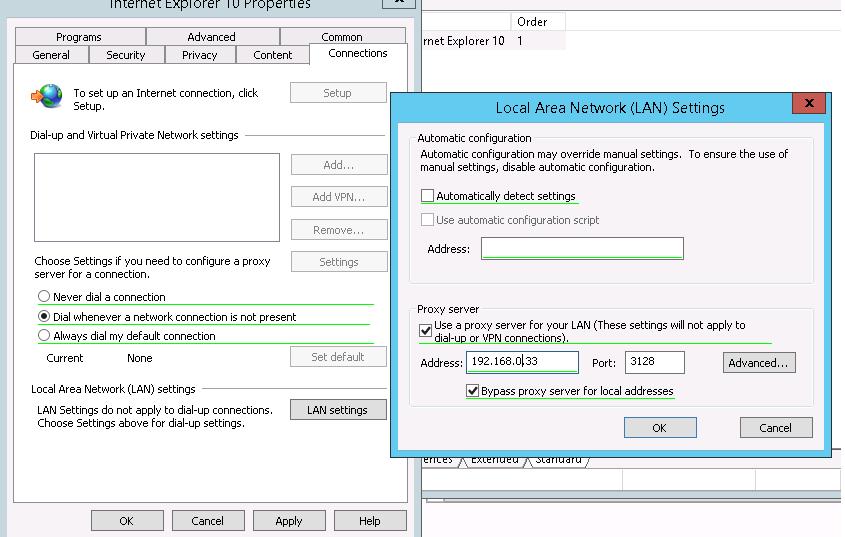
WEB May 17 2022 nbsp 0183 32 On Windows 10 it is possible to disable the proxy settings available through the Settings app and Internet Options in at least two different ways using the Group Policy Editor and Registry

WEB Feb 27 2023 nbsp 0183 32 In this article we ll look at how to prevent users from changing proxy server settings in Windows using Group Policy After an administrator has assigned the proxy server settings to users through the GPO the user can change them at any time
WEB Jul 14 2023 nbsp 0183 32 To enable all settings on the current tab press F5 To disable all policies on this tab use the F8 key Note the Bypass Proxy Server for Local Addresses option When this policy setting is enabled local resources are WEB May 30 2021 nbsp 0183 32 A batch command to remove the proxy is netsh winhttp reset proxy This command needs to be run as Administrator Reference Configure device proxy and Internet connectivity settings
WEB Jan 17 2019 nbsp 0183 32 I d like to overwrite proxy settings set up via GPO in site policy 1 User Configuration Preferences Control Panel Setting Internet Settings gt Connections gt LAN settings using 2 User Configuration Preferences Windows Settings Registry gt HKCU SOFTWARE Microsoft Windows CurrentVersion Internet Settings gt