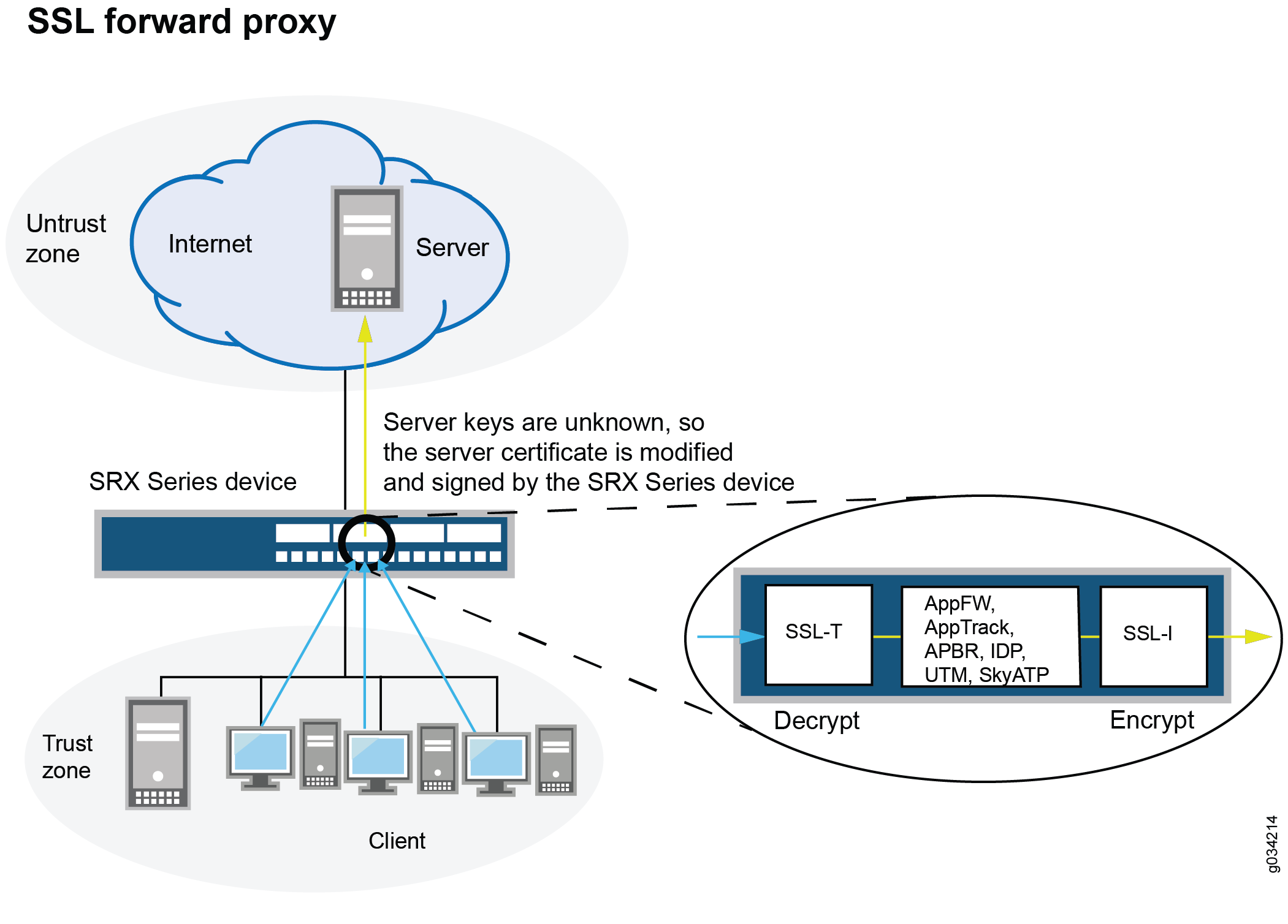
Disable Automatic Proxy Detection Group Policy How To Solve The Windows Could Not Automatically Detect Network Proxy 3 Different Ways To Disable Proxy Settings In Windows 10 Intrusion Detection Systems Detectware Security Group SSL Proxy Junos OS Juniper Networks What Is A Proxy Server How It Works And Types Web Aug 21 2023 nbsp 0183 32 Disable Automatically Detect Proxy Settings using GPO Open the Group Policy Management on your Windows Server Navigate to the following path Computer Configuration gt Administrative
Web Nov 8 2022 nbsp 0183 32 To disable proxy settings via the Local group policy editor follow these steps Open the Run dialogue box see how to open the Windows Run command dialog box for more information In the search box type quot gpedit msc quot and press Enter Navigate to the following path in the Group Policy Editor Web Nov 10 2017 nbsp 0183 32 Disabling Automatically Detect Settings under Proxy in Windows 7 10 We d like a way to turn off the Automatically Detect Settings under the Proxy tab automatic proxy setup of Network and Internet in windows 10 whether it be a GPO or a Registry setting Does anyone have a workaround for this
What Is A Proxy Server How It Works And Types GitHub Eric smartlove maxmind proxy detection Unofficial Wrapper For 3 Ways To Disable Proxy Settings In Windows 10 Amit Blogs How To Disable Proxy Settings Using Group Policy Amit Blogs How To Disable Proxy Settings Using Group Policy Solved Windows Could Not Automatically Detect This Network s Proxy Fix Microsoft Store Apps Can t Connect To The Internet Amit Blogs How To Disable Proxy Settings Using Group Policy Activity Based Intelligence Proxy Detection On Maps Ariel Sheen
Disable Automatic Proxy Detection Group Policy
 Disable Automatic Proxy Detection Group Policy
https://static1.makeuseofimages.com/wp-content/uploads/2019/05/fix-network-proxy-issues.jpg
Web Mar 15 2018 nbsp 0183 32 1 Open Regedit throgh Run 2 Got to HKEY LOCAL MACHINE Software Policies Microsoft Windows CurrentVersion Internet Settings gt ProxySettingsPerUser 3 Change the number from quot 0 quot to quot 1 quot This will turn off the automatically configuration of proxy settings 4
Templates are pre-designed files or files that can be utilized for numerous purposes. They can conserve time and effort by supplying a ready-made format and design for creating various type of material. Templates can be used for individual or expert projects, such as resumes, invitations, leaflets, newsletters, reports, presentations, and more.
Disable Automatic Proxy Detection Group Policy

Best Free Proxy Addon For Firefox
GitHub Eric smartlove maxmind proxy detection Unofficial Wrapper For
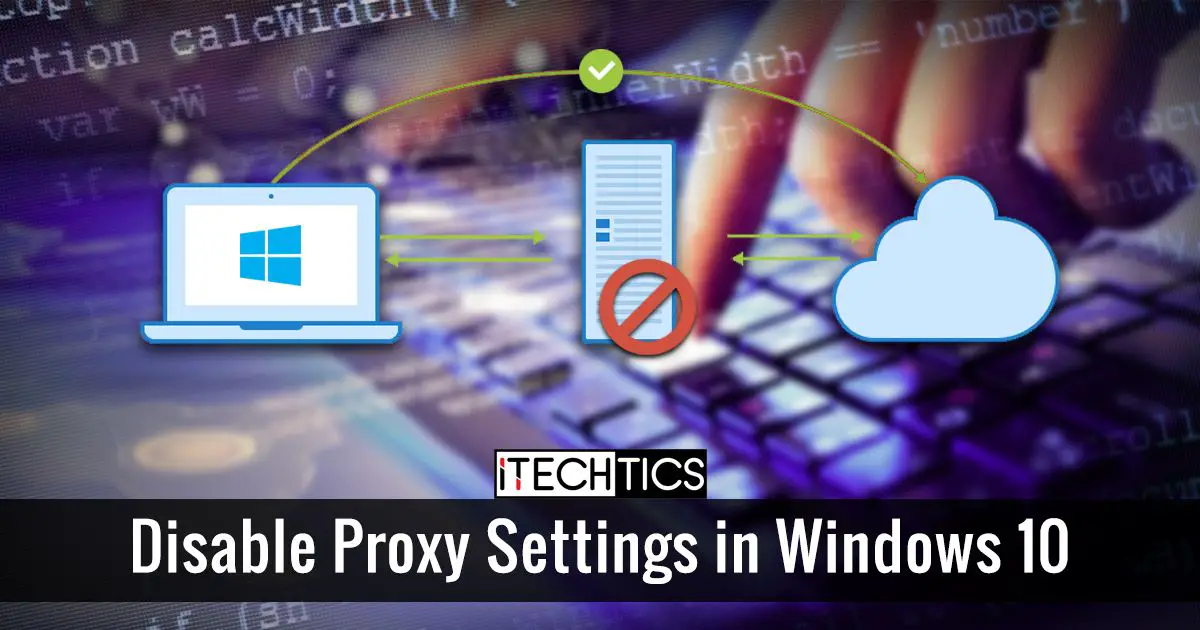
3 Ways To Disable Proxy Settings In Windows 10

Amit Blogs How To Disable Proxy Settings Using Group Policy
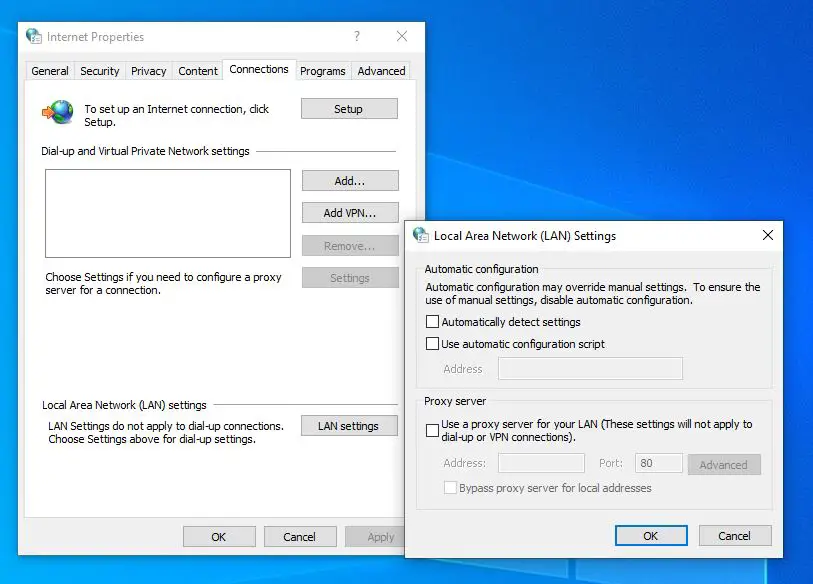
Solved Windows Could Not Automatically Detect This Network s Proxy

Fix Microsoft Store Apps Can t Connect To The Internet

Web May 10 2023 9 05 AM How can you turn off the Automatically Detect Proxy for Windows 10 and 11 via GPO I have tried setting the AutoDetect Key in the Registry to 0 already Windows 10

Web Dec 22 2021 nbsp 0183 32 Active Directory amp GPO Expert check 70 thumb up 323 Dec 22nd 2021 at 11 04 AM Activating O365 can probably be added to a proxy bypass on your manually configured proxy there shouldn t be a need to disable auto proxy detection but ifyou re using WPAD files you ll need to add the bypass there

Web Aug 9 2023 nbsp 0183 32 Switcheez Copper Contributor Aug 09 2023 11 58 PM Disable automatic proxy setup Automatically detect settings Hi There For my organisation I want to turn off Automatically detect settings in the settings of Windows server This is regarding the Automatic proxy setup
Web Jun 8 2011 nbsp 0183 32 This Group Policy should be located in the following path User Configuration Administrative Templates Windows Components Internet Explorer Disable changing Automatic Configuration settings Here is the relevant registry key Disable changing Automatic Configuration settings KEY

Web Mar 17 2017 nbsp 0183 32 1 Answer You should consider using a WPAD Web Proxy Auto Discovery file on your corporate network Once this is configured the computers will be able to automatically detect the proxy settings and in your GPO you can set Internet Explorer to quot Automatically detect the proxy settings quot More details about how to configure WPAD
Web Mar 5 2015 nbsp 0183 32 As a follow up on some kind of bug in sharepoint http social technet microsoft Forums en sharepointgeneral thread f3dbe651 be99 491b 8c6c fc4792ae0b22 I need to turn off Auto detect settings in IE on all my clients as this speeds up sharepoint on many clients Web Thanks for your comments guys joeqwerty I was importing the registry key by editing the GPO using the quot New Registry Item quot wizard located at User Configuration Preferences Windows Settings Registry Zoredache I was using the same version of IE on both TS environment and local desktop Chris May 6 2010 at 3 16 Add a comment
Web May 22 2021 nbsp 0183 32 Automatically detect settings automatic detection of settings using the wpad dat file Use automatic configuration script auto configuration script proxy pac Proxy Server the IP address or DNS name of the proxy server is specified directly in the policy settings