Delete Text Box In Adobe Pdf How To Add Text To A PDF How To Add How To Delete Text Box In Excel Youtube Riset Delete Text Box In Powerpoint YouTube How To Delete Text Box In PowerPoint Real Mina How To Add Field Text Box In PDF Form Using Adobe Acrobat Pro YouTube WEB Feb 26 2024 nbsp 0183 32 To delete the text box select it and then press Delete Note You can also paste a block of text by selecting and copying the text in any application selecting the Hand tool in Acrobat and choosing Edit gt Paste
WEB Feb 26 2024 nbsp 0183 32 Use the Redact a PDF tool to remove or redact sensitive images and text visible in a PDF Use the Sanitize and r emove hidden information feature to find and remove hidden content from a PDF For example if you created the PDF the document metadata normally lists your name as the author WEB Once you ve downloaded your editor of choice to your device follow these steps to add text boxes Open the document in the PDF editor Select Tools gt Edit PDF gt Add Text Drag the new text box to the preferred location Add text to
How To Add Field Text Box In PDF Form Using Adobe Acrobat Pro YouTube Adobe Acrobat Reader Update Toolbar Googlemokasin How To Delete Text Box In Powerpoint PPT Slide YouTube Insert A Text Box In Pdf Architect 5 Xaseradvanced PDF Adobe Acrobat Acrobat Reader How To Add Text To A PDF How To Add How To Add Text To A PDF How To Add How To Delete Text Box In PowerPoint Real Mina How To Delete Text Box In Google Slides
Delete Text Box In Adobe Pdf
 Delete Text Box In Adobe Pdf
https://howtoaddit.com/wp-content/uploads/2022/08/How-to-Add-Text-to-a-PDF-min.png
WEB Jun 15 2023 nbsp 0183 32 Hello everyone Today I will present you How to delete text box from a fillable pdf form using Adobe Acrobat Pro DC Facebook Page https www facebook
Pre-crafted templates offer a time-saving option for creating a varied series of documents and files. These pre-designed formats and layouts can be utilized for different personal and professional projects, consisting of resumes, invitations, leaflets, newsletters, reports, presentations, and more, enhancing the material production process.
Delete Text Box In Adobe Pdf

How To Add Text Box To PDF Without Acrobat A Comprehensive Guide With WPS Office WPS PDF Blog

Adobe Acrobat Reader Update Toolbar Googlemokasin

How To Delete Text Box In Powerpoint PPT Slide YouTube
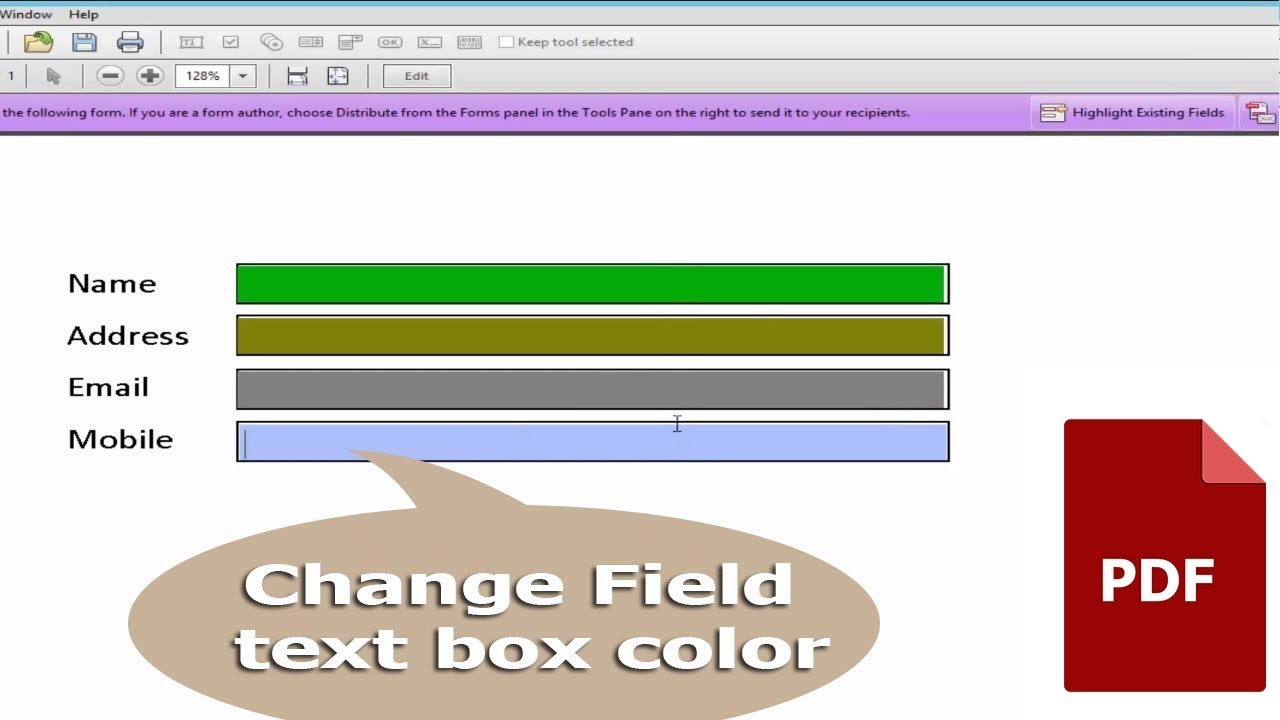
Insert A Text Box In Pdf Architect 5 Xaseradvanced

How To Add Text To A PDF How To Add

How To Add Text To A PDF How To Add

WEB Feb 2 2017 nbsp 0183 32 The quot blue boxes quot are probably just the editable form fields To be able to edit them you need to go into Prepare Form mode To cancel the blue color highlighting go to Edit Preferences Forms and tick off the quot Show border hover color for fields quot box

WEB Apr 8 2024 nbsp 0183 32 Type new text to replace the selected text or press Delete to remove it To rotate the text box use the rotation handle at the top of the selected text box Manage list items using the list controls bulleted and numbered in the right side Format panel

WEB Apr 6 2018 nbsp 0183 32 1 Correct answer jane e Community Expert Apr 07 2018 What you want to do is remove the border stroke around the frame Right click the frame and choose Properties and set the Stoke to transparent Which tool did you use to create the frame Some of them don t have strokes to begin with 1 Upvote Translate Jump to answer 7

WEB Select a text block and make changes in the PDF or erase words using your keyboard Erase entire text blocks by clicking Delete when the block is highlighted Save any changes made to your PDF A PDF editor is the fastest way to erase words on a PDF document
WEB Mar 4 2024 nbsp 0183 32 Press Delete on your keyboard This deletes the selected items To delete specific words within a text box click the text you want to edit to display a cursor Click and drag highlight the text you want to delete and press Delete or Backspace
WEB Just like the white out liquid you use in the office you can white out on PDF to remove unwanted text and ensure nobody can ever see it again The two easiest ways to white out text on a PDF are to extract entire pages or use a PDF editor WEB Jul 14 2021 nbsp 0183 32 Is there a way to automatically delete all text boxes in a document that contain a specified phrase Basically like this online tool http www pdfdu pdf delete text aspx
WEB I took an existing pdf form and created a Word document with it so I could alter the form I then opened the form in Adobe Acrobat and tried to edit the form Unfortunately the form only allowed me to quot cut quot one text box