Delete Source Word Deleting A Source In Microsoft Word YouTube File Bob Corker Official Senate Photo 09 21 07 jpg Wikimedia Commons How To Delete A Blank Page In Microsoft Word Dummytechcom Images Feeling Cute Might Delete It Later R SFWNextDoorGirls File Vanessa Hudgens 15 2012 jpg Wikimedia Commons Click the arrow beside the Edit Reference button choose Remove Citation then click OK NOTE If this is the only time the citation was used it will also be removed from the bibliography Previous Insert an in text citation APA style into a Word document
About Press Copyright Contact us Creators Advertise Developers Terms Privacy Policy Safety How YouTube works Test new features NFL Sunday Ticket Press Copyright Select the document and press the Delete key on your keyboard or select the Bin icon on the ribbon Alternatively right click the file and select the Bin icon on the context menu You can delete multiple Word documents simultaneously in the File Explorer Press and hold the Ctrl key choose the files and select the Delete Bin icon on the
File Vanessa Hudgens 15 2012 jpg Wikimedia Commons File Sir Winston S Churchill jpg Wikipedia The Free Encyclopedia Administrar Fuentes Microsoft Ofimatica File Virginia Madsen Oscars 2009 jpg Wikipedia The Free Encyclopedia File Lazaro Cardenas2 jpg Wikimedia Commons Table Of Contents Microsoft Word Jplana File Seth MacFarlane By Gage Skidmore jpg Wikipedia The Free File Richard Dawkins Cooper Union Shankbone jpg Wikimedia Commons File Seth Green Comic Con 2011 jpg Wikipedia The Free Encyclopedia
Delete Source Word
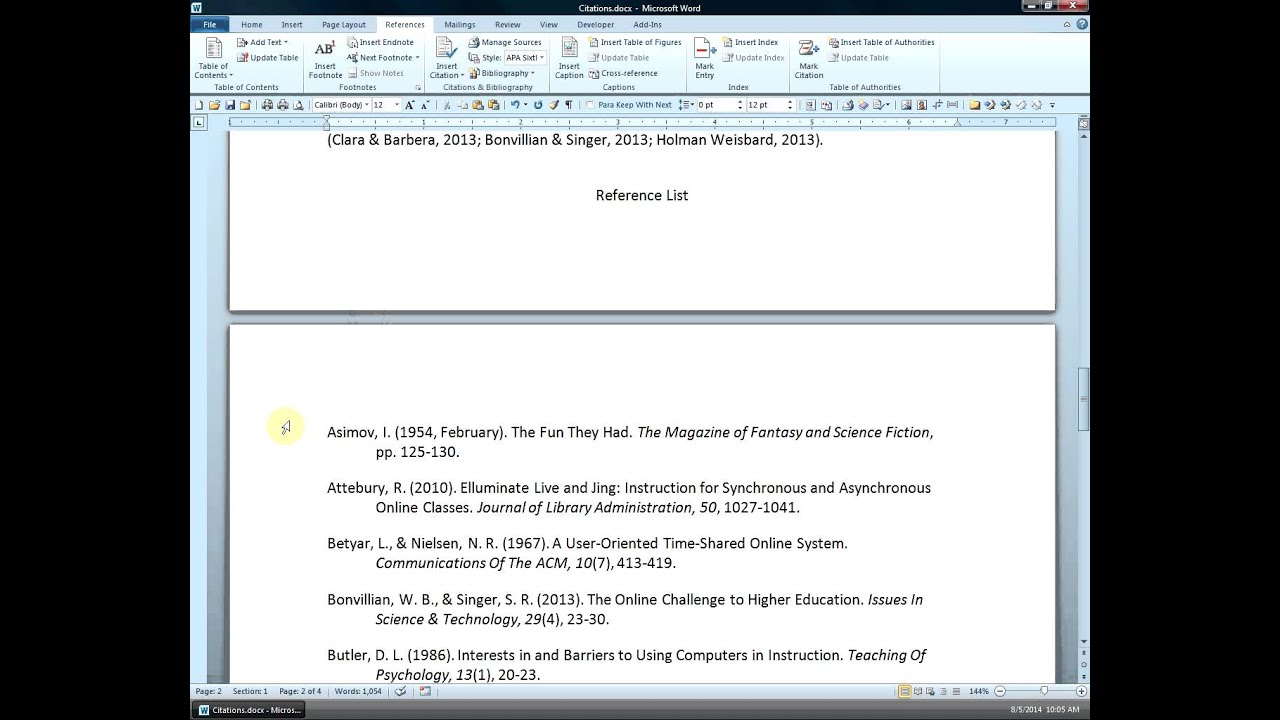 Delete Source Word
https://i.ytimg.com/vi/CFtr3ly-eqk/maxresdefault.jpg
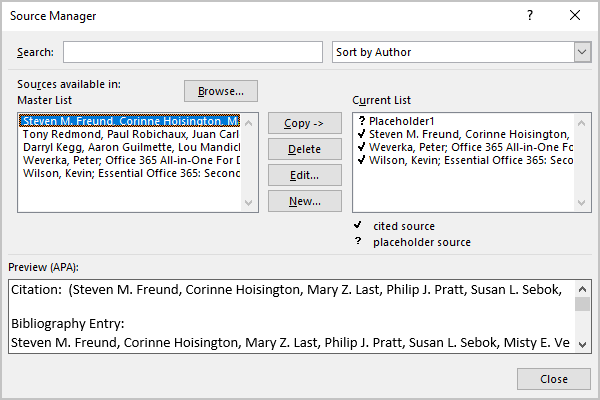
In Word on Mac Open a Word document go to the References tab and select Citations in the Citations Bibliography section of the ribbon When the Citations sidebar opens click the arrow next to the three dots on the bottom right and pick Citation Source Manager You ll then see your list in the Source Manager window
Pre-crafted templates use a time-saving solution for producing a diverse range of files and files. These pre-designed formats and designs can be utilized for numerous personal and professional jobs, consisting of resumes, invitations, flyers, newsletters, reports, discussions, and more, enhancing the material creation procedure.
Delete Source Word

File Cassandra Peterson By Gage Skidmore jpg Wikipedia The Free

File Sir Winston S Churchill jpg Wikipedia The Free Encyclopedia
Administrar Fuentes Microsoft Ofimatica

File Virginia Madsen Oscars 2009 jpg Wikipedia The Free Encyclopedia
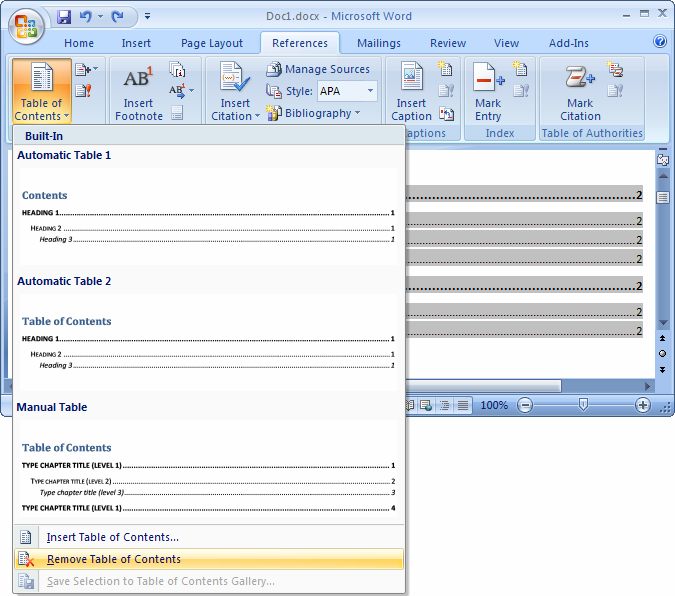
Table Of Contents Microsoft Word Jplana

File Seth MacFarlane By Gage Skidmore jpg Wikipedia The Free

Another way the reference might be hidden is if you are using Track Changes and you have a View Set in Review Tracking that is not showing deletions and so on In that case when you delete a Citation it will still be in your document and will still appear in the Bibliography until you Accept the changes Then you should be able to select

The text box will change from gray to blue when it is selected 3 Hit Delete or Backspace This will delete the citation from the document text 4 Click Manage Sources This is in the Citations Bibliography sections of the References tab 5 Click on the source from the Current List on the right
In the Current list select the source that you want to remove and then click Delete The source now appears only in the Master list Note If the Delete button is unavailable or if you see a check mark next to the source in the list there is still at least one related citation in the document

If you need to manage the sources of your document in Microsoft Word 365 you can use the Source Manager tool to add edit or delete sources You can also create a multi source citation by choosing from the Insert Citation drop down list Learn how to use the Source Manager tool in this webpage

If you are using Word 2010 open the document click on the Mailings tab click the down arrow under the Start Mail Merge button click on Normal Word Document This will disconnect the Word document from the source document I agree with a previous post here is a little adjustment
This video will demonstrate how to insert and delete citations using EndNote and Microsoft Word Visit us on Website https open instruction Follow us Follow us on Twitter SwinEndNoteTeamHow to safely move or delete Endnote inserted references in Word Video 18 of 23 in the EndNote Web for Windows and Ma
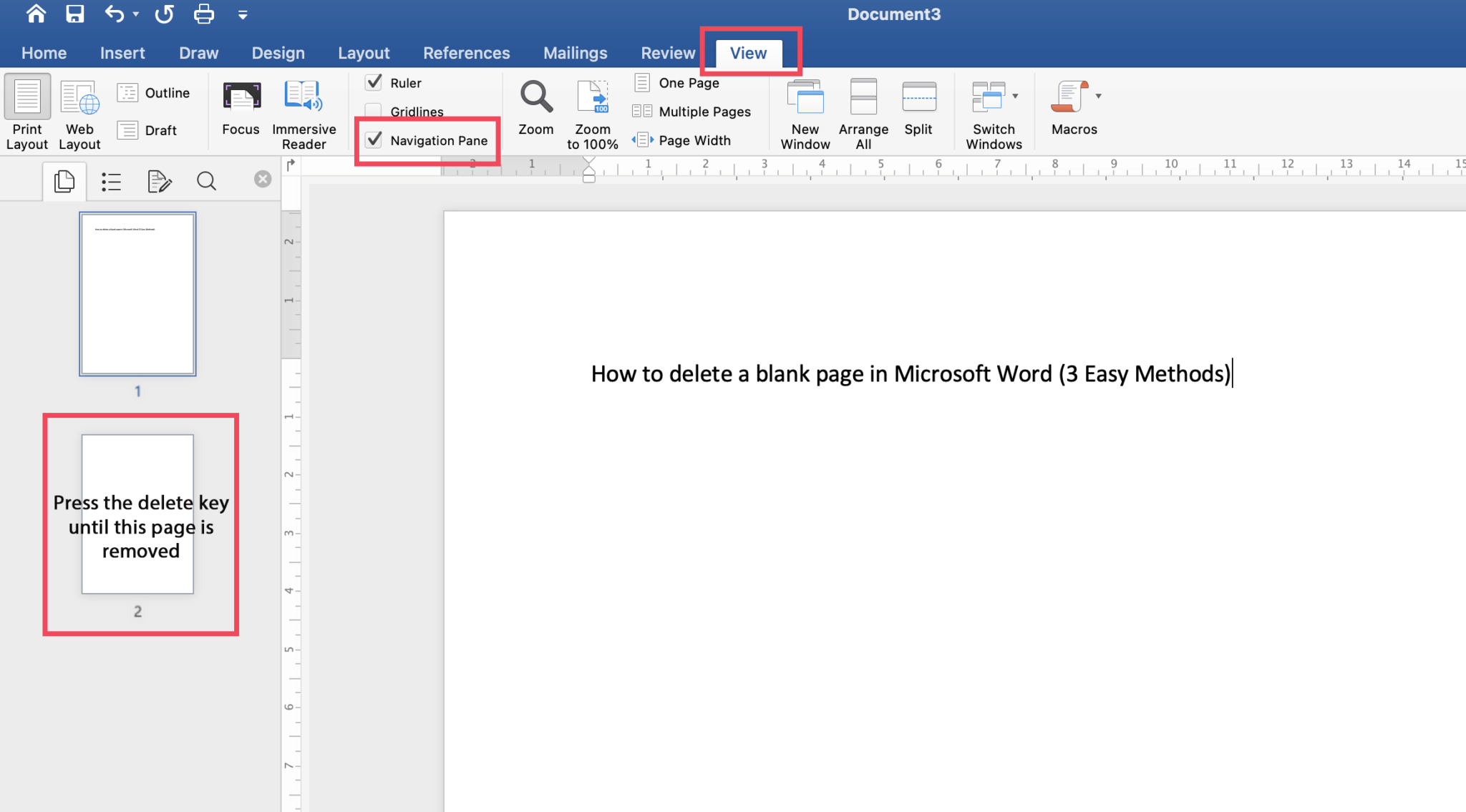
Step 1 To delete an extra blank page that might get added at the end of your document click the View tab Step 2 Go to the Navigation Pane This will display a sidebar containing 3 tabs Headings Pages and Results Click on Pages to display all the pages of the document in the sidebar Step 3 The active page will be automatically