Delete Sheet Rows How To Delete Sheet Row In Excel Delete Sheet Row In Excel Tutorial In Excel Delete Multiple Columns Or Rows How To Delete Multiple Rows In Excel Sheet At Once How To Delete Rows In Excel AndreanceOrr How To Insert Delete Rows Columns Cells Sheets In Ms Excel Vrogue Web Sep 14 2023 nbsp 0183 32 You can delete blank rows in Excel using several tricks and shortcuts Check out these 5 fast ways to remove blank or empty rows in your worksheets In this article we ll focus on methods that work with all versions of Excel In future articles we ll take a look at other methods available in Excel 365
Web Method 1 Delete Multiple Adjacent Rows Using the Excel shortcut The easiest way to delete multiple visible rows in Excel is to use the keyboard shortcut We can follow the below steps to do that First we select the first row and Web May 20 2023 nbsp 0183 32 To delete blank rows in Excel click on the row number on the left hand side of the Excel sheet to select the entire row and then right click and select Delete If you have many blank rows to delete you can use the Go To function by pressing Ctrl G on your keyboard typing blank in the Go To dialog box and
How To Insert Delete Rows Columns Cells Sheets In Ms Excel Vrogue How To Delete Blank Rows In Excel Worksheet An Excel Site What Is The Shortcut To Delete Sheet Rows In Excel Quora Two Rows Of Numbers With Different Times And Dates On The Same Page How To Remove Blank Rows In Excel Table With 3 Columns 10 Rows Storyboard By Worksheet templates Remove Blank Rows In Google Spreadsheet Sheets YouTube How To Remove Blank Rows In Excel The Easy Way MS Excel Insert Sheet Rows And Columns YouTube
Delete Sheet Rows
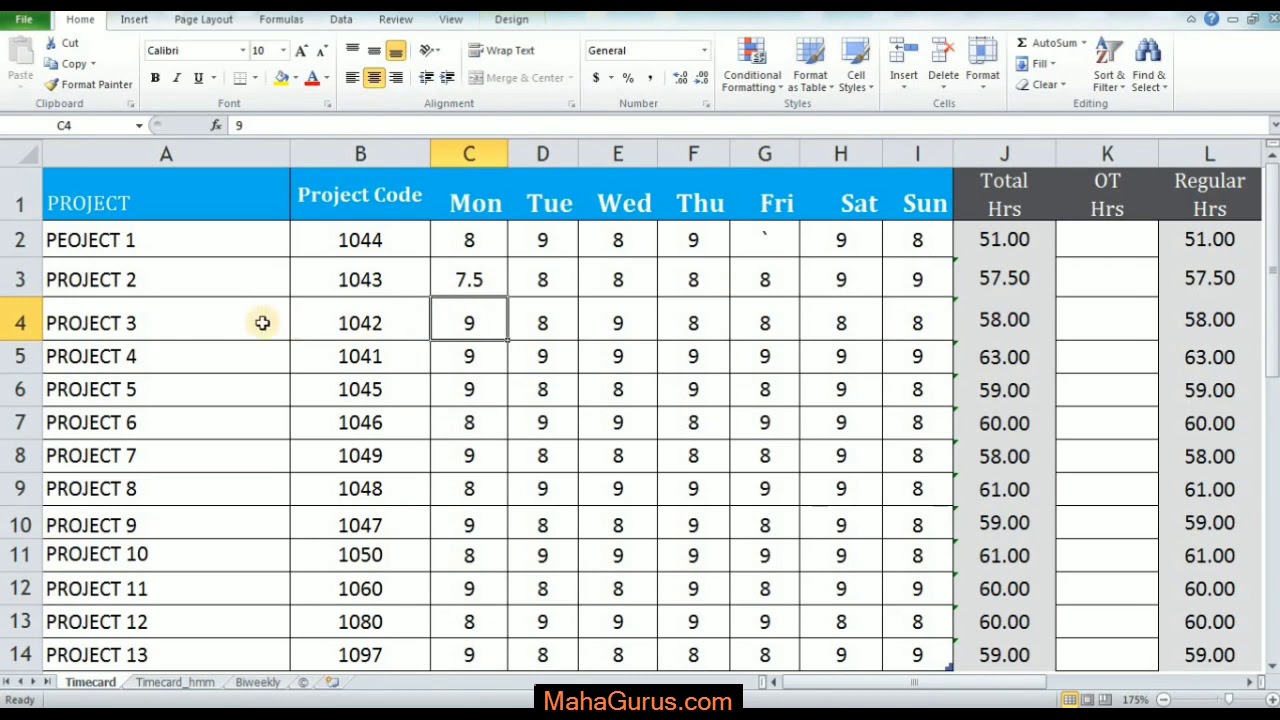 Delete Sheet Rows
https://i.ytimg.com/vi/YJPxbz3zKzs/maxresdefault.jpg
Web 1 Select the row or rows you want to delete
Pre-crafted templates use a time-saving option for developing a diverse series of files and files. These pre-designed formats and designs can be utilized for numerous personal and professional projects, including resumes, invitations, flyers, newsletters, reports, presentations, and more, improving the content creation procedure.
Delete Sheet Rows

Delete Sheet Rows Journaling With Excel Positively Positive
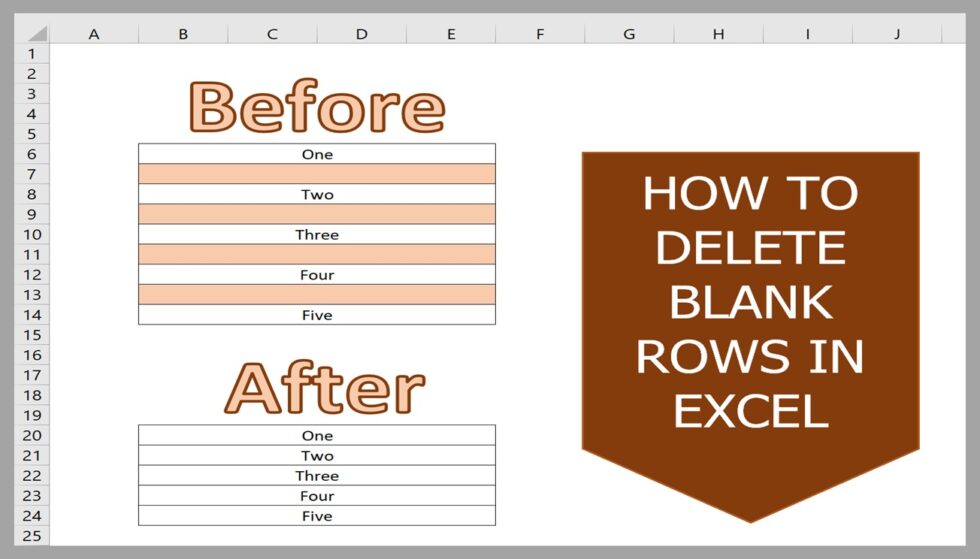
How To Delete Blank Rows In Excel Worksheet An Excel Site
What Is The Shortcut To Delete Sheet Rows In Excel Quora

Two Rows Of Numbers With Different Times And Dates On The Same Page
Table With 3 Columns 10 Rows Storyboard By Worksheet templates
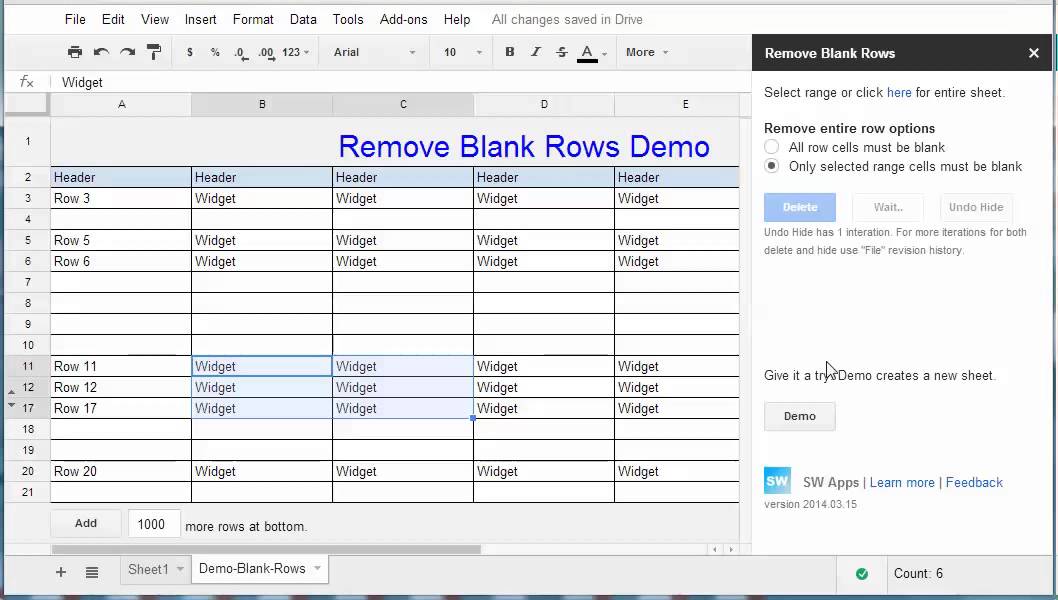
Remove Blank Rows In Google Spreadsheet Sheets YouTube

Web Windows Web Note Microsoft Excel has the following column and row limits 16 384 columns wide by 1 048 576 rows tall Insert or delete a column Select any cell within the column then go to Home gt Insert gt Insert Sheet Columns or Delete Sheet Columns Alternatively right click the top of the column and then select Insert or Delete

Web Dec 21 2023 nbsp 0183 32 Steps Select the row gt Right Click on the selection area Click on Delete from the Context menu Read More Delete All Rows Below a Certain Row 2 Remove Consecutive Multiple Rows in Excel If you want to delete a range of rows that are next to each other then you can follow this guide step by step Steps
Web Jan 12 2024 nbsp 0183 32 This method deletes rows in your data set if they contain one or more blank cells As you can see all three highlighted rows are considered blanks as they all contain at least one empty cell Step 1 In the Home tab click the

Web The above code would delete rows 3 4 and 5 from the active sheet To Delete a Range of Non contiguous Rows Sub DeleteNonContiguousRows Rows quot 5 5 quot Delete Shift xlUp Rows quot 3 3 quot Delete Shift xlUp End Sub Note that in this VBA code we first delete row 5 and then delete row 3

Web Aug 24 2023 nbsp 0183 32 Right click on any selected cell and choose quot Delete row quot from the context menu or just press Ctrl minus sign Click OK in the quot Delete entire sheet row quot dialog box Clear the applied filter go to the Data tab and press the Clear button Well done
[desc-11] [desc-12]
[desc-13]