Delete Python Path Windows Easy Way To Set Python Path How To Set Path Of Python In Windows Python Path Windows 10 YouTube Custom Transform Delete Python Support Blender Artists Community Python Code To Delete A File How To Install Python Set Python Path On Windows YouTube Web 4 days ago nbsp 0183 32 As specified in PEP 11 a Python release only supports a Windows platform while Microsoft considers the platform under extended support This means that Python 3 12 supports Windows 8 1 and newer If you require Windows 7
Web Dec 10 2012 nbsp 0183 32 Removing path from Python search module path OS paths that have your system libraries I take it that these refer to lib in nix or Windows on Windows current directory python started from I take it if Python is started from C Python this would be the current path Web Nov 20 2023 nbsp 0183 32 To uninstall Python on Windows go to the Control Panel select Programs and Features find Python in the list of installed programs right click on it and choose Uninstall If you are using macOS you can uninstall Python by removing the relevant directory or using Homebrew if applicable
How To Install Python Set Python Path On Windows YouTube Python pyvenv cfg How To Uninstall Or Delete Python In Windows 11 YouTube What If You Forget To Add Python To The PATH Variable H ng D n Python Path Windows C a S ng D n Python Dytek Marine Automatic Battery Charger Manual Traillasopa How To Add Python Path To Environment Variables In Windows 10 8 7 YouTube H ng D n Python Path Windows C a S ng D n Python Synology How To Delete Python2 Marius Hosting
Delete Python Path Windows
 Delete Python Path Windows
https://i.ytimg.com/vi/HG55VZqQIt0/maxresdefault.jpg
Web Feb 2 2024 nbsp 0183 32 Look at the guide below cd C Users Name Library FileName Python Use the del keyword to delete the Python file after accessing it and press Enter del python2 exe
Pre-crafted templates provide a time-saving service for creating a diverse variety of documents and files. These pre-designed formats and designs can be utilized for different personal and professional jobs, consisting of resumes, invitations, flyers, newsletters, reports, discussions, and more, enhancing the content creation process.
Delete Python Path Windows

How To Add Python To The Windows PATH Variable

Python pyvenv cfg

How To Uninstall Or Delete Python In Windows 11 YouTube

What If You Forget To Add Python To The PATH Variable

Dytek Marine Automatic Battery Charger Manual Traillasopa
How To Add Python Path To Environment Variables In Windows 10 8 7 YouTube

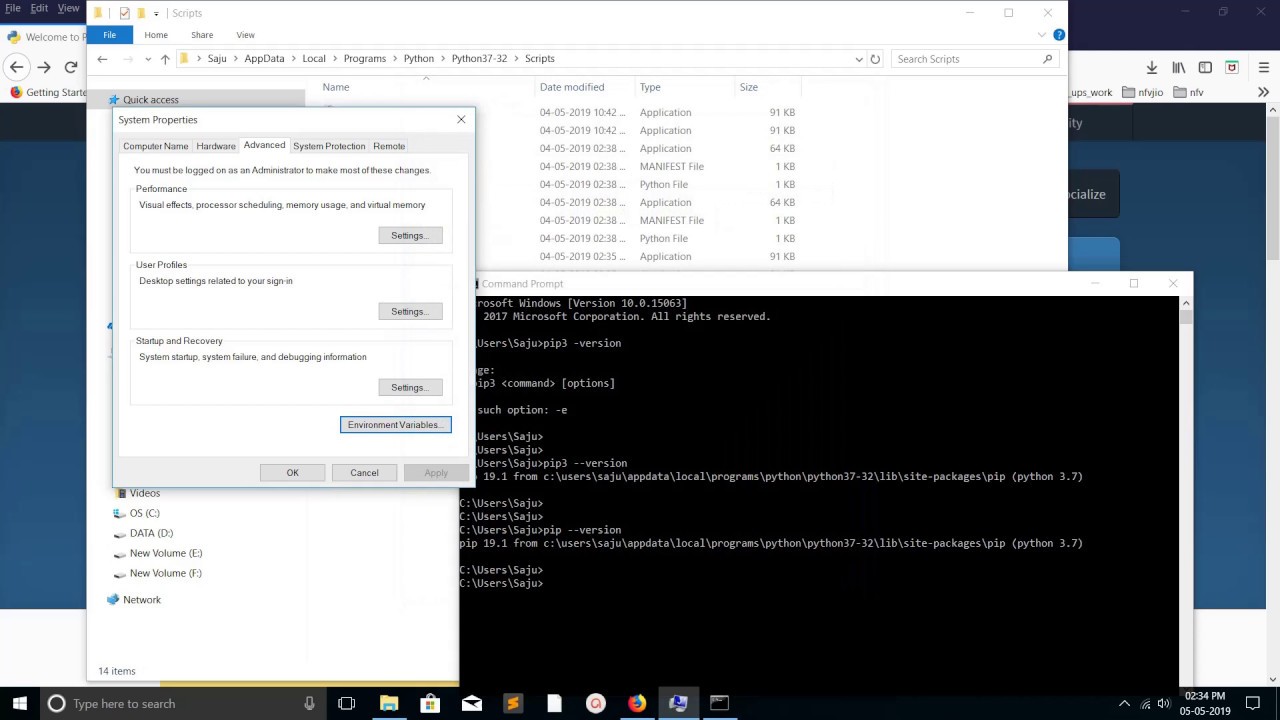
Web 4 days ago nbsp 0183 32 You can remove the paths manually ensuring you delete an entry between the semi colons It will be quot C Program Files Python38 Scripts C Program Files Python38 quot from your screenshot Please let me know if I can help you further

Web Use one of these methods pathlib Path unlink removes a file or symbolic link pathlib Path rmdir removes an empty directory shutil rmtree deletes a directory and all its contents On Python 3 3 and below you can use these methods instead of the pathlib ones os remove removes a file os unlink removes a symbolic link

Web Jul 19 2023 nbsp 0183 32 Press Windows I to open Settings Select Apps from the left hand pane and then click Installed Apps Scroll down until you find the Python app Click the three dots next to it and select Uninstall from the context menu Confirm that you want to uninstall Python by clicking Uninstall again

Web If you see a path of the Python bin folder in the menu remove it by selecting it and pressing the Delete button on the right side of the menu And with that you will have removed Python entirely from your Windows computer

Web May 14 2019 nbsp 0183 32 You are here because you are using Windows OS version 10 Python version 3 3 Anaconda3 And you would like to edit your PYTHONPATH permanently TL DR Go to C Users lt your username gt Anaconda3 Lib site pa ckages Create a file python37 pth Edit the file to include this line C Users lt your username gt my module
Web Sep 24 2023 nbsp 0183 32 How to remove python exe from the WindowsApps directory Split from this thread Somehow my user environment is pointing to a python exe located in my WindowsApps directory but when I look in my Microsoft Store library and Apps in Settings it Web gt gt gt PATH quot home realpython apps bin quot gt gt gt PATH f quot home realpython python PATH quot gt gt gt PATH home realpython python home realpython apps bin Copied Since PATH is just a string separated by colons prepending a value involves creating a string with the new path a colon then the old path
Web 3 days ago nbsp 0183 32 Navigating inside a directory tree gt gt gt p Path etc gt gt gt q p init d reboot gt gt gt q PosixPath etc init d reboot gt gt gt q resolve PosixPath etc rc d init d halt Querying path properties gt gt gt q exists True gt gt gt q is dir False Opening a file gt gt gt with q open as f f readline bin bash n Pure paths 182