Delete Multiple Contacts On Ipad Mini How To Delete Multiple Contacts On IPhone Delete Multiple Or All How To Delete Multiple Contacts On Iphone Without Icloud Works For How To Delete Multiple Contacts On IPhone iPad 2020 YouTube How To Delete Multiple Contacts From IPhone And IPad YouTube How To Delete Multiple Contacts On IPhone Applavia Manage and delete contacts on your iPhone or iPad Find out how to set up and manage your contacts to change what shows up in the Contacts app delete contacts and more
Open the Phone app and tap Contacts on your iPhone or the Contacts app on your iPad Browse to decide which contacts you want to delete When you are Scroll to the bottom and press Delete Contact Confirm your decision in the pop up window Deleting Multiple Contacts iOS doesn t currently support deleting
How To Delete Multiple Contacts On IPhone Applavia How To Delete Multiple Contacts On ANY IPhone YouTube How To Delete Multiple Contacts On IPhone CellularNews How To Delete Multiple Contacts In Iphone One Click Delete YouTube How To Delete Multiple Contacts On IPhone 14 13 12 The Mini Blog How To Delete Single Or Multiple Contacts On Your IPhone How To Delete All Contacts From Your Xiaomi Smartphone CodeLifter How To Delete Multiple Contacts On IPhone 2 Easy Ways How To Delete Multiple Your Contacts On IPhone 5 6 6 Plus 7 7 Plus
Delete Multiple Contacts On Ipad Mini
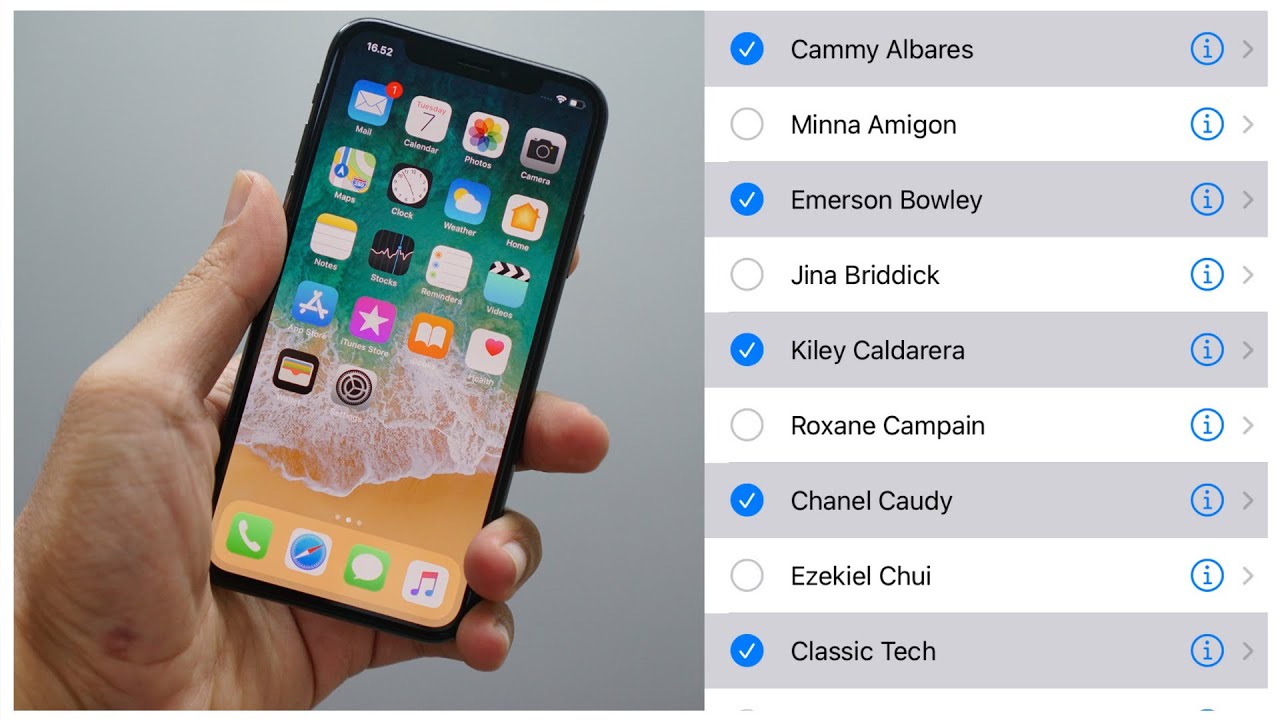 Delete Multiple Contacts On Ipad Mini
https://i.ytimg.com/vi/2yrkt7rRfek/maxresdefault.jpg
If you delete a contact from your email account you also permanently delete the contact from all devices signed into that email account To delete a contact Open
Templates are pre-designed files or files that can be utilized for different functions. They can save time and effort by supplying a ready-made format and layout for creating various sort of material. Templates can be utilized for individual or professional jobs, such as resumes, invitations, flyers, newsletters, reports, discussions, and more.
Delete Multiple Contacts On Ipad Mini

How To Delete Multiple Contacts On Your IPhone Techno Station

How To Delete Multiple Contacts On ANY IPhone YouTube
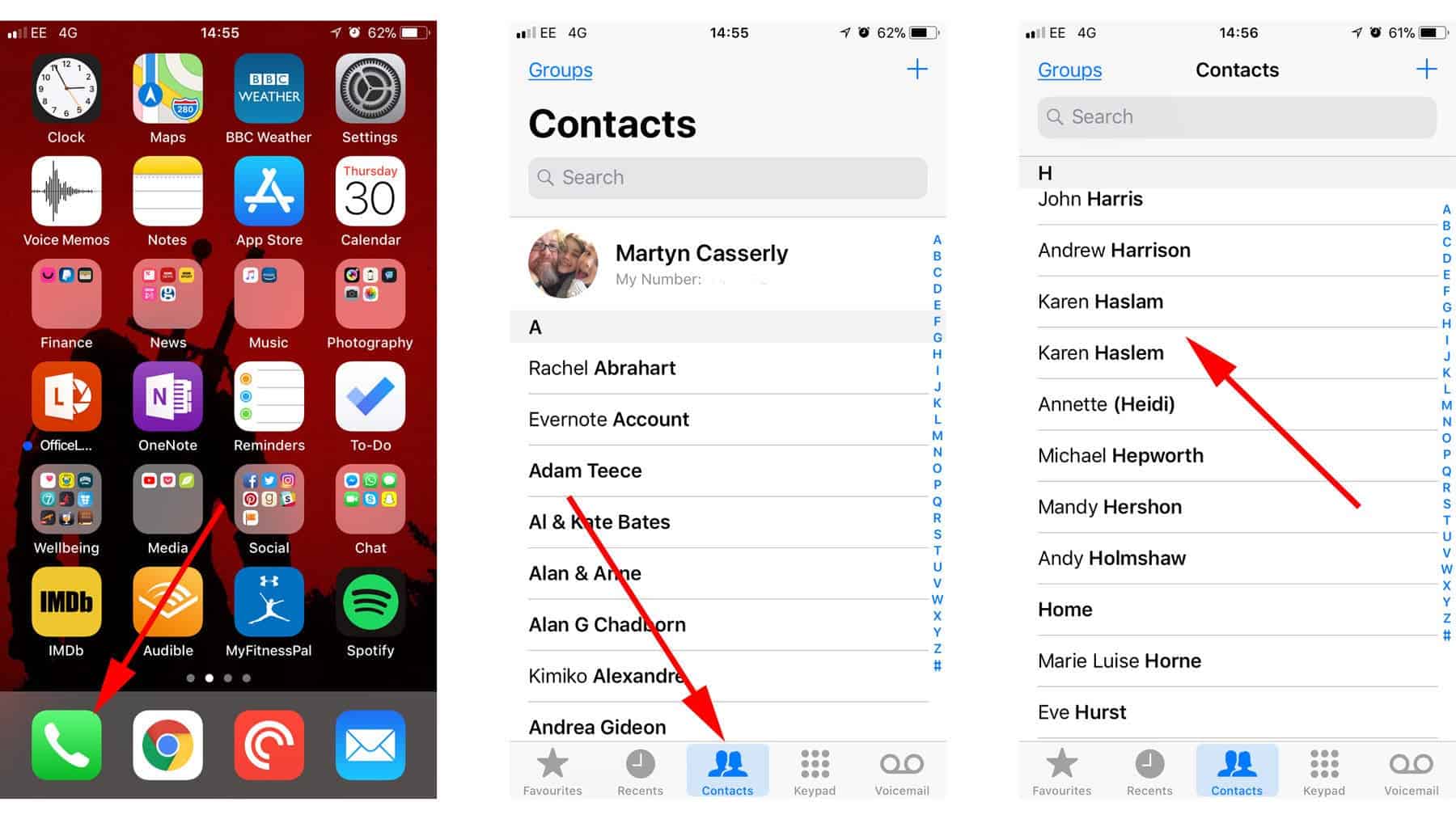
How To Delete Multiple Contacts On IPhone CellularNews
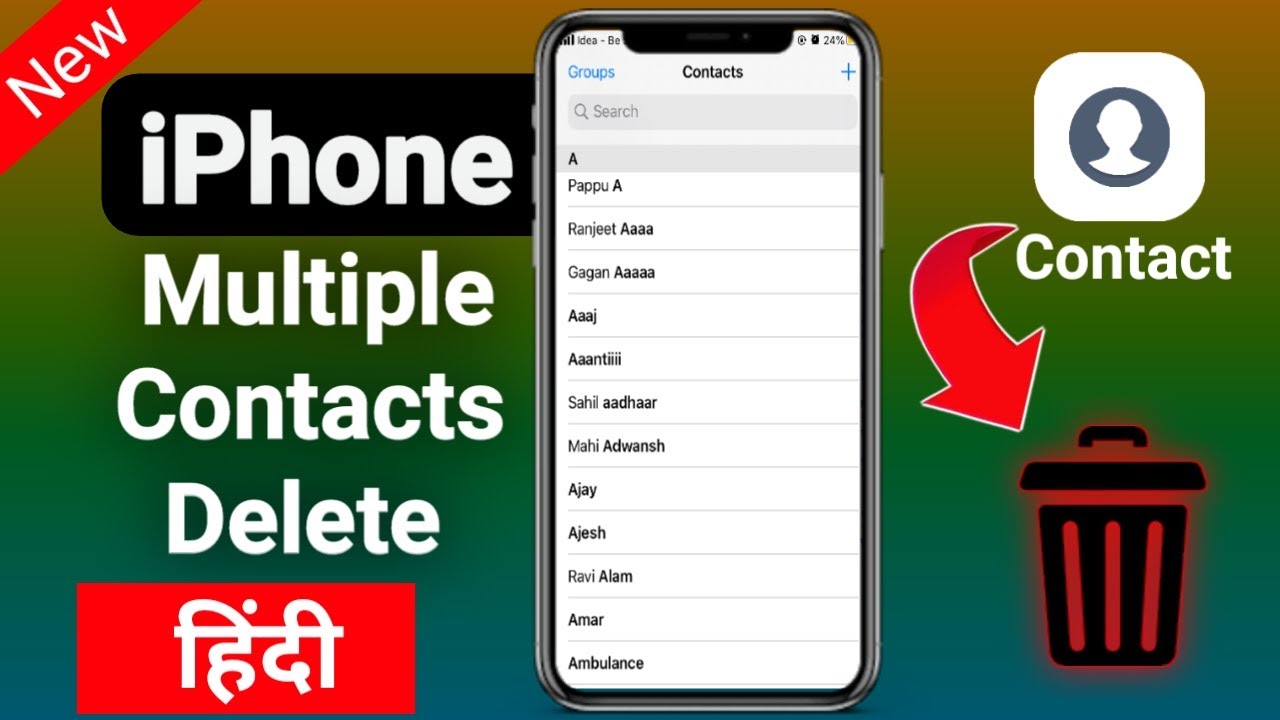
How To Delete Multiple Contacts In Iphone One Click Delete YouTube

How To Delete Single Or Multiple Contacts On Your IPhone

How To Delete All Contacts From Your Xiaomi Smartphone CodeLifter

You can delete contacts right on your iPad with just a few taps but you can also easily delete multiple contacts at once from your iPad using iCloud

1 On your iPhone open the Contacts app Locate the contacts that you wish to delete 2 Use two fingers to select a contact and then drag both of your fingers

You ll be taken back to the contacts list screen and the contact will be deleted You can keep doing this for all the contacts that you want to delete If you just

How to delete multiple contacts on iPhone and iPad Just like adding contacts to delete multiple contacts on iPhone and iPad just follow these steps

Step 1 Open Contacts App Locate and open the Contacts app on your iPad Step 2 Select Contact to Delete Scroll through your contacts and tap on the
Open the Contact Groups app on your iPhone or iPad and go to the Contacts section Tap Select and then hit the tiny check mark from the top right to First tap and hold a contact to select it After one contact is selected a checkmark button will appear in the top right corner Tap the button to select all your
Step 1 Open your Contacts app on the iPad Step 2 Find the contact you want to remove and tap it Step 3 Tap Edit at the top right corner of the screen scroll