Delete Extra Lines In Word How To Delete Extra Spaces In Microsoft Word Updated YouTube How To Remove A Blank Page In Word On MAC YouTube MS Word How To Remove Empty Extra Lines How To Joint Paragraph YouTube How To Remove Line Breaks Or Hard Returns In Microsoft Word Documents Quickly Remove Extra Line Breaks In Word YouTube Web Jun 17 2023 nbsp 0183 32 Click where you want to place the line Go to the Home tab in the Ribbon Within the Paragraph section click the dropdown arrow next to the Borders icon and select Horizontal Line Double click the newly inserted line to format it like adjusting width height and color If you ever need to remove the line all you need to do is click on it
Web May 7 2023 nbsp 0183 32 How to Delete Extra Blank Lines in a Word Document To start removing empty lines open your document with Microsoft Word Click Home in the menu and then select Replace on the right of the screen The Find and Replace window will open Click the Find What box and type this p p Web Dec 10 2020 nbsp 0183 32 Remove Line Breaks in Word Using Find and Replace Use the Find and Replace tool to delete extra breaks in a document Go to the Home tab and in the Editing group select Replace Or press Ctrl H to open the Find and Replace dialog box In Word for Mac use the Search box in the upper right corner of the document
Quickly Remove Extra Line Breaks In Word YouTube How To Remove The Dotted Lines From A Table In Microsoft Word YouTube How To Remove Table Lines From A Microsoft Word Document Microsoft In MS WORD How To Delete Extra Pages Delete A Blank Page In Word SketchUp Practice Cabin Project 6 Delete Hide Extra Lines YouTube How To Remove Extra Spaces In Word Between Lines YouTube How To Delete Blank Page In Word 2021 And All Versions YouTube Quickly Delete Extra Lines In A Text Document With Google Sheets YouTube Quite Subscribing Arrangements Intention In Site Which Shall Exist
Delete Extra Lines In Word
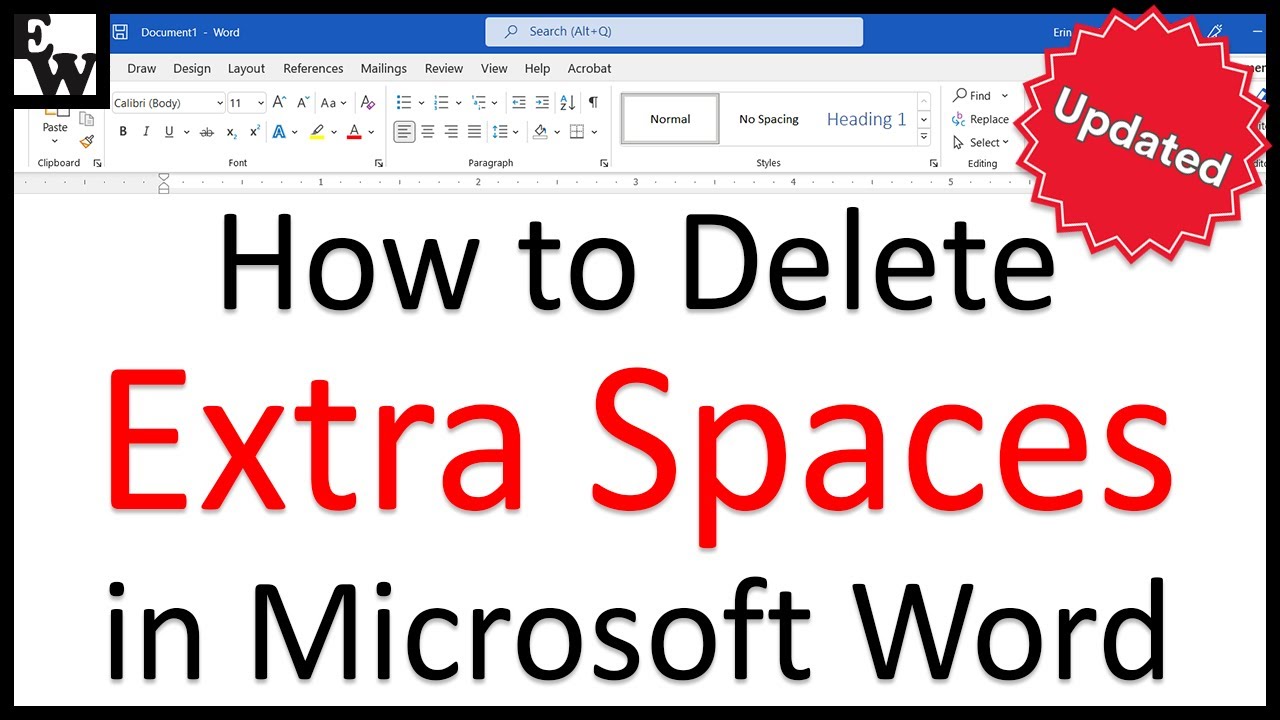 Delete Extra Lines In Word
https://i.ytimg.com/vi/7eMr1bZe-ZI/maxresdefault.jpg
Web Dec 30 2021 nbsp 0183 32 How to Delete Extra Blank Lines in a Word Document To start getting rid of empty lines open your paper with Microsoft Word Click Home in the menu and afterwards pick Replace on the right of the display The Find and Replace window will certainly open up Click the Find What box and also type this
Pre-crafted templates provide a time-saving service for producing a varied variety of files and files. These pre-designed formats and layouts can be used for different individual and professional tasks, including resumes, invites, leaflets, newsletters, reports, discussions, and more, simplifying the material development procedure.
Delete Extra Lines In Word
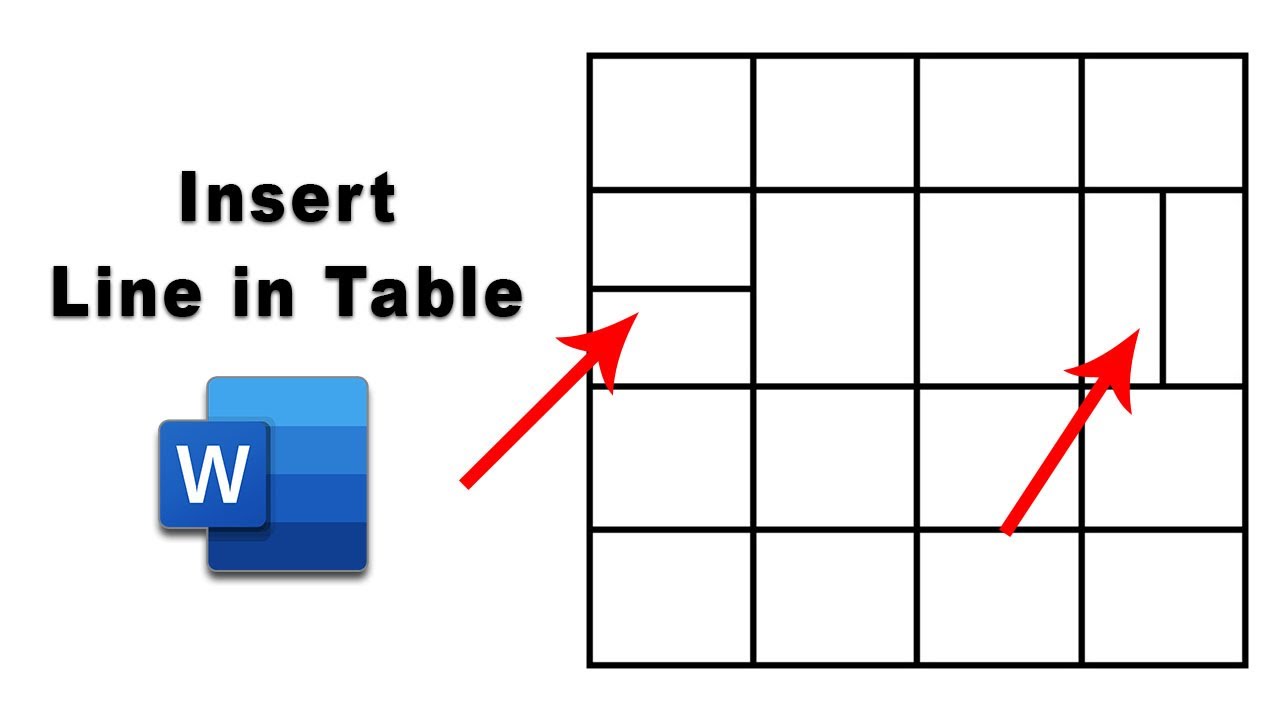
How To Insert A Line In A Table In Word YouTube
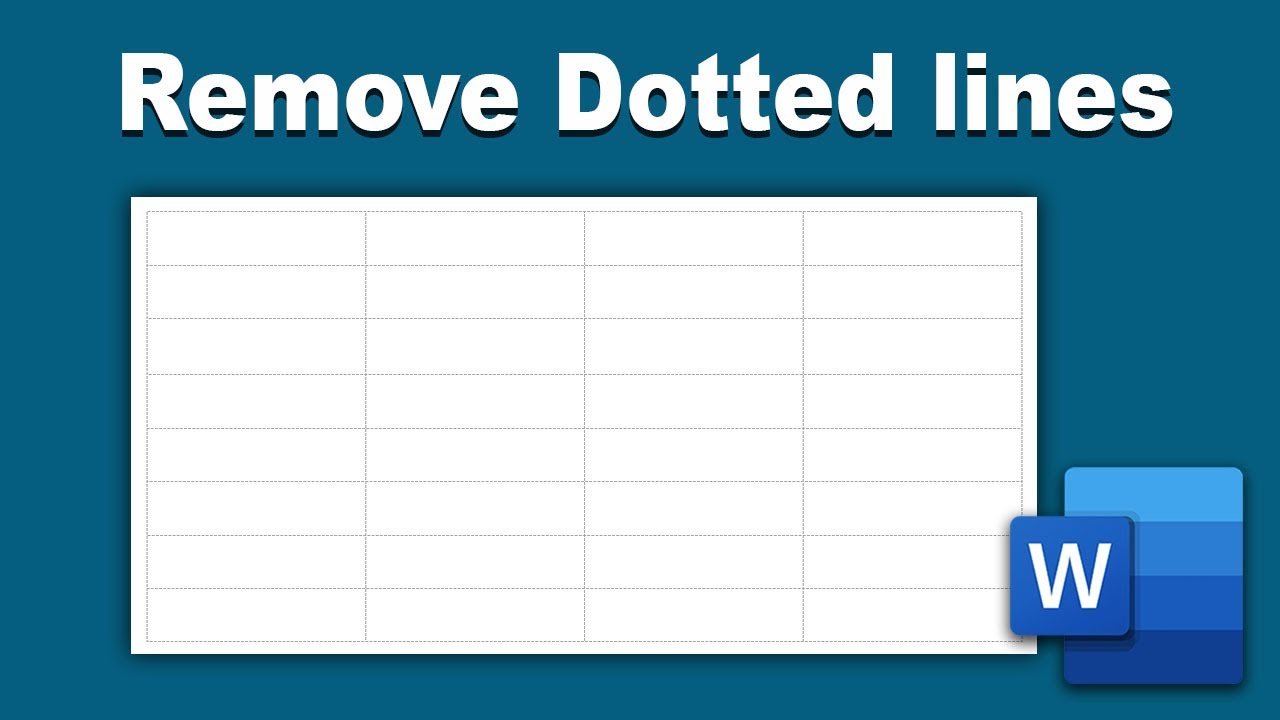
How To Remove The Dotted Lines From A Table In Microsoft Word YouTube
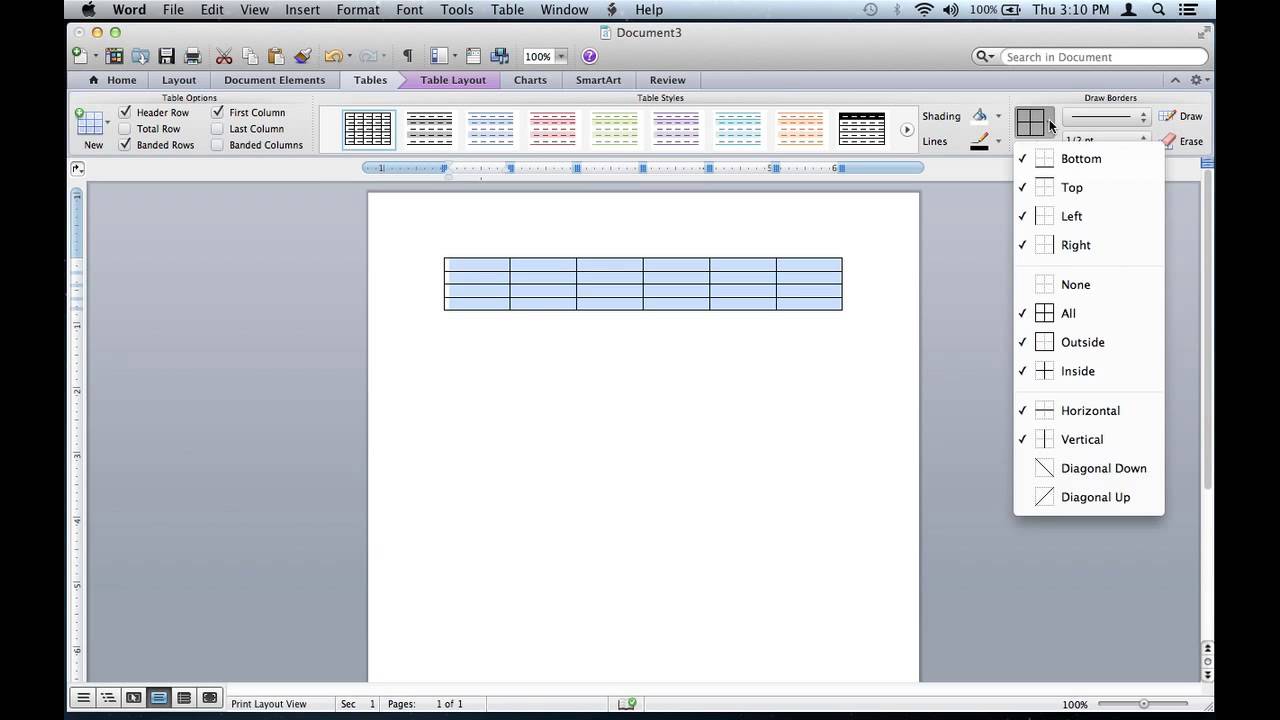
How To Remove Table Lines From A Microsoft Word Document Microsoft
In MS WORD How To Delete Extra Pages Delete A Blank Page In Word

How To Remove Extra Spaces In Word Between Lines YouTube
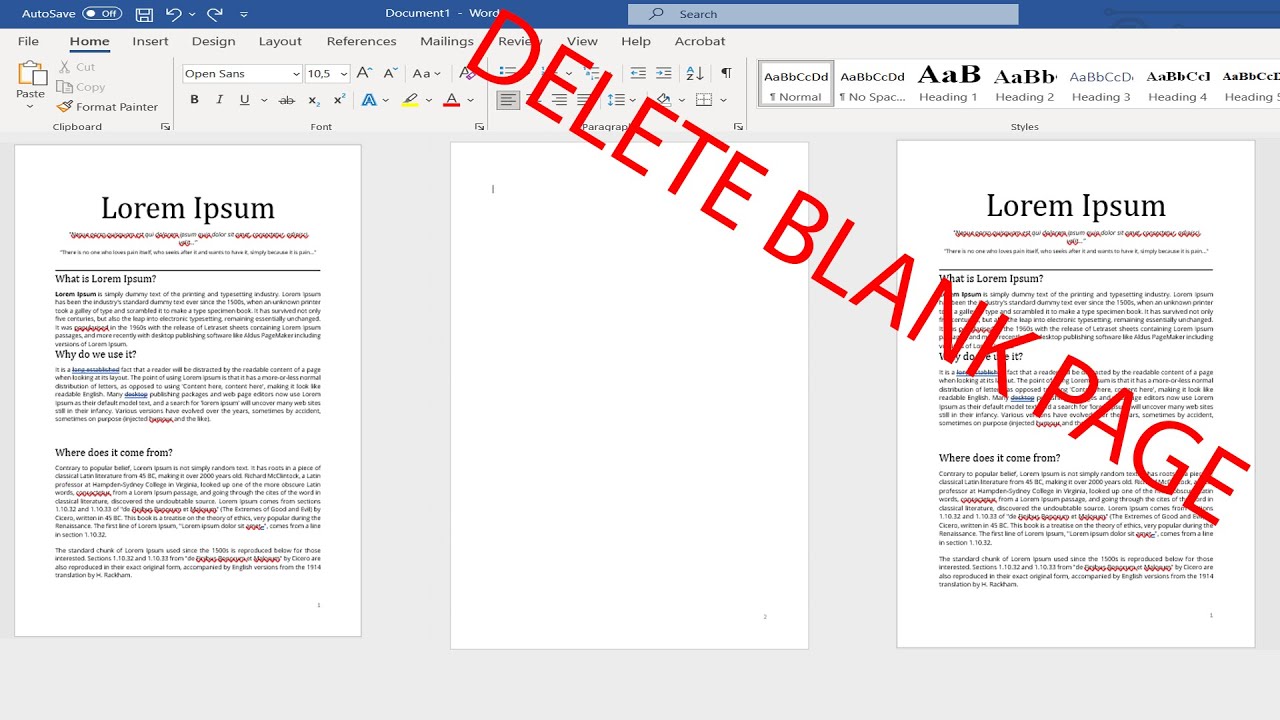
How To Delete Blank Page In Word 2021 And All Versions YouTube
Web Oct 27 2016 nbsp 0183 32 Delete All Blank Lines between Paragraphs First of all open a Word document which you need to modify Click Home Then click Replace in Editing group Or you can press Ctrl h Both ways can open the Find and replace dialog box Next click Replace option Continue to click More on the left down side
Web Delete lines or connectors Click the line connector or shape that you want to delete and then press Delete Tip If you want to delete multiple lines or connectors select the first line press and hold Ctrl while you select the other lines and then press Delete
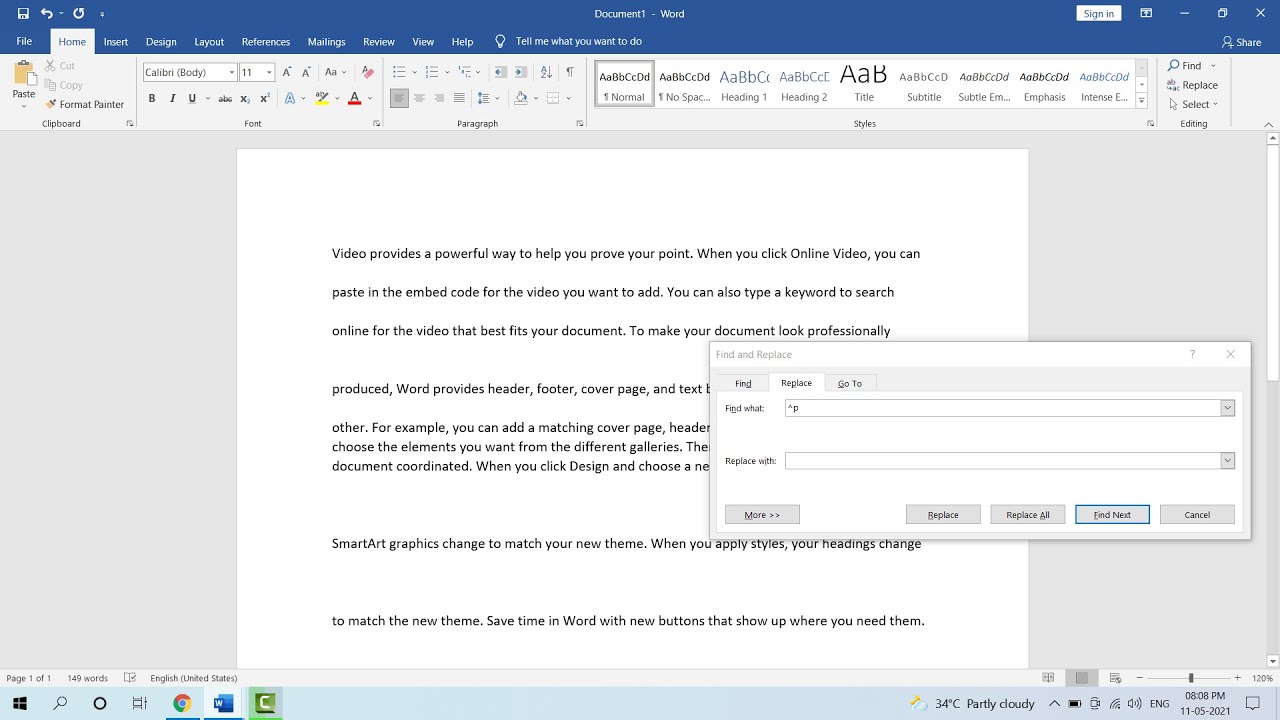
Web May 27 2021 nbsp 0183 32 Just click on the Show Hide 182 option in Word s control bar to view the paragraph tags The double paragraph tags here indicate a blank line and replacing them with a single tag will remove the blank lines Remove Blank Lines in Word
Web Delete lines or connectors Click the line connector or shape that you want to delete and then press Delete Tip If you want to delete multiple lines or connectors select the first line press and hold Ctrl while you select the other lines and then press Delete
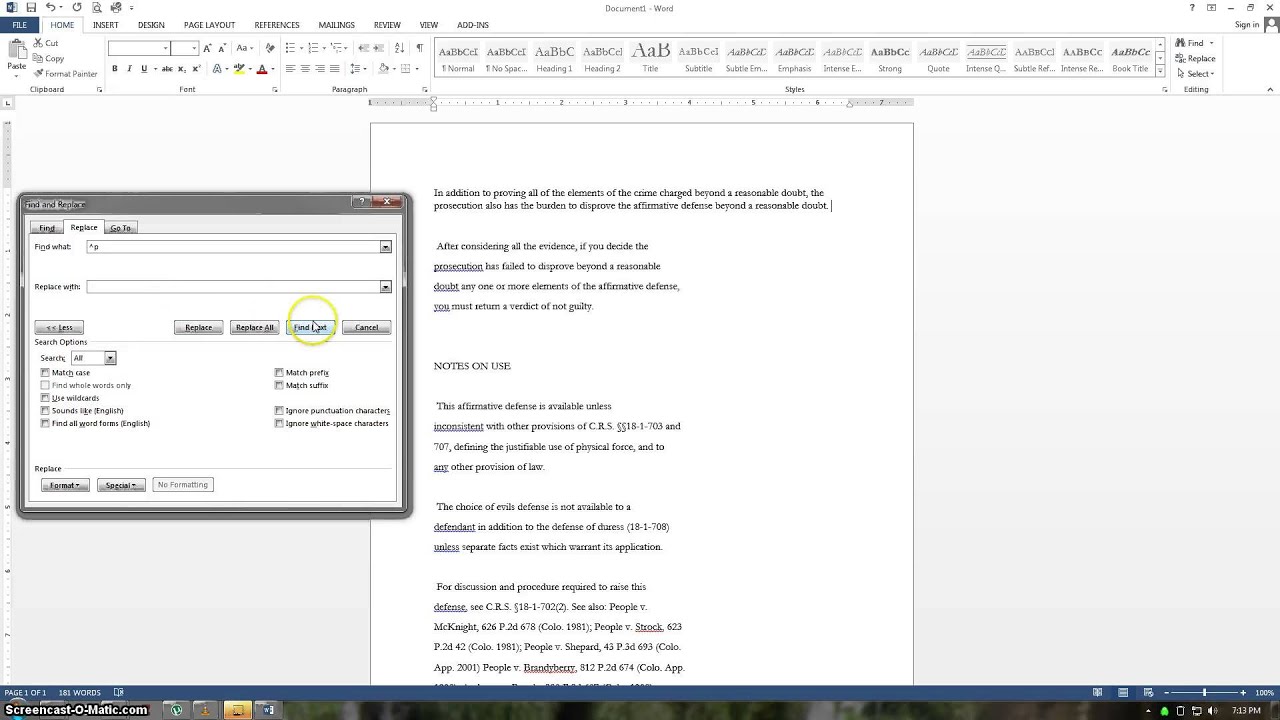
Web The Find and Replace function in Word is commonly used to remove all empty lines but you have to know the empty lines are called Manual Line Breaks in the Find What option 1 Click Replace on the Home tab See screenshot 2 When the Find and Replace dialog popping up click More gt gt button to show more options
Web Dec 14 2013 nbsp 0183 32 Shows you how to remove extra line space in Microsoft Word Visit http drlalford ecrater for training or a consultation Tish 3 53K subscribers Videos Web May 21 2023 nbsp 0183 32 Method 1 Highlighting and Deleting Download Article 1 Click in the row above the unwanted line If there is any text immediately above the line select the entire row above the line Use this method if you want to get rid of a line you inserted You can also turn off AutoCorrect if you don t want word to create lines from symbols 2
Web Oct 15 2021 nbsp 0183 32 Step 1 To delete an extra blank page that might get added at the end of your document click the View tab Step 2 Go to the Navigation Pane This will display a sidebar containing 3 tabs Headings Pages and Results Click on Pages to display all the pages of the document in the sidebar