Delete Empty Cells In Excel Vba How To Use VBA To Delete Empty Rows In Excel ExcelDemy Delete Empty Cells In Excel Excelnays How To Delete Empty Cells In Excel 6 Methods ExcelDemy How To Delete Empty Cells In Excel 6 Methods ExcelDemy How To Delete Empty Rows In Excel VBA is one method of doing this or you can delete blank rows using the COUNTA Function and deleting filtered cells The following macro will remove blank rows without any sorting turn off
Delete Blank Columns Using VBA Delete Blank Columns Using Go To Special Manually Deleting Blank Columns Best with Small Datasets If you have a small data set such as the one shown below it s possible to Excel VBA Clear Cell Step by Step Guide and 5 Examples to Clear Cells with Macros In this VBA Tutorial you learn how to clear cells including clearing cells totally their
How To Delete Empty Rows In Excel How To Delete Empty Cells In Excel 6 Methods ExcelDemy Power user L Delete Empty Cells Power user How To Delete Empty Cells In Excel 6 Methods ExcelDemy How To Delete Empty Cells In Excel 6 Methods ExcelDemy YouTube Excel How To Delete Empty Cells In Excel YouTube How To Delete Empty Cells In Excel 6 Methods ExcelDemy How To Delete Empty Rows In Excel 9 Steps WikiHow How To Delete Empty Cells In Excel 8 Easy Methods ExcelDemy
Delete Empty Cells In Excel Vba
 Delete Empty Cells In Excel Vba
https://www.exceldemy.com/wp-content/uploads/2021/11/Delete-Empty-Rows-in-Excel-VBA-4.png
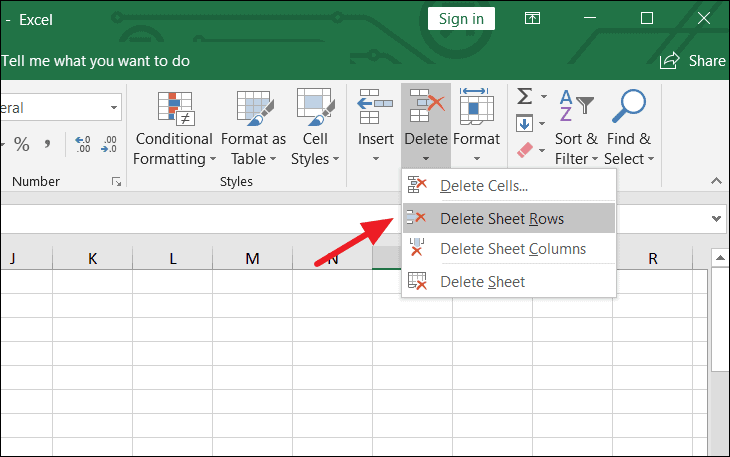
STEPS First select all the blank cells by pressing the Ctrl key from the keyboard Next right click on the mouse and select Delete Or we can simply go to
Pre-crafted templates offer a time-saving option for developing a varied variety of files and files. These pre-designed formats and designs can be utilized for various personal and expert tasks, including resumes, invites, leaflets, newsletters, reports, presentations, and more, improving the material production procedure.
Delete Empty Cells In Excel Vba
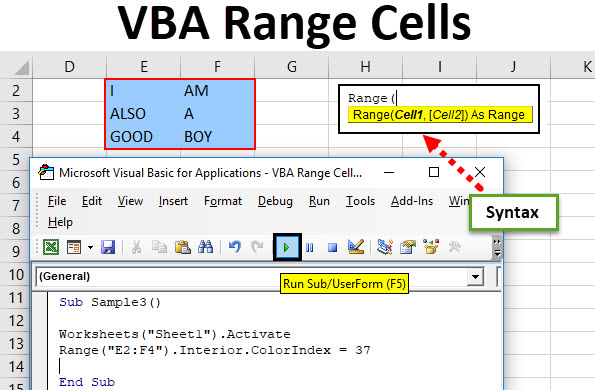
VBA Range Cells How To Use Excel VBA Range Cells

How To Delete Empty Cells In Excel 6 Methods ExcelDemy

Power user L Delete Empty Cells Power user

How To Delete Empty Cells In Excel 6 Methods ExcelDemy
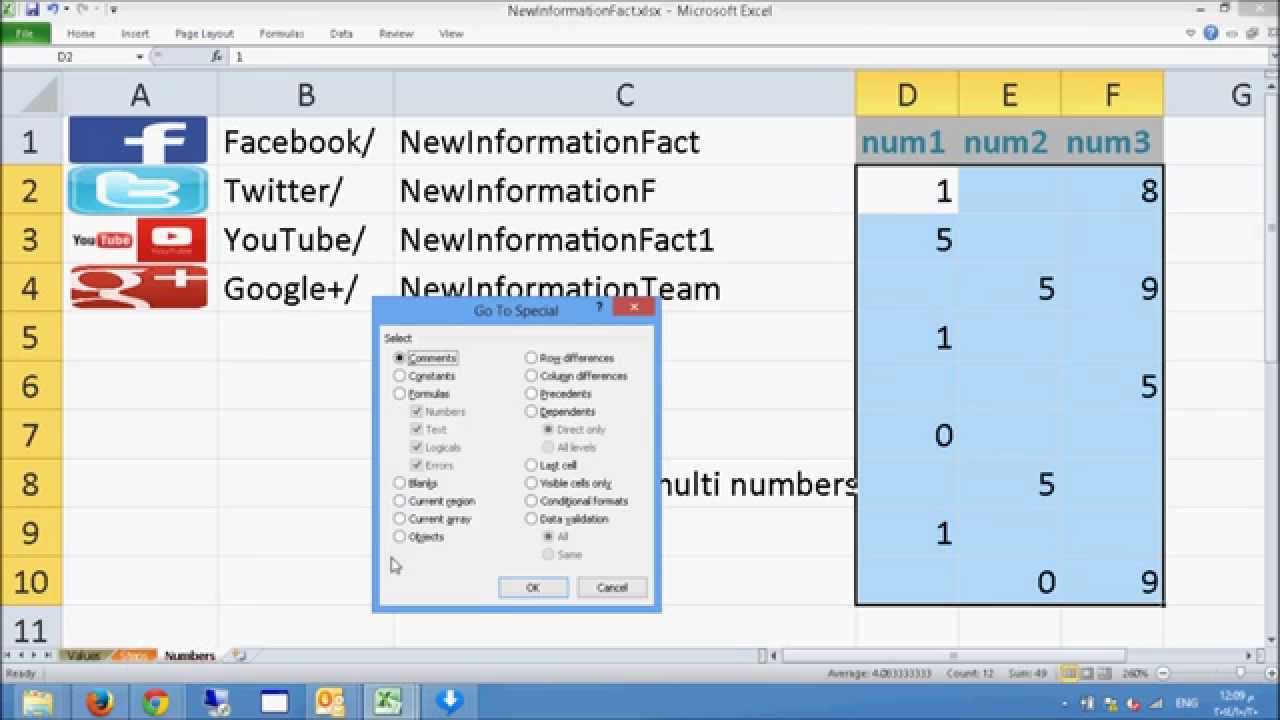
YouTube Excel How To Delete Empty Cells In Excel YouTube

How To Delete Empty Cells In Excel 6 Methods ExcelDemy

You can check the snapshot Sub delete Dim counter As Integer i As Integer counter 0 For i 1 To 10 If Cells i 1 Value
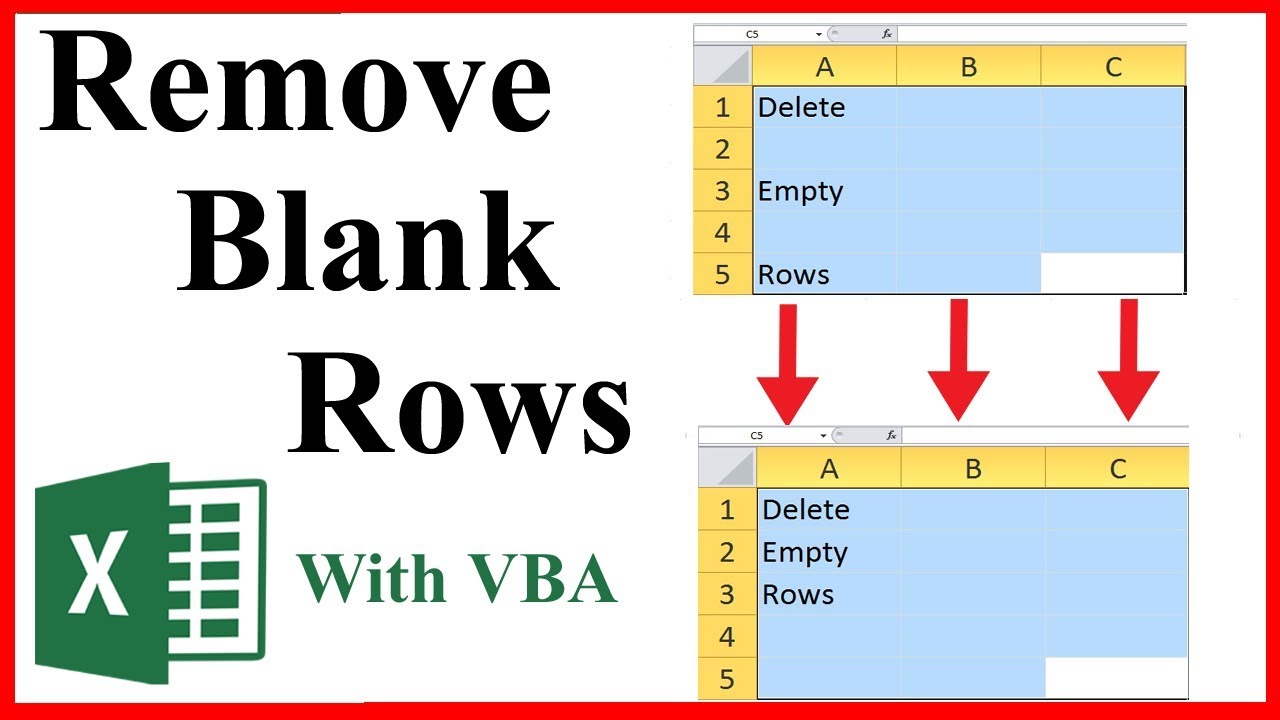
In this section we ll explain the VBA code used to delete empty cells in Excel First name the sub routine Deleting Empty Rows Next use the With statement to specify the range of cells here it is the

Sub RemoveBlankCells PURPOSE Deletes single cells that are blank located inside a designated range SOURCE www TheSpreadsheetGuru Dim rng As Range Store blank cells

UserAnswer MsgBox Do you want to delete only the empty rows columns outside of your data vbNewLine vbNewLine Current Used Range is rng Address vbYesNoCancel
Press Alt F11 to open the Visual Basic Editor On the menu bar click Insert Module Paste the above code in the Code window Press F5 to run the macro When the pop up dialog appears switch to
Step1 Declare your variables Dim MyRange As Range Dim iCounter As Long Step 2 Define the target Range Set MyRange ActiveSheet UsedRange Step VBA Sub QuickCull On Error Resume Next Columns C SpecialCells xlBlanks EntireRow Delete End Sub Share Improve
Open the VBE page to press the key Alt F11 Insert the module to write the code Write the below mentioned code Sub Delete Columns Dim C As Integer C