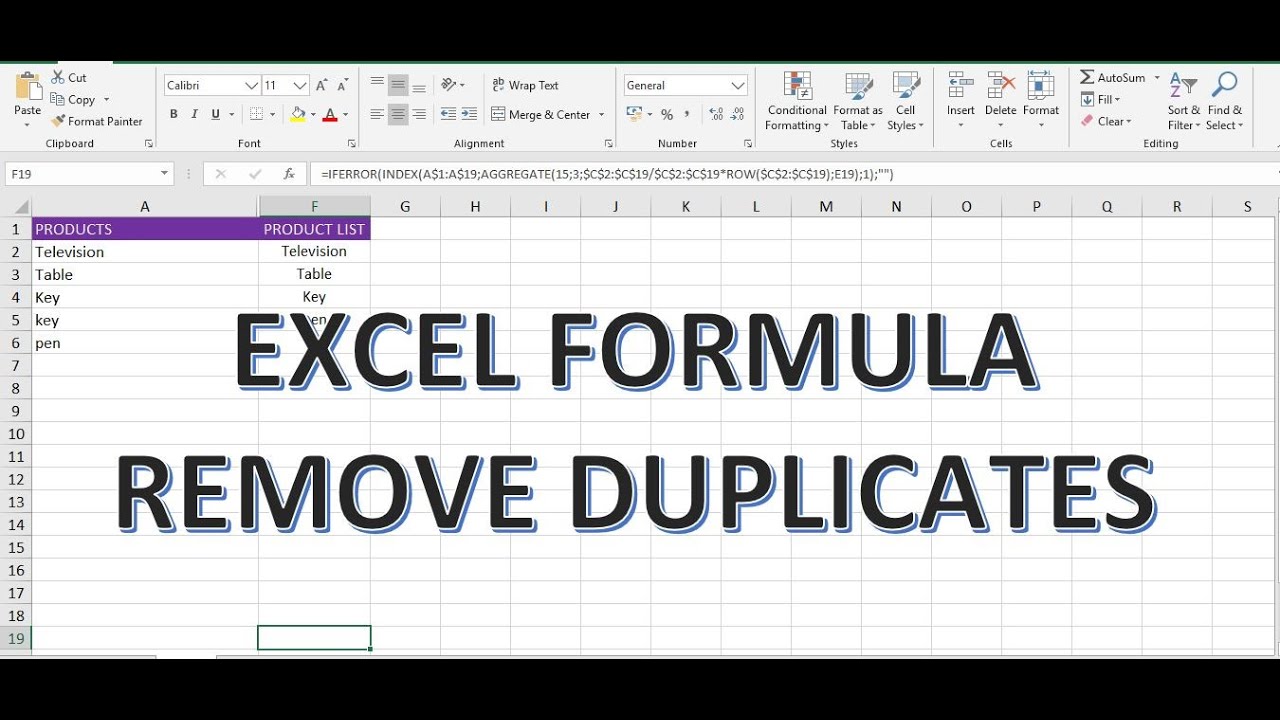
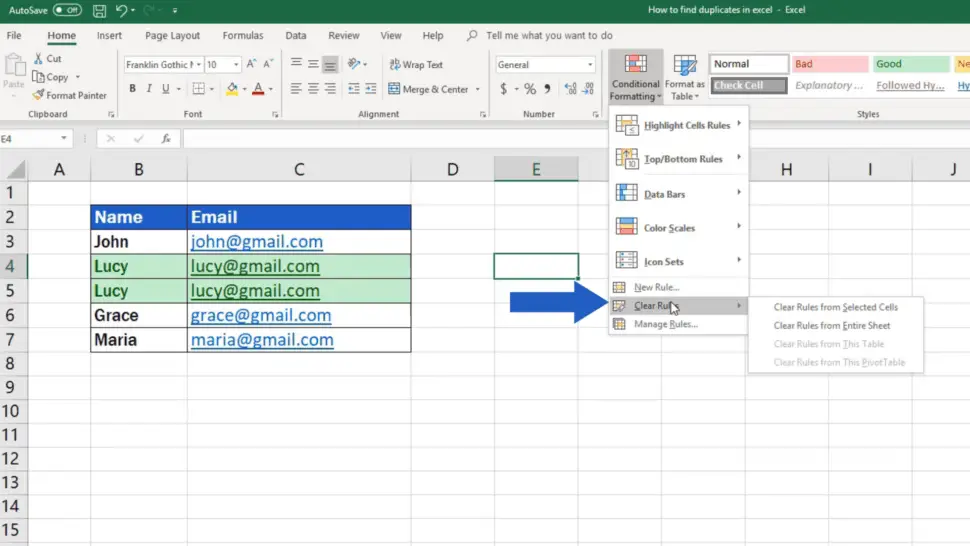
Delete Duplicates In Excel With Formula REMOVE DUPLICATES EXCEL FORMULA YouTube How To Remove Duplicates In Excel YouTube How To Remove Duplicates In Excel Delete Duplicate Rows Tutorial How To Find Duplicates In Excel And Delete Duplicates In Excel So let s get started Method 1 Finding Duplicates using Conditional Formatting Method 2 Deleting Duplicate Records by using the Remove Duplicates Option Method 3 Separating Unique Records by Using Advanced Filters Method 4 Using the COUNTIF Formula for Identifying and Deleting Duplicate Records Example Find Duplicates in
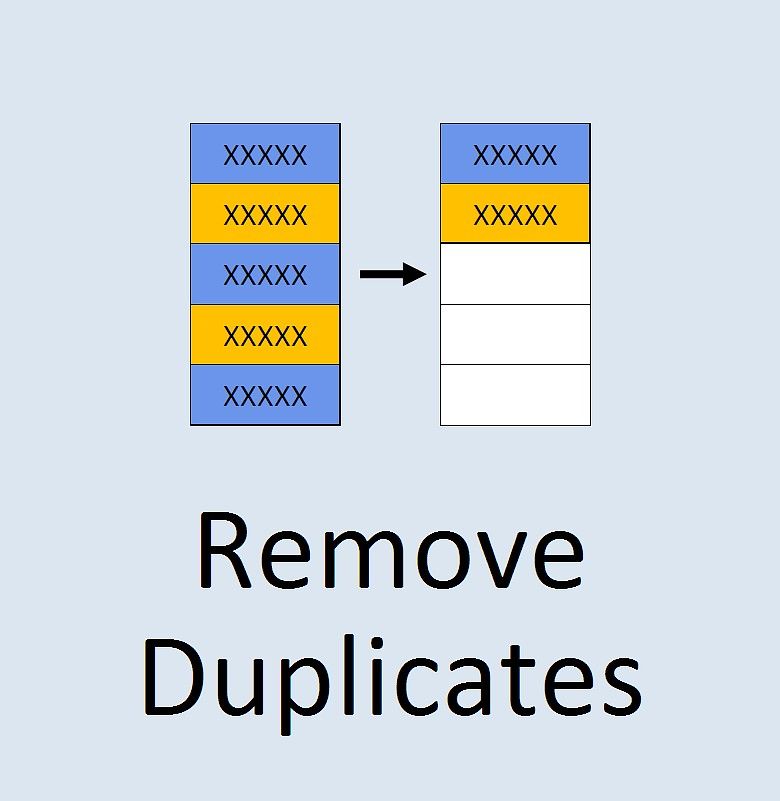
To remove duplicates in Excel using the COUNTIF function you can follow these steps Insert a new column next to the column containing the data you want to check for duplicates In the first cell of the new column e g B2 enter the formula COUNTIF A 1 A2 A2 assuming your data is in column A 1 Click any single cell inside the data set 2 On the Data tab in the Data Tools group click Remove Duplicates The following dialog box appears 3 Leave all check boxes checked and click OK Result Excel removes all identical rows blue except for the first identical row found yellow
And Delete Duplicates In Excel How To Find Duplicates In Excel How To Remove Duplicates In Excel Delete Duplicate Rows With A Few Clicks 5 Effortless Tricks To Handle Duplicates In Excel Bonus Tip How To Remove Duplicates In Excel How Can Remove Duplicate Value In Excel Excel Formula YouTube How To Find Duplicates In Excel And Remove Or Consolidate Them How To Delete Duplicate Rows From A List In Excel Or Microsoft Office Online Offline Earn Money With Easy Skills What Is The Duplicates
Delete Duplicates In Excel With Formula
 Delete Duplicates In Excel With Formula
https://i.ytimg.com/vi/Yz_8sddStF8/maxresdefault.jpg
How to remove repeated words in Excel cell Problem You have the same words or text strings in a cell and would like to remove the second and all subsequent repeats Solution a custom user defined function or VBA macro User defined function to remove duplicates within a cell To eliminate duplicate text in a cell you can use the following user defined function UDF named RemoveDupeWords
Pre-crafted templates offer a time-saving service for producing a varied variety of files and files. These pre-designed formats and designs can be made use of for numerous individual and professional projects, consisting of resumes, invites, flyers, newsletters, reports, presentations, and more, simplifying the content creation process.
Delete Duplicates In Excel With Formula
Wondering How To Remove Duplicates In Excel Read It
How To Find Duplicates In Excel
How To Remove Duplicates In Excel Delete Duplicate Rows With A Few Clicks
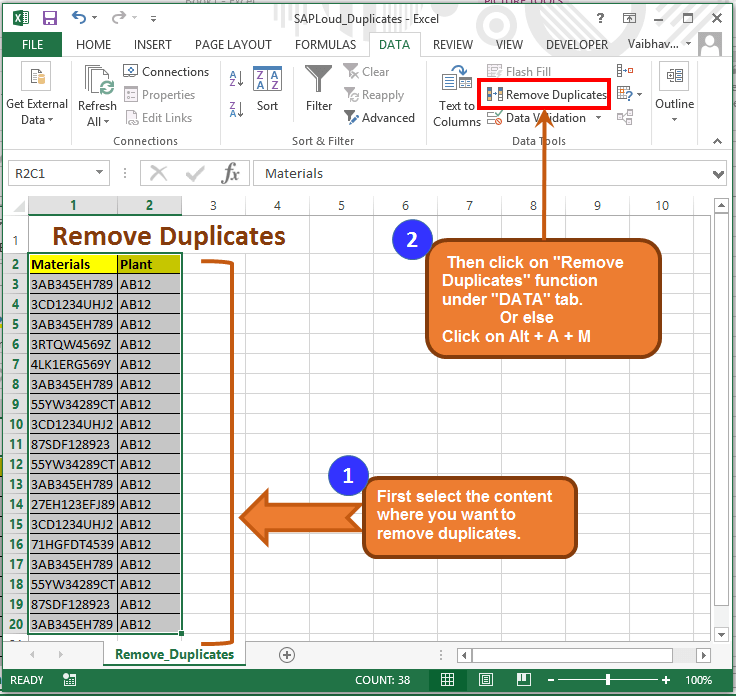
5 Effortless Tricks To Handle Duplicates In Excel Bonus Tip
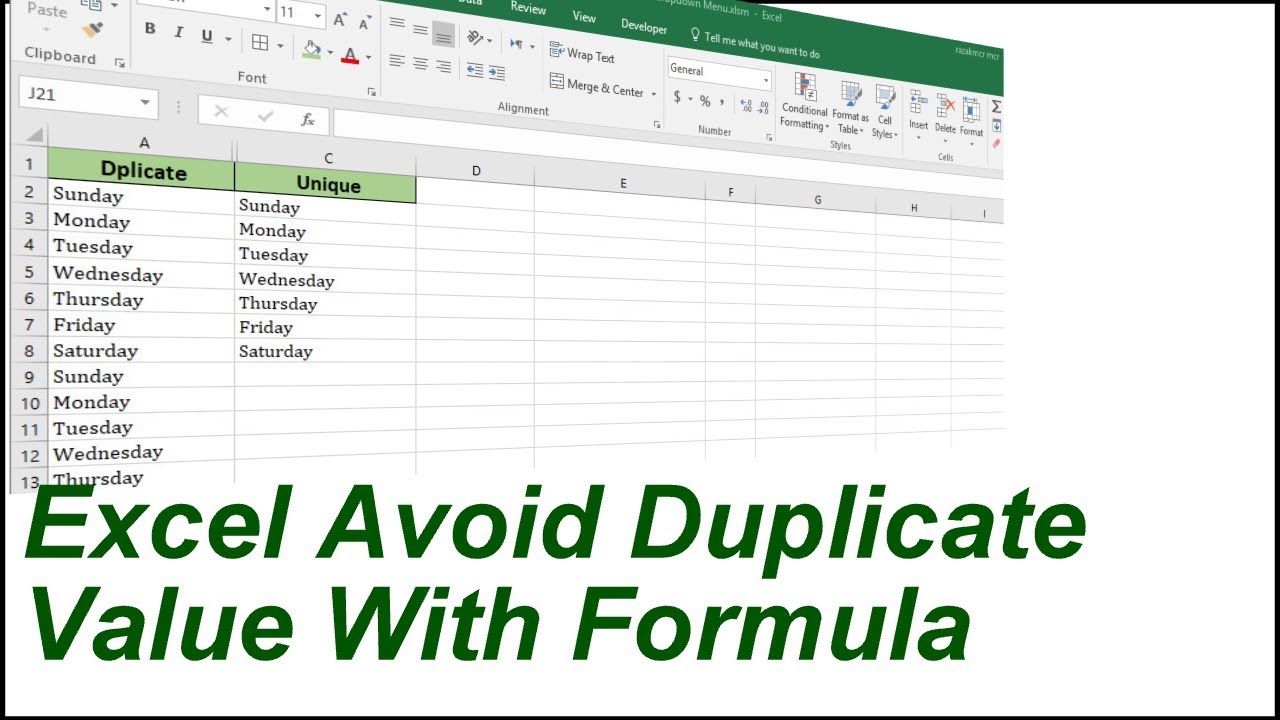
How Can Remove Duplicate Value In Excel Excel Formula YouTube

How To Find Duplicates In Excel And Remove Or Consolidate Them
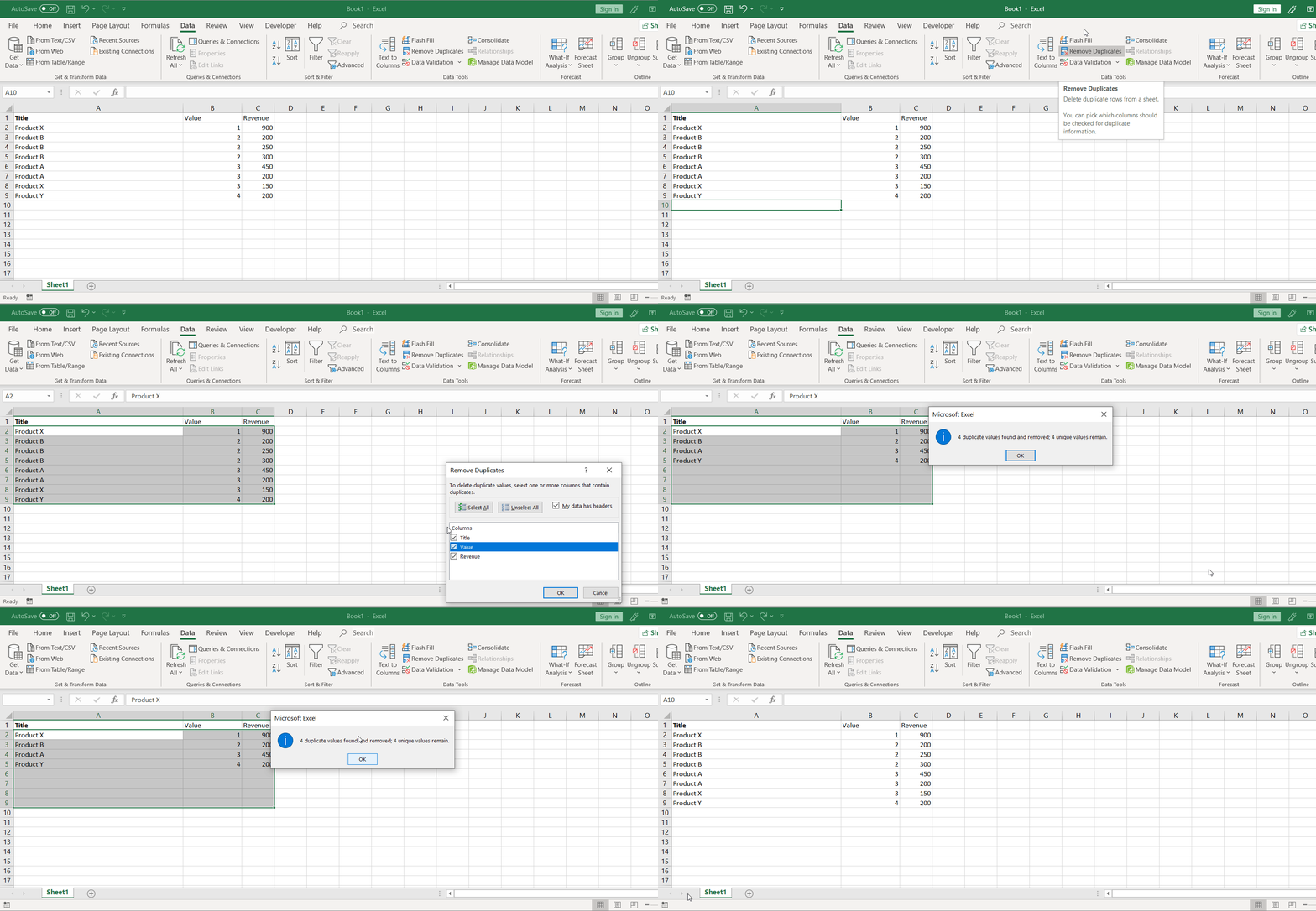
Select a cell inside the data which you want to remove duplicates from and go to the Data tab and click on the Remove Duplicates command Excel will then select the entire set of data and open up the Remove Duplicates window You then need to tell Excel if the data contains column headers in the first row
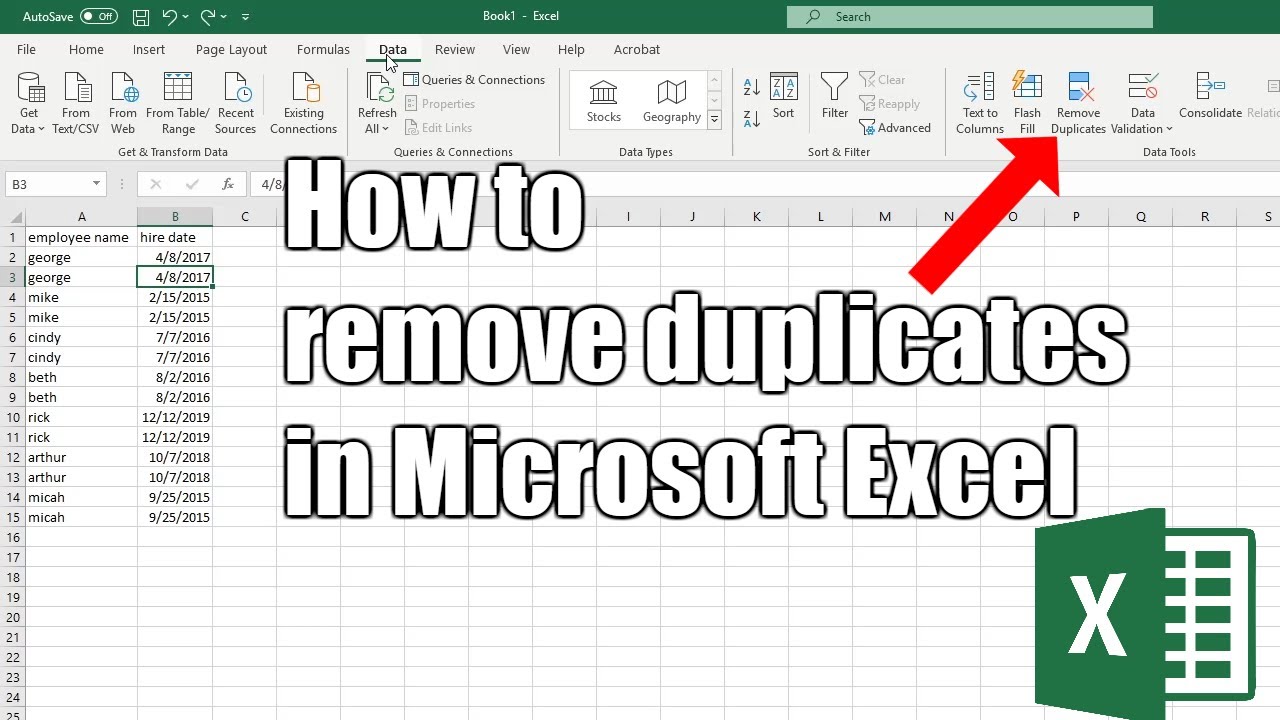
Select Data Remove Duplicates and then under Columns check or uncheck the columns where you want to remove the duplicates For example in this worksheet the January column has price information I want to keep So I unchecked January in the Remove Duplicates box Select OK

Most common method to remove duplicates in excel includes using the in built tools advanced filter options using excel formulas or make use of power query To make sure our data has been duplicated it is necessary to find those duplicates before removing them
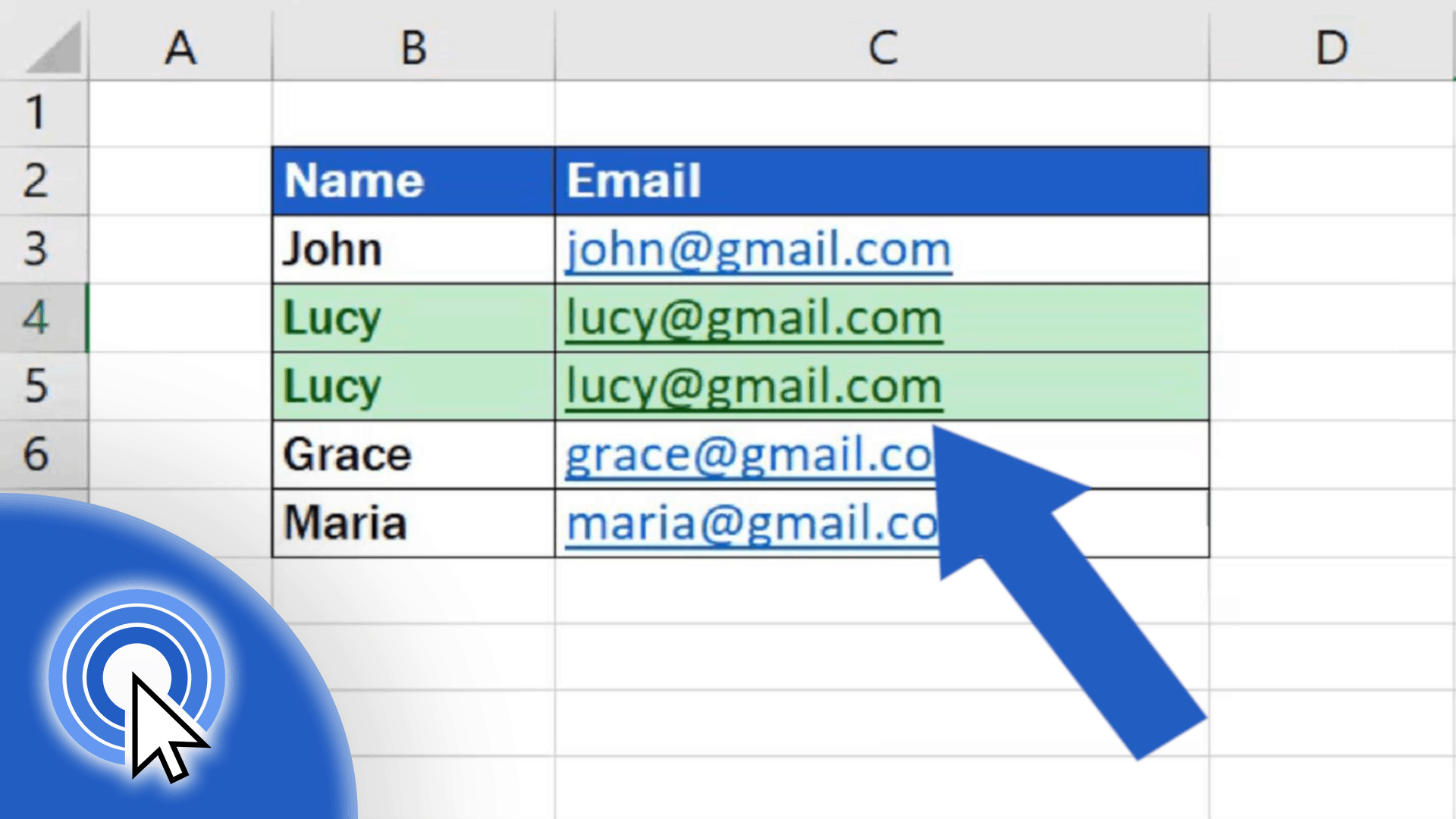
You can remove duplicates in Excel in several ways When you use the Remove Duplicates tool Excel will keep the first instance and the remaining duplicates in the data set will be deleted It s common to remove duplicate rows in a list or data set so that the data can be sorted filtered and summarized

Do one of the following Select the Unique records only check box and then click OK More options Remove duplicate values Apply conditional formatting to unique or duplicate values Apply advanced conditional formatting rules to unique or duplicate values Edit advanced conditional formatting rules See also Sort a list of data Filter a list of data
In Excel it has always been possible to extract without duplicated values with the menu Data Remove Duplicates in the ribbon However if the data is refreshed you must redo the manipulation again and again and again How to use the UNIQUE function The UNIQUE function is so simple to use Just write the UNIQUE in a cell To begin with select the range in which you want to ddelete dupes To select the entire table press Ctrl A Go to the Data tab Data Tools group and click the Remove Duplicates button The Remove Duplicates dialog box will open you select the columns to check for duplicates and click OK
6 Use Excel UNIQUE Function to Remove Duplicates Based on Criteria You can also use the Excel UNIQUE function to remove duplicates based on criteria and get the unique values from a list Let s see the steps of this method STEPS To begin with select the cell where you want the unique list