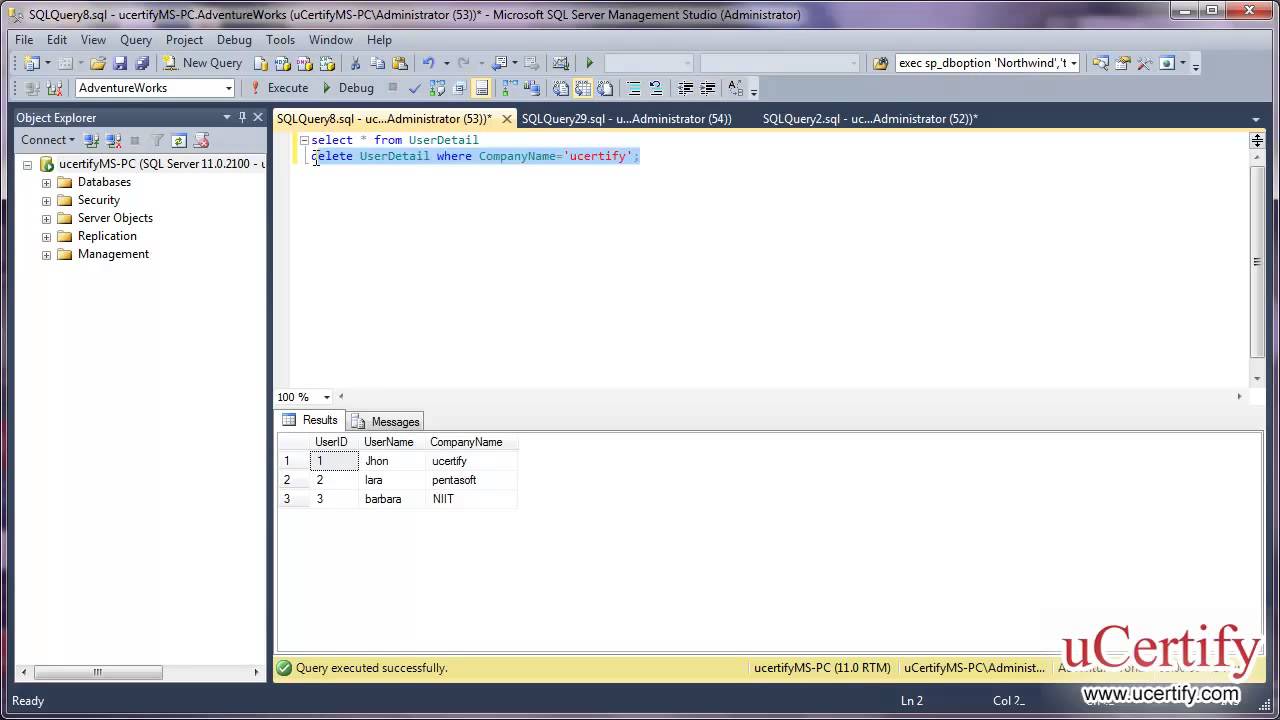
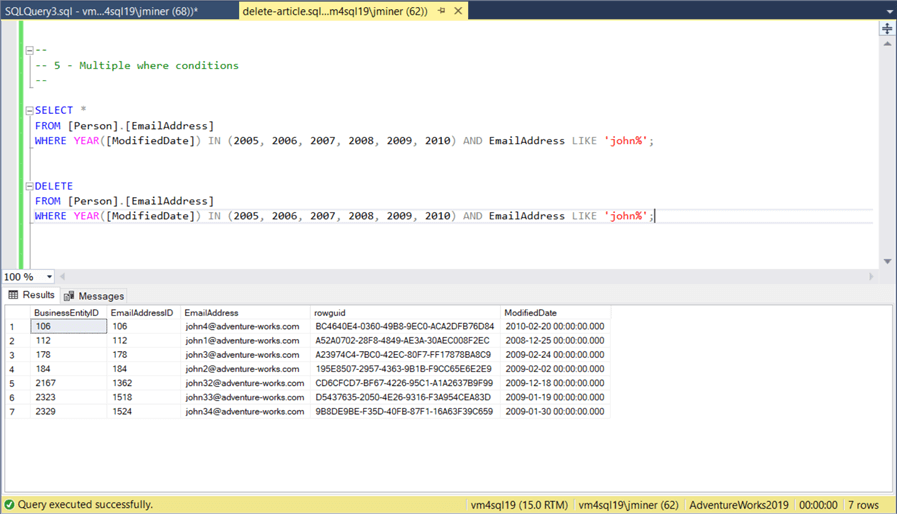
Delete All Records From Table Ms Sql Server 2012 How To Delete Table Records Demo YouTube Laravel 8 Delete All Records From Table Example Laravel Delete Records Openoffice Base Delete All Records In A Table Lobanner MySQL TRUNCATE TABLE Command How To Delete All Records From A MySQL 4 Ways To Delete Records From A Table Business Central Deep Dive Web Dec 9 2019 nbsp 0183 32 To delete a record in a table you use the DELETE statement Be careful You can delete all records of the table or just a few Use the WHERE condition to specify which records do you want to delete The syntax is DELETE FROM table name WHERE condition Here is an example deleting from the table Person the record with Id 3
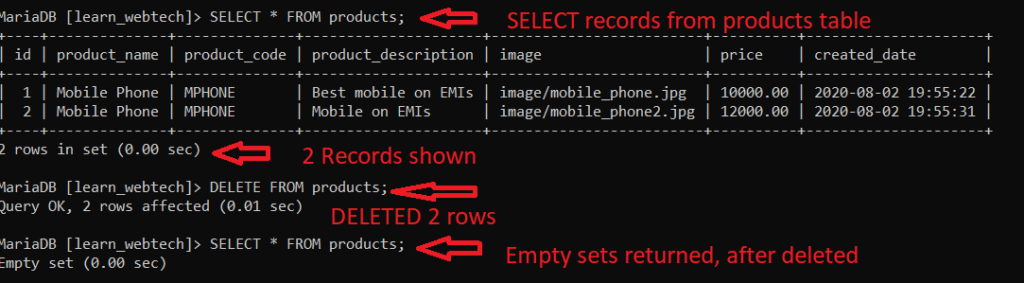
Web The following DELETE statement removes all rows from the product history table DELETE FROM production product history Code language SQL Structured Query Language sql Note that if you want to remove all rows from a big table you should use the TRUNCATE TABLE statement which is faster and more efficient In this tutorial you Web Remove rows from a table You can use a WHERE clause to specify which rows should be removed If you need to use a subquery s or additional table s to identify the rows to be removed specify the subquery s or table s in a USING clause Important Unlike TRUNCATE TABLE this command does not delete the external file load history
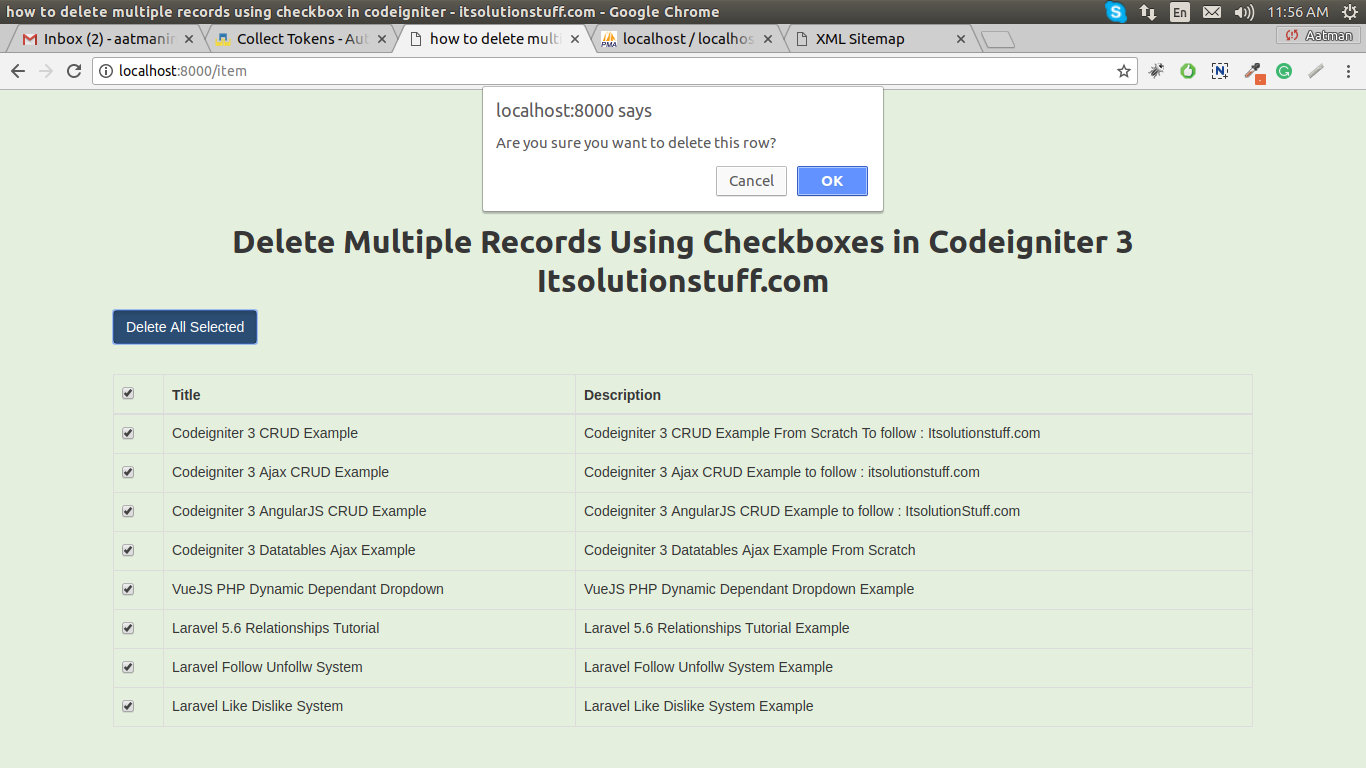
4 Ways To Delete Records From A Table Business Central Deep Dive Mysql Query Mysql Query Commands Mysql Query Tutorial Delete All Records From Table Sql Developer Brokeasshome 3 Ways To Delete Records From A Table Business Central Deep Dive Delete All Records From Table Sql Developer Brokeasshome 4 Ways To Delete Records From A Table Business Central Deep Dive Delete All Records From Table Mysql Codeigniter Brokeasshome 4 Ways To Delete Records From A Table Business Central Deep Dive Delete All Records Of A Table In PhpMyAdmin Tutorial
Delete All Records From Table
 Delete All Records From Table
https://i.ytimg.com/vi/4Ii6lBeFqn8/maxresdefault.jpg
Web To delete an entire record row from a table enter delete from followed by the table name followed by the where clause which contains the conditions to delete If you leave off the where clause all records will be deleted Delete statement exercises Use the select statement to verify your deletes Jonie Weber Williams just quit remove her
Templates are pre-designed documents or files that can be used for various functions. They can conserve effort and time by providing a ready-made format and design for creating different type of material. Templates can be utilized for personal or expert tasks, such as resumes, invitations, leaflets, newsletters, reports, presentations, and more.
Delete All Records From Table

MySQL Delete Statement Delete Command Syntax And Examples
Mysql Query Mysql Query Commands Mysql Query Tutorial
Delete All Records From Table Sql Developer Brokeasshome

3 Ways To Delete Records From A Table Business Central Deep Dive

4 Ways To Delete Records From A Table Business Central Deep Dive
Delete All Records From Table Mysql Codeigniter Brokeasshome
Web If you want to use this you need DDL privileges in table DDL statements example CREATE ALTER DROP TRUNCATE etc DELETE FROM table name DELETE FROM table name WHERE 1 1 is the same Is a DML Data Manipulation Language you can delete all data DML statements example SELECT UPDATE etc
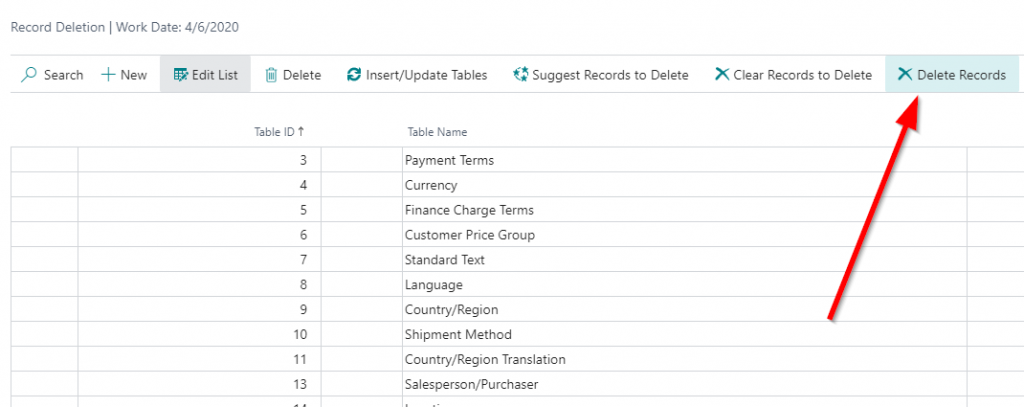
Web Mar 18 2011 nbsp 0183 32 You have to right click on the table and as shown in the figure Script Table a gt Delete to gt New query Editor widows Then another window will open with a script Delete the line of quot where quot because you want to delete all rows Then click Execute To make sure you did it right right click over the table and click in quot Select Top 1000 rows quot

Web Basicly im wondering if there is a quick way to emty the table of all content its actualy quicker to drop and recreate it then to delete the content via the delete sql statement The reason i dont want to recreate the table is because its heavly used and delete recreate i assume will destroy indexs and stats gathered by sql server

Web May 23 2023 nbsp 0183 32 To delete all the rows in a table use TRUNCATE TABLE TRUNCATE TABLE is faster than DELETE and uses fewer system and transaction log resources TRUNCATE TABLE has restrictions for example the table cannot participate in replication For more information see TRUNCATE TABLE Transact SQL
Web February 12 2022 Here are two approaches to delete records from a table using SQL 1 Delete records based on specified conditions DELETE FROM table name WHERE condition 2 Delete all the records in a given table DELETE FROM table name In the next section you ll see how to apply the above approaches using a practical example
Web Just open the table in Datasheet view select the fields columns or records rows that you want to delete and then press DELETE Important The information in this article is intended for use only with desktop databases You cannot use delete or update queries in Access web apps In this article Choosing a query type Using a delete query Web I am trying to delete all records from a table My query is delete from tableName But it reports the following error Error Code 1175 You are using safe update mode and you tried to update a table without a WHERE that uses a KEY column To disable safe mode toggle the option in Preferences gt SQL Editor gt Query Editor and reconnect quot
Web Dec 14 2009 nbsp 0183 32 BEGIN EXEC sp executesql TableSelect SET NumRows ROWCOUNT IF NumRows 1000000 can do something here if needed One wants this loop to continue as long as a million rows is deleted Once lt 1 million rows is deleted it pops out of loop and grabs next table to delete BEGIN SELECT