Delete A Page In Google Docs How To Delete A Page In Google Docs Google Slides How To Delete A Page In Google Docs HBS Time How To Delete A Page In Google Docs Its Linux FOSS How To Delete A Page In Google Docs Or Microsoft Word How To Delete A Page In Google Docs Web Oct 4 2023 nbsp 0183 32 When starting a new project the dreaded blank page syndrome can strike anytime stalling your productivity Google ever the innovator seeks to tackle this challenge head on by introducing an
Web Sep 29 2016 nbsp 0183 32 Finding unwanted blank pages in your Google Docs happens sometimes especially when working with documents that originated from another source The good news is that deleting blank pages in Docs is pretty straightforward and there a few different ways to do it Option 1 Just hit Delete Web May 23 2022 nbsp 0183 32 In most circumstances you should be able to delete a page from Google Docs by using the delete key To delete a Google Docs page using the delete key Open your Google Docs
How To Delete A Page In Google Docs How To Delete A Page a Blank Page In Google Docs MiniTool How To Delete A Page In Google Docs Delete Blank Page Digital Gyan How To Delete A Page In Google Docs 2020 YouTube How To Delete A Page In Google Docs Delete Blank Page In Four Ways How To Delete A Page In Google Docs All Methods To Delete A Page In Google Docs 2022 HOW TO DELETE A PAGE IN GOOGLE DOCS 4 EASY WAYS How To Delete A Page In Google Docs
Delete A Page In Google Docs
 Delete A Page In Google Docs
https://cdn.free-power-point-templates.com/articles/wp-content/uploads/2020/03/how-to-delete-a-page-in-google-docs-768x510.png
Web Oct 24 2021 nbsp 0183 32 To remove a page break in Google Docs on Windows place your cursor in front of the text at the top of the page Then press Backspace This moves the content up to the previous page To remove a section break on Windows place your cursor on the line directly above the section break
Pre-crafted templates use a time-saving service for producing a varied range of files and files. These pre-designed formats and layouts can be used for numerous individual and expert projects, consisting of resumes, invitations, leaflets, newsletters, reports, discussions, and more, simplifying the content development procedure.
Delete A Page In Google Docs
How To Delete A Page In Google Docs On A Chromebook
How To Delete A Page a Blank Page In Google Docs MiniTool
How To Delete A Page In Google Docs Delete Blank Page Digital Gyan
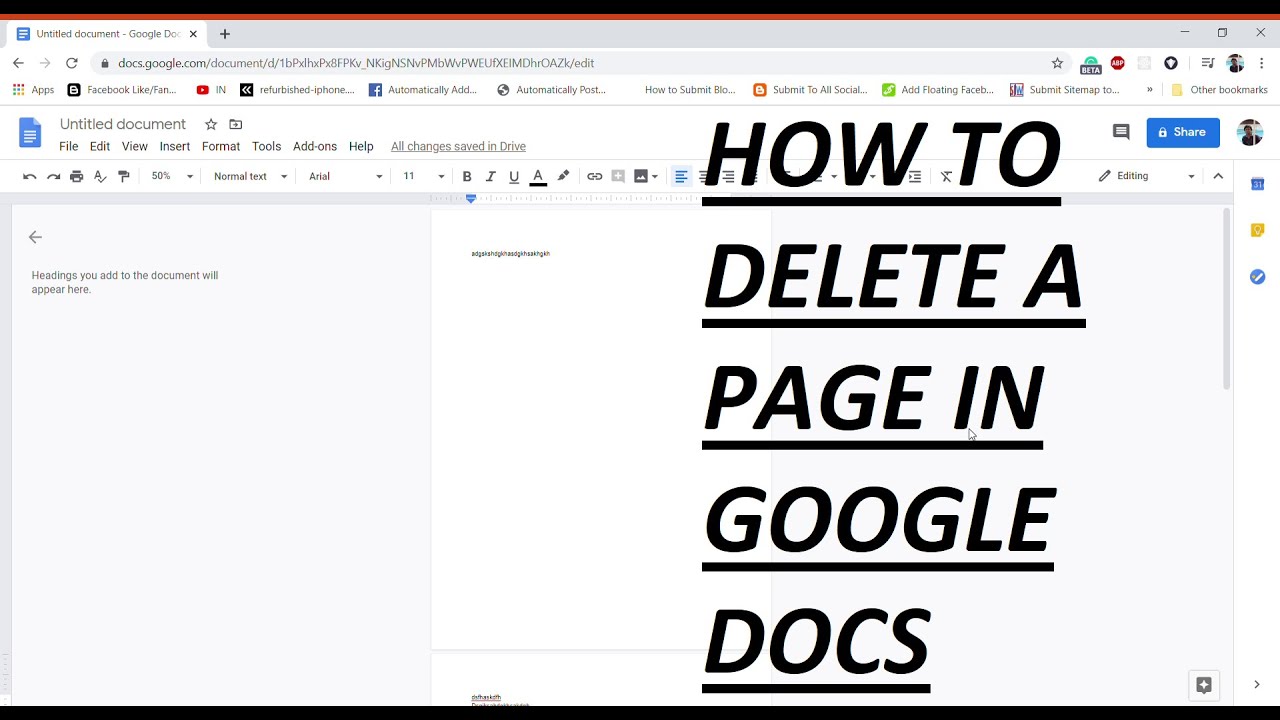
How To Delete A Page In Google Docs 2020 YouTube

How To Delete A Page In Google Docs
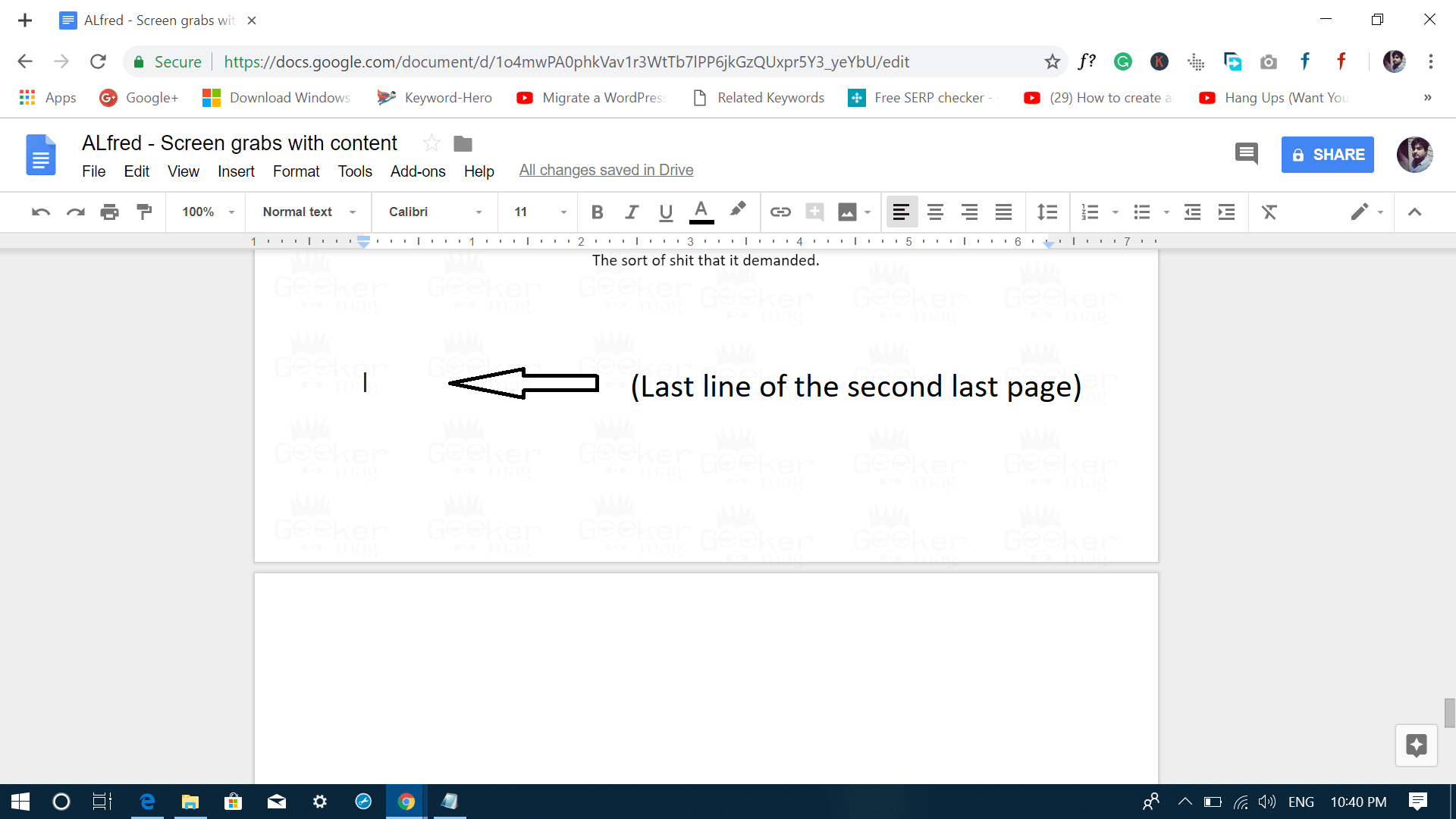
All Methods To Delete A Page In Google Docs 2022
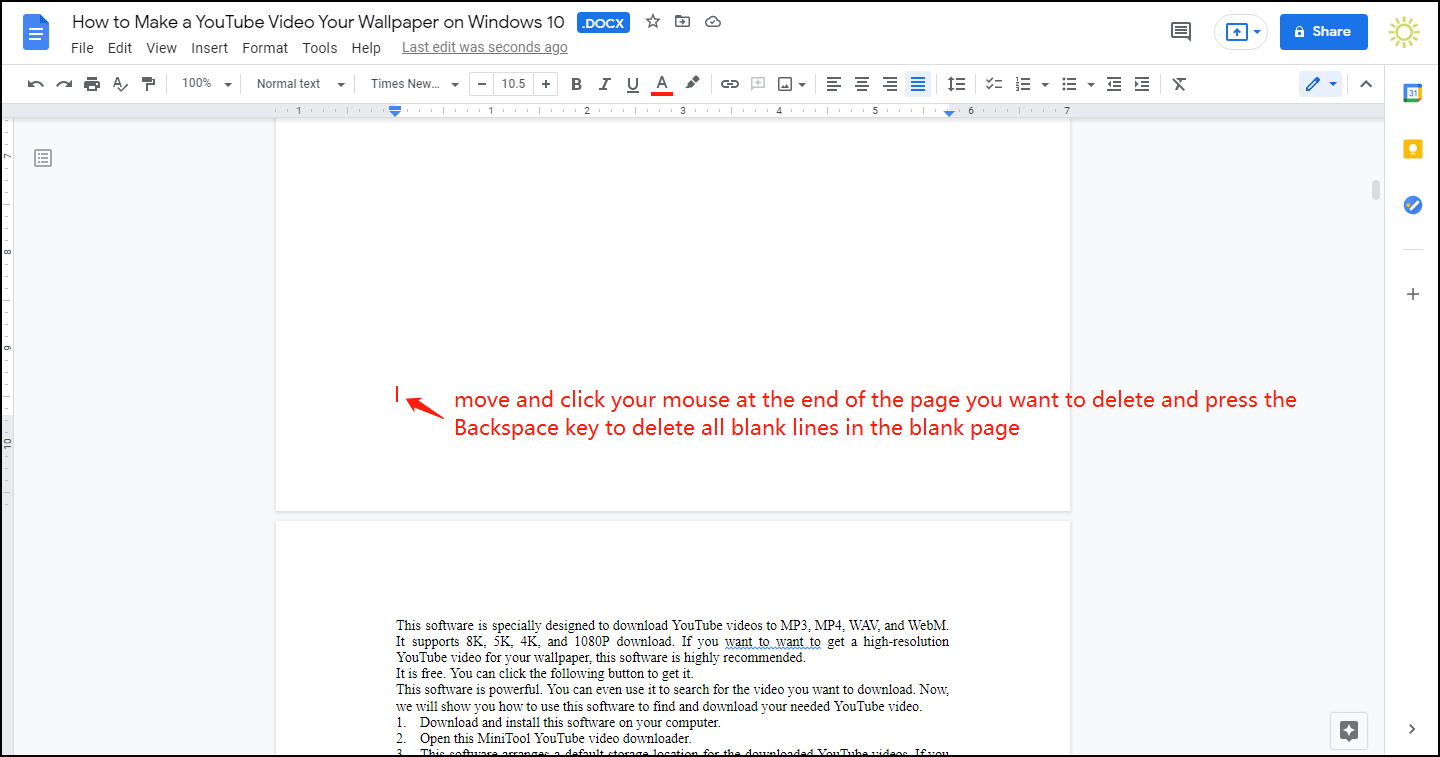
Web Jun 2 2021 nbsp 0183 32 Way 1 Use the Backspace Key This is the simplest method to remove a page in Google Docs You can just move and locate your mouse at the end of the page you want to remove and then press the Backspace key to delete all blank lines on the blank page This method also works if the page you want to delete contains texts

Web May 30 2023 nbsp 0183 32 Here s how to delete pages in Google Docs along with a couple of useful tips about the app in general Method 1 Hitting Delete So you ve tried hitting Backspace and it didn t work
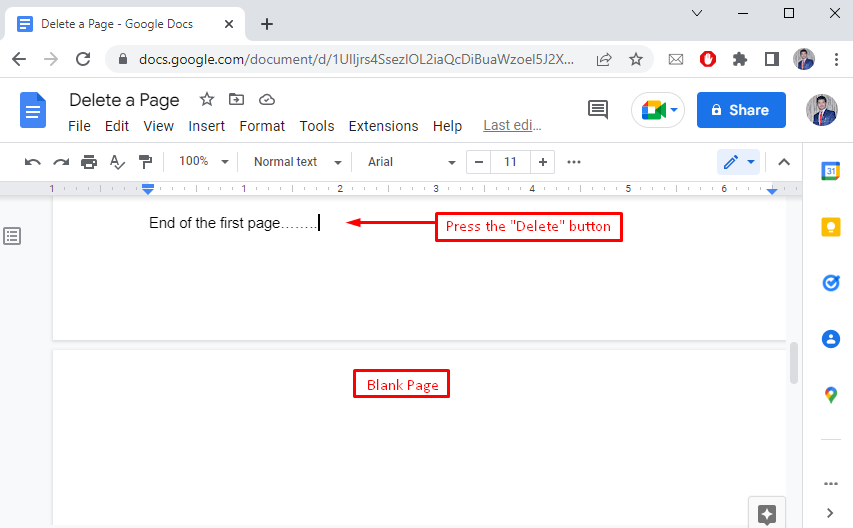
Web The easiest way to delete a page in Google Docs is to simply use your Backspace or Delete key to erase all the content on the page You can also edit your margin size which can help
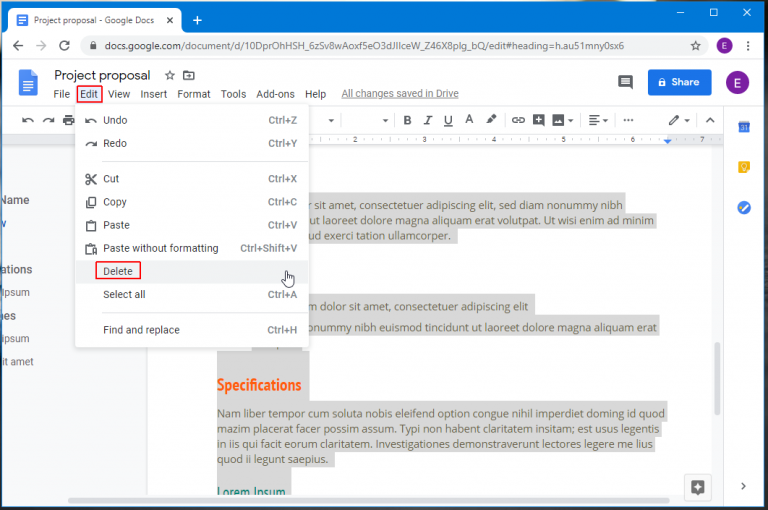
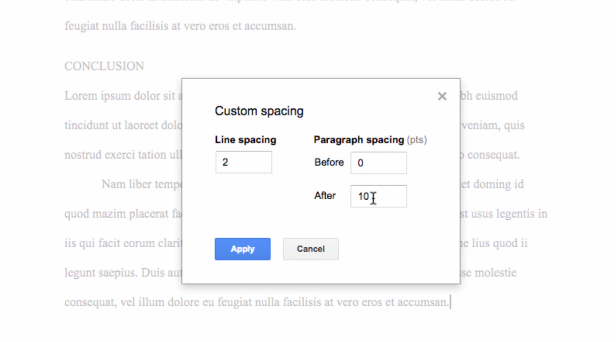
Web Mar 5 2021 nbsp 0183 32 What To Know Put the cursor at the end of the sentence that precedes the page Highlight the page then press Delete or Backspace Click once before the page break and press the Delete key Or go right after the page break and press Backspace Adjust line spacing Format gt Line amp paragraph spacing gt Custom spacing

Web Apr 16 2023 nbsp 0183 32 There are 3 easy ways to rid of an extra page in Google Docs The easiest method is to press the Backspace or Delete key to remove a page break Another way is to adjust your document s margins Lastly you can get rid of the extra text on your document to remove the extra page
[desc-11] [desc-12]
[desc-13]