Debug Point Is Not Working In Visual Studio How To Fix Intellisense Not Working In Visual Studio Code Steps Debugging In Visual Studio Code In 2021 Coding Visual Studio Openpyxl Visual Studio Code openpyxl Not Working In Visual 8 Fixes For Command Prompt Not Working On Windows 11 Depuraci n Paso A Paso De Eclipse DOS Geek Learn how to use the Visual Studio debugger to troubleshoot your code Topics include entering break mode stepping through code and running to a target
Use in editor PerfTips and diagnostics tools to understand the performance and memory characteristics of your code while you re debugging Use comprehensive profiling tools without the debugger to get deeper Share 3 3K views 6 months ago Visual Studio This video will guide you through resolving the issue of the debugger not functioning in Visual Studio We ll
Depuraci n Paso A Paso De Eclipse DOS Geek Visual Studio 2019 Debugger Not Working Amelafl Debugging Configurations For Python Apps In Visual Studio Code 2022 Solved Expand Is Not Working In My Illustrator Adobe Community How To Debug Node js Code In Visual Studio Code Unity Debug Log Not Working Top Answer Update Chambazone Jump To Any Line While Debugging DevsDay ru SOLVED HELP NET Core 3 Is Not Working In Visual Studio 2017 YouTube Debugging Tests Playwright
Debug Point Is Not Working In Visual Studio
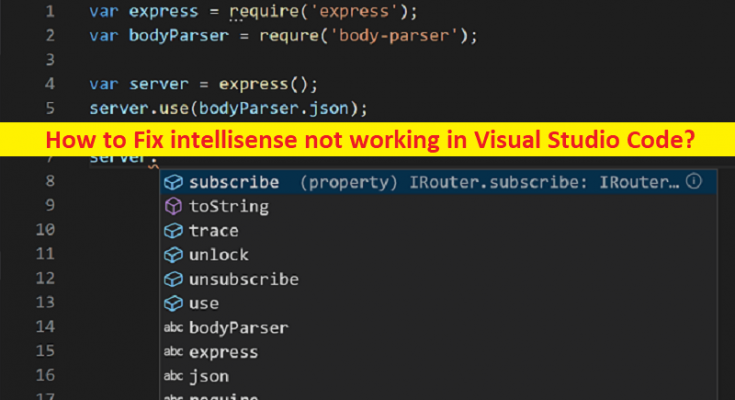 Debug Point Is Not Working In Visual Studio
https://techsgizmo.com/wp-content/uploads/2022/07/intellisense-not-working-in-Visual-Studio-Code_-735x400.png
Quick Fix Visual Studio 2019 Not Recognizing Breakpoints When Attempting to Debug Dynamics 365 Finance and Operations Code By Bill Thompson
Templates are pre-designed documents or files that can be used for numerous purposes. They can save effort and time by supplying a ready-made format and design for producing different kinds of material. Templates can be utilized for personal or professional jobs, such as resumes, invitations, flyers, newsletters, reports, presentations, and more.
Debug Point Is Not Working In Visual Studio

Blazor Debugger Not Working In Visual Studio 2022 Stack Overflow

Visual Studio 2019 Debugger Not Working Amelafl
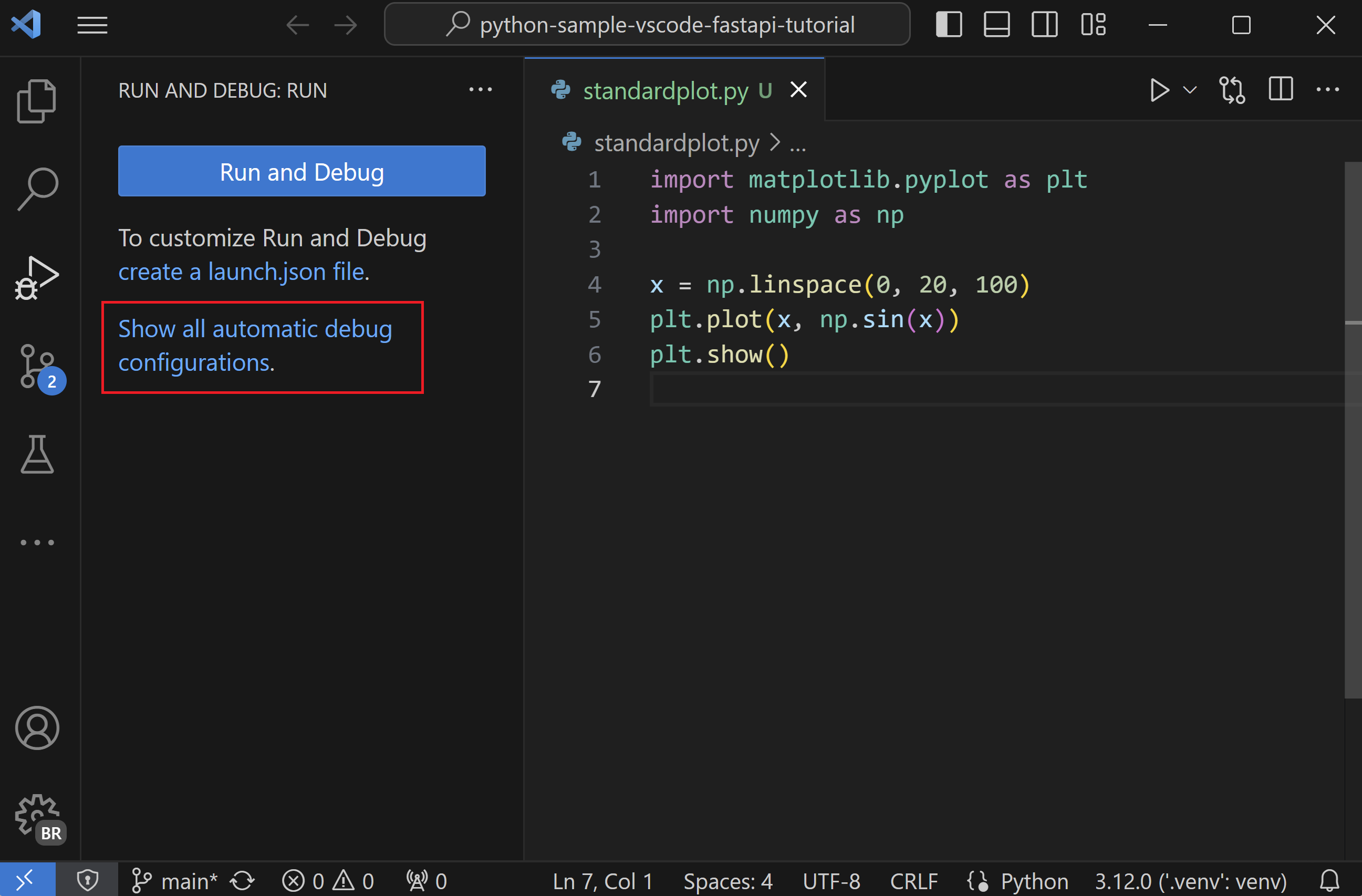
Debugging Configurations For Python Apps In Visual Studio Code 2022

Solved Expand Is Not Working In My Illustrator Adobe Community
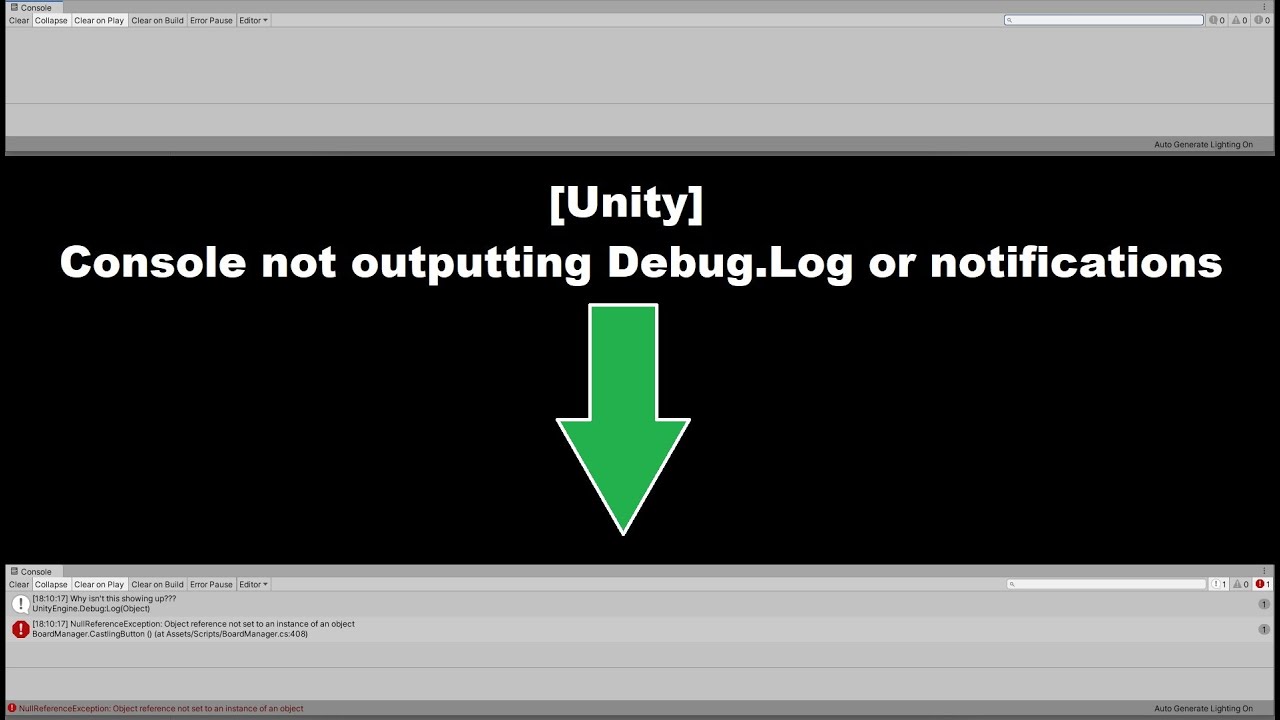
Unity Debug Log Not Working Top Answer Update Chambazone
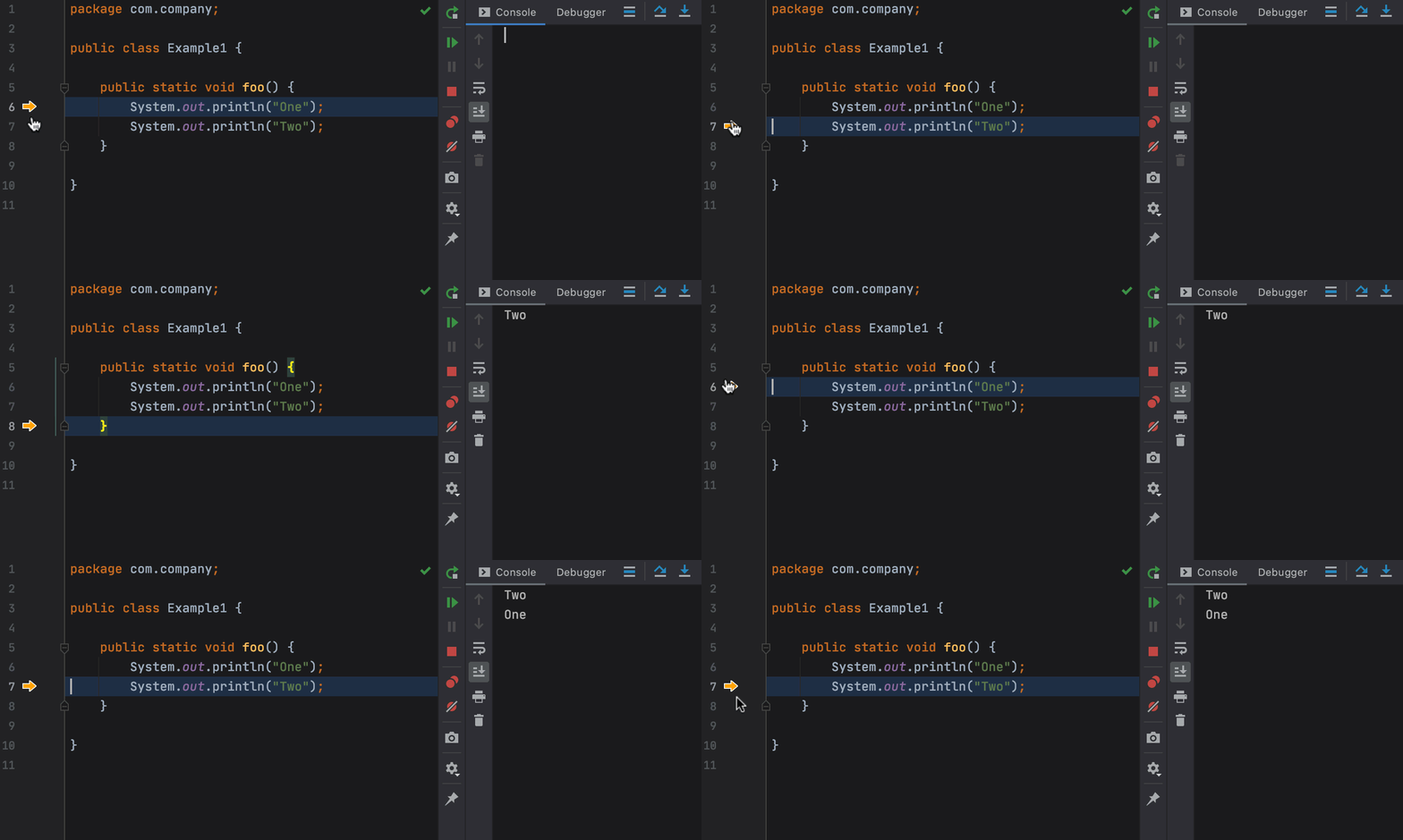
Jump To Any Line While Debugging DevsDay ru
Stop debugging press red square icon in Visual Studio Clean Solution Build Solution Tools Attach to Process or start with debugging Start

If you are trying to resolve a warning or issue while using breakpoints see Troubleshoot breakpoints in the Visual Studio debugger Note If you know the task or

Original product version Visual Studio ASP NET Original KB number 306169 Symptoms When you debug ASP NET applications in Visual Studio NET
Remove Visual Studio breakpoints Once we find and fix the programming bug we can remove the breakpoint That way the debugger will not break at that location anymore There are two ways to remove breakpoints in

Solution Ensure that debug configuration debug flag and full debug info are set on all assemblies Delete all bin and obj folders and all DLLs related to the project from the entire machine Recreate
In this tutorial we will show you how to run and debug a program in VS Code We ll take a tour of the Run and Debug view explore some debugging features and end by setting Tip Use the setting debug toolBarLocation to control the location of the debug toolbar It can be the default floating docked to the Run and Debug view or hidden A floating
In Test Explorer select the test method s and then choose Debug on the right click menu For more information about the debugger see Debug in Visual Studio Diagnose test